Out of the blue
Acer CloudMobile S500 review: Out of the blue
Connectivity
The Acer CloudMobile S500 has quad-band 2G and triple-band 3G.
Local connectivity is covered by Wi-Fi b/g/n with DLNA, so you can easily share content from your phone on a DLNA TV or music player. There's also Bluetooth 4.0 with A2DP on hand.
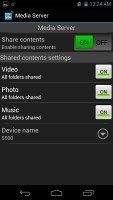
The Media Server app handles the DLNA functionality
There's also the EquiView app, which can be used to wirelessly transmit screen images to select projectors.
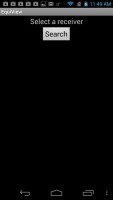
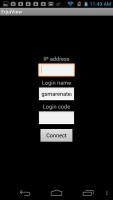
EquiView can connect wirelessly to projectors
Stock ICS browser is as good as always
The stock ICS browser has a streamlined interface, incognito browsing and other cool features, and since the S500 doesn't run Jelly Bean yet, you can sideload Flash support onto it. We were able to get ОньÑг videos to play without a hitch, but Flash games were a no-go.
The browser UI is quite minimalistic; all you get is the URL bar with a tabs shortcut. Hitting the Menu key you get more options - Refresh, Forward, Save to bookmarks, Share page, Find on page, full settings and a couple of more - Request desktop site (no more hunting for that "Desktop" option buried at the bottom of the site) and Save for offline reading. There's also a scrollbar on the right, which makes for going up and down easy, as well as quickly zooming to the top or bottom of the page.
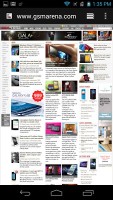

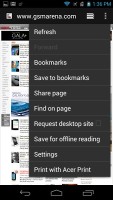
The standard ICS web browser
The full settings menu includes some really interesting options. For example, you can set your search engine to Yahoo or Bing, you can adjust text size and the level of which double tap will zoom in.
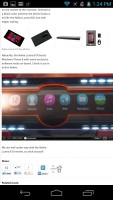
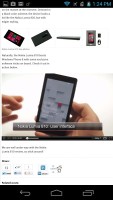
Flash is supported by side-loading the apk
The browser borrows several features from its desktop counterpart. For example, when searching for something, if the browser is confident you'll click on a certain search result, it will start preloading that page right away so that it opens faster if you do click it. You can set this feature to work over Wi-Fi only to preserve data.
The other trick is Incognito mode - there's no global setting, but you can open Incognito tabs.
Speaking of tabs, the tab switching interface looks exactly like the Recent apps list. You can even close tabs by swiping them off the screen.
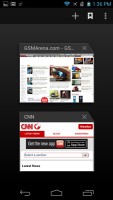
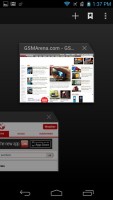
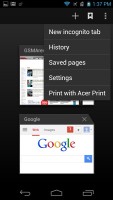
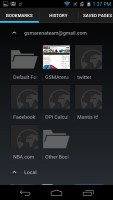
Switching tabs works the same way as switching apps does
Quick controls (available from the Labs settings) reveal five controls (New tab, Tabs, URL, Bookmarks, More) when you slide your finger in from the left or right. These really improve the browser experience. Another cool feature from Labs is Full screen, which squeezes in a little more screen real estate by hiding the status bar.
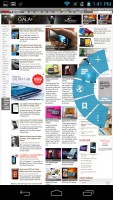
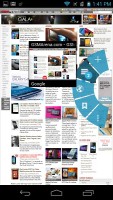
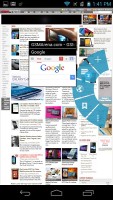
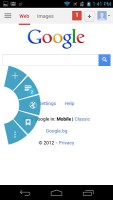
The Quick controls
The Chrome browser also comes preinstalled, and features many of the same features as the stock ICS browser described above.

Tip us
1.7m 126k
RSS
EV
Merch
Log in I forgot my password Sign up