Huawei Mate X7 review
EMUI 15
EMUI 15 is Huawei's latest phone UI. This version includes a new, improved lockscreen customization, better multitasking, and new gestures and emojis.
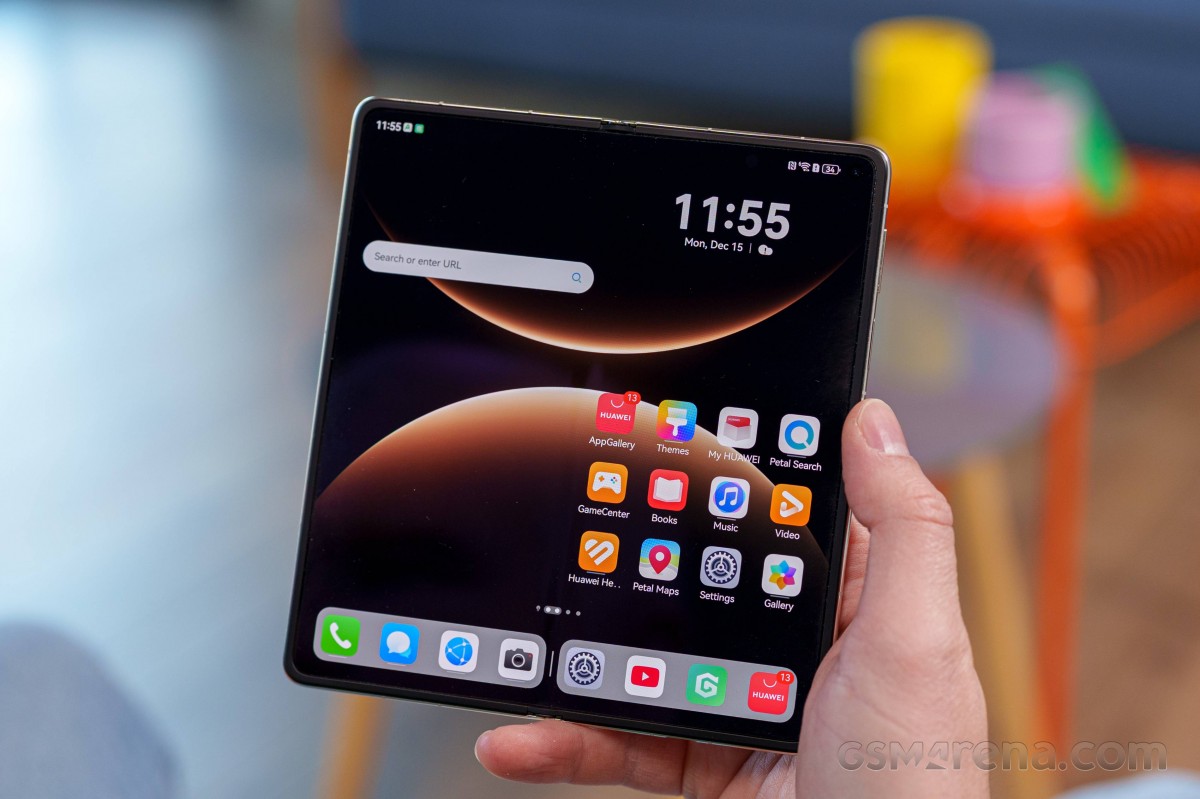
EMUI 15 is based on Android 12. The OS supports APK installations via Huawei's AppGallery, APK Pure, or similar, and Gbox works just fine if you want to run Google apps.
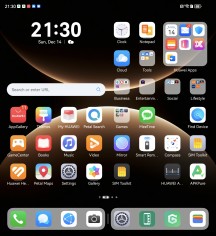
EMUI looks quite familiar as it has not changed drastically over the years. It includes neat little things like large folders and cards - another name for the widgets that you can add for the in-house apps, indicated by a bar under the app icon.
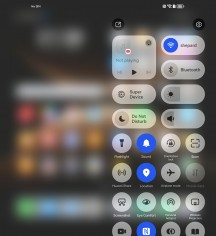
Air gestures and smart sensing are supported on the Mate X7 - a familiar capability also found on previous Huawei and Honor models.
EMUI 15
Huawei offers a lot of default apps to get you started. There is Huawei's Gallery, Music, Video, and Health apps. A File Manager app is available, as well. There is also Smart Remote - you can turn your phone into a universal remote thanks to its IR blaster.
You also get Petal Maps, Petal Search and Huawei's own Browser.
Huawei's AppGallery handles the app installations by default, and it seems the advertisements and pop-ups have been drastically lowered since EMUI 14.
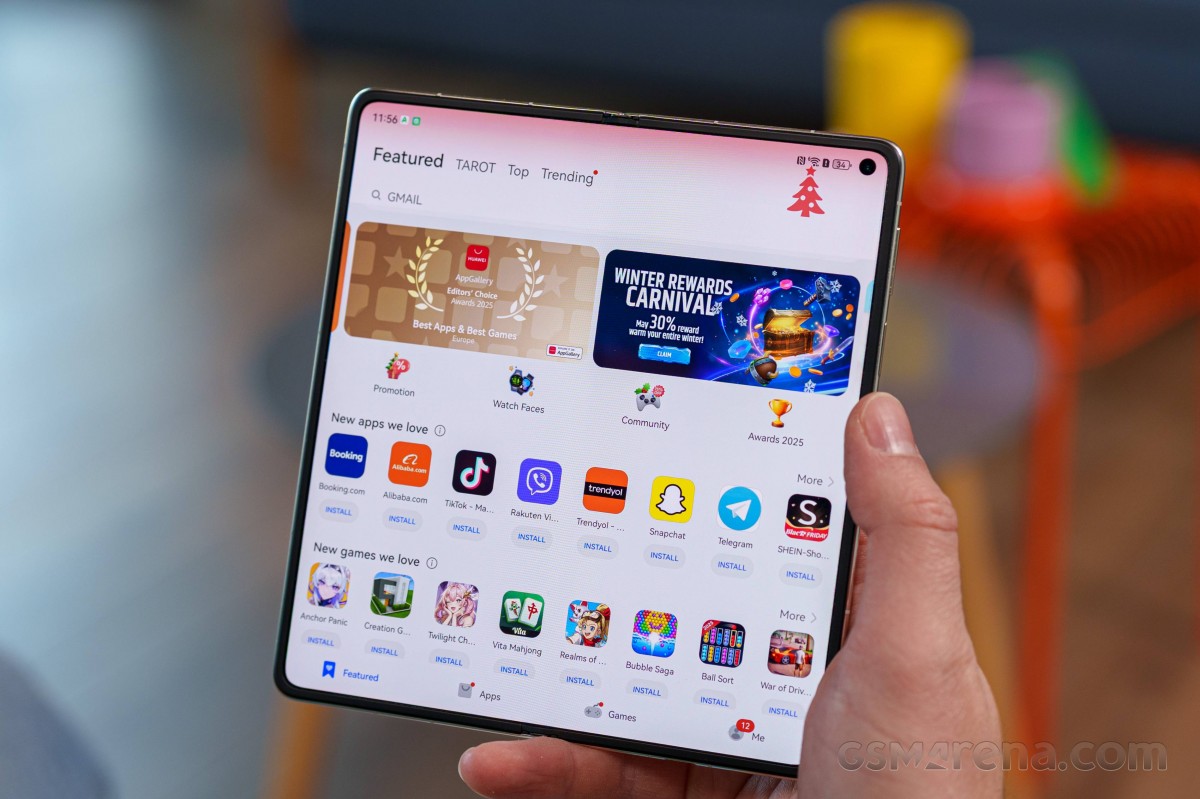
You can install other app repositories, and they work just fine.

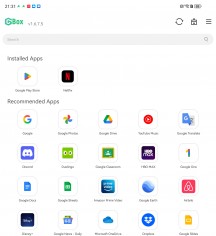
App Gallery • APK Pure • Gbox
GBox is a virtual environment for running all Google services. You have a list of apps you can install right away, but you can also install other apps from the integrated Play Store if you'd like. Updates via the Google Play Store are also possible. The GBox creates app shortcuts on your homescreen too so you don't need to open it every time. Notifications are supported, of course.
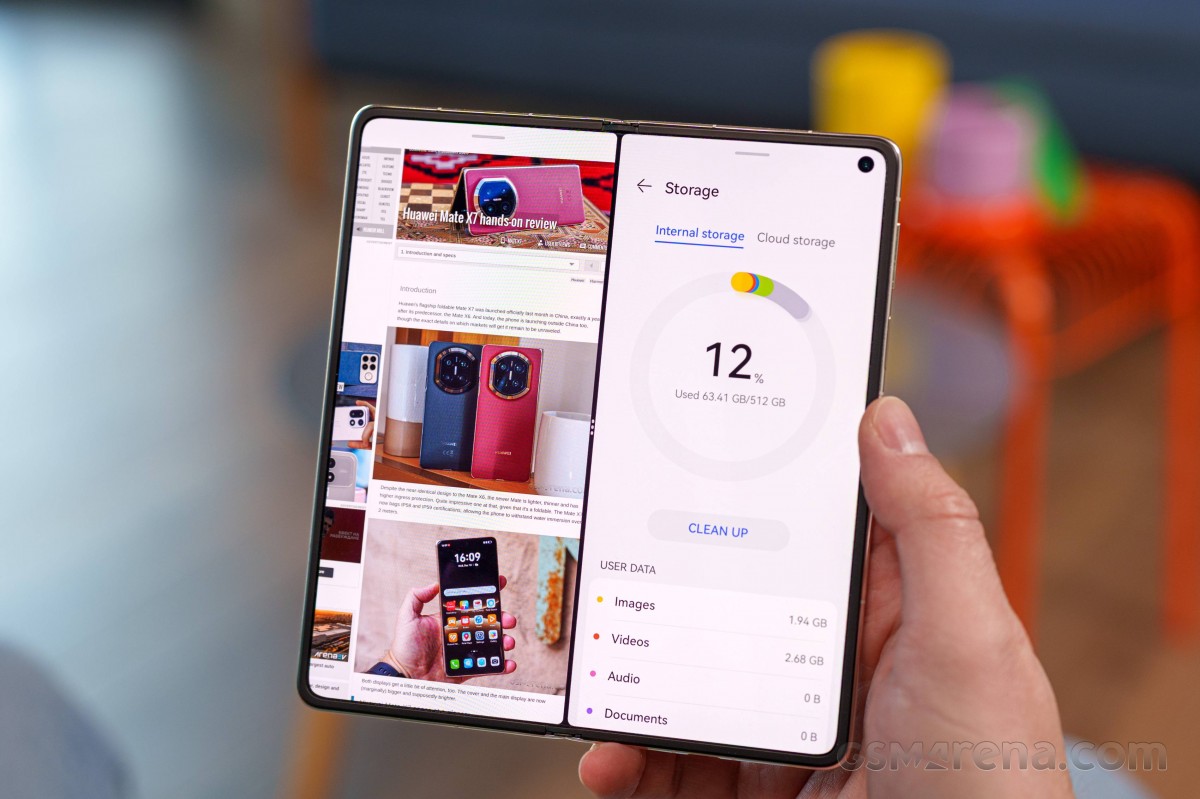
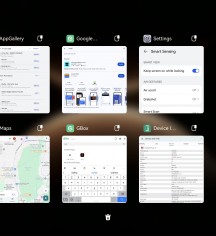
Finally, let's talk about multitasking. Naturally, the big screen offers a lot more space for work and play. EMUI 15 has a great multi-window implementation with intuitive actions and both horizontal and vertical splits with a relatively wide ratio adjustment range (not just 50/50), plus floating windows.

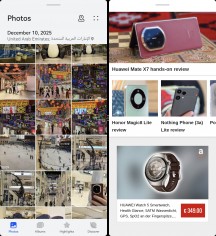
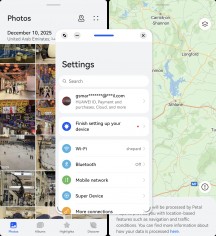
Multi-tasking
Transitions between the cover and inner screen, and vice versa, are smooth and hassle-free.
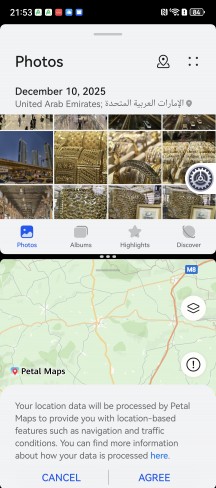

Multi-tasking
As for AI features, Huawei is a bit behind in that respect at least as far as the international EMUI is concerned. Since Gemini and ChatGPT apps don't work here, you can either use them online or download DeepSeek or Kimi to cover your chatbot needs.
A long press on the power button launches the Celia assistant, which is not much smarter than Google Assistant or Siri. The Chinese version of Celia optionally integrates DeepSeek R1, but that's not available on EMUI.
In terms of AI image manipulation features, which some other manufacturers have, Huawei only has an AI object Smart Remove feature in the Gallery's image editor.
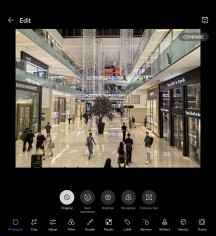
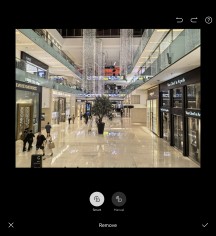
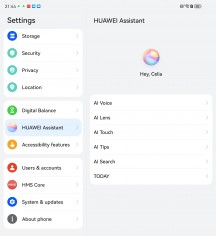
Object Removal • Object Removal • AI Celia
Overall, EMUI 15 is a robust system that can be easily tweaked and tinkered with, but it still has its limitations compared to regular Android phones.
Performance and benchmarks
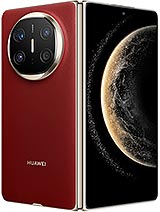
Huawei Mate X7 is powered by the latest-gen Kirin platform - Kirin 9030. It has an upgraded design and is manufactured on a 6nm node. The new model has a 9-core CPU and an upgraded GPU.
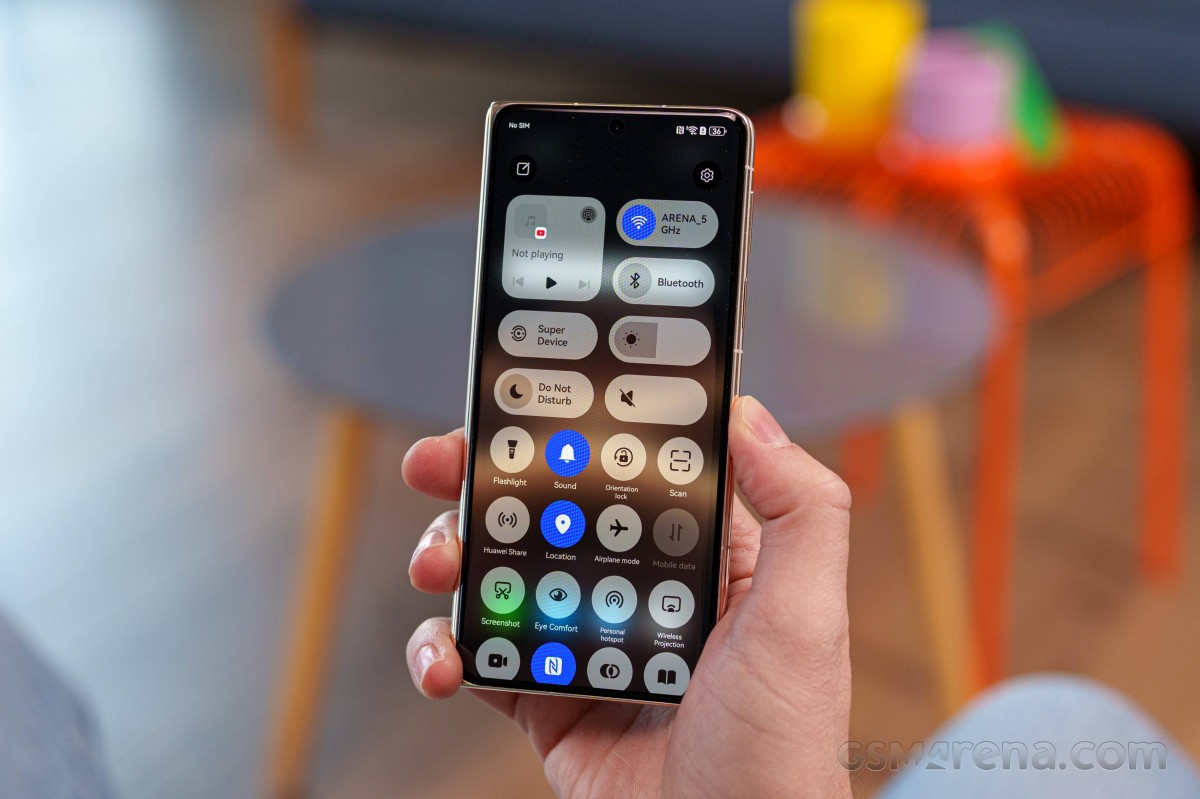
Now, before we get into the chip specs, let's talk about its architecture. While it seems like Huawei is inching closer to the next evolutionary step, according to the recent reports, it turns out that HiSilicon is still using SMIC N+3 fabrication process, it is just a bit more efficient, and the maker is putting more into the same space.
Kirin 9030 packs a 9-core processor with 1x2.75 GHz Big core & 4x2.27 GHz Mid cire & 4x1.72 GHz power-efficient cores. The Maleoon 935 GPU handles everything graphics-related.
The Mate X7 memory configurations start with 12GB LPDDR5X RAM + 256GB UFS storage up to 20GB RAM + 1TB storage. The most widespread one will be the global 16GB RAM + 512GB storage, while the rest will roll out in limited capacity, if any.
Now, let's see some benchmarks.
Kirin 9030 is still a mid-range chip; there is no two ways about it. But there is some good news - it does bring some notable performance improvements. There is barely a CPU boost, but the new GPU offers a 75% bump in performance over the previous chipset.
Unfortunately, as you saw in our battery life test, this jump in performance takes a toll on battery life in gaming. Compared to the Mate X6, we are seeing improvements in battery life across the board, except in gaming, where the jump in performance obviously comes at the expense of increased power draw.
GeekBench 6
- Single-core
- Multi-core
 Honor Magic V5
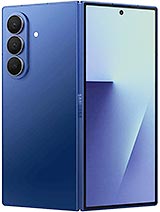 Galaxy Z Fold7
 (Cover display)
Galaxy Z Fold7
Galaxy Z Fold7 (Cover display)
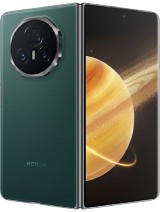 Honor Magic V3
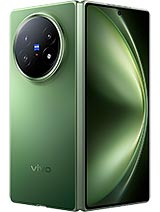 vivo X Fold5
 (Cover Display)
vivo X Fold5
vivo X Fold5 (Cover Display)
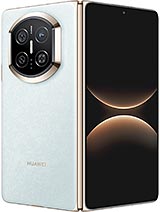 Huawei Mate X7
 (cover)
Huawei Mate X7
Huawei Mate X7 (cover)
 Huawei Mate X6
 (cover)
Huawei Mate X6
Huawei Mate X6 (cover)
AnTuTu
- v10
- v11
Honor Magic V5 (Cover Display)
vivo X Fold5
vivo X Fold5 (Cover Display)
Galaxy Z Fold7
Honor Magic V5
Honor Magic V3
Huawei Mate X6 (cover)
Huawei Mate X7 (cover)
Huawei Mate X6
Huawei Mate X7
3DMark
- Wild Life Extreme (Highest)
- Wild Life Extreme (Lowest)
Galaxy Z Fold7 (Cover display)
Honor Magic V5
Honor Magic V5 (Cover Display)
Honor Magic V3
vivo X Fold5
vivo X Fold5 (Cover Display)
Huawei Mate X7
Huawei Mate X7 (cover)
Huawei Mate X6 (cover)
Huawei Mate X6
Sustained performance has never been a strong suit of any foldable, and that's also the case with the Mate X7. The phone kept only 51% of its maximum CPU performance when unfolded and dropped to just 33% in its folded state.
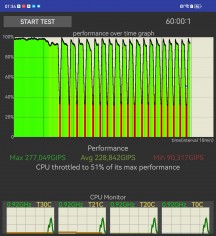
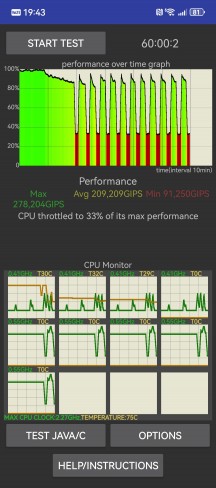
CPU tests
The situation is similar to the GPU-heavy throttling tests - the Mate X7 GPU performance was halved in its open state, and it dropped further to 31% when closed.
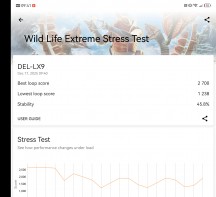
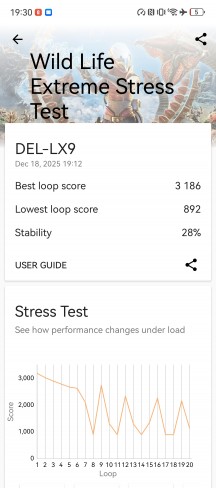
GPU tests
Still, in day-to-day use, we found the Huawei Mate X7 to offer very good performance for multimedia, multitasking and even gaming. It is far from a chart topper, but we do appreciate the graphics improvement, and we saw the Mate X7 breeze through our review tasks.
And yes, performance is nowhere near what Qualcomm's chips can offer, but it gets the job done. If you are looking for the latest ray-tracing technology, for example, that's not the place.


Tip us
2.1m 180k
RSS
EV
Merch
Log in I forgot my password Sign up