Huawei MatePad 11 (2021) review
Bright LCD panel ticking at 120Hz
As we already mentioned, the MatePad 11 "settles" for an IPS LCD panel instead of OLED, which is found on the MediaPad Pro 12.6. But we can definitely say that the overall user experience is excellent, nonetheless. We've got a productivity-friendly 16:10 aspect ratio (QHD+, 2560 x 1600px resolution) and the exact diagonal is 10.95". The first thing we noticed about the display is the excellent uniformity - no backlight bleeding or air gaps around the edges, which speaks of high-quality LCD panel.
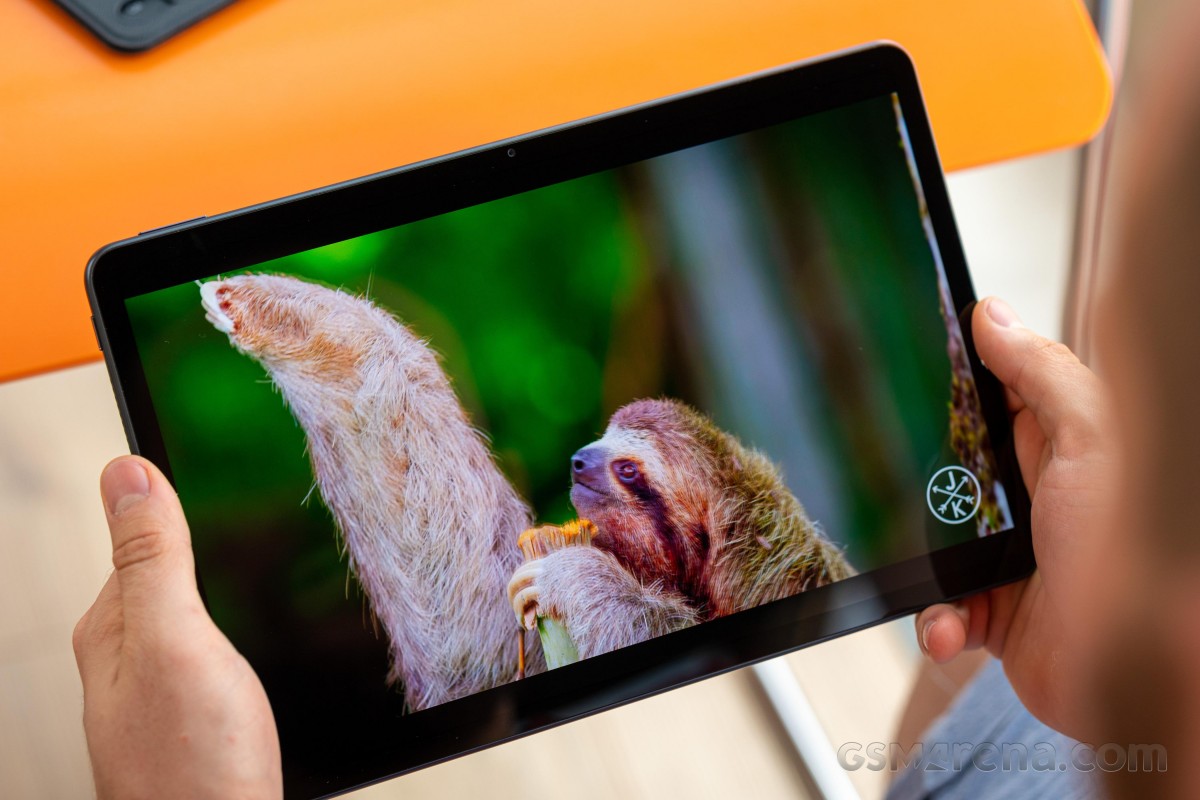
And even though it's not OLED, our tests show pretty good performance when it comes to brightness and contrast. The maximum luminosity is 497 nits and the contrast ratio is 1200:1. When put into context, these numbers are actually great for a big 11-inch display, let alone LCD.
| Display test | 100% brightness | ||
| Black, |
White, |
||
| 0 | 382 | ∞ | |
| 0.414 | 497 | 1200:1 | |
| 0 | 388 | ∞ | |
| 0 | 484 | ∞ | |
Brightness boost in Auto mode doesn't seem to work the usual way. We didn't see any change in peak brightness but shining bright light into the ambient light sensor triggers a solid drop in contrast, which is a desired effect. While high contrast ratio is a good thing, it cripples sunlight legibility and lowering the contrast helps with that. That's a neat way to improve the legibility without having to boost the screen's brightness. Supposedly, 500 nits is pretty much the upper limit of the presented panel.
Unfortunately, color accuracy isn't its strongest suit. In both, Vivid and Natural modes, the average dE2000 is a bit too high to our taste with the main issue being the whites, grays and cyans. The latter is boosted a little too much while whites and grays appear downright blue.
The good news is that Huawei has included a granular control over color temperature so you can adjust it manually in case you are planning to do color-sensitive work.
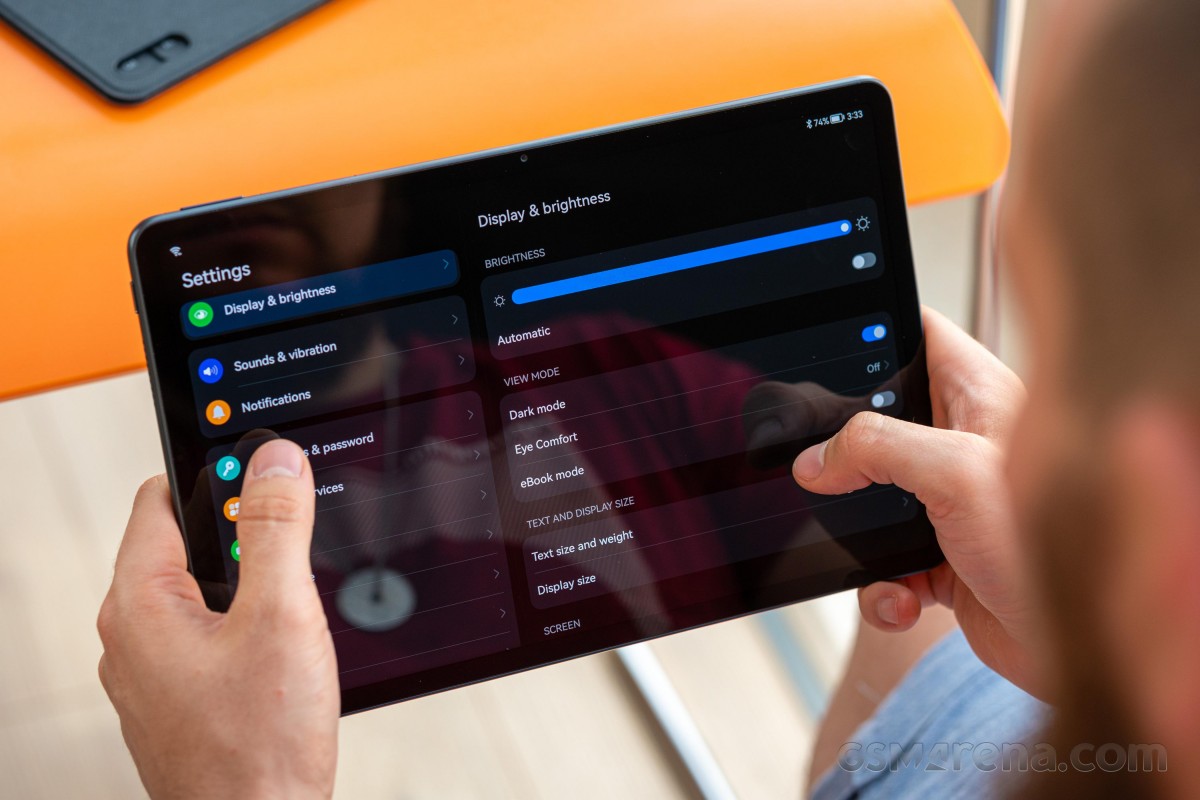
Other neat features include the usual Eye Comfort mode that brings down the color temperature when the sun goes down to battle blue light emissions. There's also an eBook mode for reading that turns the screen into plain black and white imitating E Ink displays.
There are three settings in the menu - Dynamic, Standard and High. The latter sets the refresh rate at 120Hz at all times while the Standard caps it at 60Hz. The Dynamic, of course, lets the system adjust the refresh rate accordingly so you can benefit from the smooth animations and save some power along the way.
Anyway, the Dynamic mode provides a simple, yet effective solution. If you are not interacting with the display, it limits the refresh rate to 60Hz and as soon as you touch it, it shoots back up to 120Hz. This works in browsers, when watching videos and we've also tried this while using the keyboard - it goes down to 60Hz even when you type. We strongly recommend that you leave the HRR control to Dynamic as you will get the best of both worlds.
Battery life
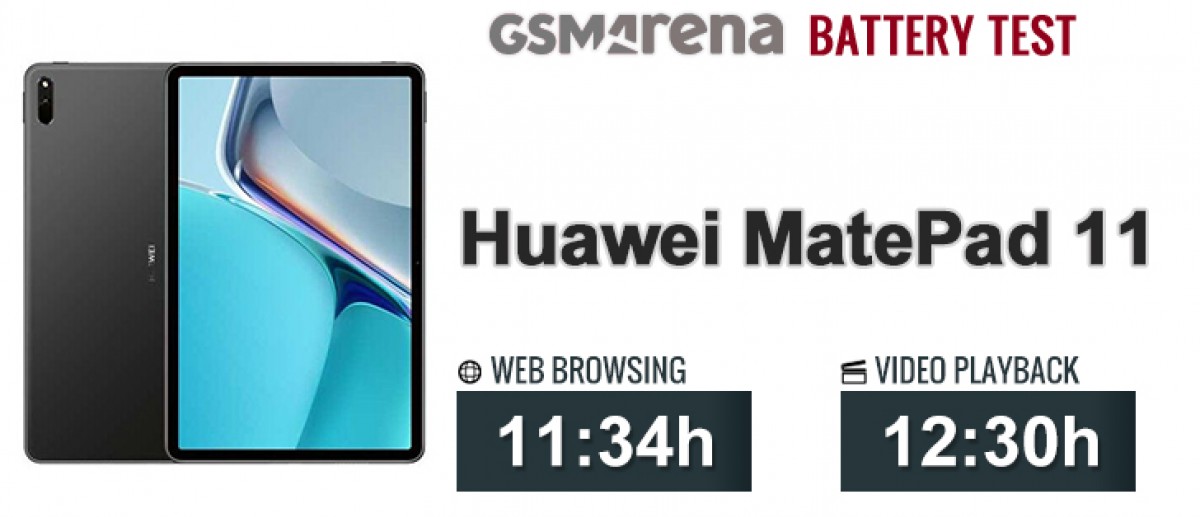
The tablet runs on a power-hungry Snapdragon 865 chipset and is supplied by a 7,250 mAh battery and managed to score higher than the MatePad Pro 12.6 in the web browsing test but falls short in the video playback one since it uses an LCD IPS panel and those usually get lower video playback runtimes. On the other hand, the device scores considerably better than the more expensive Galaxy Tab S7+, for example, particularly in the web browsing test. We can say the overall battery endurance is not just reliable but pretty good too.
Charging speed
Even though the tablet is supplied by a 22.5W-capable charger, it's rather slow to charge from 0 to 100%. After all, the device carries a massive 7,250 mAh which is a lot more than your average smartphone that can do 0 to 100% pretty quickly with the same 22.5W brick. It took approximately to 1 hour and 50 minutes to fill up the cell from flat while a 30-minute charging cycle would give you about 36%.
30min charging test (from 0%)
Higher is better
-
Huawei MatePad 11
36% -
Huawei MatePad Pro 12.6
33% -
Samsung Galaxy Tab S7+
18%
Time to full charge (from 0%)
Lower is better
-
Huawei MatePad 11
1:50h -
Huawei MatePad Pro 12.6
2:10h -
Samsung Galaxy Tab S7+
3:35h
Loudspeakers
Despite being the cheapest of the bunch, the MatePad 11 offers a set of four stereos speakers - two on each side. They have left and right-facing grilles so you may obstruct some of them when holding the device with your hands. The speakers are tuned by Harman Kardon and to be honest, they sound great. The bass is full, vocals are clear and distortion is barely noticeable only on high-pitched sounds at maximum volume. Pretty niche case. They are perfectly suitable for watching a movie, even.
As you'd expect from four speakers, loudness is great too. You can even feel the bass throughout the whole chassis when playing something.
Use the Playback controls to listen to the phone sample recordings (best use headphones). We measure the average loudness of the speakers in LUFS. A lower absolute value means a louder sound. A look at the frequency response chart will tell you how far off the ideal "0db" flat line is the reproduction of the bass, treble, and mid frequencies. You can add more phones to compare how they differ. The scores and ratings are not comparable with our older loudspeaker test. Learn more about how we test here.


Tip us
2.1m 180k
RSS
EV
Merch
Log in I forgot my password Sign up