Huawei Pura 80 Ultra review
EMUI 15 with Android 12 core underneath
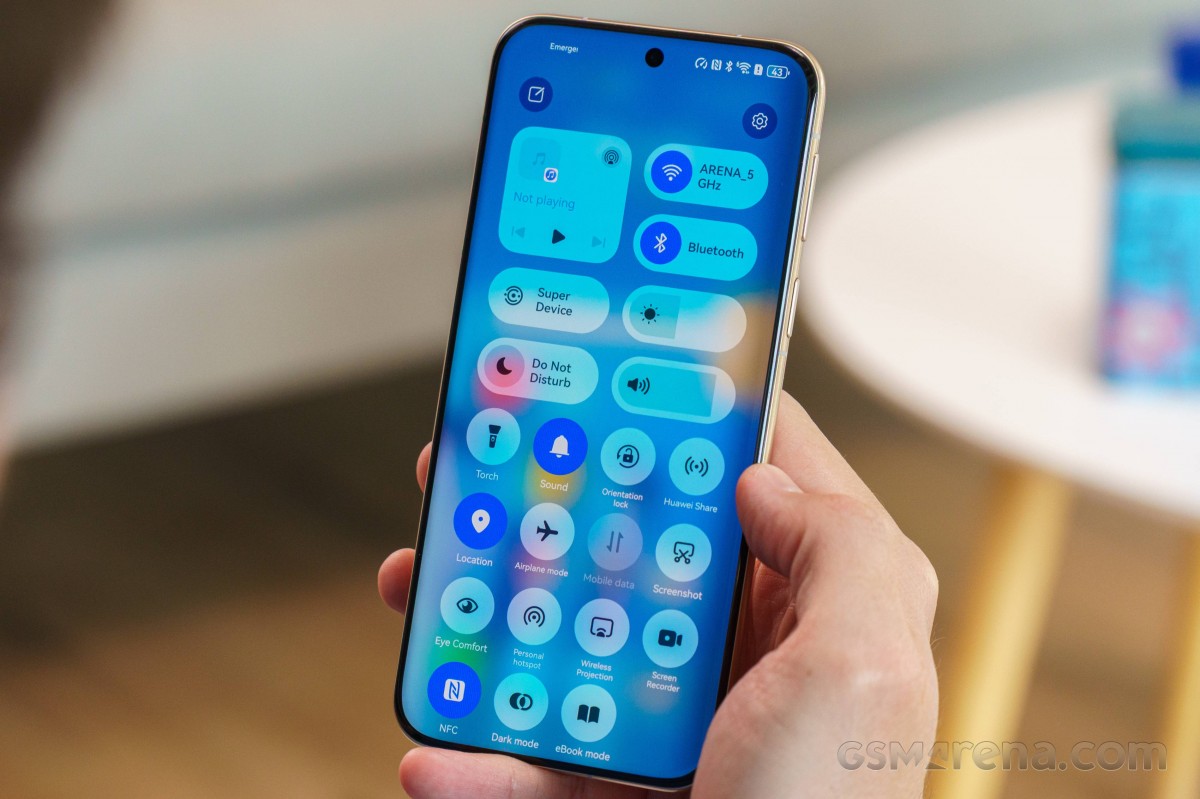
EMUI 15 is the international interpretation of HarmonyOS 5, which is what comes on the Chinese model of the Pura 80 Ultra. It includes improved lockscreen customization, better multitasking, and new gestures and emoji. Introduced with EMIU 14 and here to stay are the interactive and magazine themes, advanced features for the Celia assistant, better security, better Health app, and support for Ark Engine, which supposedly speeds things up and improves battery life by managing memory better.
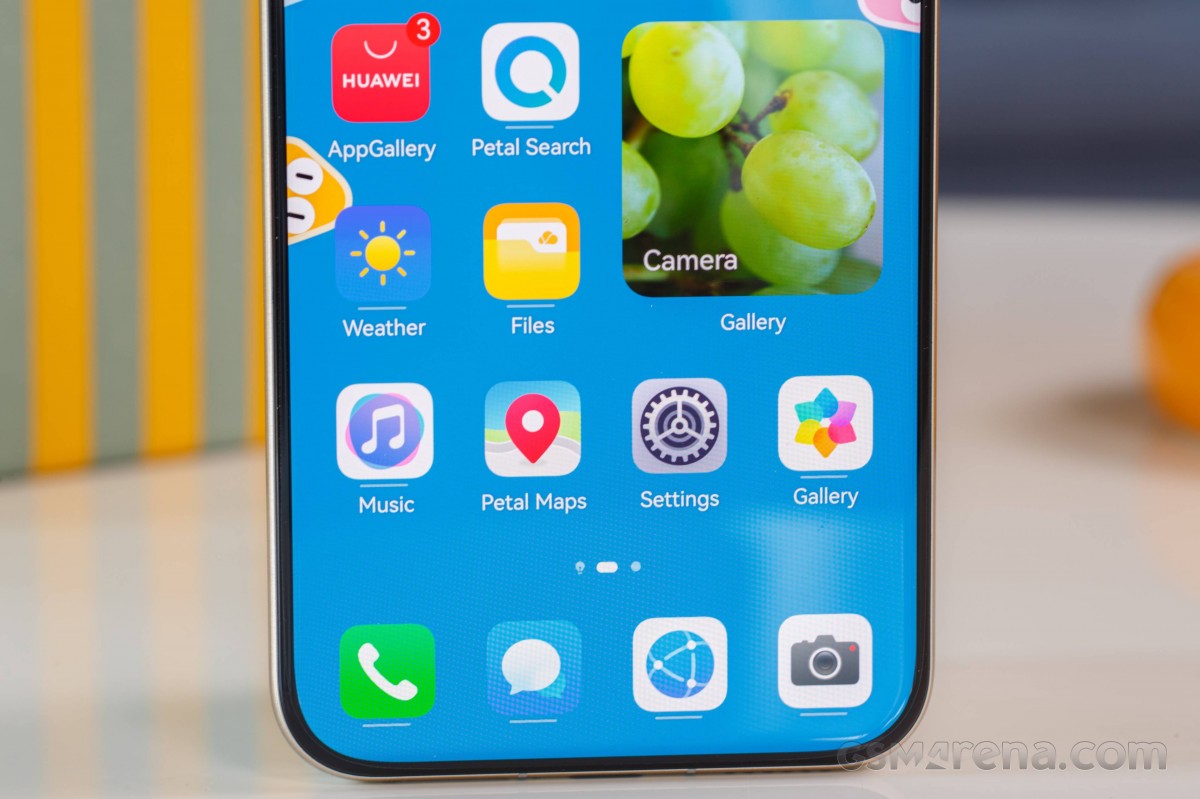
Even though it's latest version of the Huawei interface, the global EMUI 15 is still based on Android 12. The OS still supports APK installations via Huawei's AppGallery, APK Pure, or similar, and Gbox/microG/Aurora Store work just fine if you want to run Google apps and access the Google Play Store in general.
EMUI looks quite familiar as it has not changed drastically over the years. It includes neat little things like large folders and cards - another name for the widgets that you can add for in-house apps, indicated by a bar under the app icon.
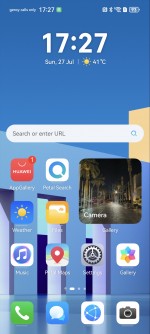
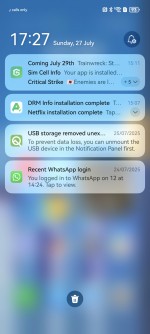
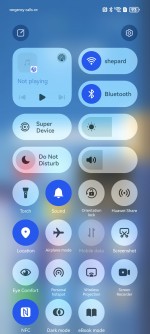
EMUI 15
Air gestures (scroll, grabshot) are supported on the Pura 80 Ultra - a familiar capability also found on previous Huawei and Honor models. There is a new capability - double tap on the fingerprint (lock) button - you can assign a function or an app now. Press and hold on the same button will invoke the assistant, but you can't seem to customize your way out of it.
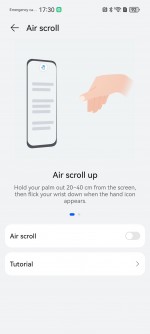
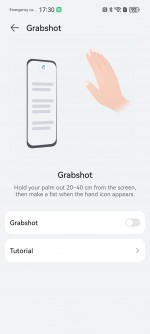
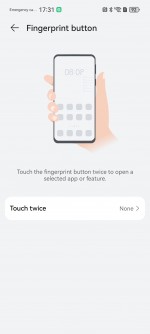
Gestures
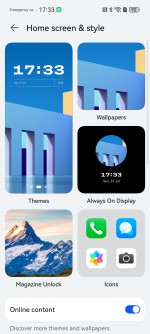
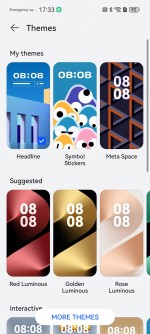
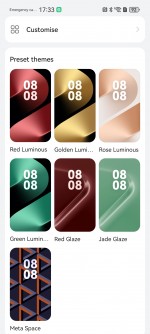
There are plenty of themes to choose from, so you can easily customize your Pura 80 Ultra. The interactive themes add lockscreen animations with cartoony characters that move around based on the phone's accelerometer and its position in space.
Huawei offers a lot of default apps to get you started, including in-house Gallery, Music, Video, and Health apps. A File Manager app is available, as well. There is also Smart Remote - you can turn your phone into a universal remote thanks to its IR blaster (which is hidden in the camera bumpon the back).
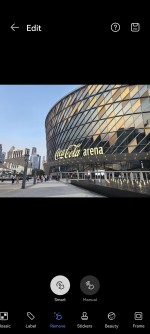
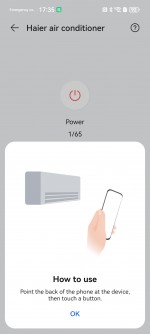
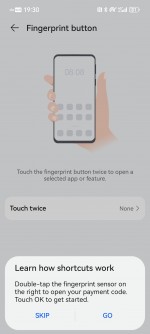
Gallery Edit • Smart Remote • Fingerprint shortcut
You also get Petal Maps, Petal Search and Huawei's own Browser.
Huawei's AppGallery handles the app installations by default, and it seems the advertisements and pop-ups have been drastically lowered since EMUI 14.
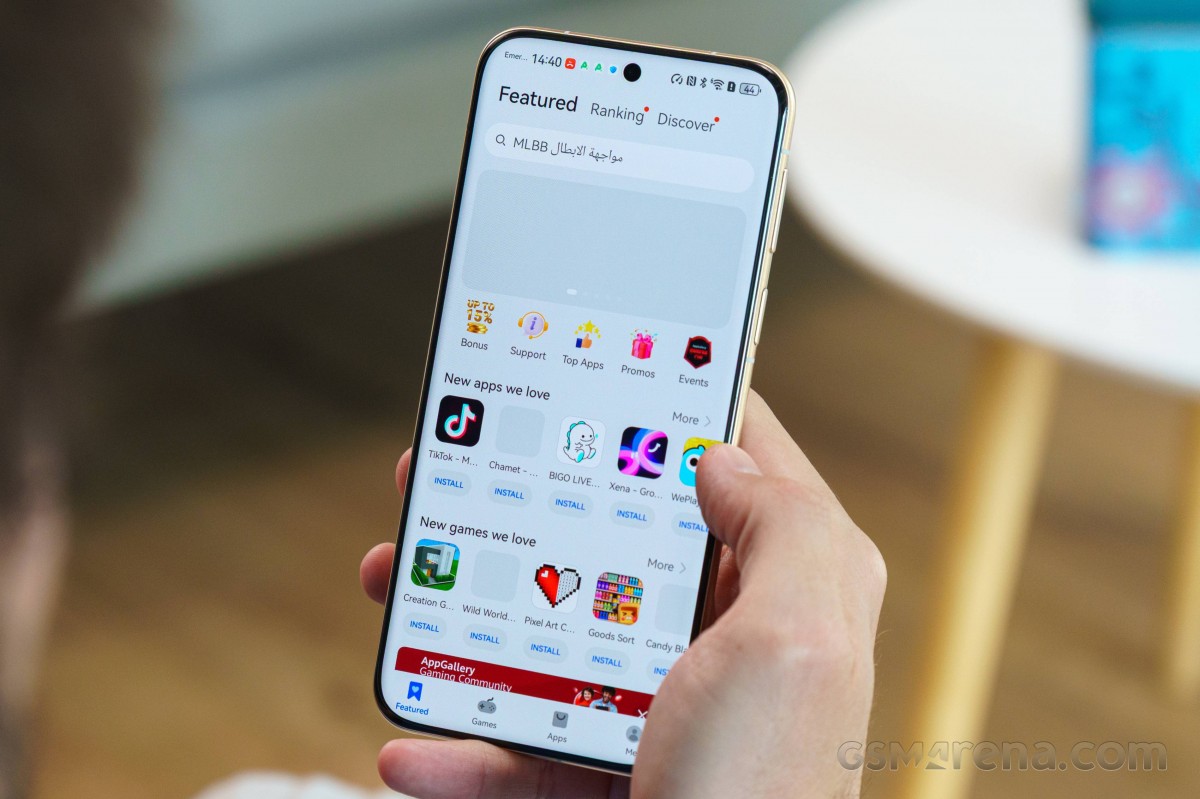
You can install other app repositories, and they work just fine.
The best solution for getting most of the Google-dependent apps to work on the Pura 80 Ultra is GBox. It's a small virtual machine based on the latest Android version, and it contains all Google services. You have a list of apps you can install right away, but you can also install other apps from the integrated Play Store if you'd like (just hit back on any of the suggested apps). Updates via the Google Play Store update are also possible.
GBox creates app shortcuts on your homescreen. Notifications are supported, of course. We had no issues running Google Maps, Google Drive, Chrome, or YouTube.
Some apps would still not work, no matter what you do. Google Gemini for instance, was a no-go. OpenAI's ChatGPT app too. Video streaming quality will also be limited by what the GBox emulation layer supports.
And despite all workarounds, you still don't get features such as Google Wallet or Android QuickShare.
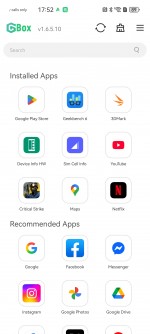

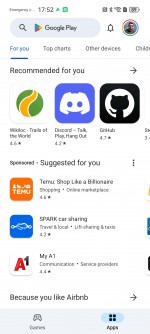
Gbox
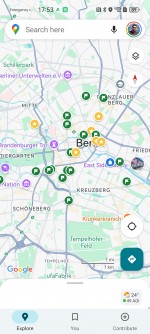
There are alternatives to Gbox, which will expand the required Google capabilities so you can install and use some otherwise incompatible apps. The MicroG bundle of services is quite capable with a variety of settings.
You can enable Google Billing with microG, which can be used for payments throughout the newly working Google Play Store. But you need to setup Google Pay and Wallet on a compatible GMS phone, tablet or PC in order for the billing system to work.
You can also use the Aurora Store, which gives you access to Google Play Store and relies on the MicroG bundle for various verifications.
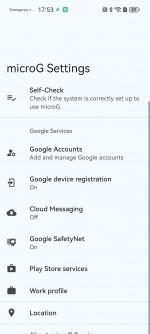
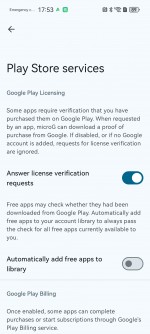
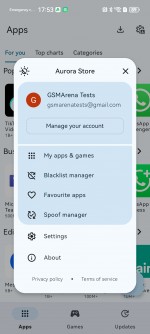
MicroG and Aurora Store
Finally, let's talk about multi-tasking. Both split screen and floating window are available.
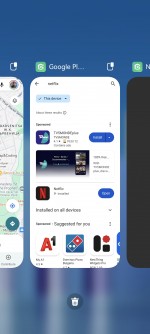
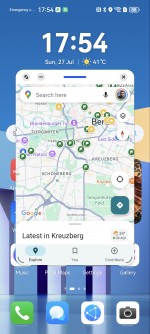
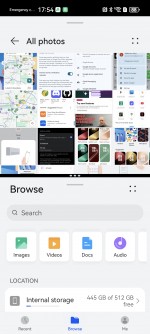
Multitasking
As for AI features, Huawei is a bit behind in that respect at least as far as the international EMUI is concerned. Since Gemini and ChatGPT apps don't work here, you can either use them online or download DeepSeek or Kimi to cover your chatbot needs.
A long press on the power button launches the Celia assistant, which is not much smarter than Google Assistant or Siri. The Chinese version of Celia optionally integrates DeepSeek R1, but that's not available on EMUI.
As for the usual AI image manipulation features, Huawei only has an AI object Smart Remove feature in the Gallery's image editor.
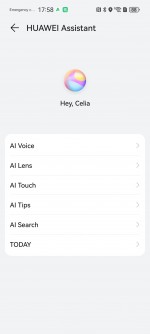
Celia
Overall, EMUI 15 is a powerful system that can be easily tweaked and tinkered with, but it still has its limitations, which are not present in regular Android phones.
Performance and benchmarks
The Huawei Pura 80 Ultra uses the same Kirin 9020 chipset as the Mate X6. It is manufactured on an SMIC 7nm node, known as N+2 locally in China, like the Kirin 9000s inside the Mate 60 series. It features an octa-core CPU (1x 2.5 GHz Taishan Big + 3x 2.15 GHz Taishan Mid + 4x 1.53 GHz Cortex-A510 cores) and the Maleoon 920 GPU.
We ran a few benchmarks on the Pura 80 Ultra and found it to be a worse performer than the Huawei Mate X6 for some reason.
GeekBench 6
- Multi-core
- Single-core
 Galaxy S25 Ultra
 Xiaomi 15 Ultra
 vivo X200 Ultra
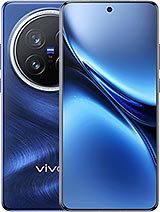 vivo X200 Pro
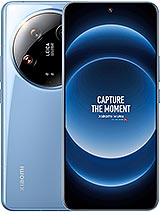 Xiaomi 14 Ultra
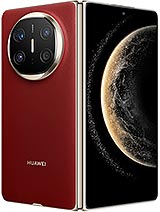 Huawei Mate X6
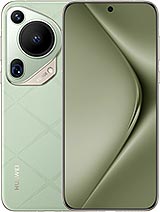 Huawei Pura 70 Ultra
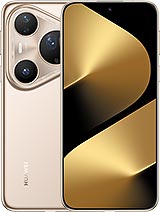 Huawei Pura 80 Ultra
AnTuTu 10
vivo X200 Ultra
Xiaomi 15 Ultra
vivo X200 Pro
Galaxy S25 Ultra
Xiaomi 14 Ultra
Huawei Mate X6
Huawei Pura 80 Ultra
Huawei Pura 70 Ultra
3DMark - Wild Life Extreme (2160p)
vivo X200 Ultra
Galaxy S25 Ultra
Xiaomi 15 Ultra
vivo X200 Pro
Xiaomi 14 Ultra
Huawei Mate X6
Huawei Pura 80 Ultra
Huawei Pura 70 Ultra
As you can see, the Kirin 9020 inside the Pura 80 Ultra is a rather average performer with scores that are suitable for the midrange class, and not really competitive against the other Ultras of the day.
The sustained performance is a mixed bag, too. While the GPU hardly loses any power after prolonged stress tests (though it didn't start out too high in the first place), the CPU maximum performance drops down to 39% after the first 10 minutes of our stress test, from which point it puts out short bursts of high perfomance followed by very deep dips.
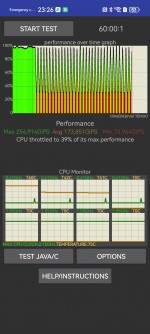
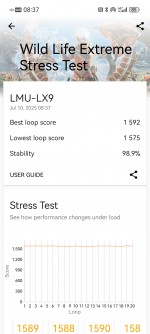
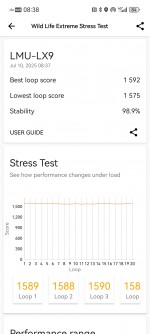
CPU test • GPU test
The Pura 80 Ultra becomes quite hot, too, across the frame and the back.
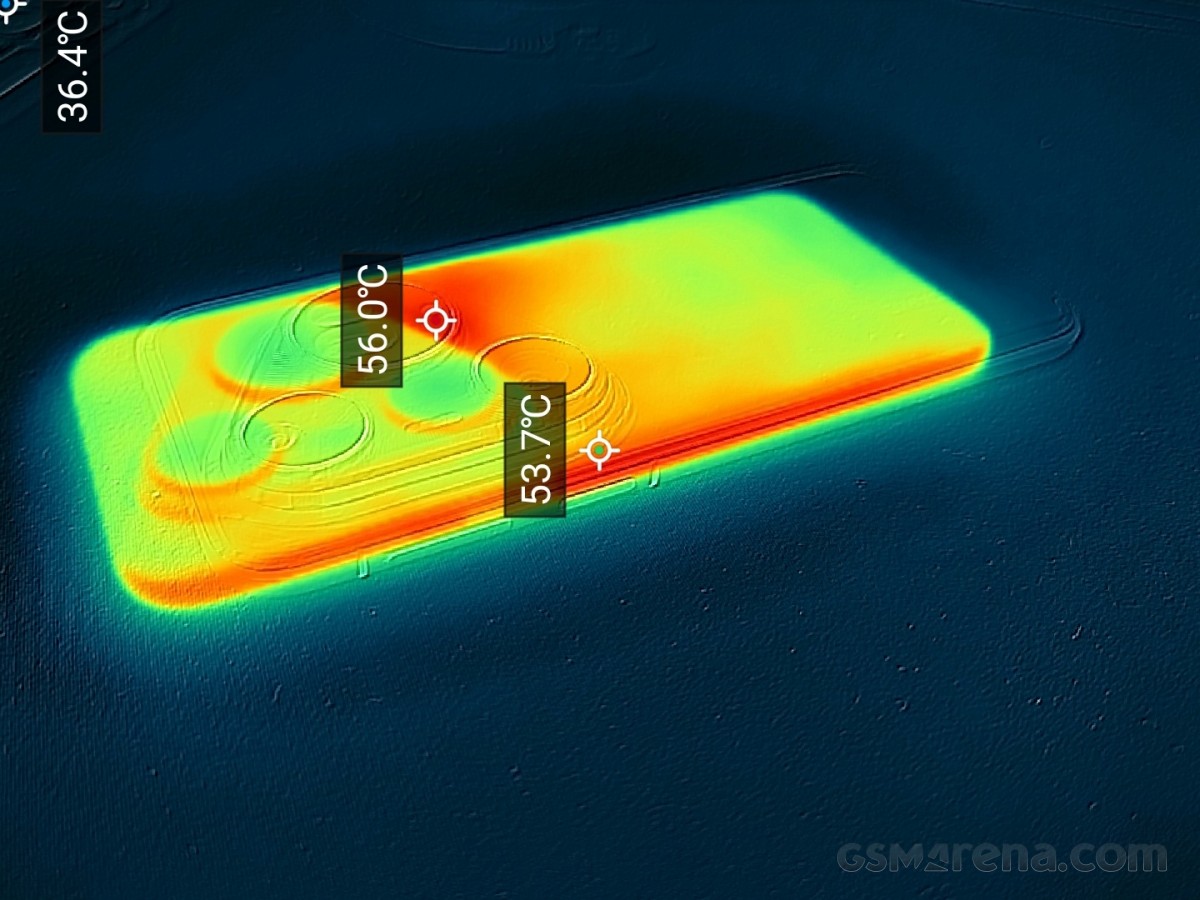
We did not expect much from the Pura 80 Ultra, knowing it's been crippled due to the US sanctions. It cannot offer 5G and adequate performance right now and it will take a few years for Huawei to catch up with the market, if at all possible from now on.
The Pura 80 Ultra comes with plentiful storage and 16GB RAM, which is enough for apps and multi-tasking, but do not expect gaming at high graphics levels. And you should expect some stutters on hot summer days when making the Pura 80 Ultra flex its processor.


Tip us
2.1m 180k
RSS
EV
Merch
Log in I forgot my password Sign up