OnePlus Pad 3 hands-on review
The last few years have been particularly interesting on the Android tablet scene. A wider selection of slates now offer keyboard cases and stylus support, which opens up a variety of productivity benefits.
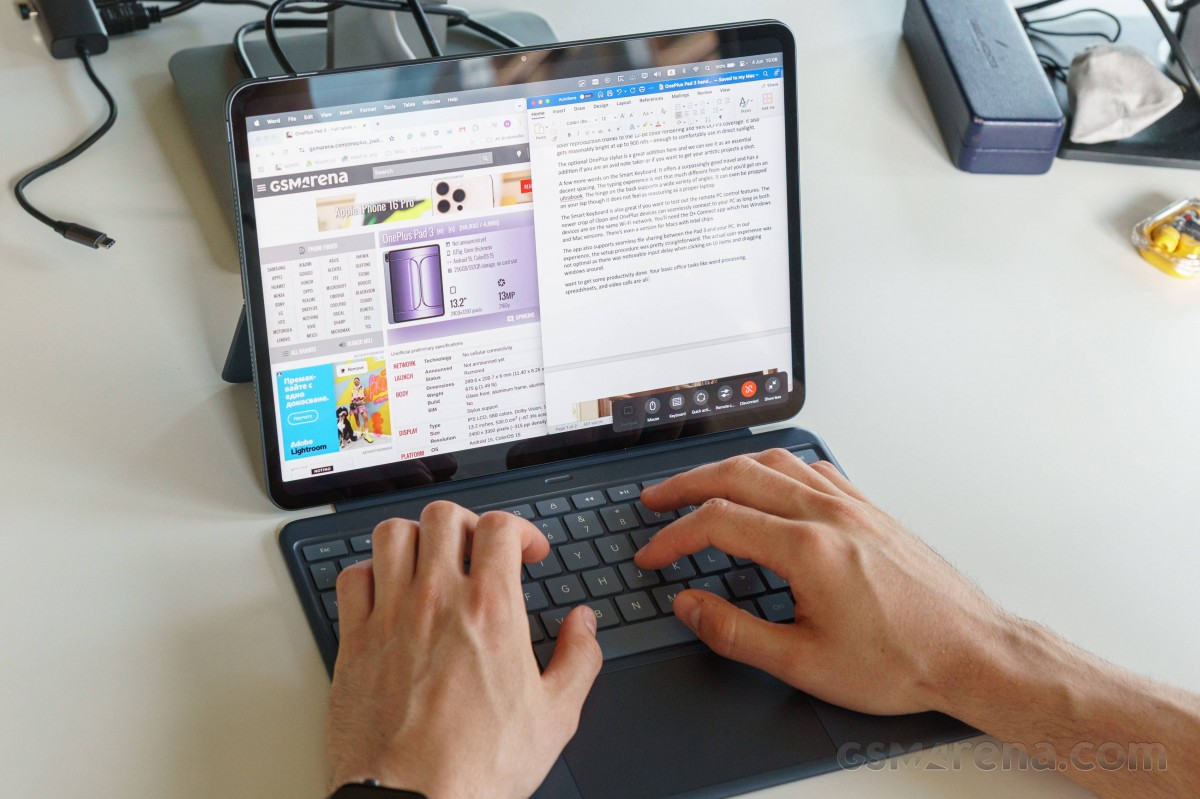
The just announced OnePlus Pad 3 is a prime example of the Android tablet evolution. From a distance, you could easily mistake it for a laptop. Granted we have the optional Smart Keyboard, which elevates the whole productivity experience and gives it that laptop hybrid look.
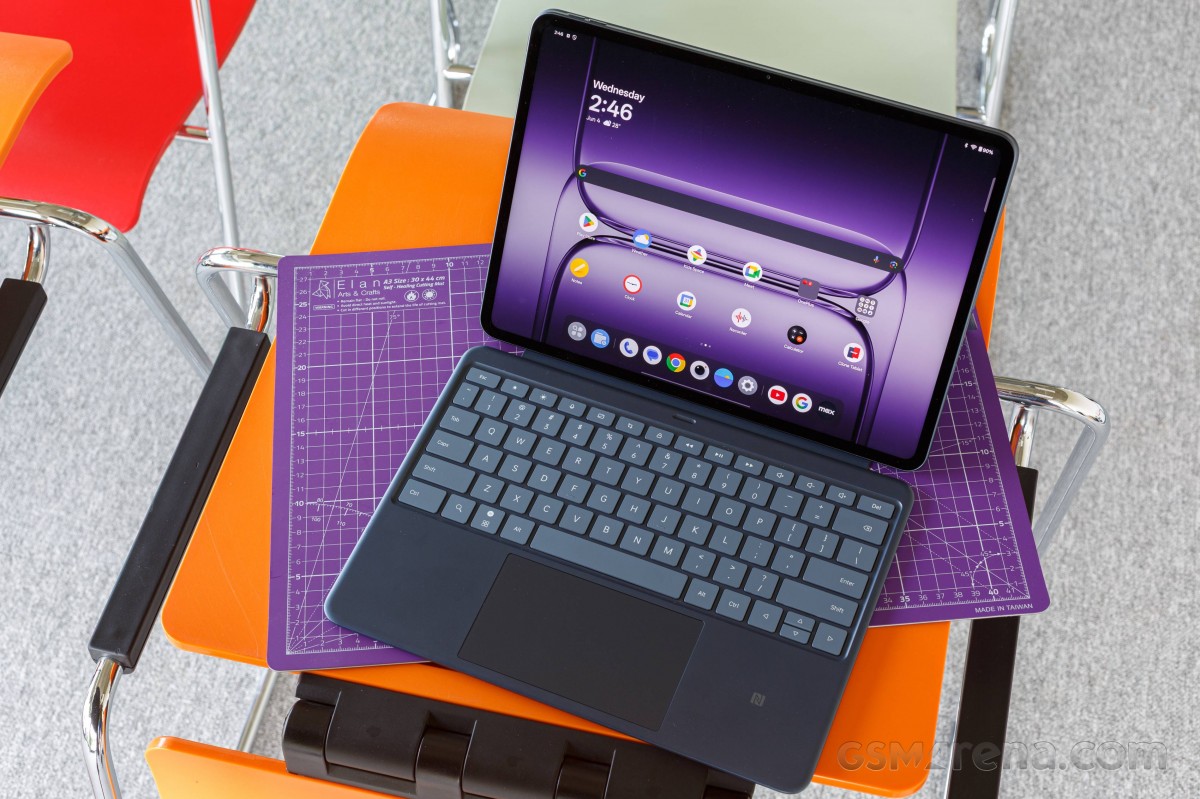
Let’s get the hardware out of the way first. Pad 3 brings a spacious 13.2-inch IPS LCD with 2,400 x 3,392px resolution. The bezels are symmetrical on all sides and about as slim as we’ve seen on a tablet in recent memory.
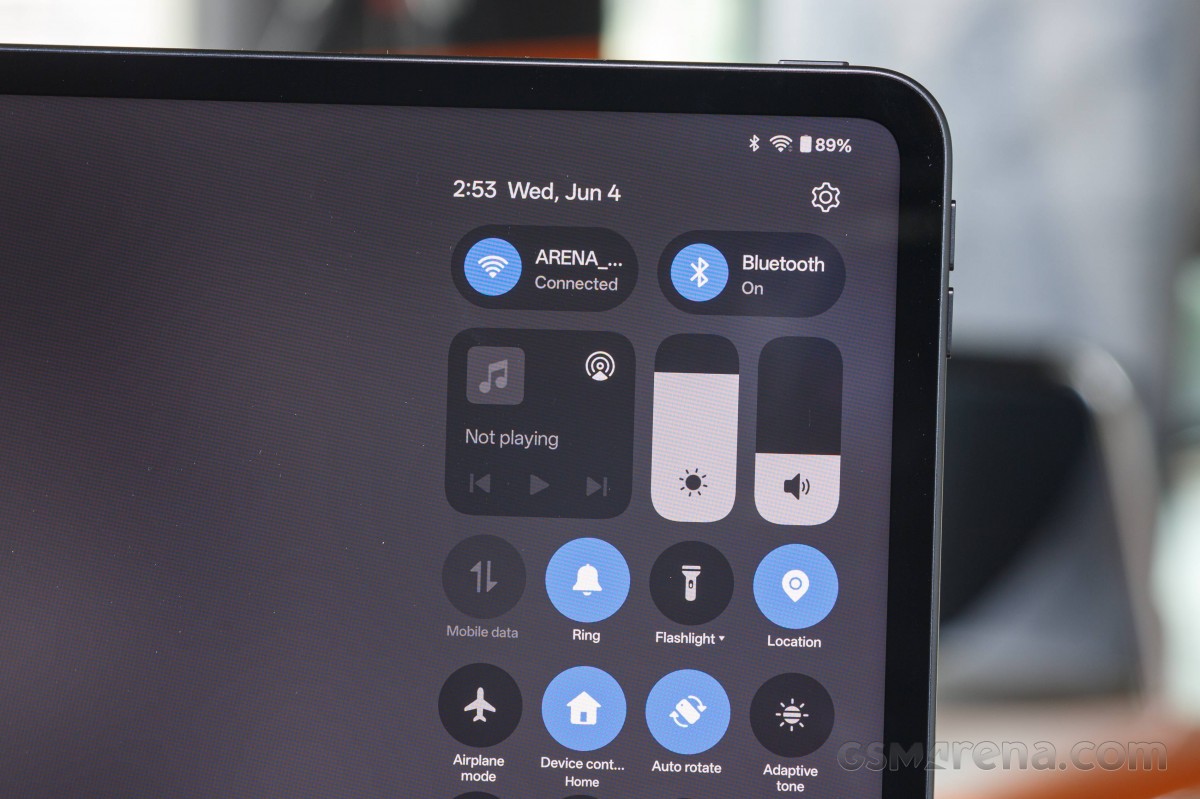
It’s also buttery smooth with a fast 144Hz refresh rate and offers great multi-tasking capabilities thanks to the 7:5 aspect ratio.
The onboard eight-speaker setup gets plenty loud and complements the excellent display for immersive media consumption. Qualcomm’s top-of-the-line Snapdragon 8 Gen Elite is paired with 12/16GB RAM and 256/512GB storage.
The 12,140mAh battery inside the Pad 3 should offer ample running times, and you also get support for 80W wired charging.
Pad 3 ships with OxygenOS 15 based on Android 15 with the OnePlus AI suite powered by Google Gemini. You get the usual slew of features including Circle to Search, as well as translation, summary, writing, and speaker assistant.
Media consumption on the Pad 3 is a joy. You get a big screen with Dolby Vision HDR10+ support and solid color reproduction thanks to the 12-bit color rendering and 98% DCI-P3 coverage. It also gets reasonably bright at up to 900 nits – enough to comfortably use outdoors in these early June days.
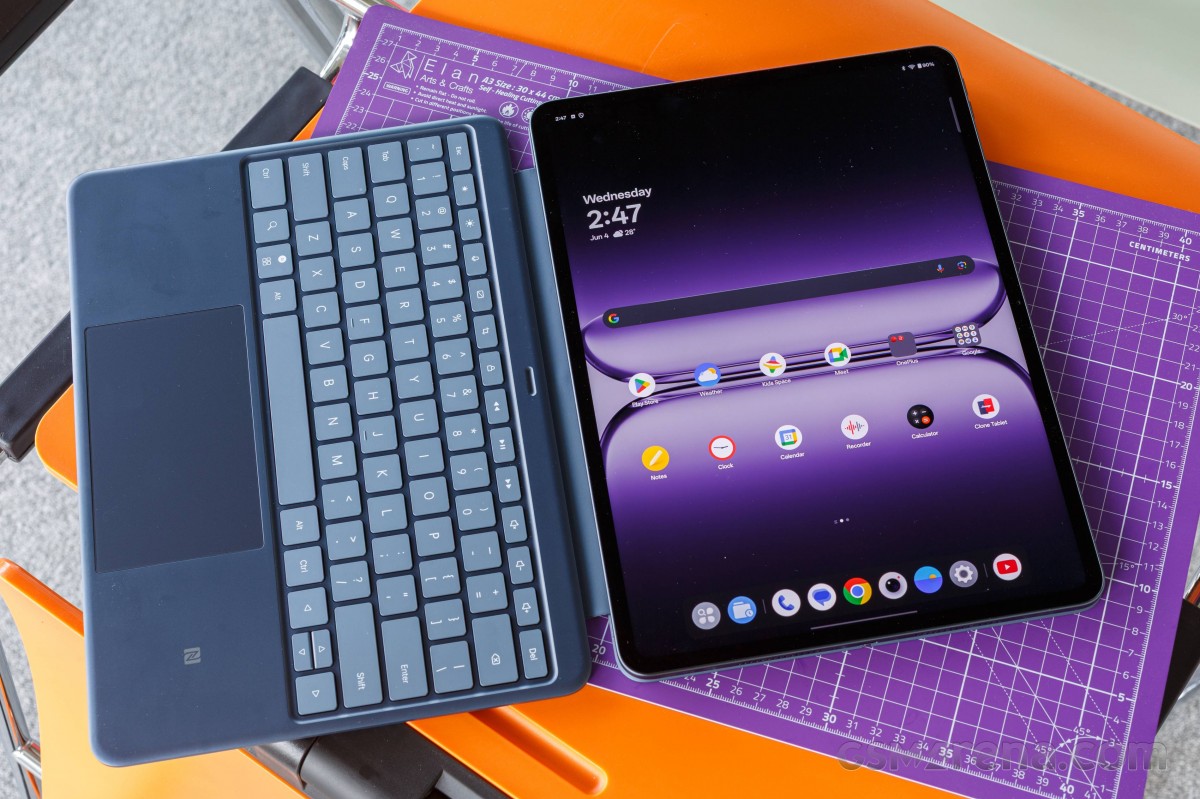
OnePlus Pad 3 weighs 675 grams and is just under 6mm thick on its own. The keyboard adds another 500 grams, bringing the total to just over 1.17kg. When combined, we’re creeping up on ultrabook territory but the Pad 3 is still a bit lighter than a 13-inch MacBook Air.
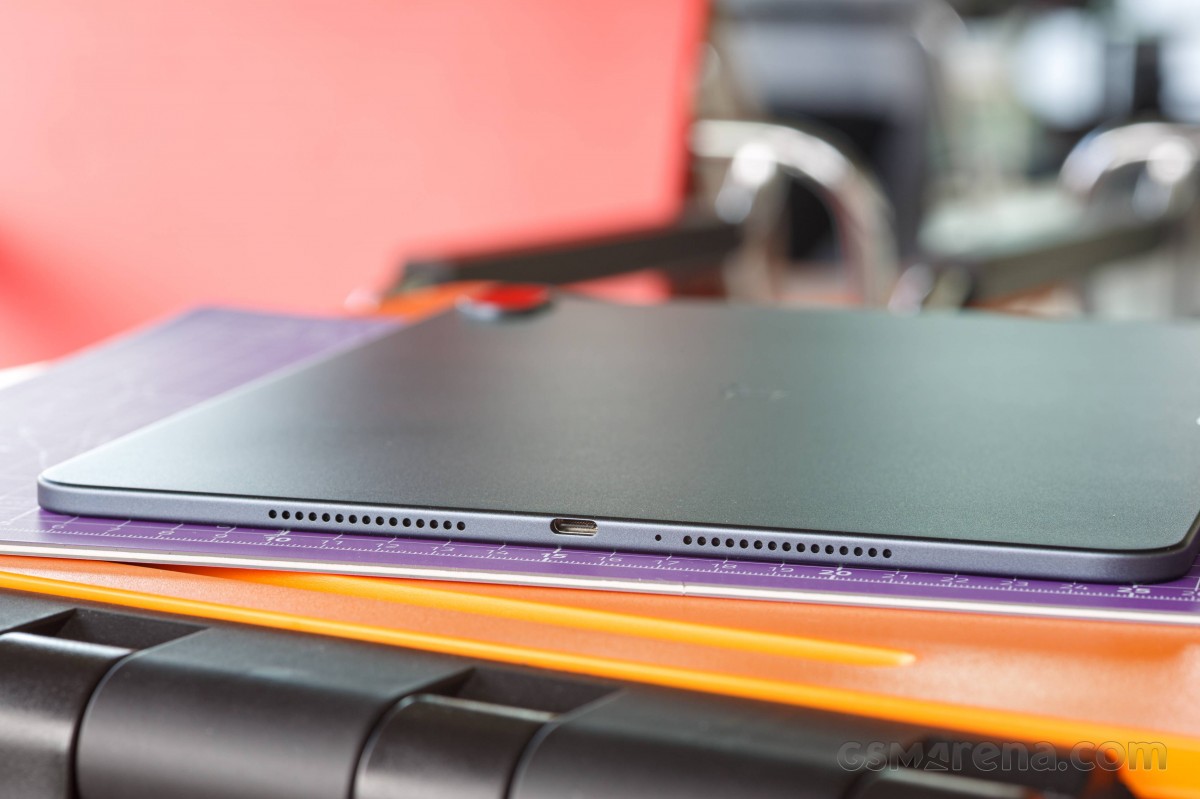
A few more words on the Smart Keyboard. It attaches magnetically via the pogo pins on the back of the Pad 3 and features a six-row layout with a dedicated function row. The keys offer surpassingly good travel and have decent spacing, so it doesn’t take long to get comfortable with typing.
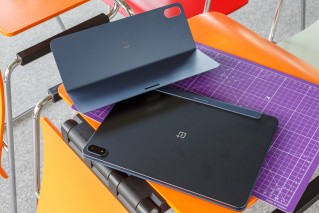
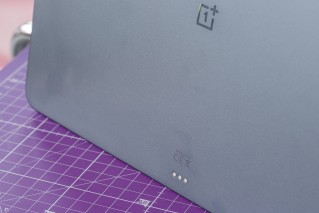
OnePlus Pad 3 and its Smart Keyboard
The hinge on the back props out like on the Microsoft Surface Pro lineup and supports 110 to 165-degree angles. It can even be propped on your lap, though it does not feel as reassuring as a proper laptop. The trackpad is reasonably large and offers great tactile clicks. The keyboard also gets an integrated NFC receiver, allowing you to seamlessly share files from other devices.
The Smart Keyboard is also great if you want to take advantage of the remote PC control features. You’ll need the O+ Connect app, which has Windows and Mac versions. There’s even a version for Macs with Intel chips.
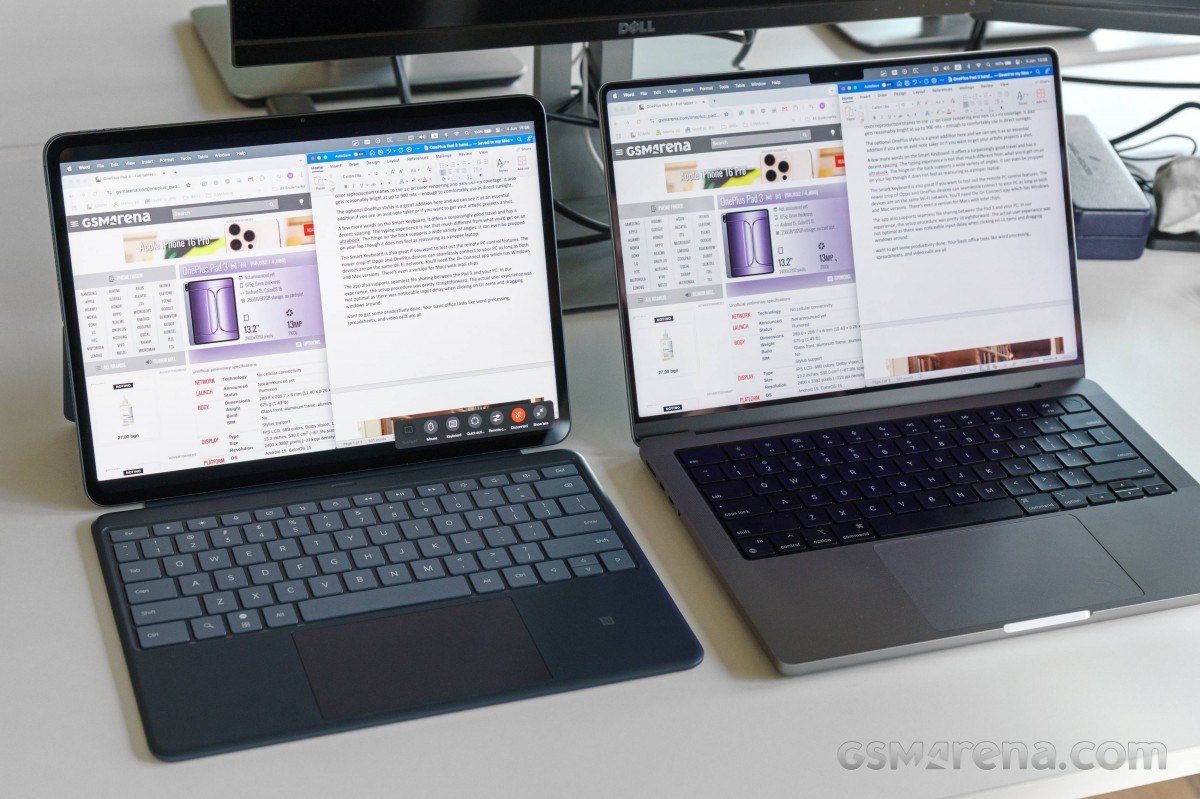
The actual remote PC control user experience was not that smooth in our testing as there was noticeable input lag when clicking on UI items and dragging windows around. Still, it’s a great feature to have for those times when you need to get some quick work done when you’re away from your PC. It’s especially nice to see the extensive macOS support coming from an Android OEM.
The O+ Connect suite also supports seamless file sharing between the Pad 3 and your PC. In our experience, the setup procedure was pretty straightforward with files zipping between devices. It’s also worth noting that this works for both Android and iOS devices which is still a rarity.
At €599/£529 for the 12/256GB trim and €699/£599 for the 16/512GB version, the OnePlus Pad 3 undercuts key flagship tablet competitors like the Samsung Galaxy Tab S10 Ultra and iPad Pro 13. OnePlus is also offering a free storage upgrade during the pre-order campaign and the Smart Keyboard accessory, which normally goes for €169/£169.
These offers make the OnePlus Pad 3 a great option for those looking for a new flagship tablet. Apart from running Android 15, Pad 3 also offers added remote PC control features, which allow you to get some real work done in a pinch. It accomplishes that without skimping out on performance, battery or software polish.
Basic office tasks like word processing, spreadsheets, and video calls are all easily doable, and it goes without saying that this large and high-resolution screen is just meant for binge-watching TV shows.
OnePlus really brought its A-game with the Pad 3, and while it’s not quite a laptop replacement, it is certainly one of the more capable Android tablets we’ve gotten our hands on.

Reader comments
- Marky Mark
- 0Uw
Atrociously rounded corners - soon they will make the whole screen a circle. What a lousy design choice.




Tip us
2.1m 180k
RSS
EV
Merch
Log in I forgot my password Sign up