Oppo Reno4 Pro 5G review
ColorOS is at 7.2 on the Reno4 Pro 5G
The Reno4 Pro 5G runs ColorOS 7.2 - the same version most recent Oppos get. The custom overlay is on top of Android 10. Perhaps Android 11 will arrive at some point.
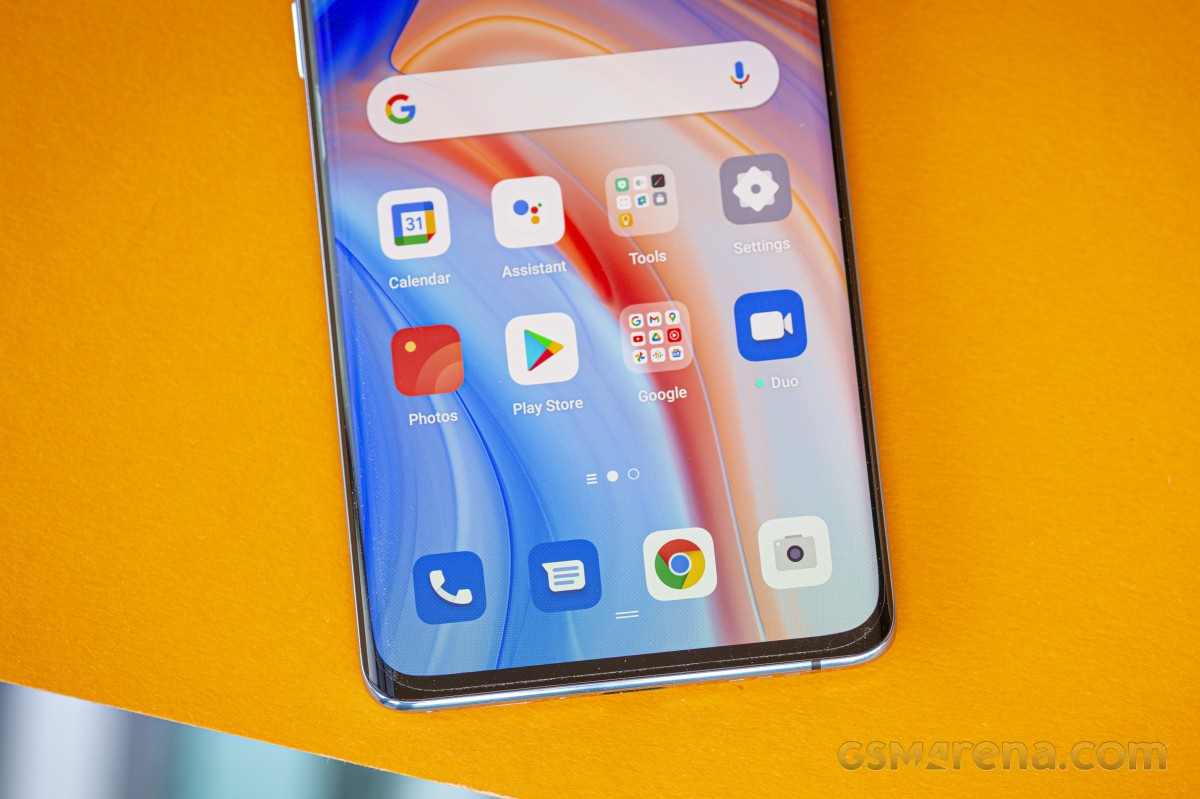
The homescreen situation is predictable - you get to choose between the simplified approach with all the apps arranged on the homescreens (the out of the box state) or the two-tiered homescreen + app drawer way. The UI basics are entirely ordinary.

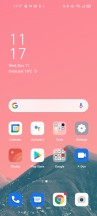
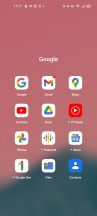
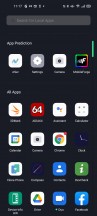


Lockscreen • Homescreen • Folder view • App Drawer • Quick toggles and notifications • Task switcher
The app icons themselves are super customizable. You can set up a custom shape, adjust the corner rounding. We found no theme store on this unit, and there was just a single theme pre-installed.
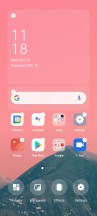
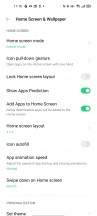
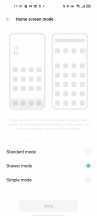
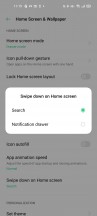
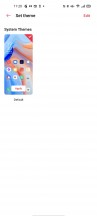
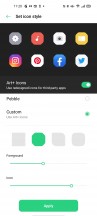
Homescreen settings • Homescreen settings • Homescreen mode • Swipe down options • A theme • Icon settings
Navigation options are aplenty too. We've already grown used to and prefer the standard Android 10 navigation (Swipe Gestures from Both Sides, it's called here), which employs the side edges for going Back while upward swipes from the bottom take you Home.
Color OS has a gesture for a quick switch between the last two apps if you swipe in for Back, but hold for a brief instant. That's optional, and it can work in addition to the default side swiping on the bottom of the screen.
A classic three-button navigation bar is available if you're old school like that, and it lets you choose between two layouts. There's also a More option, which will take you to the Swipe-up gestures alternative - the middle option between the navbar and real gestures.
The Smart Sidebar feature we've seen on other ColorOS builds is here too. A swipe in from the side opens a toolbar with actions and shortcuts. You can customize them and also adjust the bar's position and opacity.
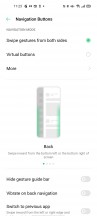

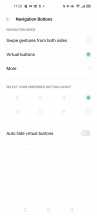
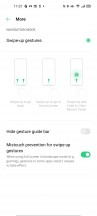

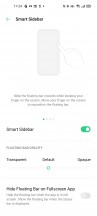
Navigation options • Smart sidebar
The Reno4 Pro 5G display supports a 90Hz refresh rate, and you get a three-way setting between 90Hz, 60Hz, and Auto. As we detailed on the previous page, that setting is only ever set in stone if you have it at the 60Hz position, with the other two modes adjusting it to optimize the experience.
There's a system-wide dark mode, and it can be engaged permanently or according to a schedule. It'll invoke supported apps' dark themes too, but you can also enforce dark mode on third-party apps which don't have it built-in.
Always-on Display is available too, and that's the menu item for it, as opposed to the "Screen-Off Clock" name on previous builds. It gives you a choice between different clock styles and can be set to be on all the time or according to a schedule (but not follow sunset and sunrise patterns). Edge lighting (formerly Screen Light Effect) is like the edge notification lighting on Samsung phones minus the high customizability.
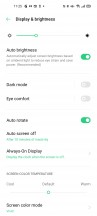
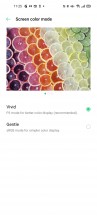
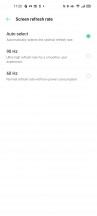
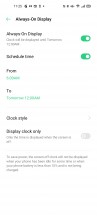
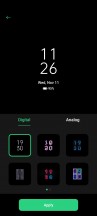
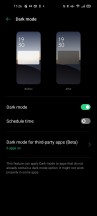
Display settings
Picking up the phone lights up the fingerprint reader area for a short while. However, you can't bring it up with a tap when the phone is lying flat on the table. You will have to gently push the phone because we noticed that the FP area is triggered by the accelerometer. A double-tap-to-wake is always an option, but this will light up the whole screen.
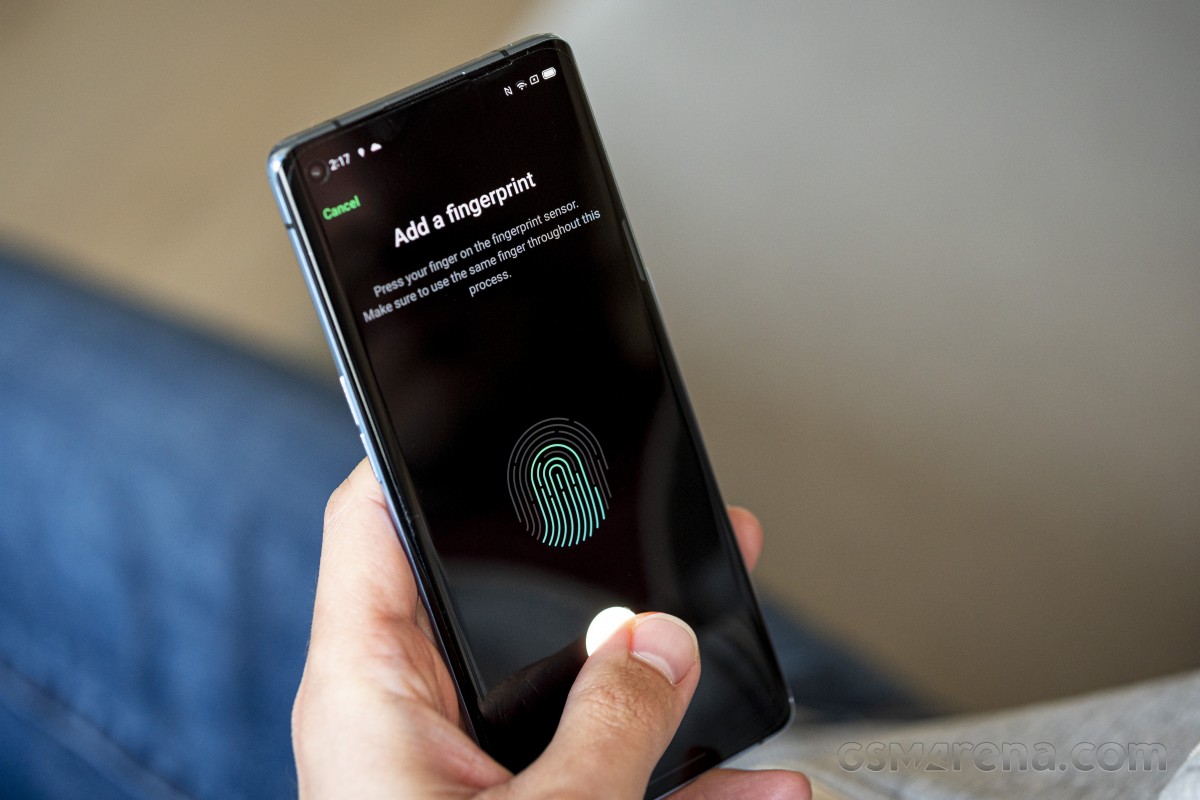
The overall fingerprint reader experience is hard to fault. Recognition is super-fast, accurate, and responsive. Also, the area is big enough, so you don't have to be that precise when placing your finger on top.
Basic face recognition is available too. It uses just the selfie cam (so no fancy 3D scanning) and isn't as secure as the fingerprint reader, but it's fast and convenient. The phone can be set to require at least one open eye for added security.



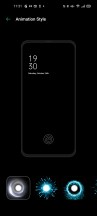

Fingerprint, Face & Password settings
Drawing letters on a turned-off screen is still a feature with ColorOS 7.2, and you can launch a bunch of apps with the available letters. As usual, the torch and the camera app are probably the most useful assignments. The camera app can now be set to launch with a double press on either of the volume buttons, though, which seems a lot more useful.
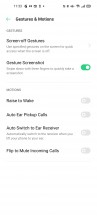
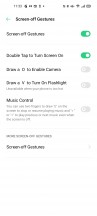
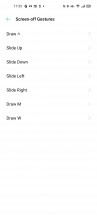
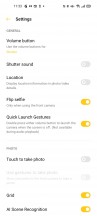
Gesture shortcuts
The multimedia apps such as Gallery, Music, and Videos are provided by Oppo. There's a File Manager, a Phone Manager, and a few other tools pre-installed, including a custom calculator and a voice recorder. As has been the trend with recent handsets by the company, the replacement of the in-house Phone and Messages apps for Google's own has made its way to the Oppo Reno4 Pro 5G too.
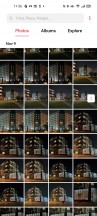
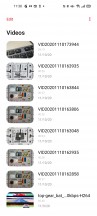
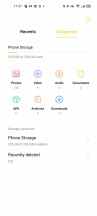

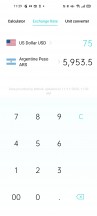
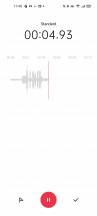
Gallery • Videos • File Manager • Phone Manager • Calculator • Voice recorder
Synthetic benchmarks
The Reno4 Pro 5G has the Snapdragon 765G chipset inside, Qualcomm's go-to SoC for 5G-capable midrangers. Its CPU is in a 1+1+6 configuration with a Kryo 475 Prime core that goes as high as 2.4GHz, a Gold one capped at 2.2GHz, and 6 Silver ones clocked up to 1.8GHz. Two RAM/storage options are available, and we have the fully tricked out 12GB/256GB version, but the 8GB/128GB variant is hardly underequipped either.
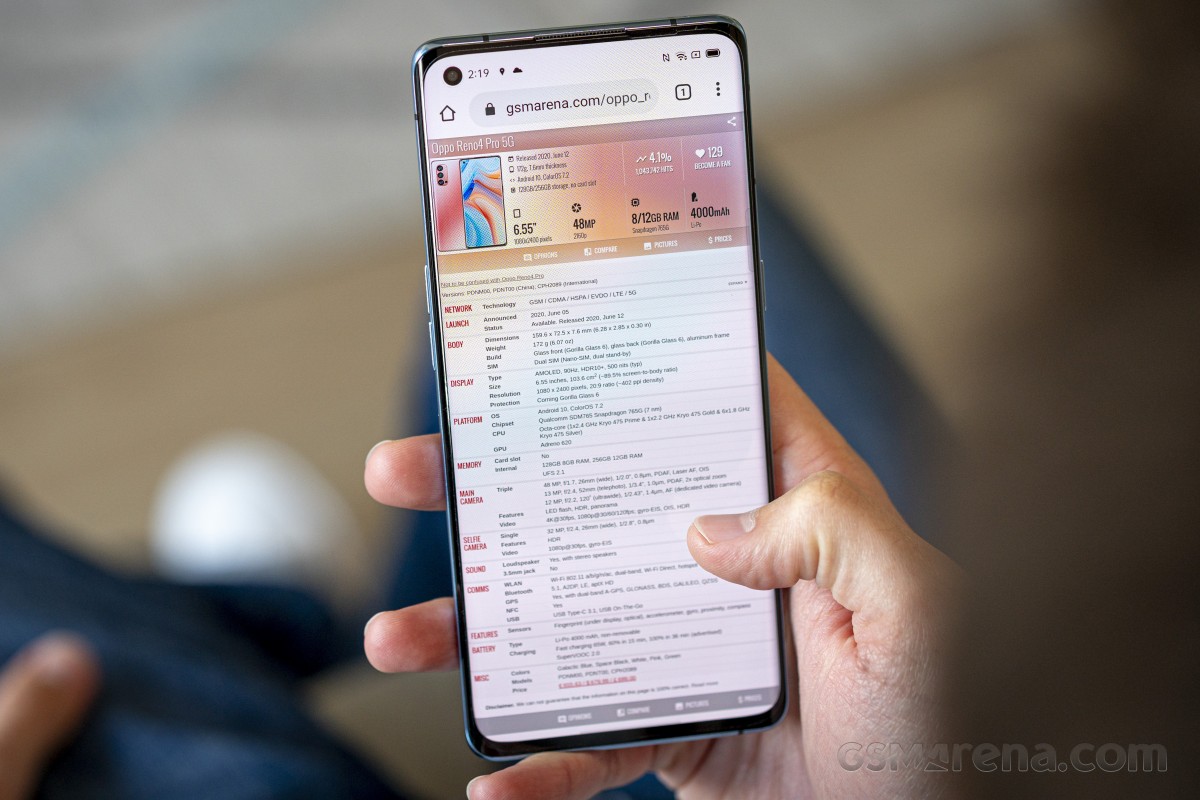
One of the Reno4 Pro 5G's issues is that it's priced so high, particularly in Europe, that there are competitors with good high-end chipsets that go for the same or even less money. We'll be including a few of those in the performance comparisons - the likes of the OnePlus 8, Galaxy S20 FE, and even the S20+.
In GeekBench, the Reno posts similar scores in the single-core test as others with the Snapdragon 765G but punches a little below its weight in multi-core. Top-tier devices are up to 50% more powerful under single-core loads, a difference that stretches to 80% in multi-core.
GeekBench 5 (multi-core)
Higher is better
-
OnePlus 8
3399 -
Xiaomi Mi 10T Pro
3311 -
Samsung Galaxy S20 FE
3296 -
Galaxy S20+ (120Hz, 1080p)
2703 -
OnePlus Nord
1953 -
vivo X50 Pro
1937 -
Xiaomi Mi 10 Lite 5G
1927 -
LG Velvet 5G
1905 -
Motorola Moto G 5G Plus
1898 -
Galaxy A51 5G
1867 -
Motorola Edge
1862 -
Oppo Reno3 Pro 5G
1815 -
Oppo Reno4 Pro 5G
1805 -
Oppo Reno4 Pro
1781 -
Google Pixel 5
1647
GeekBench 5 (single-core)
Higher is better
-
OnePlus 8
919 -
Samsung Galaxy S20 FE
906 -
Xiaomi Mi 10T Pro
901 -
Galaxy S20+ (120Hz, 1080p)
886 -
Galaxy A51 5G
677 -
vivo X50 Pro
636 -
Xiaomi Mi 10 Lite 5G
616 -
Oppo Reno4 Pro 5G
615 -
OnePlus Nord
610 -
Oppo Reno3 Pro 5G
609 -
Google Pixel 5
594 -
Motorola Moto G 5G Plus
589 -
Motorola Edge
586 -
LG Velvet 5G
586 -
Oppo Reno4 Pro
569
In Antutu, the Reno4 Pro 5G runs towards the top of the S765G bunch. Once again, it's easily outclassed by Snapdragon 865 handsets in its price range.
AnTuTu 8
Higher is better
-
OnePlus 8
564708 -
Xiaomi Mi 10T Pro
563961 -
Samsung Galaxy S20 FE
543986 -
Galaxy S20+ (120Hz, 1080p)
500114 -
Galaxy S20+ (60Hz, 1440p)
489371 -
vivo X50 Pro
323736 -
Xiaomi Mi 10 Lite 5G
318117 -
Oppo Reno4 Pro 5G
317139 -
Galaxy A51 5G
316007 -
OnePlus Nord
312794 -
Oppo Reno3 Pro 5G
308231 -
Motorola Edge
305989 -
Motorola Moto G 5G Plus
299926 -
LG Velvet 5G
297372 -
Google Pixel 5
289261 -
Oppo Reno4 Pro
261359
Even more striking are the differences in GPU benchmarks, where the high-end chipsets post results around 2.5 times higher than what the Reno4 Pro 5G can put out. Among the S765G rivals, the differences are pretty slim, and the Reno is about on par with other similarly equipped models.
GFX Manhattan ES 3.1 (offscreen 1080p)
Higher is better
-
Samsung Galaxy S20 FE
89 -
OnePlus 8
88 -
Xiaomi Mi 10T Pro
87 -
Galaxy S20+ (120Hz, 1080p)
85 -
Galaxy S20+ (60Hz, 1440p)
85 -
Oppo Reno3 Pro 5G
38 -
Xiaomi Mi 10 Lite 5G
38 -
OnePlus Nord
38 -
Oppo Reno4 Pro 5G
37 -
vivo X50 Pro
36 -
Motorola Edge
34 -
LG Velvet 5G
33 -
Motorola Moto G 5G Plus
33 -
Galaxy A51 5G
32 -
Oppo Reno4 Pro
31 -
Google Pixel 5
22
GFX Manhattan ES 3.1 (onscreen)
Higher is better
-
Xiaomi Mi 10T Pro
77 -
Samsung Galaxy S20 FE
77 -
Galaxy S20+ (120Hz, 1080p)
75 -
Galaxy S20+ (60Hz, 1440p)
43 -
OnePlus Nord
34 -
Motorola Edge
32 -
Oppo Reno3 Pro 5G
32 -
Xiaomi Mi 10 Lite 5G
32 -
vivo X50 Pro
31 -
Oppo Reno4 Pro 5G
31 -
LG Velvet 5G
29 -
Motorola Moto G 5G Plus
29 -
Galaxy A51 5G
28 -
Oppo Reno4 Pro
26 -
Google Pixel 5
22
GFX Car Chase ES 3.1 (offscreen 1080p)
Higher is better
-
Samsung Galaxy S20 FE
52 -
OnePlus 8
52 -
Xiaomi Mi 10T Pro
51 -
Galaxy S20+ (60Hz, 1440p)
51 -
Galaxy S20+ (120Hz, 1080p)
50 -
Oppo Reno3 Pro 5G
21 -
Xiaomi Mi 10 Lite 5G
21 -
OnePlus Nord
21 -
Oppo Reno4 Pro 5G
21 -
vivo X50 Pro
20 -
Galaxy A51 5G
20 -
Motorola Edge
19 -
LG Velvet 5G
19 -
Motorola Moto G 5G Plus
19 -
Oppo Reno4 Pro
18 -
Google Pixel 5
13
GFX Car Chase ES 3.1 (onscreen)
Higher is better
-
Xiaomi Mi 10T Pro
46 -
OnePlus 8
46 -
Samsung Galaxy S20 FE
45 -
Galaxy S20+ (120Hz, 1080p)
42 -
Galaxy S20+ (60Hz, 1440p)
25 -
OnePlus Nord
19 -
Motorola Edge
18 -
Oppo Reno3 Pro 5G
18 -
Oppo Reno4 Pro 5G
18 -
Xiaomi Mi 10 Lite 5G
17 -
vivo X50 Pro
17 -
Galaxy A51 5G
17 -
LG Velvet 5G
16 -
Motorola Moto G 5G Plus
16 -
Oppo Reno4 Pro
15 -
Google Pixel 5
12
GFX Aztek Vulkan High (onscreen)
Higher is better
-
Samsung Galaxy S20 FE
30 -
OnePlus 8
30 -
Xiaomi Mi 10T Pro
29 -
Galaxy S20+ (120Hz, 1080p)
26 -
Oppo Reno3 Pro 5G
19 -
Galaxy S20+ (60Hz, 1440p)
14 -
OnePlus Nord
13 -
Motorola Edge
12 -
Xiaomi Mi 10 Lite 5G
12 -
Oppo Reno4 Pro 5G
12 -
LG Velvet 5G
11 -
Motorola Moto G 5G Plus
11 -
Oppo Reno4 Pro
10 -
Galaxy A51 5G
9.9 -
Google Pixel 5
7.9
GFX Aztek ES 3.1 High (onscreen)
Higher is better
-
Galaxy S20+ (120Hz, 1080p)
32 -
OnePlus 8
31 -
Xiaomi Mi 10T Pro
30 -
Samsung Galaxy S20 FE
30 -
Galaxy S20+ (60Hz, 1440p)
19 -
Motorola Moto G 5G Plus
18 -
OnePlus Nord
13 -
Motorola Edge
12 -
Oppo Reno3 Pro 5G
12 -
Xiaomi Mi 10 Lite 5G
12 -
Oppo Reno4 Pro 5G
12 -
Galaxy A51 5G
12 -
LG Velvet 5G
11 -
Oppo Reno4 Pro
10 -
Google Pixel 5
9.1
3DMark SSE ES 3.1 (offscreen 1440p)
Higher is better
-
OnePlus 8
7290 -
Samsung Galaxy S20 FE
7215 -
Xiaomi Mi 10T Pro
7101 -
Galaxy S20+ (120Hz, 1080p)
6819 -
Galaxy S20+ (60Hz, 1440p)
6735 -
Xiaomi Mi 10 Lite 5G
3294 -
Oppo Reno4 Pro 5G
3288 -
OnePlus Nord
3285 -
Oppo Reno3 Pro 5G
3214 -
vivo X50 Pro
3214 -
Motorola Moto G 5G Plus
3031 -
Motorola Edge
3004 -
LG Velvet 5G
2987 -
Galaxy A51 5G
2837 -
Oppo Reno4 Pro
2512 -
Google Pixel 5
2318
3DMark SSE Vulkan 1.0 (offscreen 1440p)
Higher is better
-
OnePlus 8
6720 -
Samsung Galaxy S20 FE
6605 -
Xiaomi Mi 10T Pro
6412 -
Galaxy S20+ (120Hz, 1080p)
6354 -
Galaxy S20+ (60Hz, 1440p)
6311 -
Xiaomi Mi 10 Lite 5G
3080 -
OnePlus Nord
3067 -
Oppo Reno4 Pro 5G
3062 -
Oppo Reno3 Pro 5G
2995 -
vivo X50 Pro
2983 -
Motorola Moto G 5G Plus
2821 -
Motorola Edge
2801 -
Galaxy A51 5G
2778 -
LG Velvet 5G
2758 -
Oppo Reno4 Pro
2377 -
Google Pixel 5
2267
The Reno4 Pro 5G delivers the numbers expected from its chipset in our set of benchmarks. It's one of the most powerful mid-range chipsets, and that's good, but with this Reno's ambitious pricing, you can have a proper current flagship chipset that will be vastly more powerful.


Tip us
2.1m 180k
RSS
EV
Merch
Log in I forgot my password Sign up