GSMArena.com GSMArena.com

Tip us

2.1m
180k
RSS

EV

Merch

Log in

Login

I forgot my password
Sign up
  • Home
  • News
  • Reviews
  • Videos
  • Featured
  • Phone Finder
  • Deals
  • Merch
  • Coverage
  • Contact
ADVERTISEMENT

Parallels Desktop can now run Windows 11 on Apple silicon powered Macs

  • Post your comment
  • Comments (38)

Peter 17 February 2023

macOS Windows

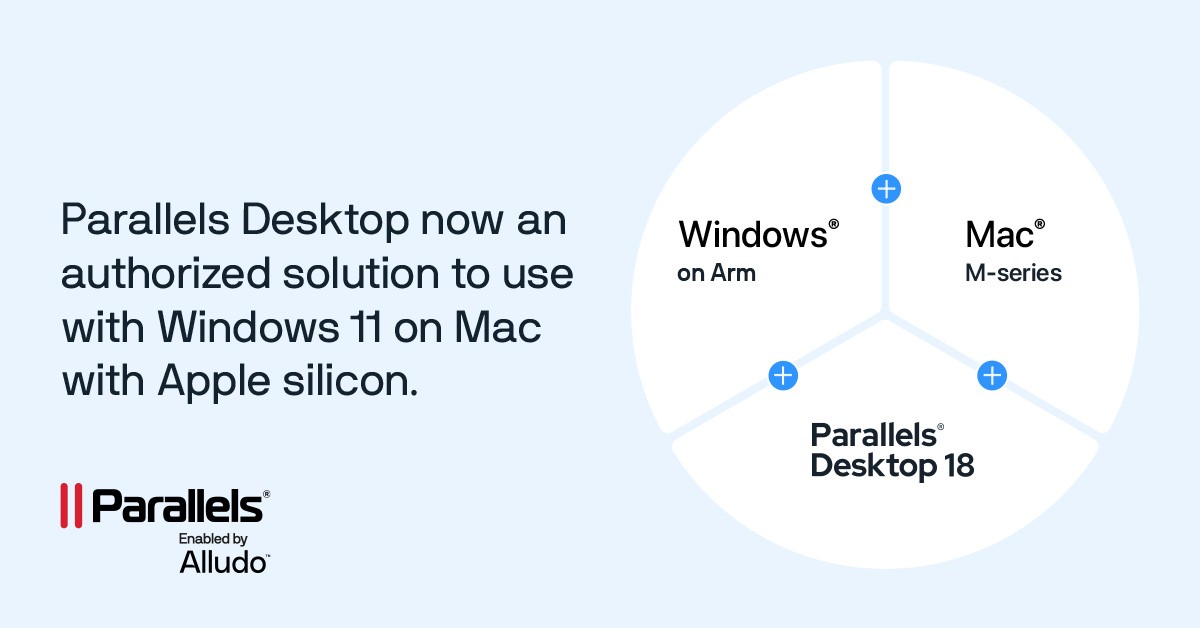
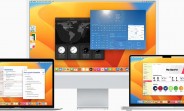
Now there is an official way to run Windows 11 on Macs powered by ARM silicon – the latest version of the Parallels Desktop can do just that with Microsoft’s blessing. This solution was developed by the Parallels team and Alludo.

“Why would you want to?” some of you may be asking, but if you are, you are lucky enough not to need software that only runs on Windows. Some professional applications do not have macOS versions, but are vital for certain jobs.
Parallels Desktop can now run Windows 11 on Apple silicon powered Macs

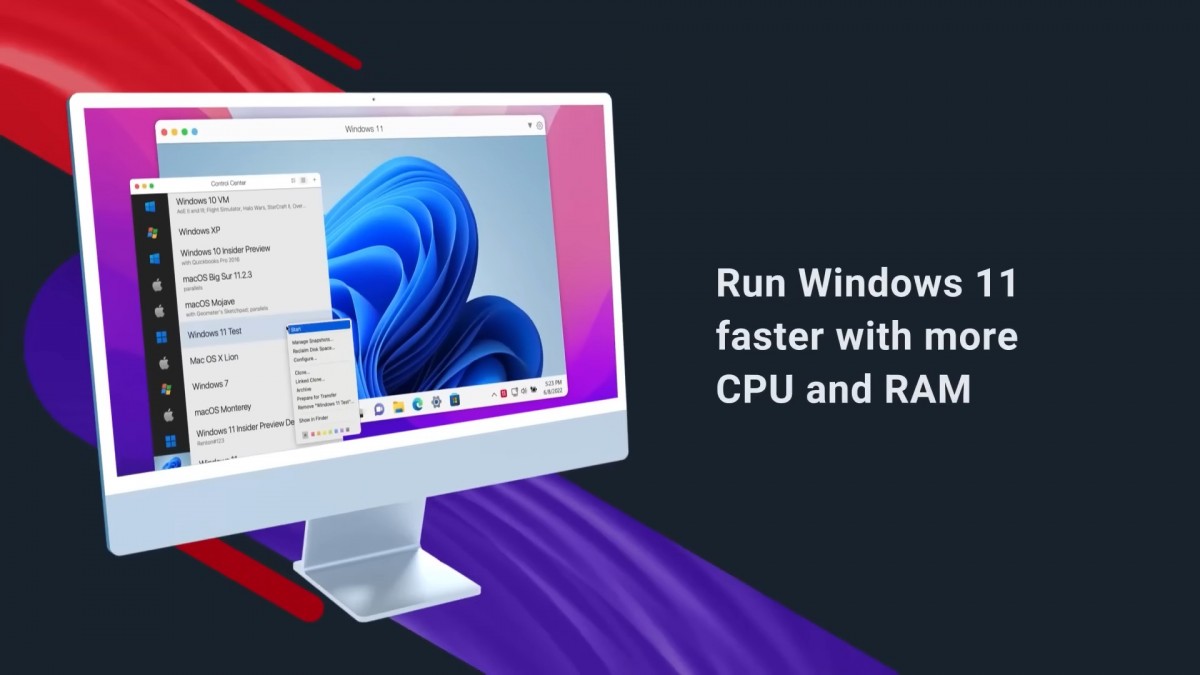
Parallels could run Windows before, though previous versions only supported Windows 10. The latest version supports Windows 11, which opens up new possibilities.

Parallels Desktop version 18 supports Windows 11 Pro and Enterprise on all current Apple M-powered Macs. You need a valid Windows license, of course, but this can be handled company-wide with Key Management Services.

Here’s an interesting note – Windows Subsystem for Android, aka Windows 11’s Android emulation, works. This means you can download Android apps from the Amazon App Store and run them on your Mac.

The Windows Subsystem for Linux works as well, so Macs can turn into a truly cross-platform development machines since you can test versions of an app for all the major OSes under the sun.
Parallels Desktop can now run Windows 11 on Apple silicon powered Macs

As for what isn’t supported, DirectX 12 is on that list. Also, you can’t run 32-bit ARM apps for Windows (though Microsoft wants to deprecate those anyway). You will find out more on what works and what doesn’t here.

The run the new Parallels Desktop you need 600MB to install the app, plus a Windows 11 installation (and license) and, of course, the apps you want to run. You should get near native performance out of the Parallels virtual machine.
Source 1 | Source 2 | Via

Related articles
  • Apple releases macOS Monterey for Apple silicon and Intel-based Macs Apple releases macOS Monterey for Apple silicon and Intel-based Macs
  • macOS Ventura gets Stage Manager, option to use iPhone as a webcam macOS Ventura gets Stage Manager, option to use iPhone as a webcam
  • Native WhatsApp for macOS goes into public beta Native WhatsApp for macOS goes into public beta
  • Microsoft Office 2021 is coming for Windows and macOS later this year Microsoft Office 2021 is coming for Windows and macOS later this year

Reader comments

?
  • Anonymous
  • YQ}
  • 22 Feb 2023

change "The run" at the beginning of the last para to "To run".

  • Reply
G
  • Geologi
  • XVF
  • 21 Feb 2023

I already run the windows 11 on PD 18 a few months ago , I install windows 11 from PD and activate it with a product key from keyingo.com, it is working well without any problem

  • Reply
C
  • Chemist83
  • gWp
  • 20 Feb 2023

I was able to run Windows 11 pro before, i probably mean Arm

  • Reply
  • Read all comments
  • Post your comment
Total reader comments: 38

Recommended
  • Samsung signs huge DRAM and HBM contracts Samsung signs huge DRAM and HBM contracts
  • Fastest mobile chipsets ranked (2026) Fastest mobile chipsets ranked (2026)
  • Huawei Pura 90 Plus appears in live images ahead of launch, chipset revealed Huawei Pura 90 Plus appears in live images ahead of launch, chipset revealed
  • Ultrahuman Air is a smart ring that monitors sleep, recovery and more Ultrahuman Air is a smart ring that monitors sleep, recovery and more
ADVERTISEMENT

Phone finder

  • Samsung
  • Apple
  • Huawei
  • Nokia
  • Sony
  • LG
  • HTC
  • Motorola
  • Lenovo
  • Xiaomi
  • Google
  • Honor
  • Oppo
  • Realme
  • OnePlus
  • Nothing
  • vivo
  • Meizu
  • Ulefone
  • Alcatel
  • ZTE
  • RugOne
  • Umidigi
  • Fairphone
  • Oscal
  • Sharp
  • Micromax
  • Infinix
  • Asus
  • Tecno
  • Doogee
  • Blackview
  • Cubot
  • Oukitel
  • Itel
  • TCL

All brands Rumor mill

ADVERTISEMENT

Top 10 by daily interest

  Device Daily hits  
1.Xiaomi Poco X8s25,360
2.Oppo Find X10 Pro Max22,492
3.Apple iPad mini (2026)21,800
4.Apple iPhone 18 Pro Max18,000
5.Samsung Galaxy S26 Ultra15,424
6.Samsung Galaxy A5714,519
7.Xiaomi 18 Pro Max14,487
8.Apple iPhone Duo13,004
9.Samsung Galaxy A1712,051
10.OnePlus 1612,037

ELECTRIC VEHICLES

XPeng sends Mona L05 to customers abroad ahead of Chinese launch XPeng sends Mona L05 to customers abroad ahead of Chinese launch Audi announces major restructuring of China operations with brand split2026 BMW i5 xDrive40 real life range test with 19-inch wheels and summer tires
ADVERTISEMENT
Ads by Playwire

Home News Reviews Compare Coverage Glossary FAQ RSS Youtube Instagram TikTok Facebook Twitter

© 2000-2026 GSMArena.com Mobile version Android app Tools Contact us Merch store Privacy Terms of use