Samsung Galaxy S22 Ultra long-term review
Performance and smoothness, OneUI and updates
This long-term review was pushed back a bit in order to include Android 13, which Samsung delivered at the end of October, a full month faster than last year's Galaxy S21 Ultra, which in itself arrived a month earlier than the Galaxy S20 Ultra OneUI 3.0 update did. It speaks to Samsung's improvement in software support and its stellar track record.
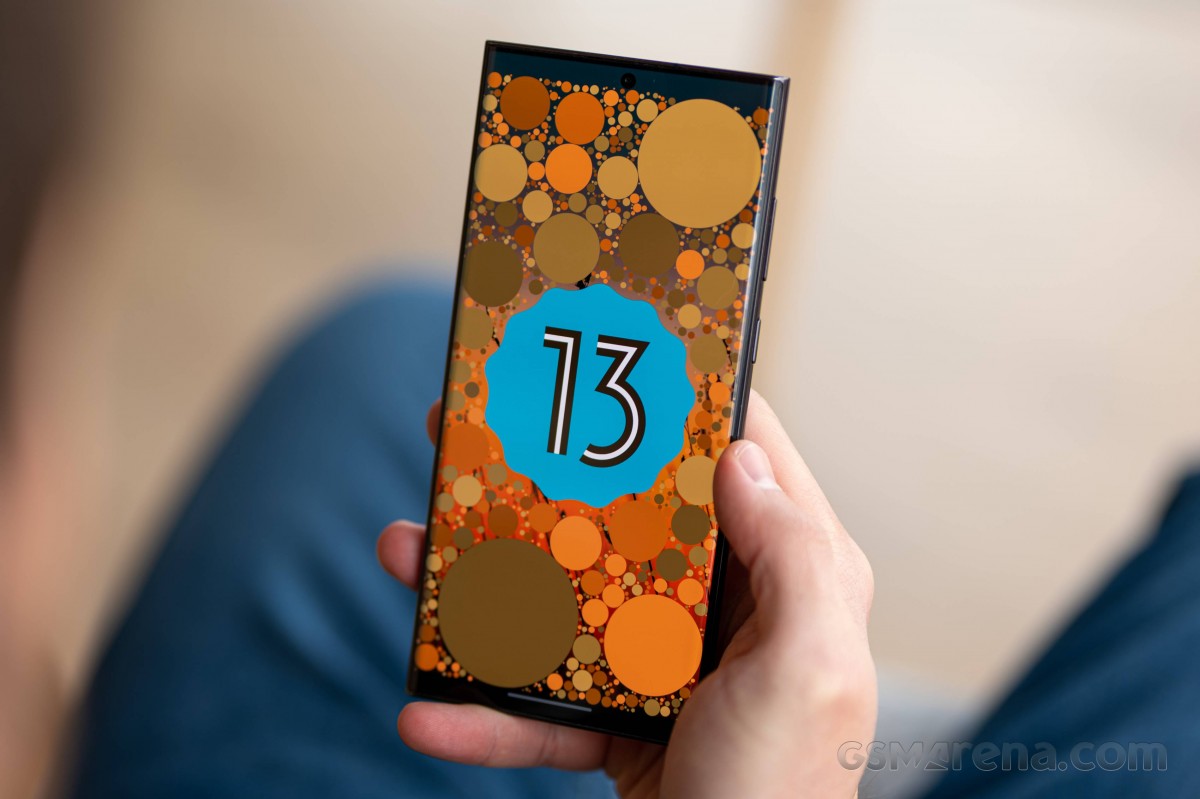
The OneUI 5 update made the Galaxy S22 Ultra a different phone altogether. When the phone launched with Android 12, it was the most unresponsive flagship-tier phone around. It was plagued by frequent slow-downs and hiccups that marred the experience of owning such a premiere phone. Apps never crashed, so the Galaxy S22 Ultra was spared the humiliation of being unusable as some earlier Pixels were reported to be. But the apparent stability didn't change the lack of fluidity.
In comparison to devices like a current Xiaomi or a Pixel 6 or an iPhone 13 series phone, the Galaxy S22 Ultra's lack of smoothness was disconcerting. And yes, we did the little trick of lowering the Window animation scale, the Transition animation scale, and the Animator duration in Delepoper options; it didn't fix the lag in any meaningful way.
Fast forward to October, and the OneUI 5 update, and the Galaxy S22 Ultra has been transformed into one of the smoothest devices in its class. No hiccups, no slow-downs, even at the default animation and transition scale of 1x.
OneUI is one of the most functional operating systems around. It leverages a big screen better than anyone, and there are at least three ways to enter split screen (Multi window) on the Galaxy S22 Ultra.
You could do it through the Recent Apps screen and by tapping on the app icon. Alternatively, you can enable Samsung's Edge Panels, which is a customizable drawer of apps and panels that you open with a swipe on the right edge of the phone.
The beauty of this feature is that you can save your favorite Multi window combinations - Chrome and YouTube, Instagram and YouTube, Chrome and a Calculator, etc. Then you open them with a quick tap.
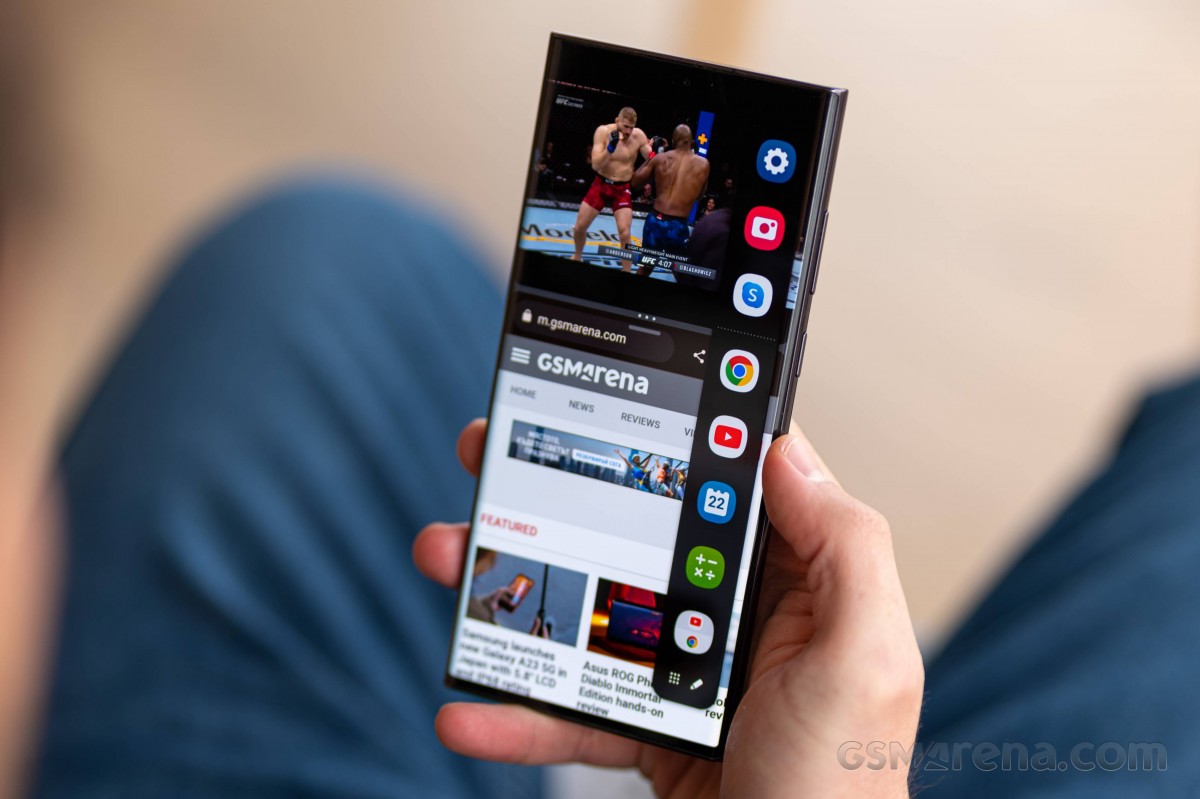
OneUI 5 also enabled a gesture to quickly open the split-screen mode from within any app by swiping from the bottom with two fingers. You'll need to enable the gesture from Settings - Advanced Features - Labs, and while there, enable the Multi window for all apps feature.
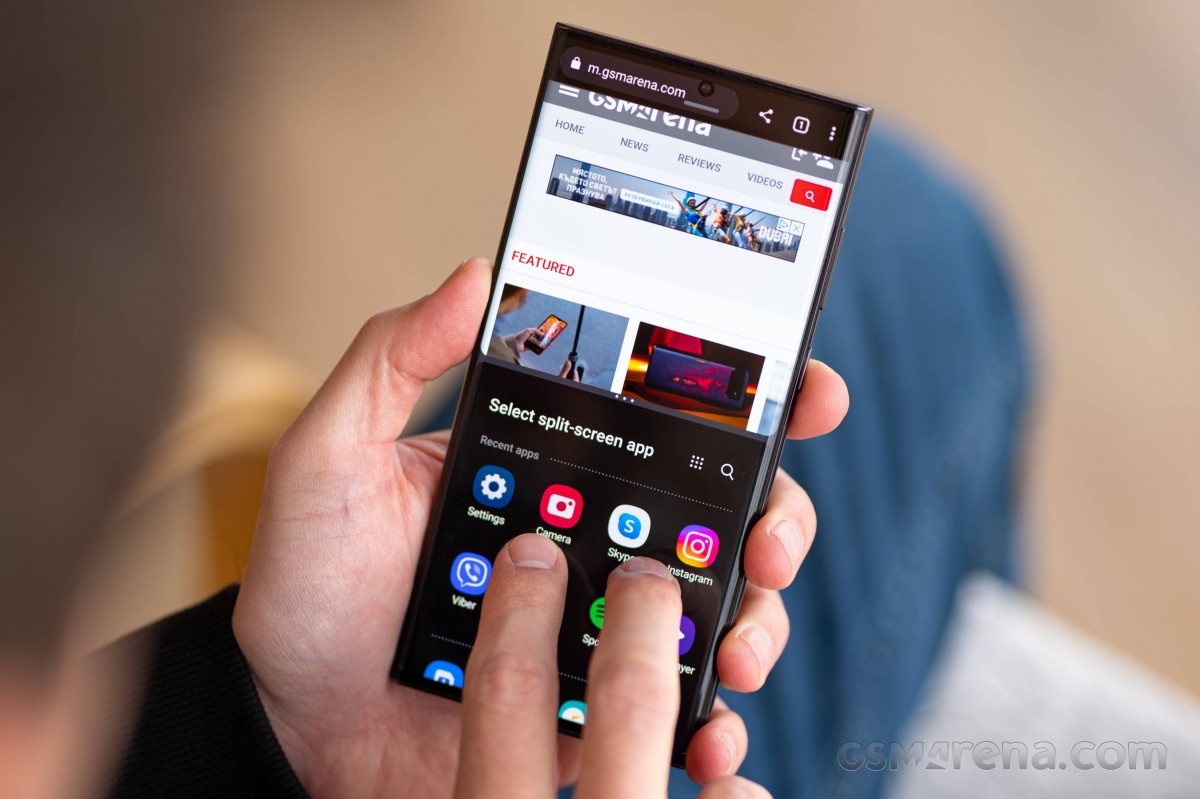
It would be nice if Samsung could port the taskbar from the Galaxy Z Fold4 as a Labs feature for the Galaxy S22 Ultra, giving me a fourth way to jump to the Multi window.
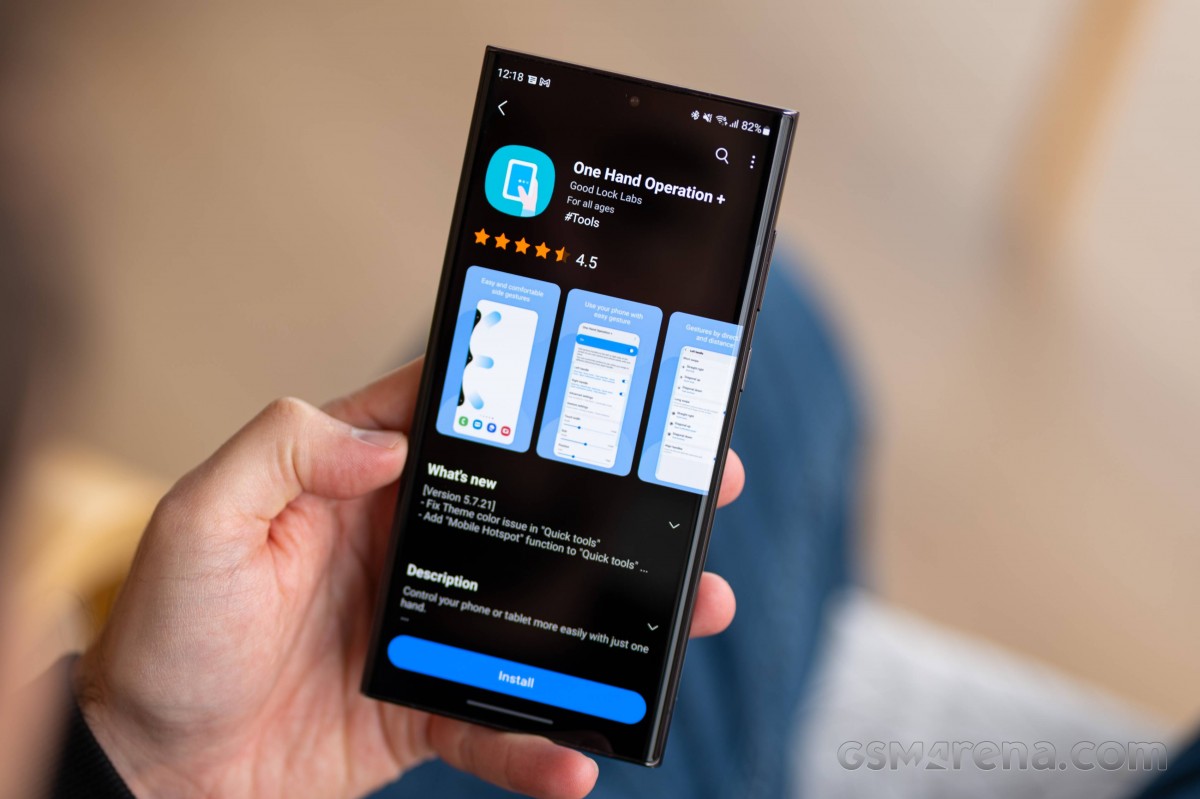
Let's talk about Good Lock. It's a set of mini apps that you download off the Samsung's Galaxy app store. They allow you to deeply customize your Galaxy smartphone. It's very powerful stuff. For instance, One Hand Operation+ is an app that lets you customize edge gestures for various functions - for example swiping from the bottom right to go Back, bottom left for Recent apps, pull down the notification panel with a downward swipe on the bottom right side of the screen and more. Edge Touch, on the other hand, can disable the touch sensitivity of your screen's edges and you can choose the exact width in pixels.
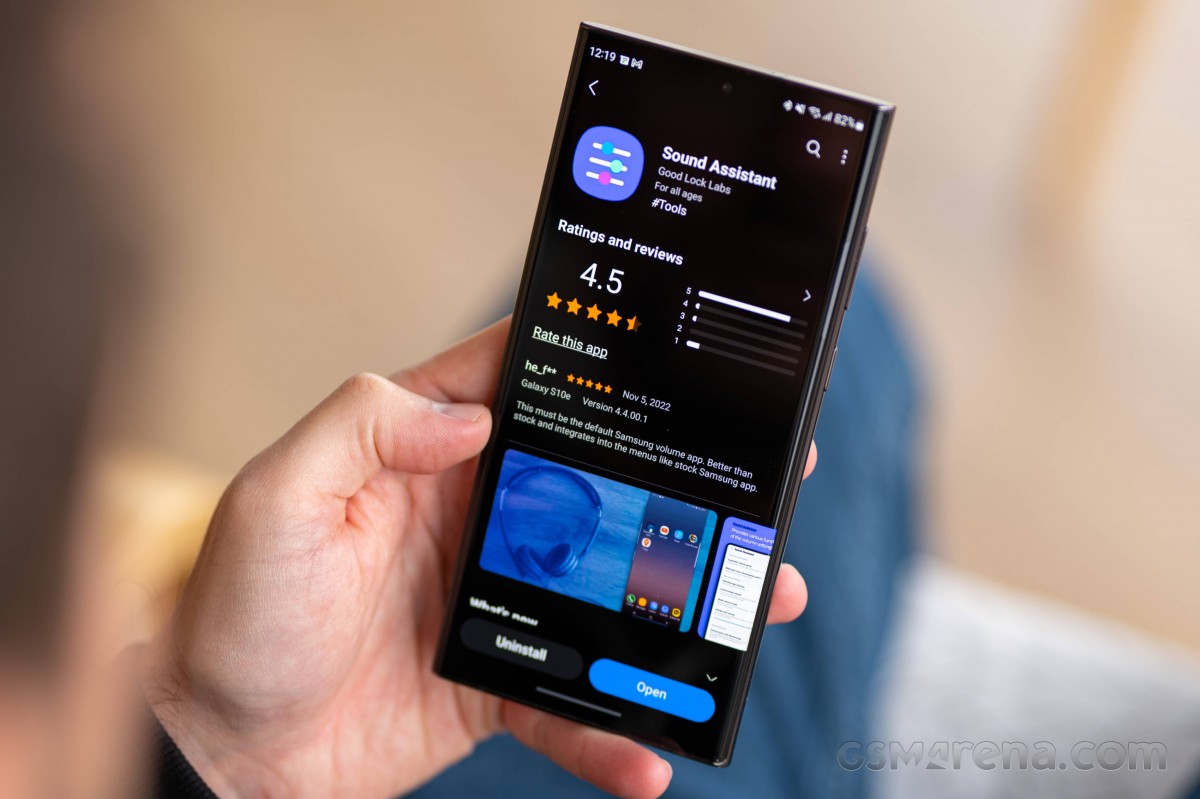
Sound Assistant allows you to set individual app volumes, set the volume keys to control the media volume, instead of the ringtone volume, even customize the volume panel that appears when you press the volume keys.
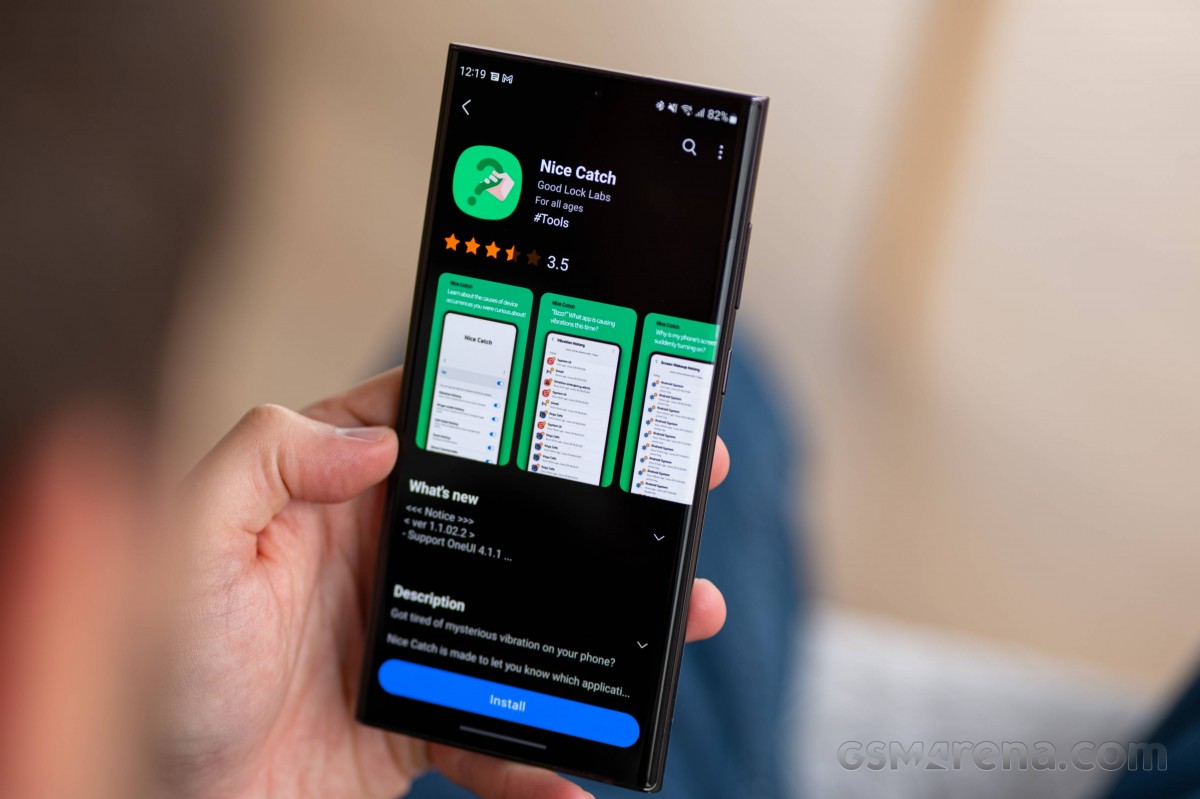
Nice Catch can show you which apps made your phone vibrate, ring, show a toast notification, or woke up your screen so that you can track down rogue apps.
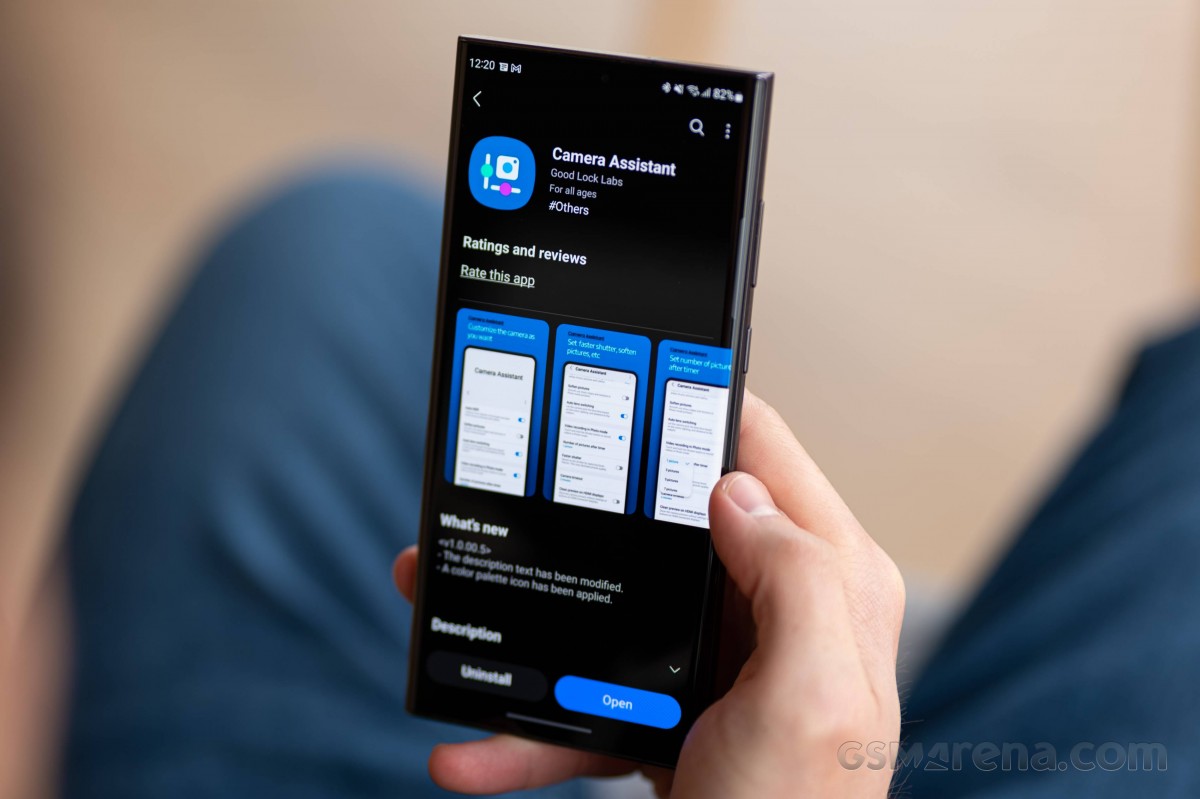
Camera Assistant allows you to enable or disable Auto HDR, disable the camera's default sharpening algorithm if you prefer softer images, and choose not to allow the camera to automatically pick another lens if it deems the current one too dark, for example.
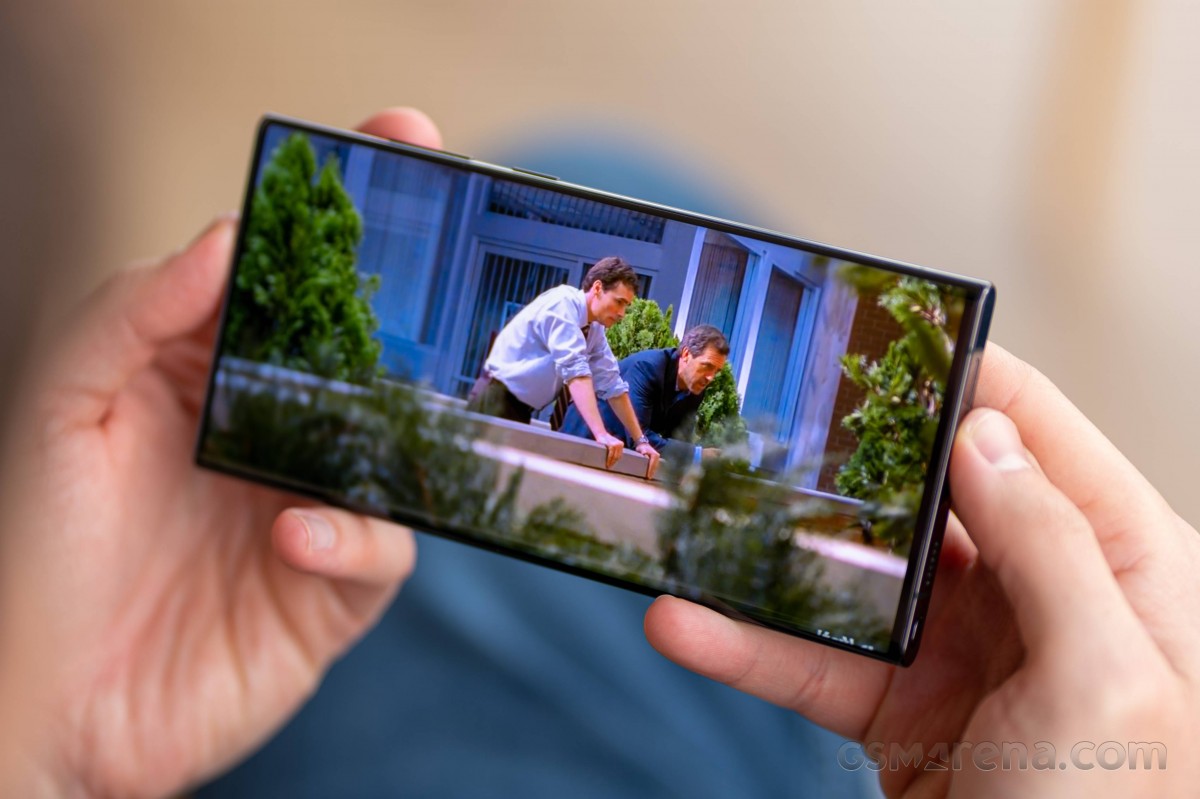
Then there are apps like Video, which is simply the best, issue-free local video player I've ever used on Android (yes, even better than VLC), My Files is a superb file manager app with a full feature set, and Samsung Notes supports both handwriting with the S Pen and typing with the keyboard, adding screenshots to your notes, etc.
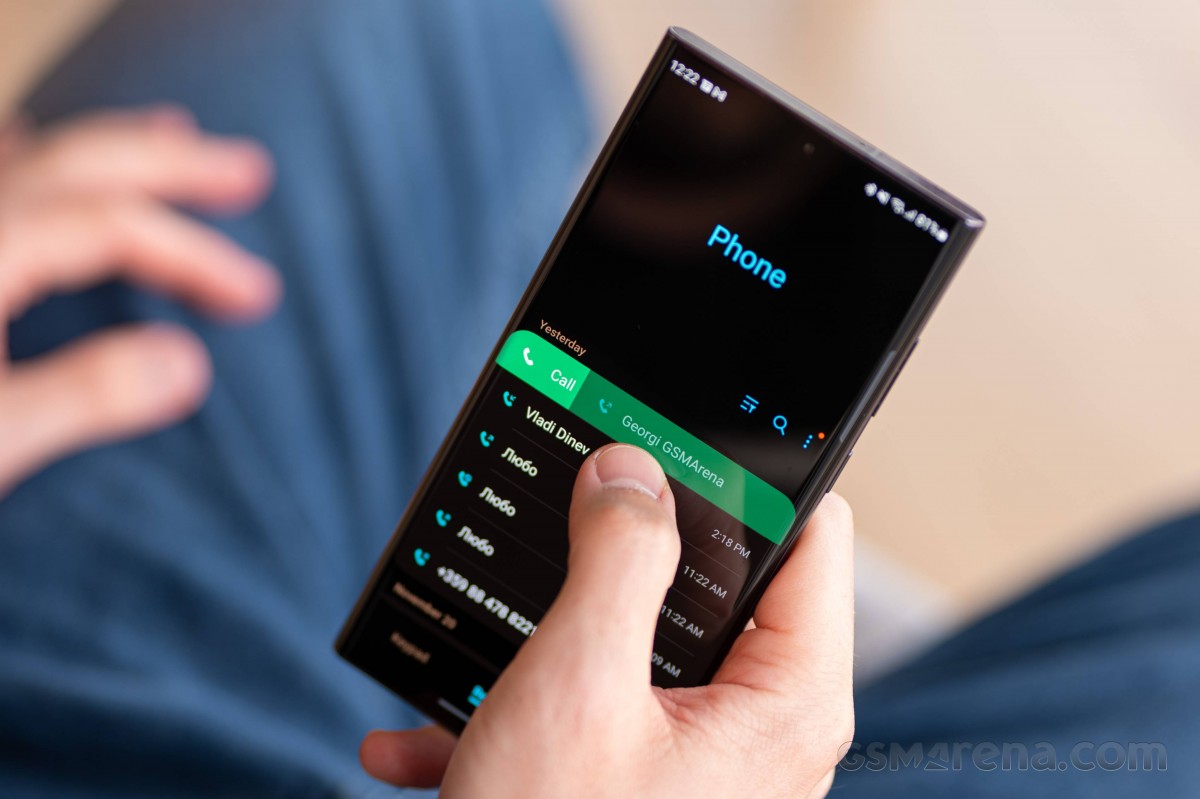
The built-in Gallery is a great app that can make a collage on the fly. The Calendar (S Planner of old) has a much more informative interface than the Google Calendar, the Phone app has irreplaceable Swipe right to call and swipe left to message gestures, etc.
The Secure Folder uses Samsung's Knox security framework to safeguard sensitive documents and files from prying apps.
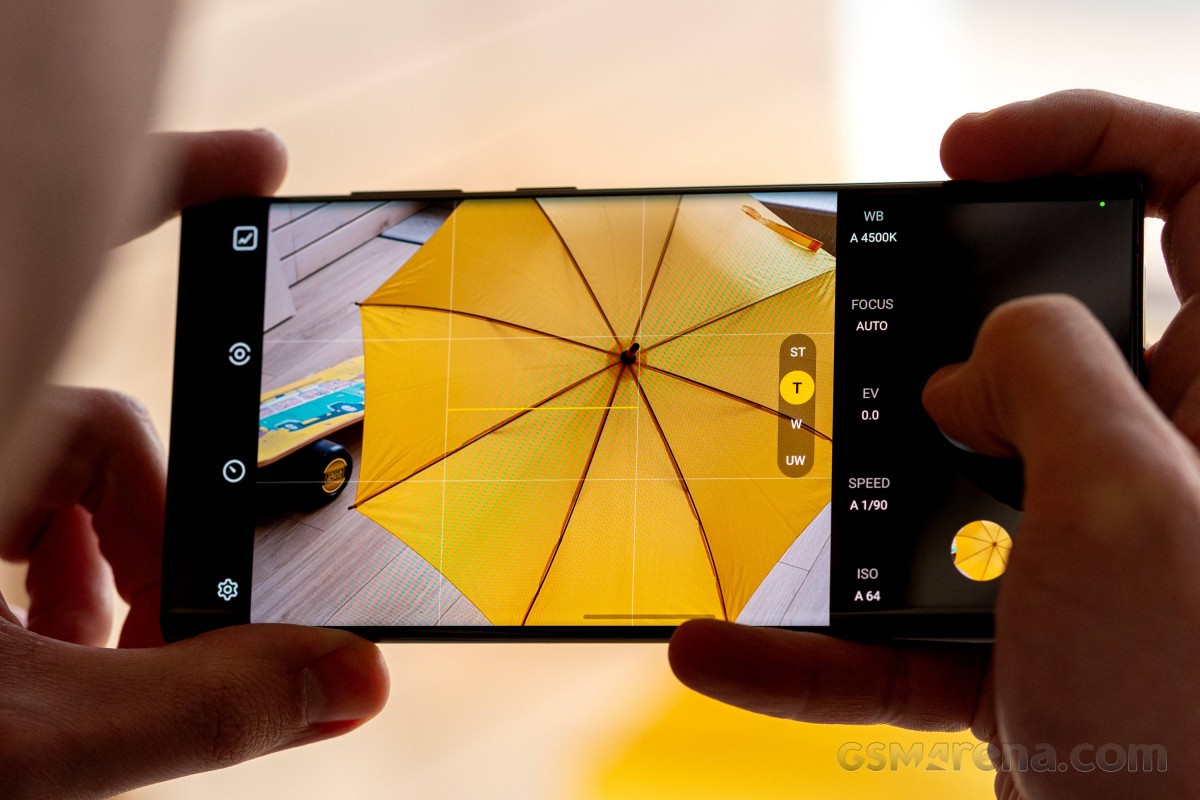
Finally, the ExperRAW app brings full control and DNG file support to all of the Galaxy S22 Ultra's cameras. Those files are then fully-editable in Adobe's Lightroom suite. But more on that in the camera section.
The Galaxy S22 Ultra has performed stable, despite the laggy Android 12 stint. It also rarely gets uncomfortably hot under normal use. I also feel confident that in a year's time, it will get Android 14 and will continue to receive monthly security updates for at least the next two years.
Battery life and charging
The Galaxy S22 Ultra's 5,000mAh battery is good for around 15 and a half hours of heavy use in this reviewer's hands.
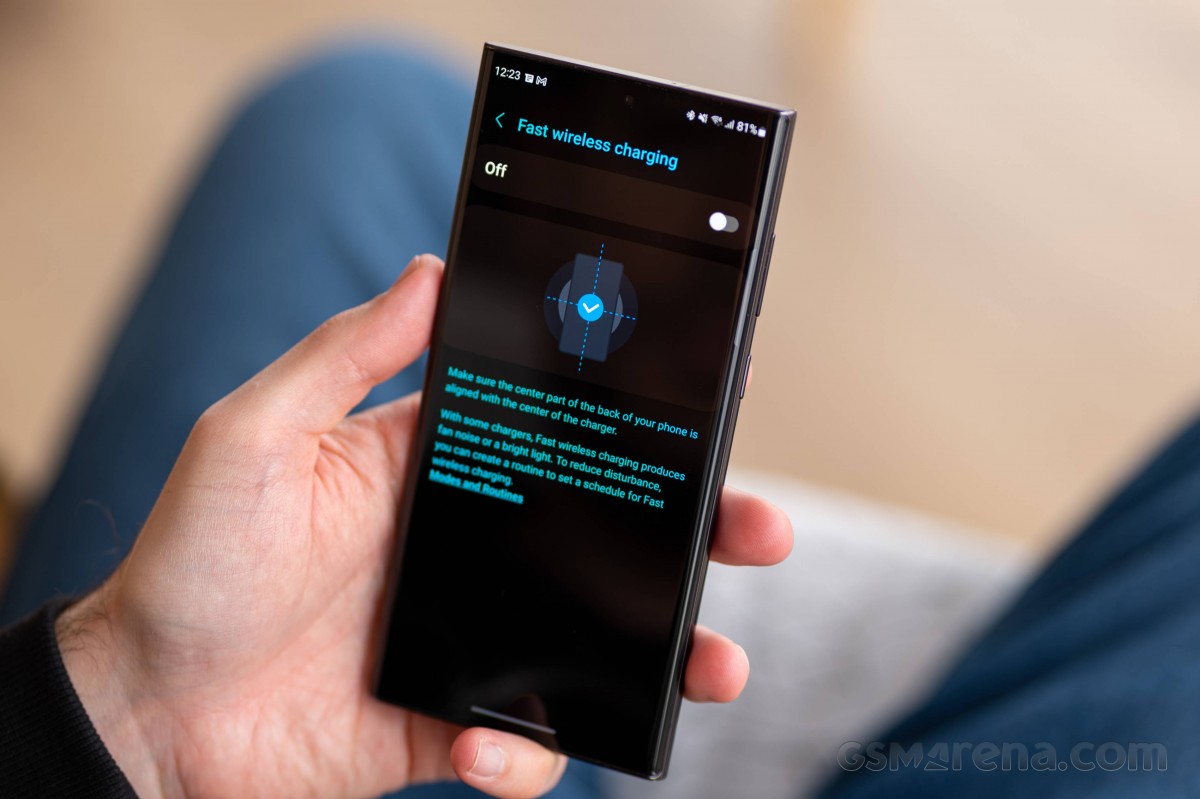
Like the Galaxy S21 Ultra before it, the Galaxy S22 Ultra lets you enable or disable fast charging and fast wireless charging if you tend to charge the phone at night.
On days with more streaming on YouTube, the Video player or Netflix and HBO Max, the phone was good for 6 hours of screen-on time and around 15 and a half hours of use before the 15% battery warning.
Days with more Waze navigation, web browsing or doom-scrolling would see the 15% warning go off at around 4 hours of screen-on time and 14 and a half hours of use.
In tourist mode, constantly using Google Maps to navigate to places on foot and using the cameras for hours on end, a backup external powerpack is a must or it may not last well into the evening.
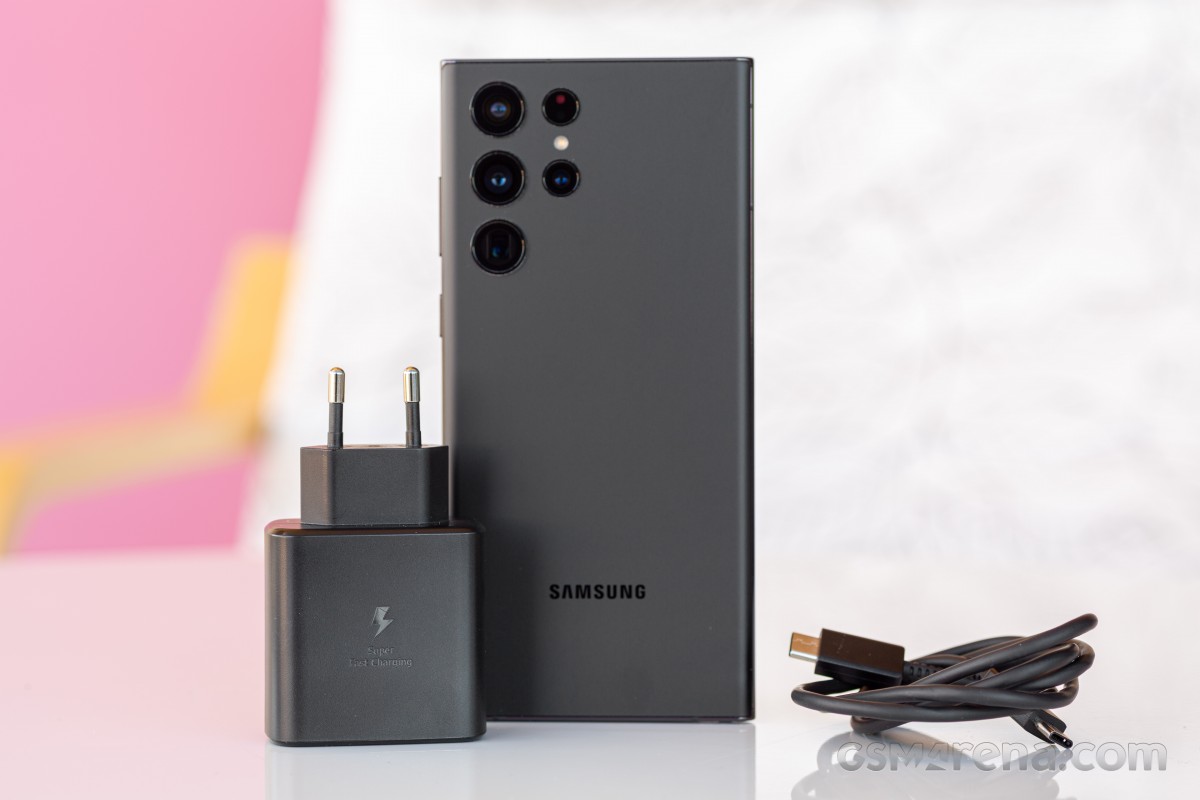
On the off chance that you'd need to plug the phone to charge mid-day, the Galaxy S22 Ultra feels fast to charge. Its 1:04h 0%-100% and its 61% in 30 minutes (at 25W) numbers are unimpressive in the context of the flagship segment but are quite alright subjectively. The phone never feels hot after charging, which is something we can't say about the Xiaomi Mi 11 Ultra, which is scorching.
I expect a Snapdragon-powered Galaxy S22 Ultra to have an even better battery life, and I'm sure the Galaxy S23 Ultra will be a big improvement over this Exynos-powered S22 Ultra. Having said all of this, outside of the iPhone Pro Max, the Galaxy S22 Ultra is probably the best flagship battery performer out there so it's all fine.


Tip us
2.1m 180k
RSS
EV
Merch
Log in I forgot my password Sign up