vivo X300 & X300 Pro hands-on review
Origin OS 6 is now global
Up until now, vivo smartphones intended for their home market were the only ones running OriginOS, while the international ones were on a different software branch called FuntouchOS. We have often been critical of Funtouch because of its somewhat dated look and feel, and gray importing a phone with the otherwise superior Origin meant dealing with China-specific pre-installed apps, certain limitations with payment/banking software, and other often unforeseeable roadblocks. Well, vivo is putting an end to that and OriginOS will now be the UI to run all of the future models - Chinese and global ones.
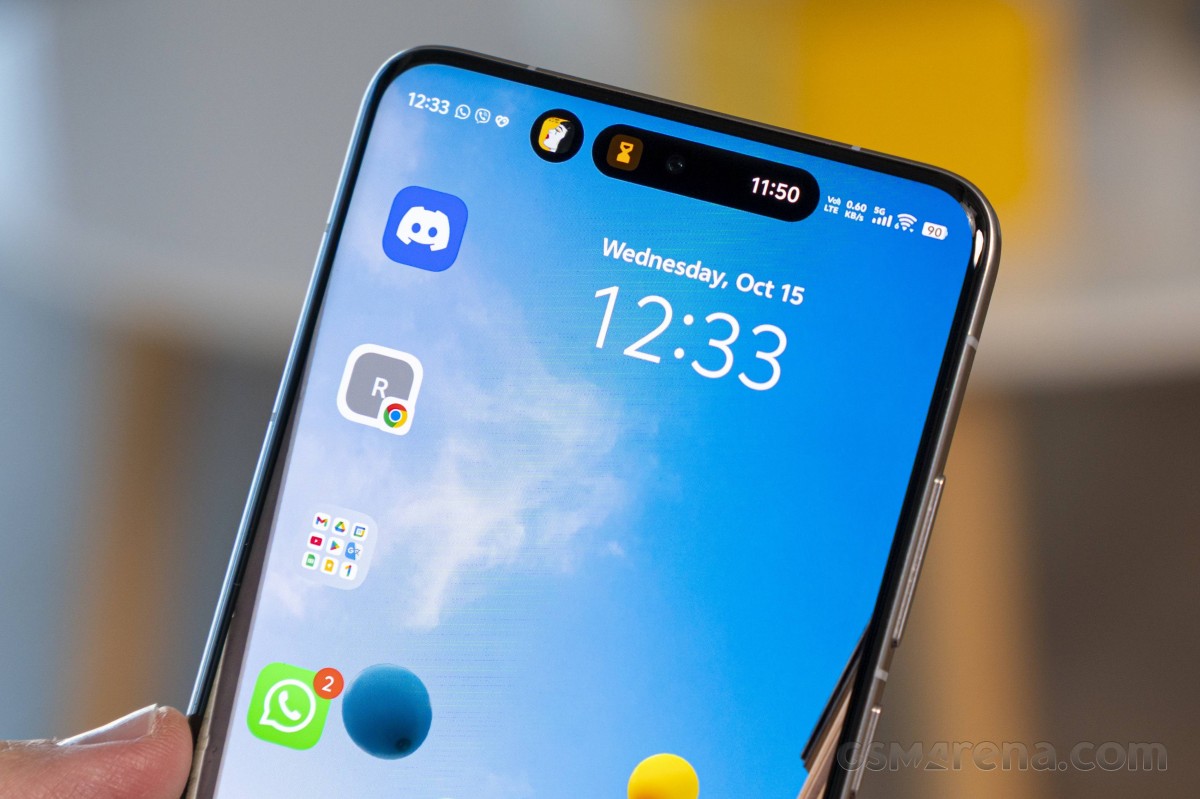 Origin Island
This new version that marks the convergence of the two software branches is v.6 - vivo could have done the Apple thing and gone with a year label, or changed things up with the numerals somehow to mark the occasion, but instead they chose to just increment the OriginOS 5 they had in China. Works for us.
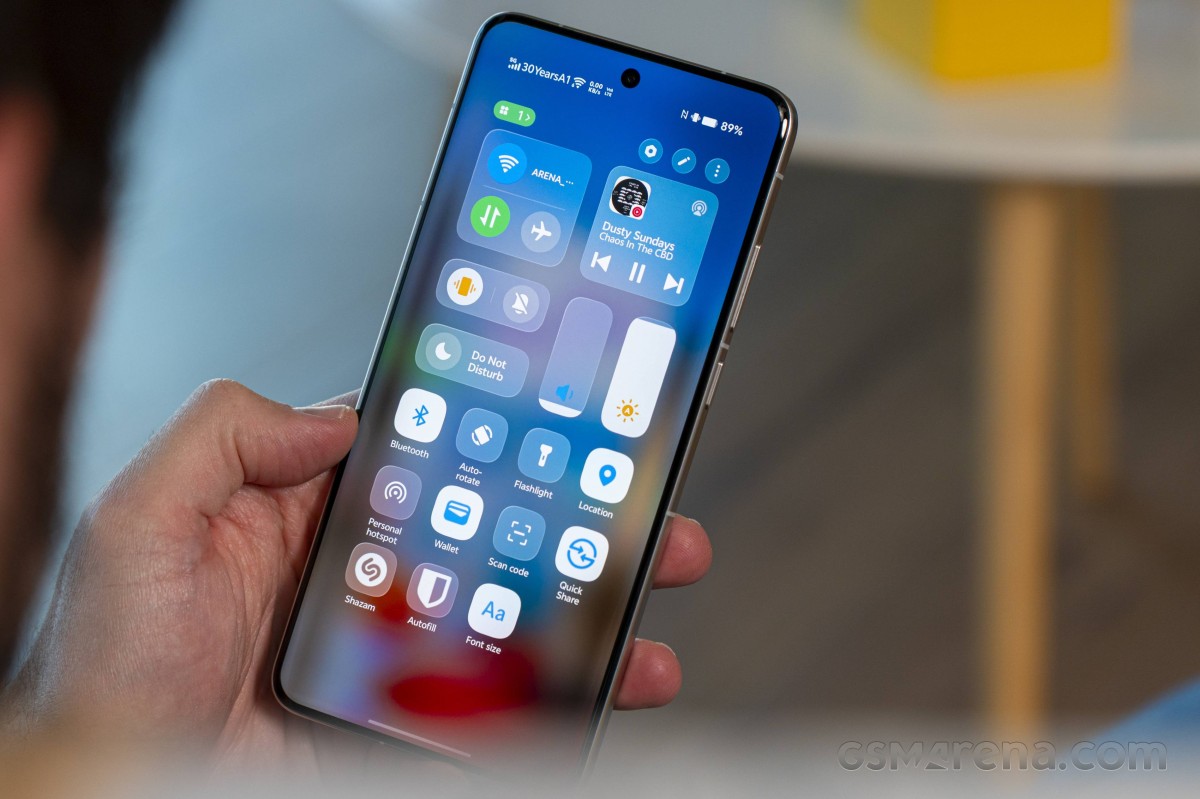 New Control Center styling
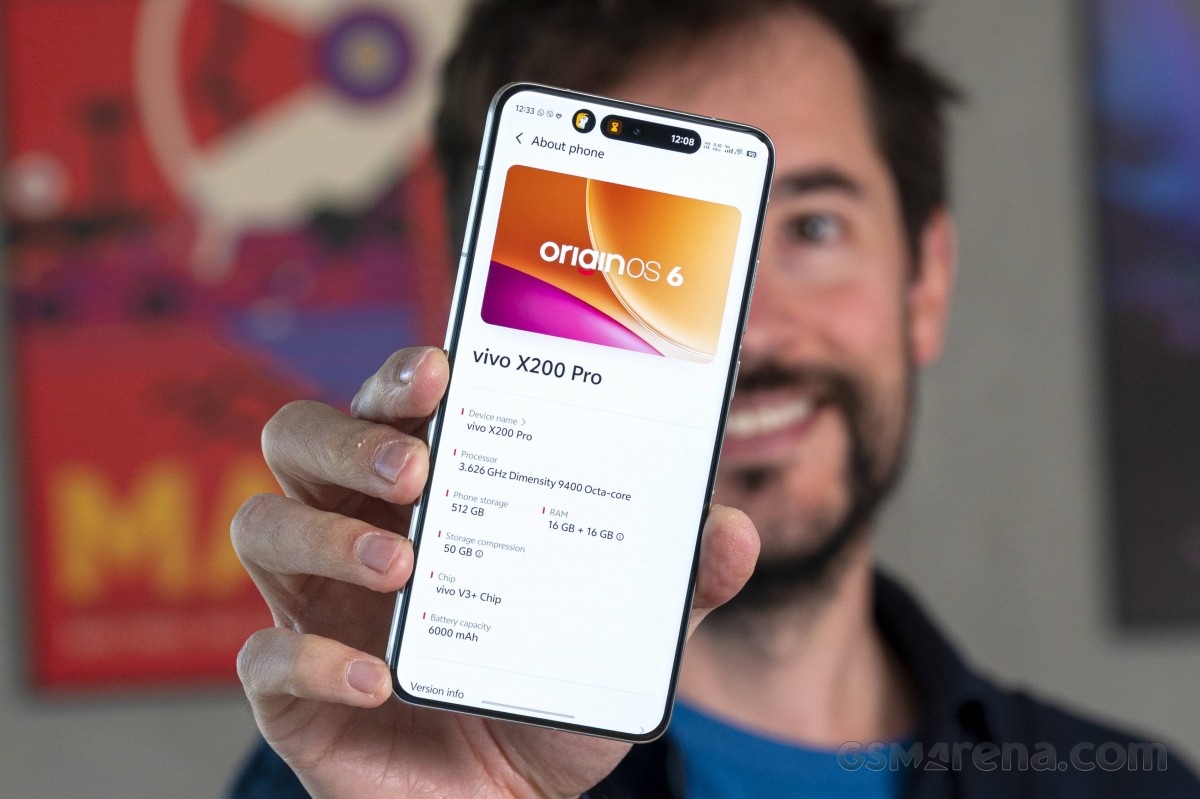
While the new X300 models will be the first to boot OriginOS 6 out of the box (and those are not here yet), we got an early look at the new OS on an international X200 Pro that vivo seeded specifically to us. It's a meaningful evolution from the OriginOS 5 we got to see on the Chinese vivos we had before (another X200 Pro and the reigning X200 Ultra), but it's also a major change coming from a FuntouchOS 15 perspective (what was previously running on the X200 Pro), which is what we'd be more interested in.
The vivo marketing materials promise that OriginOS is 'redefining the way people experience their digital world' and mentions esoteric concepts like balance, clarity, comfort, and whatnot. They also underscore how they've essentially reengineered Android to make better use of resources and improve speed and battery life.
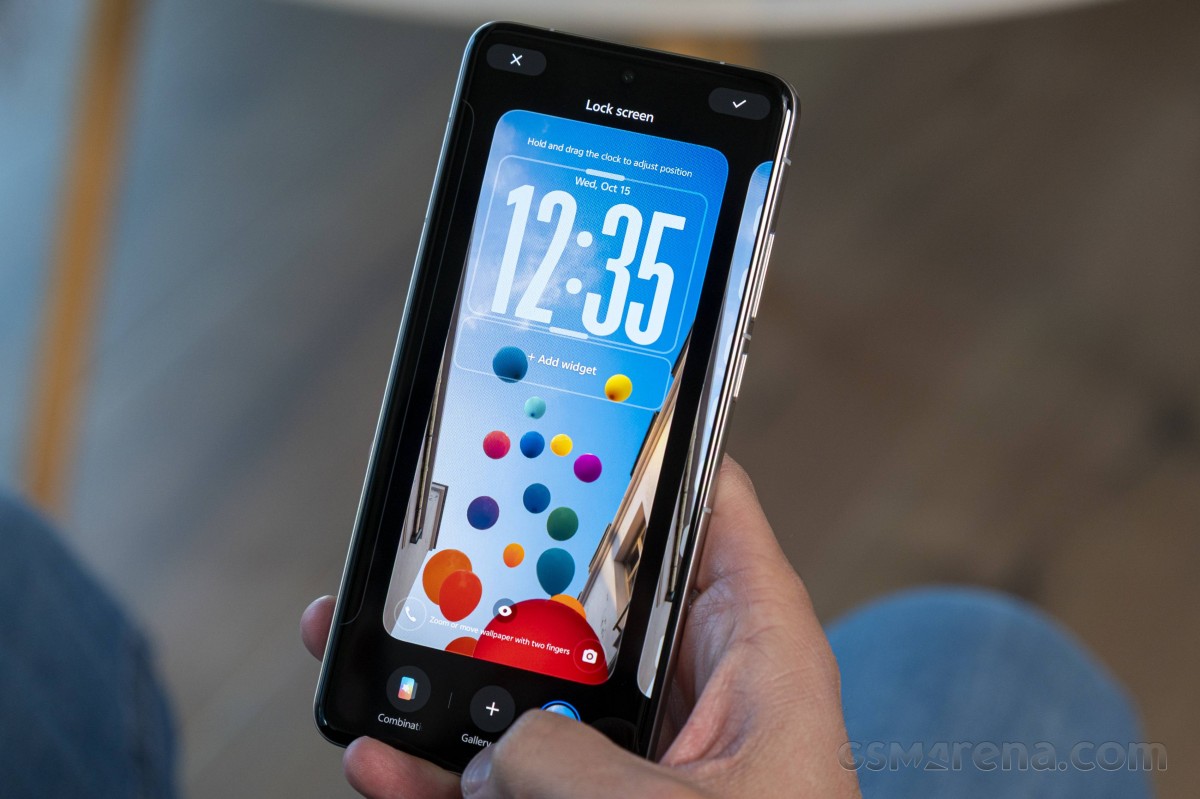 Lockscreen Flip Cards
There's the Ultra-Core computing which allocates resources to processes in what vivo insists is a better way than what Android can do, achieving up to 18.5% faster app cold starts and 10.5% more stable frame rates during scrolling. Memory Fusion accelerates loading speeds in heavy-load scenarios - the example vivo gives is a 106% speed boost in opening a 5,000-image photo album that now loads in seconds. 47 apps can be kept alive in the background too. Then there's the Dual Rendering Architecture, which will get you animation rendering efficiency increase up to 35% and frame rate stability improvements by up to 11%.
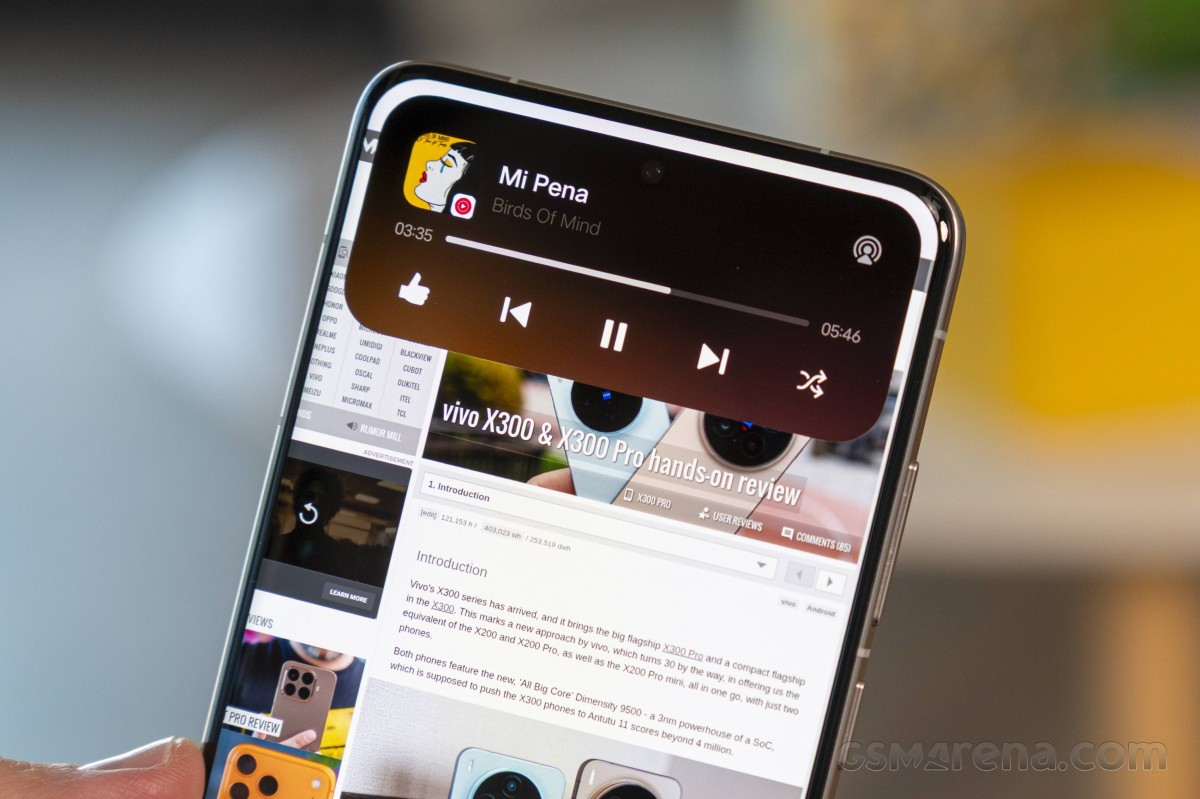 More Origin Island
We don't doubt that there's a layer of truth behind all that, it's just that they're talking of stuff that's difficult to quantify outside of very specific laboratory conditions. Not to mention that it all sounds kind of like that Retro Encabulator if you know what we mean.
Moving on to some more tangible - or, rather, visual - improvements. vivo has put in extra effort into OriginOS's animations, making them feel more responsive, thanks to effects like bounciness, blur transitions, and mirroring user gesture velocity. It's hard to put your finger on it, but the phone does feel very natural in the way it reacts to your input - more so than what the FuntouchOS 15 would give you.
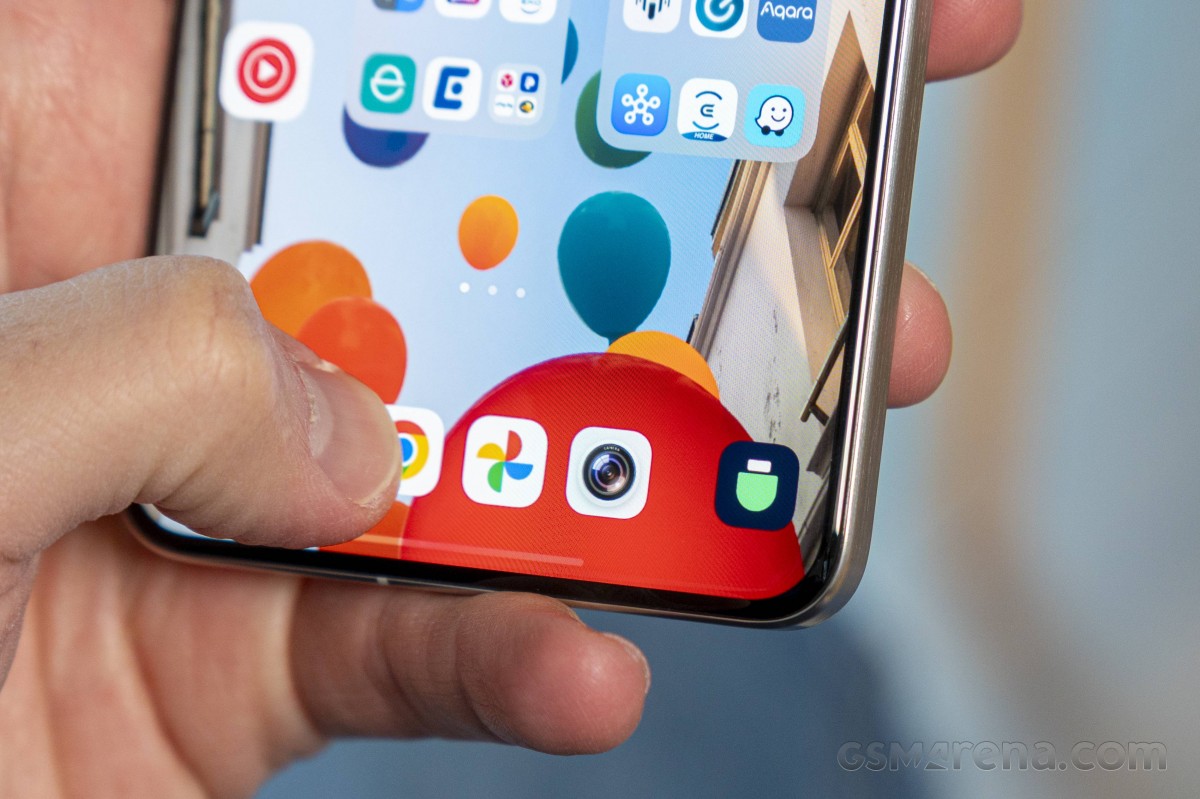 Private Space is hidden behind a left swipe on the dock
vivo is also big on smoothness in this update and boasts a touch response speed increase of 41% - 26% better than competitors too! (We have no idea what they're measuring and how, obviously.) Either way, they promise a "smooth-as-new" experience for flagship models for 5 years. The year-old X200 Pro sure does feel smooth-as-new.
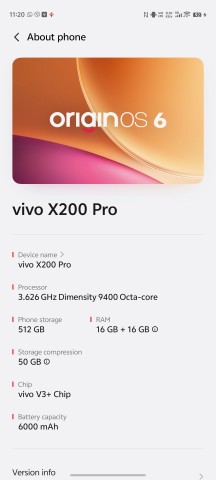
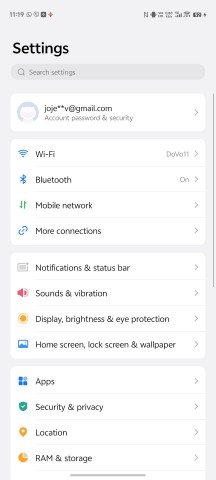
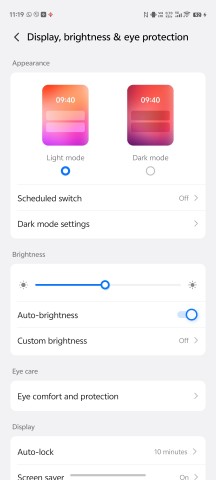
OriginOS 6
OriginOS 6 brings the way nicer Origin visuals to the international vivos, up until now forced to use a pretty dated Funtouch UI. That means a touched up settings menu, more contemporary notification shade/control center implementation, a customized font, and no less than 2800 redesigned symbols.
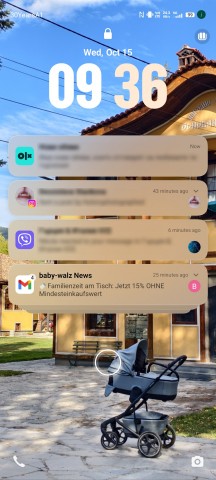
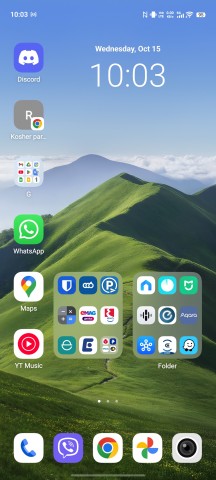
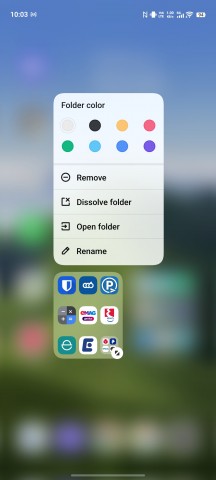
Lockscreen • Homescreen • Large folders
The control center is probably one of the bigger changes if you're coming from Funtouch, and it's one of the most obvious vehicles for the new blur effects and transitions (Gradient Blur they call it). Perhaps the quick settings 'rim light' (the button border effect) is a bit too much like the iOS 26 design, but let's say that the designers arrived there independently and it's all just where UI trends are headed.
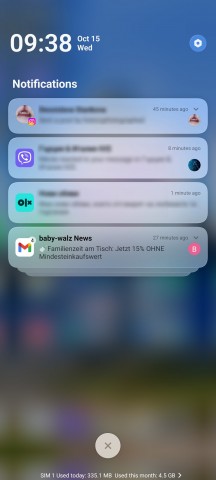
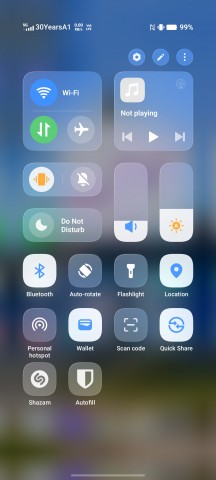
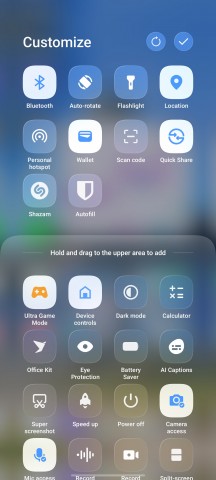
Notifications • Quick settings
Flip cards is an OriginOS 6 lockscreen feature where you can select up to 4 images from the gallery and have the phone alternate between them as you tilt the phone sideways - it's cooler than just one single lockscreen wallpaper, probably. It is, indeed, cool how the clock transitions smoothly back and forth between its AoD shape and position to that of the lockscreen.
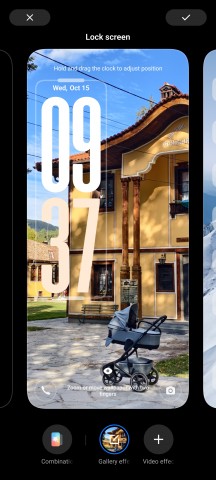
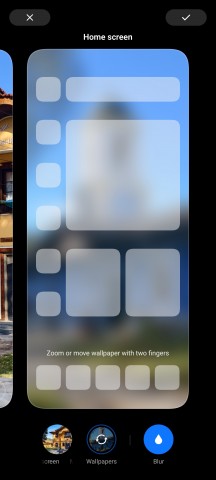
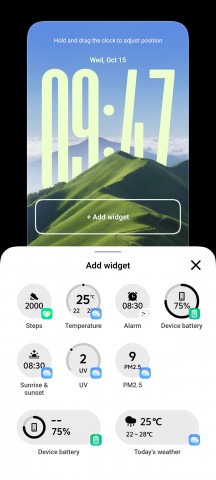
Flip cards
Familiar to those having seen recent OriginOS iterations, but entirely new to former FuntouchOS users is the Origin Island. The dynamic black cloud around your front camera shows contextual status information for clocks and music players and whatnot, and also transforms into an actionable area for you to drop stuff in some copy-and-paste scenarios.
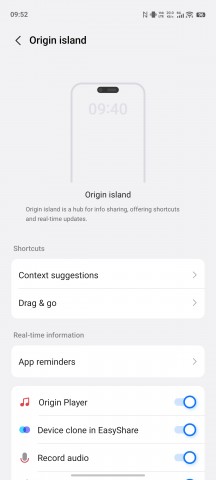
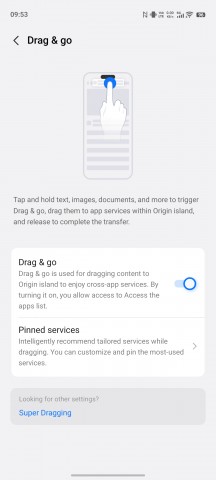
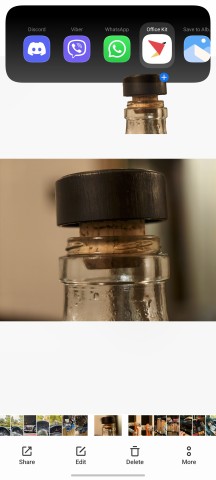
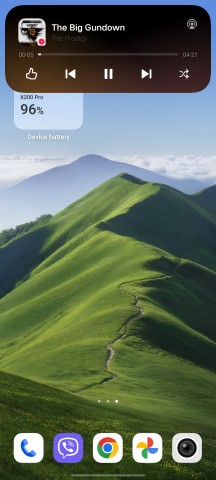
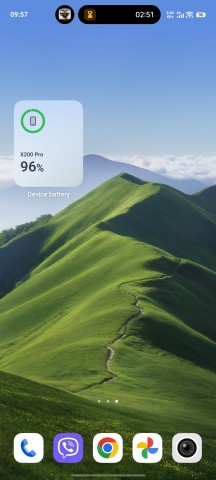
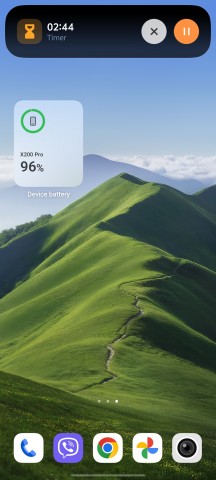
Origin Island
Sure enough, there's an array of AI-based features. An AI writing tool may help with your writer's block and provide proofreading, summarization and the lot. AI Captions is a system-level application for speech-to-text conversion and real-time transcription and translation. There's also a document editor with PDF and Word document support and its own set of AI smarts.
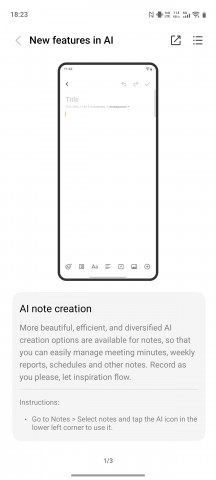
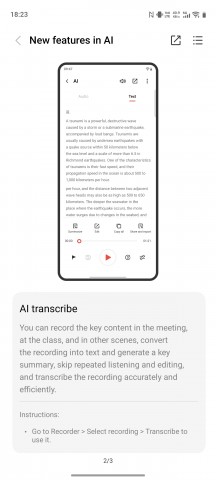
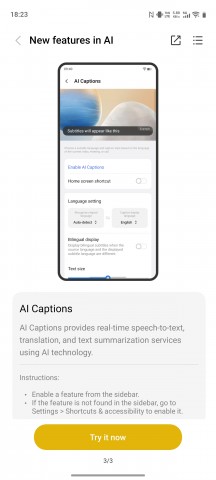
AI Writing • AI Transcribe • AI Captions
vivo has also added the Circle to search scrolling translation to the ColorOS 6 implementation. Additionally, the AI-powered image editing functionality is now better organized and grouped together in the in-house gallery.
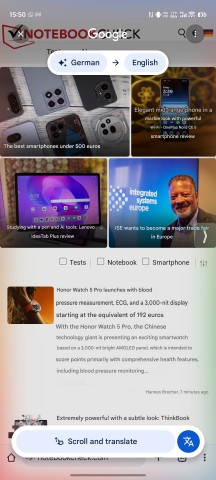


Scroll and translate • AI Color Adjustment • AI Image Expansion
There's now a vivo Connection Center, which is a sort of an OriginOS 6 hub for enabling various connectivity options on your vivo. Link to PC is available with screen mirroring, file transfer, and task handoff. You can also do one-tap transfers with other vivos or even iPhones, though you'd need to install vivo's EasyShare on the other phone - it will take a few more taps the first time you do it.
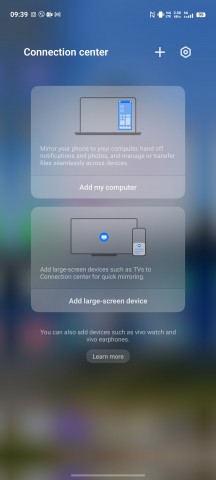
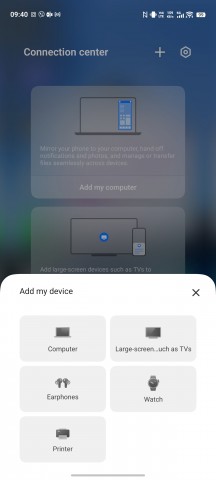
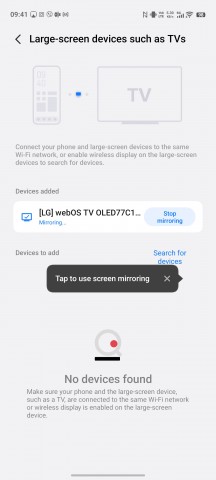
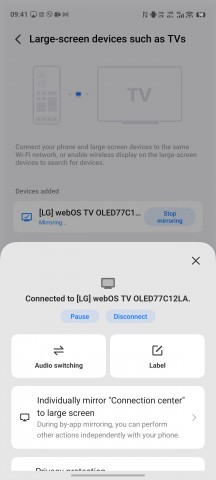
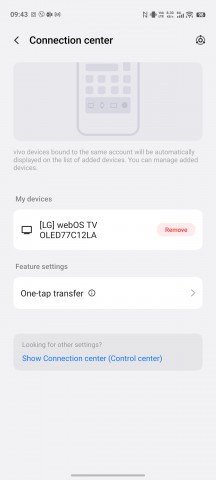
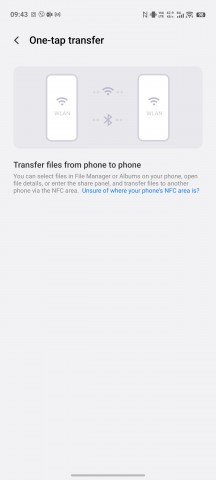
Connection Center
A Private Space functionality is also part of OriginOS 6 - we didn't get that on the latest Funtouch and it wasn't there on OriginOS 5 either. It's the usual separate area where you can keep sensitive data away from prying eyes. You can also have two instances of the same social app so you can separate business from personal use.
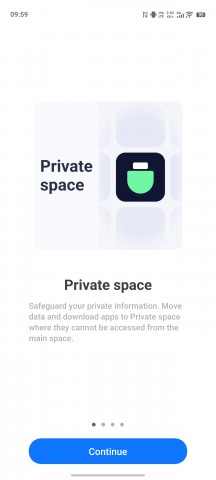
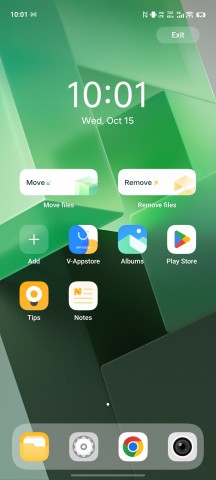
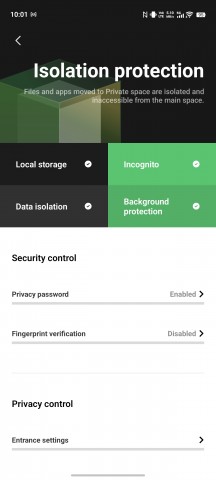
Private Space
Battery life is another area where vivo has made some strides with OriginOS 6. The company's internal lab results report a 30mA reduction of background app consumption for most users, up to 90mA for the top 1% of heavy users. They also claim a 10-20% improvement in CPU efficiency, which extends battery life by 30 minutes under certain conditions (again, these aren't clear metrics).
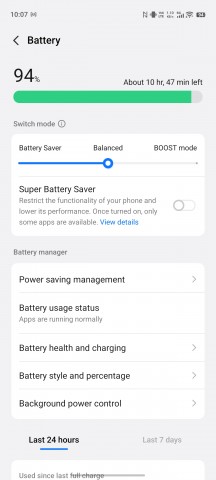
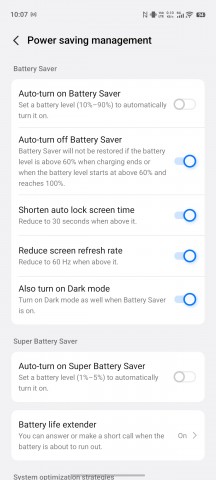
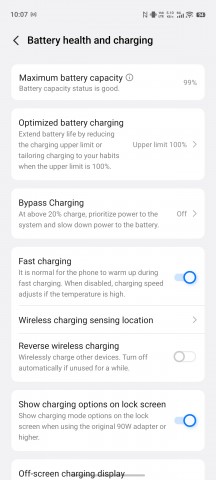
Battery settings
All things considered, we're really excited about OriginOS replacing Funtouch OS for international variants of vivo smartphones. The previous UI was outdated and just too plain, while OriginOS 6 brings plenty of eye candy and fluidity at the same time, and the extra features are also likely to be appreciated by a wide user base.


Tip us
2.1m 180k
RSS
EV
Merch
Log in I forgot my password Sign up