We checked out Chromagraph, Rian Johnson's viral iPhone camera app
Last week, a corner of the internet started going abuzz at the sight of a new app. The app in question was Chromagraph, a photography app for the iPhone, and one with some serious credentials to back it up.
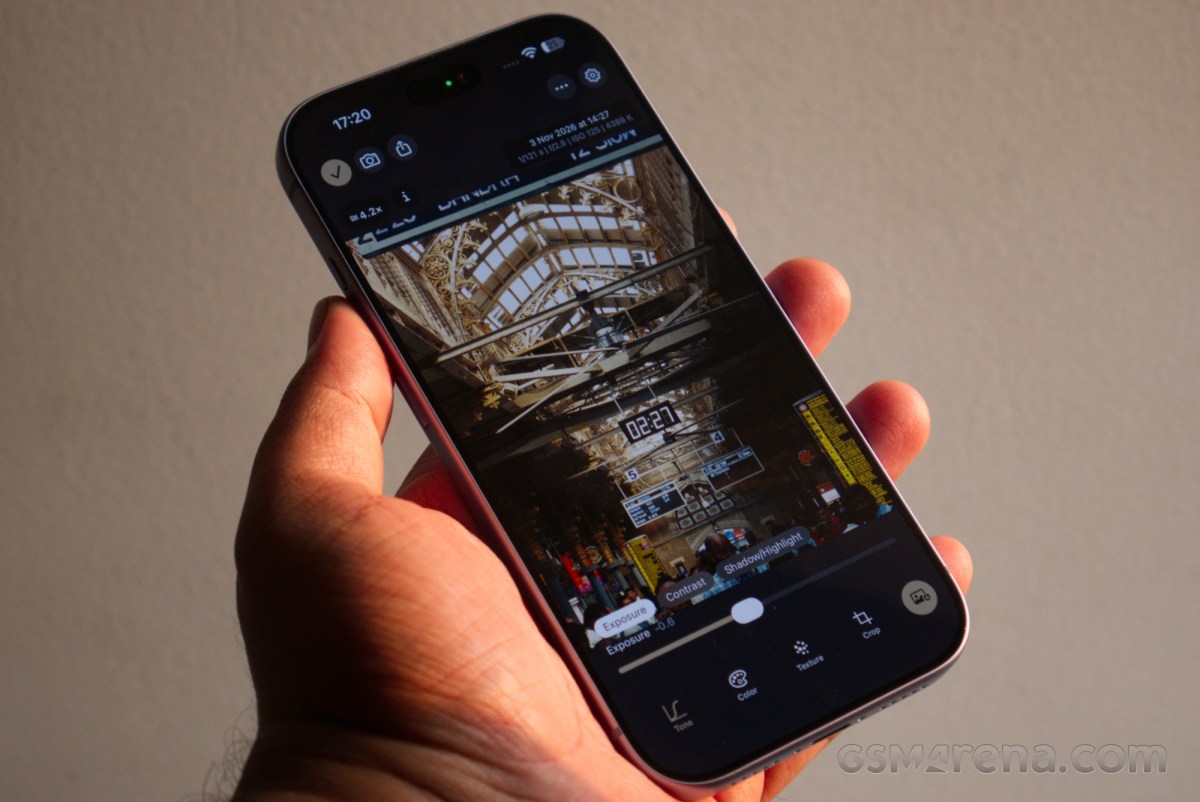
The app was first brought to people’s attention by one of the co-creators himself. Many of you would be familiar with Rian Johnson, but for those who aren’t, Johnson is the writer/director behind films such as Star Wars: The Last Jedi, Looper, and most recently, the Knives Out trilogy. Johnson tweeted about how he wanted a good iPhone photography app that would bypass the iPhone’s default image processing and look and instead capture something that would look like the movies he’s worked on.
So I recently badgered my cinematographer @steveyedlin into making my ideal iPhone still camera app. It shoots RAW, bypasses the iPhone's look processing and instead uses the same image processing we use on our movies. https://t.co/makZzhFd2Q
— Rian Johnson (@rianjohnson) October 28, 2026
Johnson made this request to his friend, colleague, and cinematographer Steve Yedlin, who has worked with him on all of his films, and the two roped in their friend Eric Cameron to make the app. And thus, Chromagraph was born.
Chromagraph is not your typical iPhone camera app that captures the image using the phone’s imaging pipeline and then maybe layers on a filter to get the desired look. The app captures raw image data and then processes it using its own pipeline and the color science that Johnson and Yedlin have used on their films. You can tune the output to your liking a bit, but the overall look is one that has been pre-decided for you, and one that the creators desired.
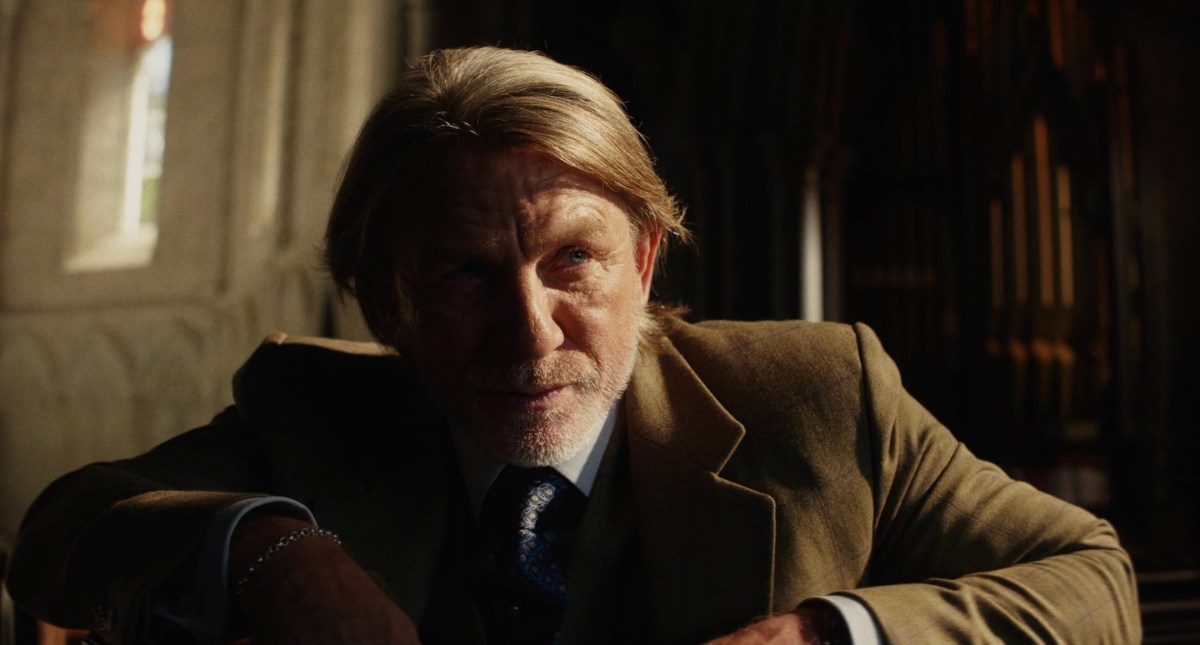 Still from Rian Johnson's latest film, 'Wake Up Dead Man'
Testing the app on the iPhone 18 Pro, I noticed that the UI is fairly basic with a black and gold color theme. Most of the options on the screen would be familiar to anyone who has used phone camera apps before; this isn’t, after all, one of those “pro” camera apps that offer you a billion options. It’s meant to do really just one thing, and all available options are in service of that.
Through the settings, you can change things like how the images are saved, the aspect ratio, the default lens, export format, and compression quality. You can also tune the default look of the images, but more on that later.
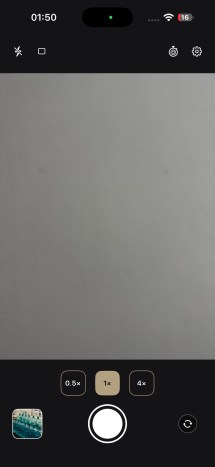
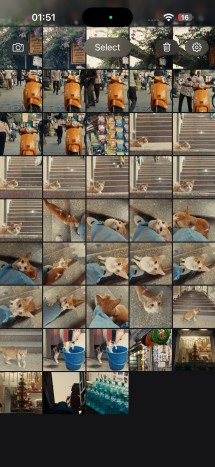
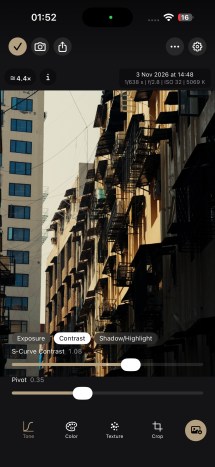
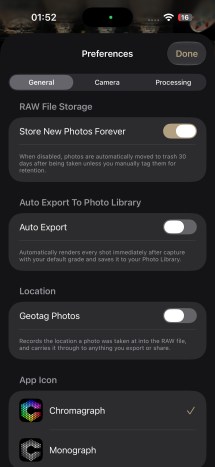
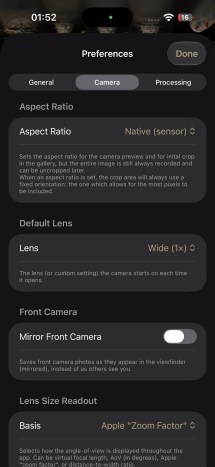
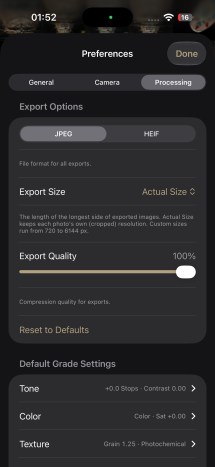
Chromagraph UI and settings
The images that the app captures are primarily saved within the app as RAW files. You can have the app also automatically save a JPEG version, but I found it better to save only the images I want manually. When you open a captured image, you have the option to make basic adjustments, including exposure, contrast, shadows and highlights, white balance, saturation, film grain, halation, and crop. You can also set a crop factor as your default while shooting, and the viewfinder changes to reflect that. Of course, since it’s RAW, the crop isn’t saved, and you can always revert to the full sensor crop.
The settings that Chromagraph offers are more like condiments and not really intended to completely change the look of the image. If you’ve seen Johnson and Yedlin films, they all have this lush, warm hue to them with rich colors and soft halation across the highlights. They’re not shot on film, but they are meant to evoke that look. This is what the Chromagraph tries to recreate with the iPhone hardware.
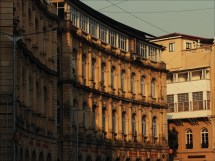
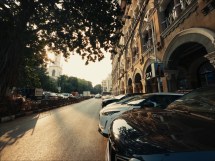
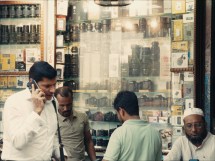
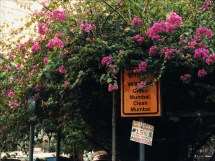
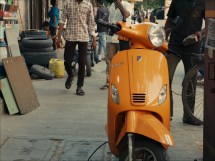
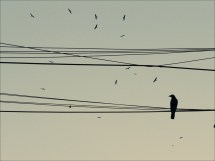
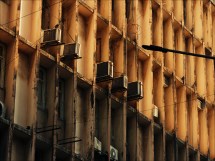


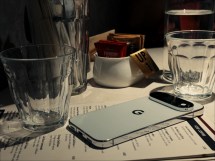
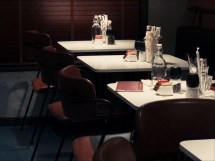
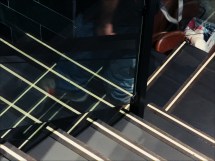
Chromagraph samples (shot on the iPhone 18 Pro)
All images shot from this app by default have those same warm hues with a lovely golden undertone. There is no nonsense here about preserving highlights or blowing up shadows to win some imaginary internet points. There is a soft bloom around high-contrast edges. The details are what the sensor and the lens capture without artificial sharpening. There is noise, some natural, the rest tastefully added in by the app. It works on emotions with deliberate imperfections rather than chasing technical perfection.
The results can be stunning, if situational. Chromagraph absolutely shines on sunny days and high-contrast scenes. Give it some natural light, and the app will churn out print-worthy stills. The default tuning isn’t very forgiving, so it either works really well or doesn’t work at all, depending on the scene. Many times, if the lighting is still conducive to how the app works, you can still get great results with a bit of tuning afterward. You can also just change the default parameters a bit so the app always captures the images that way.
However, it is very easy to reach the limits of the app. Under indoor artificial lighting, especially of the fluorescent kind, the results from the default tuning can be quite odd and borderline unpleasant. It’s up to you then to apply your own sensibilities and deliberately tune for cooler colors so the app’s default warm shades don’t clash with the current lighting.
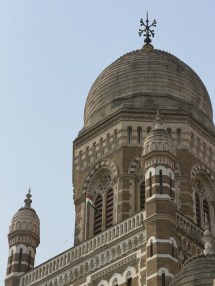
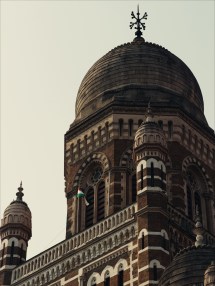

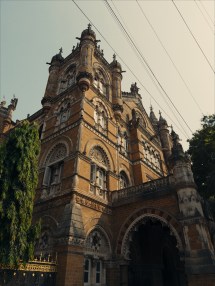
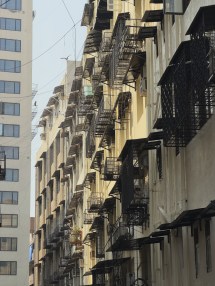
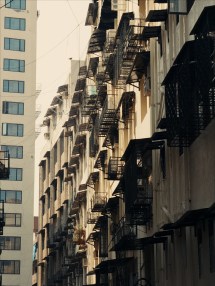
iPhone stock vs Chromagraph look
The default color tuning is understated and a bit undersaturated. This means you can’t get lively, punchy colors for things like food and clothing unless you really yank the saturation slider in the settings. As such, it’s probably for the best if you avoid shooting those, unless you prefer things to look that way.
Image aside, the app itself can be a bit annoying at times. Opening a captured image is a quick and easy process, but going back to the viewfinder requires fumbling with the tiny camera button at the top. The app also cannot remember which camera you last used, and every time you open the gallery it goes back to the main camera, or whichever one you set as the default in the settings. Finally, the viewfinder also took a while to load at times, even on the latest iPhone 18 Pro, and there were times it didn’t load at all.
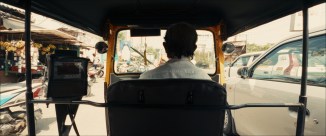
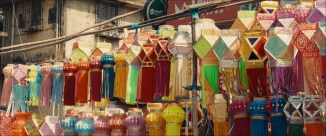




Chromagraph's anamorphic 2.39:1 aspect ratio
All of this makes Chromagraph extremely situational. It feels clunky to use at times, and the results don’t always work for every subject. However, it was also the most fun I had shooting with a phone in recent times. Sometimes, working within the strict limitations of a piece of hardware or software is exactly what you need to get your creative juices flowing and push yourself to do better. I’ve also seen the app get regular updates since Rian Johnson first tweeted about it, so it’s possible some of the issues mentioned here may get fixed by the time you read this.
Is this the best or only iPhone camera app you should have? No, far from it, actually. There are some great camera apps out there for the iPhone that do the whole zero-processing thing, including Halide and Mood, where you can bypass the phone’s aggressive default processing to get clean RAWs that you can edit to your taste. Chromagraph is built to achieve a specific look, and if you jive with it, then it is absolutely worth checking out.




Tip us
2.1m 180k
RSS
EV
Merch
Log in I forgot my password Sign up