Bouncing up and down
BlackBerry Leap review: Bouncing up and down
A decent 8MP camera
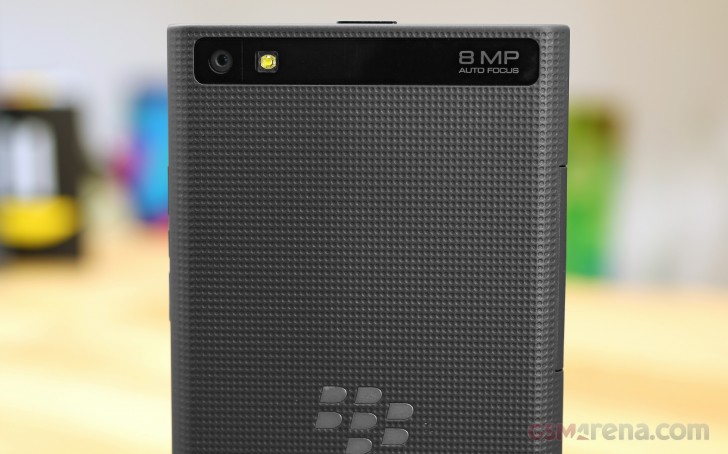
The BlackBerry Leap comes with an 8MP main camera and LED flash alongside a secondary 2MP camera. That's no longer an impressive number, but BlackBerry managed to squeeze quite a lot of performance out of its dated sensor.
The interface is straightforward and doesn't have too many options, but all the important stuff is there. There's a handful of scenes and four shooting modes: normal, Time Shift, Burst, and Panorama.
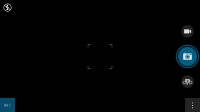
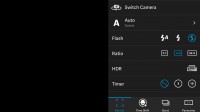
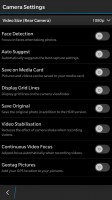
The camera interface
By default, the Leap shoots 16:9 images. If you want to get the full resolution though you need to switch to 4:3 to get 3264 x 2448px images.
There's touch focus on board, and a digital zoom is available through pinch zooming. A nifty trick is swiping the gallery thumbnail in the lower left, which brings up a quick preview of your last shot taken.
The BlackBerry Leap's camera resolves plenty of detail, making the photos sharp even at pixel level. Even with the relatively low resolution this easily captures more detail than some 13MP and 16MP snappers.
Colors are pretty goodtoo, if slightly oversaturated and going for a puinchier look. Dynamic range is wide, but contrast still remains decent, while noise is kept under control, making up for pretty good images overall.










BlackBerry Leap camera samples
The HDR photos turn out okay but they take quite a while to process. BlackBerry Leap manages recover some lost highlights and shadows and while it does produce a somewhat unrealistic image it's nothing too drastic.

HDR off/on
There's a panorama shooting mode that does very well too with no visible problems in stitching or combining the images. You'll want to shoot in Portrait mode for the maximum resolution.


BlackBerry Leap panorama samples
You can see how the camera stacks up to other 8MP shooters we've tested using out dedicated Photo Compare tool.
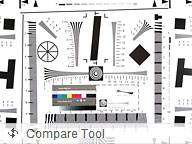
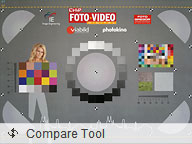

BlackBerry Leap in our Photo quality comparison tool
Video camera with 1080p@30fps recording
Recording video is done from the same interface as the still camera. Video recording defaults to 1080p@30fps.
During recording, you can move the focus point around (again by dragging not tapping) and you can toggle the video light on and off. There's no way to capture stills while video recording though.
The 1080p videos are stored in MP4 files with 16Mbps total bitrate. The sound is recorded in stereo and uses a 192Kbps bitrate and 48kHz sampling rate.
There is support for 720p at 60 fps video recording. The bitrate is at about 12Mbps, while the audio is kept the same high quality.
In terms of image quality, you the same result as the still images - great amount of details, unrealistic colors sometimes, accurate colors and exposure. The dynamic range could have been better sometimes, but we can't complain of the results. The low-light videos, as you can check over the comparison tools below, lose the "punchy colors" and provide spot on white balance and colors.
You can download a 9s 1080p @ 30fps video sample.
You can watch a longer one over YouTube.
You can see how the BlackBerry Leaps shooter compares to other 1080p camcorders we've tested using our dedicated Video Compare tool.
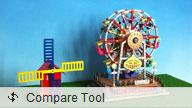
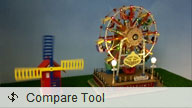
BlackBerry Leap in our Video quality comparison tool


Tip us
2.1m 180k
RSS
EV
Merch
Log in I forgot my password Sign up