L'etranger
LeEco Le Max 2 review: L'etranger
Apps
The web pages open in the eUI web browser utilizes almost the entire screen real estate, save for the status bar on top and a tiny bar on the bottom for Back, Share, Menu, Home, and Tabs.
The browser also comes with an integrated ad-blocker but doesn't offer Reading mode.,There is a Night mode option, which inverts the background and text colors and makes it really easy to read at night.
Finally, the browser has its own Download Manager, which is nice.
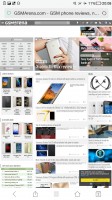
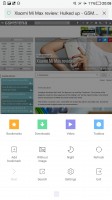
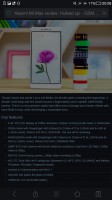
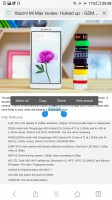
The eUI Browser
The Le Max 2 features a calendar that supports multiple online accounts. There is also a Clock app and a Calculator, which eerily resemble the corresponding apps in iOS in both looks and features.
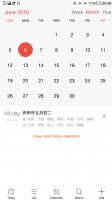
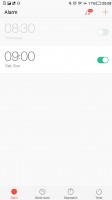
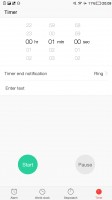
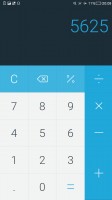
Calendar • Alarms • Timer • Calcluator
Compass, Weather and Recorder apps also come preinstalled.
The Notes app is clean and simple. It supports different Notebooks, you can add text and images, change fonts, draw with your hand, among others.
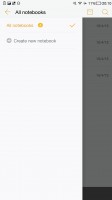
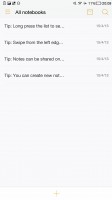
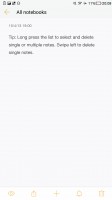
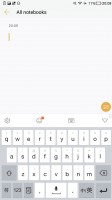
Notes
The preinstalled file manager lets you browse through the contents of the Le Max 2 storage. It offers file copy/cut/paste functionality, as well online sharing options.
The WPS Office package comes pre-installed to take care of all your office document editing needs.
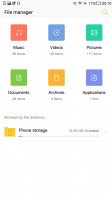
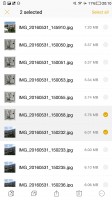
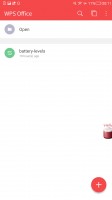
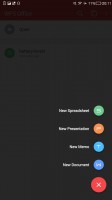
File manager • File manager • WPS Office • WPS Office
Perhaps the highlight of LeEco's homebrewed apps is the Super Manager app, which we already mentioned in the UI section. It lets you clean junk files, manage your data traffic, use some battery management tools, and most importantly - control the permissions for each app you install.
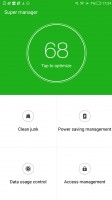
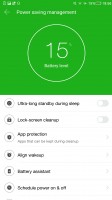
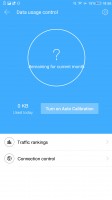
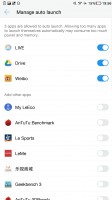
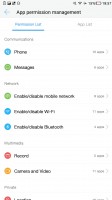
Super Manager • Battery management • Data manager • App auto-launch • app permissions
Finally, LeEco has a plethora of its own services pre-installed as apps. You get LeStore, LeSports, LeTV, and LeMall, among others. You can browse various online multimedia content, but you have to be a paying subscriber to use most of these services anyway.
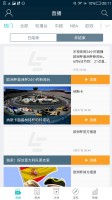



LeSports • LeStore • LeTV • LeMall


Tip us
2.1m 180k
RSS
EV
Merch
Log in I forgot my password Sign up