Meizu 15 review
Flyme OS 7
Meizu's latest iteration of Flyme OS was announced alongside the Meizu 15 family. Naturally, that's what these devices run out-of-the-box. Flyme 7 is already available for a number of previous Meizu devices, like last year's Pro 7 models and even the Pro 6 line.
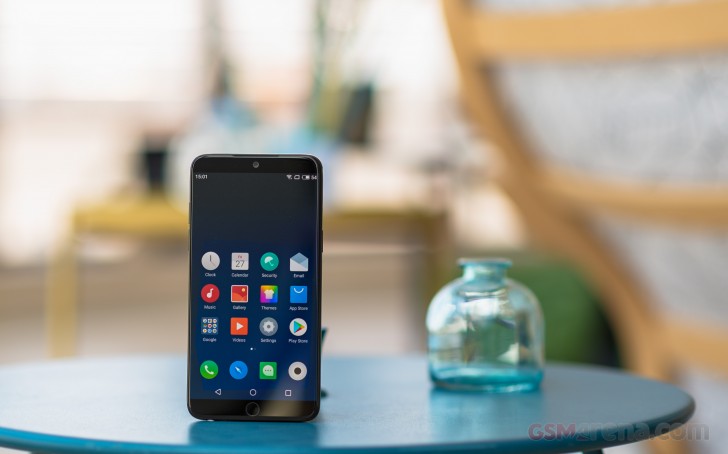
It seems Meizu has some ambitious plans for Flyme on the custom ROM scene, with ongoing plans to continue expanding device support. And while Cyanogen levels of popularity are unlikely at this time, Flyme could actually have a good future ahead of it on the modding scene, since it remains one of the clean and Western-friendly custom ROMs to come out of China.
As far as new features and optimizations, compared to Flyme 6 go, Meizu is boasting over 300 features and 1300 optimizations. Most are hidden away behind the scenes, like an AI-powered beauty mode in the camera. The entire UI has also been reworked with pixel-level adjustments, new notifications and new animations throughout the entire UI.
Other standout features, include a new powerful night mode that works across all apps and takes into account ambient light temperature.
The Flyme 7 interface is not a departure from Flyme 6, but more of a refinement. The lockscreen hasn't changed a bit - it's clean and simple, with a camera shortcut and nothing else. The fingerprint scanner is always-on and lightning-fast, so you'll barely see the lockscreen. Gesture Wakeup is available, as usual.

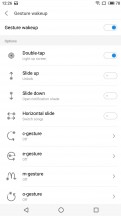
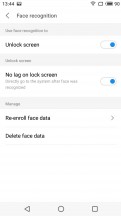

Lock Screen • Gesture wakeup • Face recognition
An optional Always On display can be enabled. There are a few styles to choose from, and it's a pretty good fit for the AMOLED panel.
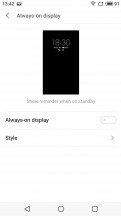
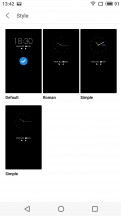
Always-on display
Meizu is particularly proud of its facial recognition tech, courtesy of SenseTime. In our experience, it was impressively quick, but still suffered the occasional failure to read from time to time. No false-positives, though, or simple photo scanning tricks.
Speaking of gestures, Flyme is chuck full of them. "Operation preferences" offer the ability to remap the tap, double-press and hold gestures on the home key. The number of options is limited, but its still a nice touch.
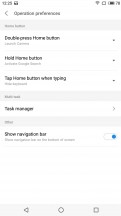
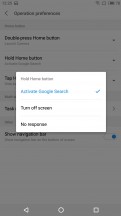
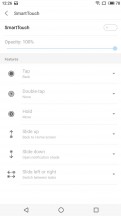
Remap home key actions • Action options • Smart touch
Then there is SmartTouch - an options iOS-style on-screen floating button control that recognizes a number of customizable gestures.
The homescreen is simple - you get two panes by default, but you can add new ones later on. The homescreen gathers all apps as it's a single-tier UI and there is no app drawer here.
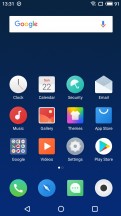
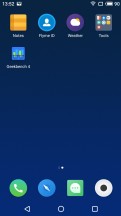
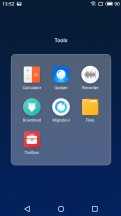
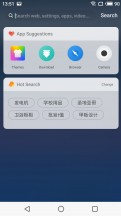
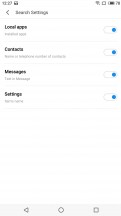
Flyme UI and search
A swipe up brings up a system-wide search interface.
The notification area is business as usual - the first pull-down gets you the full notification shade along with five toggles, while a second pull reveals all the available toggles and the screen brightness control.
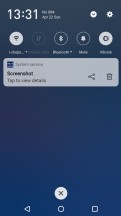
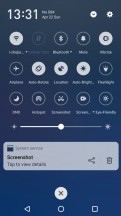
Notification shade
Switching between tasks is done with a pull-up menu from the bottom of the screen. Flyme 7 actually offers a choice between a horizontal or a vertical layout for the task switcher.
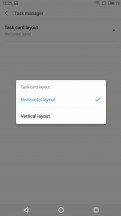
Task switcher
Flyme 7 supports multi-window mode, which is also managed via the task switching interface. The supported apps have a 'Multi' button, and you can activate a split-screen app right away.
You can customize the UI with various themes. You can download new ones from the App Center - some of them are paid, but there are many free ones and a lot to choose from. There's also a variety of built-in wallpapers.
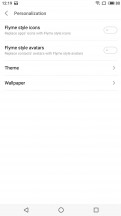
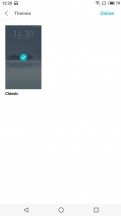
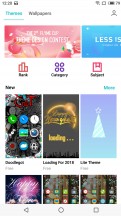
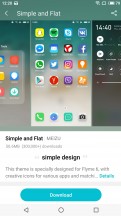
Personalization and themes
Despite remaining quite clean and orderly on the surface, Flyme is definitely not lacking in the micro-management department. You can control notifications and permissions on a per-app and type basis.
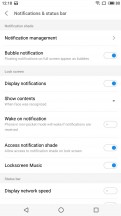
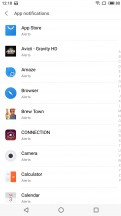
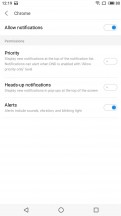
Notifications
There are also numerous privacy options, a vault, and even guest mode, so hiding away important or sensitive data should be a breeze. Also, multi-user scenarios.
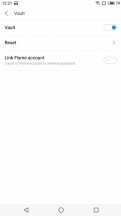
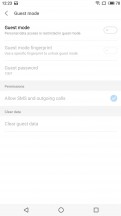
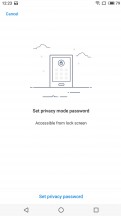
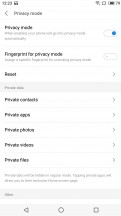
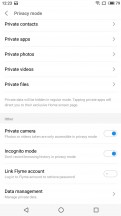
Vault • Guest mode • Privacy mode
There is a lot going under the hood with Meizu's One Mind - it's a machine learning algorithm that follows and learns your habits, and then optimizes the phone's performance and suggestions per your preferences and use patterns.
In addition to One Mind, Meizu has implemented a new Game Mode, which knows when a game is running and prioritizes all available resources to it.
There are other performance tweaks you can do as well. The interesting bit is that Meizu approaches these in conjunction with battery endurance settings. This does make quite a lot of sense. The Performance mode settings let you choose if you prefer a more endurance based approach to resource-intensive tasks, or you would rather go full throttle for maximum performance.
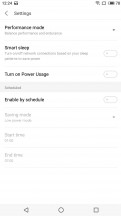
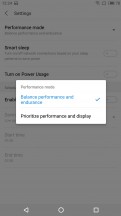
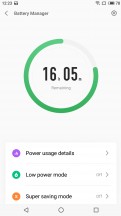
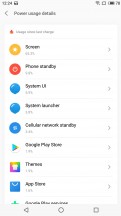
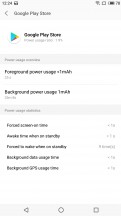
Performance and battery management
And then there is the in-depth battery manager, that gives you access to statistics, separated as foreground and background work. As well as control over the latter.
Flyme clearly isn't AOSP, but mostly everything that is added in has been integrated well and without introducing unnecessary chaos. We would qualify Meizu's OS as pretty clean and orderly. There is no actual third-party bloat and the entire UI is well translated for international markets. Those also get Goole Play Services preinstalled. Naturally, for home markets, Meizu does have a set of default apps of its own.

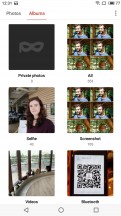


Galery
These are all pretty minimalistic and integrate well with the overall look of the OS. The gallery is quite reminiscent of Google Photos and offers some nice editing options.
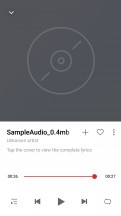
Music Player
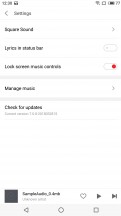
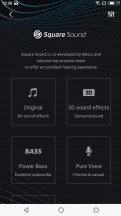
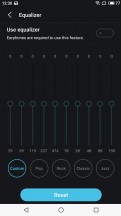
The music player app includes online lyrics support, as well as a neat little feature to display those in the status bar. Also Square Sound optimization for headphones and a full-featured equalizer.
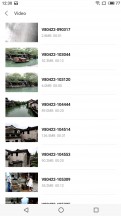

Video player
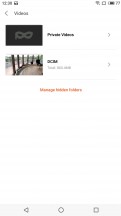
The video player features zoom options, as well as a floating windows interface.
The only real traces of the Asian origins of the ROM we managed to find are a Lucky money assistant in the settings, as well as Meizu's default app store and the browser. But even those are very well translated and approachable.

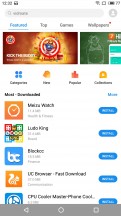

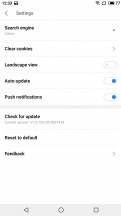
Lucky money assistant • Meizu app store • Browser
Performance
The Meizu 15 is no slouch. It is built around the Snapdragon 660 chipset. While not technically a flagship offer, it comes pretty close and is probably the next best thing. Virtually no major features have been cut compared to Qualcomm's 8th tier of chips - a pretty good match for Meizu's overall philosophy for the Meizu 15 line.
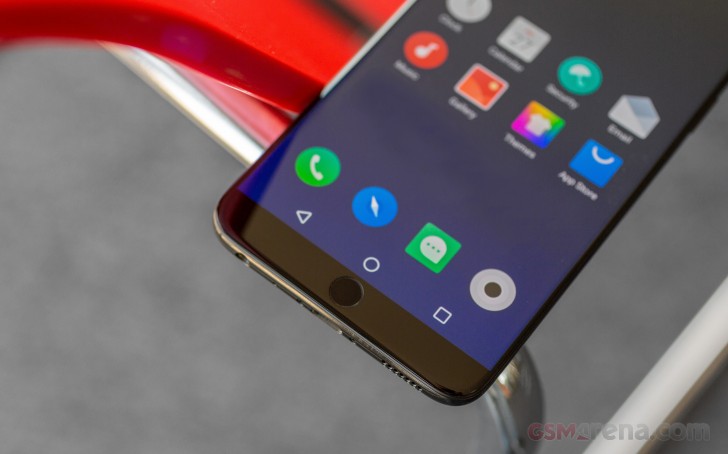
CPU-wise, you get a total of eight custom Kryo 260 cores, four efficient ones, clocked at 1.8 GHz and another four, running at 2.2GHz. Graphics come courtesy of an Adreno 512. RAM is always set at 4GB, while you do get a choice between 64GB or 128GB for storage. Just for reference, our review unit has a 4GB/64GB setup.
Kicking things off, we have a straight CPU-only test and GeekBench. We can clearly see the Meizu 15 standing its ground. Of course, it can't quite keep up with the Snapdragon 835 in devices like the Xiaomi Mi 6 and the Nokia 8.
GeekBench 4.1 (multi-core)
Higher is better
-
Xiaomi Mi 6
6719 -
Samsung Galaxy S8
6656 -
Honor 10
6591 -
Nokia 8
6568 -
Honor 9
6457 -
Meizu 15
5877 -
Oppo R11
5777 -
Xiaomi Mi A1
4292 -
LG G6
4175 -
Samsung Galaxy J7 Pro
3768 -
Samsung Galaxy A6 (2018)
3718
However, it does trade blows quite well with the ex-flagship chipset Snapdragon 821. Especially with multi-threaded workloads. Kind of understandable, since the Snapdragon 821 only has four Kryo cores at its disposal. This only comes to show just how quickly ARM CPUs are progressing.
GeekBench 4.1 (single-core)
Higher is better
-
Samsung Galaxy S8
1991 -
Xiaomi Mi 6
1929 -
Nokia 8
1925 -
Honor 10
1894 -
Honor 9
1876 -
LG G6
1767 -
Meizu 15
1620 -
Oppo R11
1596 -
Xiaomi Mi A1
877 -
Samsung Galaxy J7 Pro
735 -
Samsung Galaxy A6 (2018)
733
Basemark OS 2.0 paints pretty much the same picture and shows the Snapdragon 660 beating out Samsung's Exynos 7870 Octa - still widely used in mid-rangers and budget offers, alike. Even the ex-flagship Exynos 8890 lags a bit behind. Huawei's custom Kirin 960 and especially the 970 seem to be fairing a bit better, though.
Basemark OS 2.0
Higher is better
-
Xiaomi Mi 6
3547 -
Nokia 8
3503 -
Samsung Galaxy S8
3376 -
Honor 10
3337 -
Honor 9
3072 -
Meizu 15
2485 -
Oppo R11
2386 -
Meizu Pro 7 Plus
2380 -
Xiaomi Mi Mix
2364 -
Samsung Galaxy S7
2128 -
LG G6
2126 -
Xiaomi Mi A1
1262 -
Samsung Galaxy J7 Pro
1038 -
Samsung Galaxy A6 (2018)
1019
The compound AnTuTu benchmark appears to favor the pair of Huawei devices we picked out as well - the LG G6, too. It is still sad to see just how much the Exynos 7870 is lagging behind the pack. All the while, Samsung continues to integrate it in mid-range devices.
AnTuTu 7
Higher is better
-
Nokia 8
210323 -
Honor 10
200440 -
Samsung Galaxy S8
199022 -
LG G6
158785 -
Honor 9
156984 -
Meizu 15
125444 -
Samsung Galaxy A6 (2018)
63632
Graphics performance is pretty consistent with what we can expect from an Adreno 512, with a FullHD workload.
GFX 3.0 Manhattan (1080p offscreen)
Higher is better
-
Xiaomi Mi 6
59 -
Nokia 8
57 -
Honor 10
57 -
Samsung Galaxy S8
50 -
LG G6
41 -
Honor 9
39 -
Samsung Galaxy S7
38 -
Xiaomi Mi Mix
38 -
Meizu Pro 7 Plus
34 -
Meizu 15
23 -
Oppo R11
22 -
Xiaomi Mi A1
9.8 -
Samsung Galaxy A6 (2018)
5.4 -
Samsung Galaxy J7 Pro
5.1
GFX 3.1 Manhattan (1080p offscreen)
Higher is better
-
Xiaomi Mi 6
41 -
Nokia 8
39 -
Honor 10
37 -
Samsung Galaxy S8
36 -
Honor 9
33 -
Samsung Galaxy S7
28 -
Xiaomi Mi Mix
28 -
LG G6
26 -
Meizu Pro 7 Plus
22 -
Meizu 15
15 -
Oppo R11
15 -
Xiaomi Mi A1
6.4 -
Samsung Galaxy J7 Pro
3.3 -
Samsung Galaxy A6 (2018)
3.2
As usual, the off-screen tests offer the more level playing field for pure number comparisons, especially since the surge in various extra-tall display aspect ratios.
GFX 3.0 Manhattan (onscreen)
Higher is better
-
Xiaomi Mi 6
56 -
Honor 10
53 -
Xiaomi Mi Mix
41 -
Honor 9
40 -
Samsung Galaxy S8
36 -
Nokia 8
33 -
Samsung Galaxy S7
27 -
LG G6
24 -
Meizu Pro 7 Plus
23 -
Meizu 15
23 -
Oppo R11
22 -
Samsung Galaxy A6 (2018)
9.8 -
Xiaomi Mi A1
9.7 -
Samsung Galaxy J7 Pro
5.1
GFX 3.1 Manhattan (onscreen)
Higher is better
-
Xiaomi Mi 6
41 -
Honor 10
37 -
Honor 9
33 -
Xiaomi Mi Mix
27 -
Samsung Galaxy S8
23 -
Nokia 8
18 -
Meizu 15
15 -
Oppo R11
15 -
Samsung Galaxy S7
15 -
Meizu Pro 7 Plus
13 -
LG G6
12 -
Samsung Galaxy A6 (2018)
6.7 -
Xiaomi Mi A1
6.3 -
Samsung Galaxy J7 Pro
3.3
It is also worth noting that the Meizu 15 didn't just magically produce half a frame more than the almost identically specced Oppo R11 in on-screen tests. It's just that GFXBench was unable to hide the navigation bar from the UI and this rendered on a slightly smaller window than true 1920 x 1080.
Basemark X seems to offer a better overall picture of the graphical prowess of the Meizu 15.
Basemark X
Higher is better
-
Samsung Galaxy S8
42370 -
Xiaomi Mi 6
38541 -
Nokia 8
37593 -
Xiaomi Mi Mix
37346 -
Samsung Galaxy S7
32345 -
LG G6
30507 -
Honor 10
29435 -
Honor 9
29398 -
Meizu Pro 7 Plus
22472 -
Meizu 15
20836 -
Oppo R11
20350 -
Xiaomi Mi A1
10472 -
Samsung Galaxy A6 (2018)
5639 -
Samsung Galaxy J7 Pro
5497
That being said, we finish off the performance section with our usual notes on synthetic benchmarks, namely that they are not directly representative of real-world performance. We are happy to report that using the Meizu 15 is a pleasant and smooth experience. We have no doubt it has plenty of power to plow through pretty much any everyday task.


Tip us
2.1m 180k
RSS
EV
Merch
Log in I forgot my password Sign up