Motorola Edge 60 review
Android 15 and Hello UI
The Edge 60 comes with Android 15 pre-installed and Motorola's Hello UI on top. If you've used Motorola phones in the past, you will feel right at home.
The company promises 3 major OS upgrades and 4 years of security patches.
There are no major changes to the UI compared to Android 14 and the previous version of Motorola's Hello UI, but the company added a couple of AI-powered features.
The customizations live in the usual Moto app 'hub'. Things are now more neatly organized, with the categories that have a lot of entries, like Gestures, fitting things on a single page, no scrolling required.
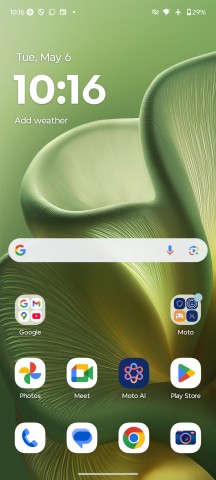
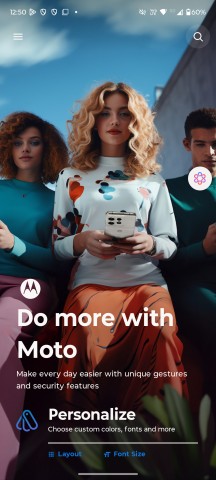
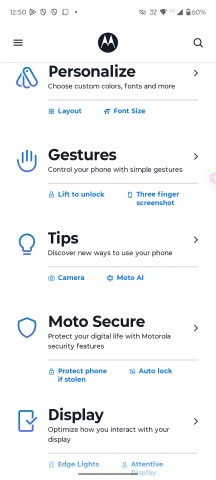
Homescreen • Moto app
Smart Connect is the new combined name for the features that involve connecting the phone to a PC, tablet, or standalone displays, be it wired or wirelessly. Streaming, mobile desktop, phone to PC, smart sharing, smart clipboard, cross control and more - all features are here under one roof.
There's also a wireless desktop-like environment. You can connect the phone to a smart TV or a monitor to bring out that interface and use the phone as a trackpad and even as a keyboard. There's also a dedicated gaming mode, so you can bring out your game on the big screen.
Smart Connect isn't new to the Motorola ecosystem, but with Android 15, Motorola has enabled voice commands, leveraging AI. You can cast your phone's screen to the TV or extend it to the PC or even search for a file across all connected devices with a simple voice command.
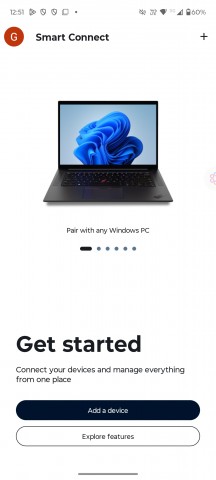
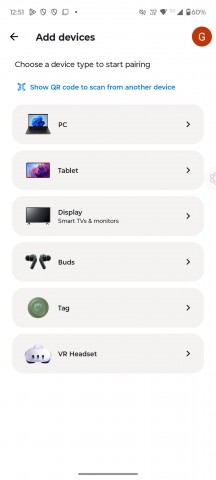
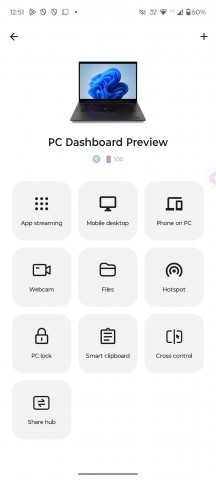
Smart Connect
Besides Google's Gemini AI, Motorola also provides its own AI helper, called Moto AI, and it's designed to be accessible from anywhere. You can use Quick Launch by tapping on the phone's back, or even the optional floating bubble.
You can ask Moto AI for pretty much anything on the fly, including stuff related to the phone itself. It can provide a summary of your notifications, record, transcribe, and summarize content on the screen, save photos, screenshots and text notes, and create images from scratch.
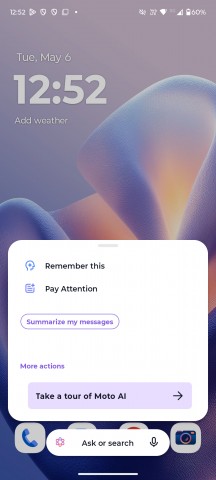
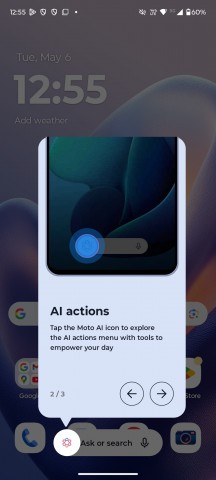
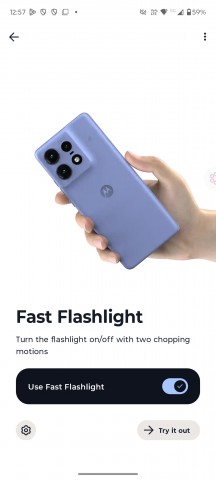
Moto AI
AI aside, tapping on the phone's back is a nice shortcut gesture. It's called Quick Launch and it's not limited to starting Moto AI specifically. You can alternatively set it to open a specific app, start/stop music playback, or go back to the homescreen or the last used app, among others.
As usual, Motorola's UI offers several other physical shortcuts like this, including the karate chop to toggle the flashlight and the quick wrist twist to start the camera.
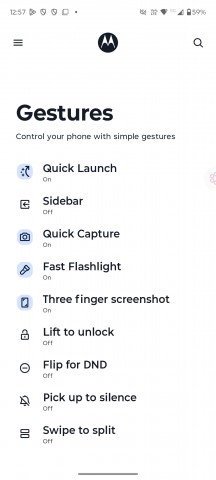
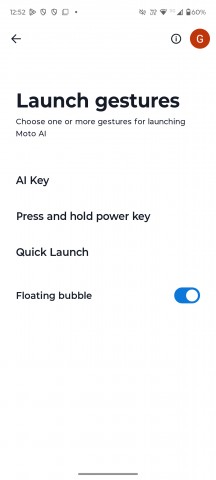
Gestures
Performance and benchmarks
The Motorola Edge 60 runs on the Dimensity 7300 chip (4nm), a popular choice for the price segment - the same chip inside the Edge 60 Fusion. The SoC packs an 8-core processor with 4 x 2.5 GHz Cortex-A78 cores and 4 x 2.0 GHz Cortex-A55 cores. The GPU is the Mali-G615 MC2.
The Edge 60 is available in various LPDDR4X + UFS 2.2 storage options - 256GB 8GB RAM, 256GB 12GB RAM (ours), and 512GB 12GB RAM.
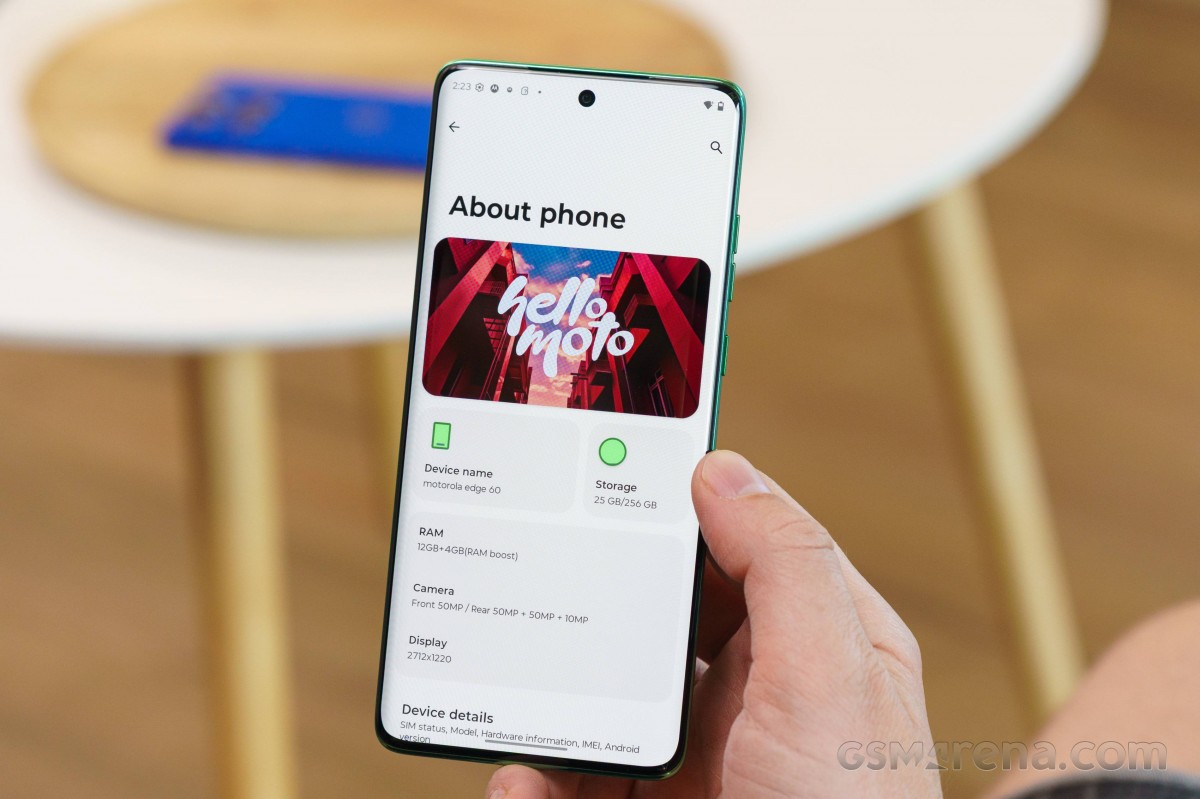
And here come the benchmark scores!
The Dimensity 7300 provides proper performance for the mid-range class and is suitable for heavy-duty CPU tasks and mainstream gaming. It is no chart topper, but it's no slouch either and you can tell by the smoothness of the UI and most apps.
GeekBench 6
- Multi-core
- Single-core
 Poco X7 Pro
 Galaxy A56
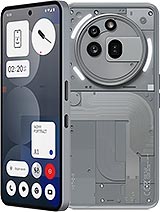 Nothing phone (3a) Pro
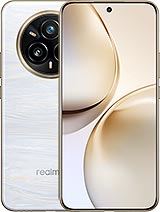 Realme 14 Pro+
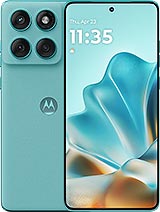 Motorola Edge 60 Fusion
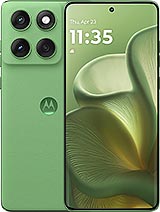 Motorola Edge 60
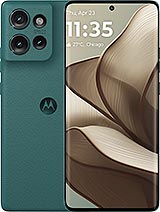 Motorola Edge 50
AnTuTu 10
Poco X7 Pro
Galaxy A56
Realme 14 Pro+
Nothing phone (3a) Pro
Motorola Edge 50
Motorola Edge 60
Motorola Edge 60 Fusion
3DMark - Wild Life Extreme (2160p)
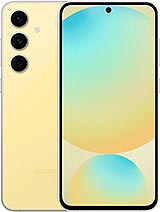 Galaxy S24 FE
Galaxy A56
Nothing phone (3a) Pro
Realme 14 Pro+
Motorola Edge 60 Fusion
Motorola Edge 60
Motorola Edge 50
Galaxy S24 FE
Galaxy A56
Nothing phone (3a) Pro
Realme 14 Pro+
Motorola Edge 60 Fusion
Motorola Edge 60
Motorola Edge 50
The phone retained 80% of its maximum CPU and 99% of its maximum GPU power, some great numbers for sustained performance.
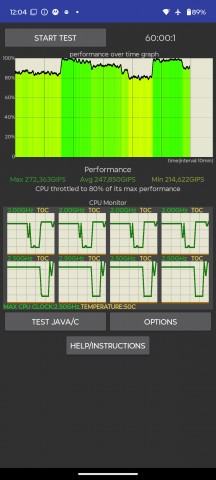
CPU test
Overall, the Edge 60 offers slightly better performance than the Edge 50, and it's fast enough for the class. It does not get hot, and most of the time we got smooth operations across the board.


Tip us
2.1m 180k
RSS
EV
Merch
Log in I forgot my password Sign up