Motorola Signature review
Android 16 with clean Hello UI
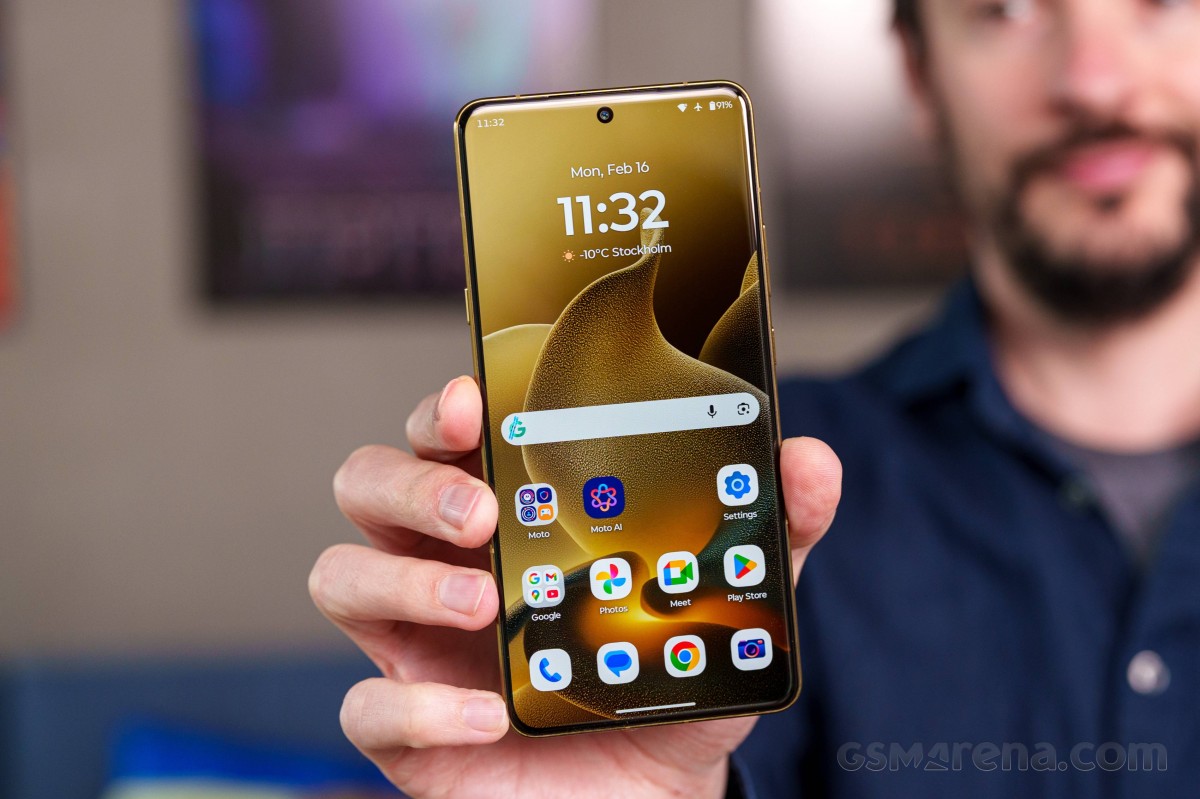
The Motorola Signature boots Android 16 with the company's custom Hello UI on top. And if you have used any recent Motorola, you will feel right at home with the Signature. You can check out our Hello UI/Moto AI video for a better understanding. We made that video last year for the Moto Edge 60.
Motorola promises a whopping "up to seven major Android upgrades" for the Signature. That is almost too crazy to be realistic. We'll just have to take Moto's word on this one. Then again, if Samsung can do it.
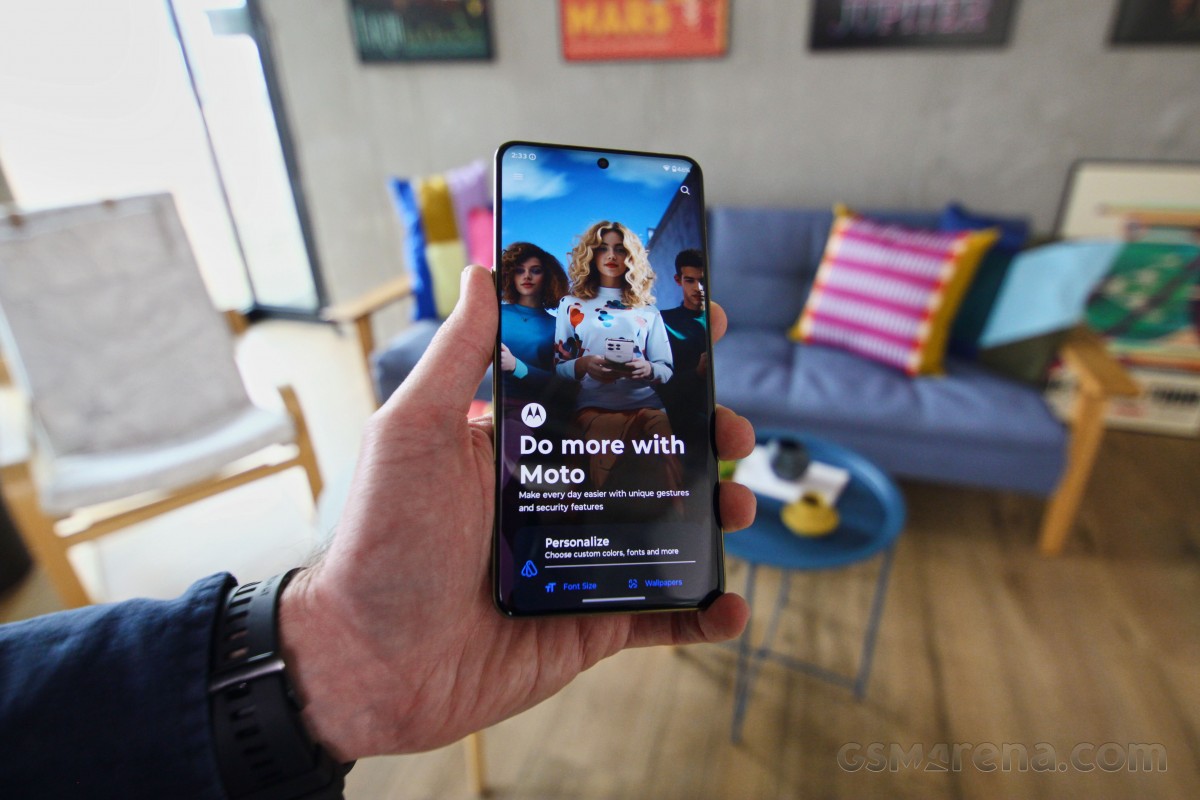
All important customizations live in the usual Moto app 'hub'. Things are neatly organized, with the categories that have a lot of entries. There are some cool predefined themes, too.
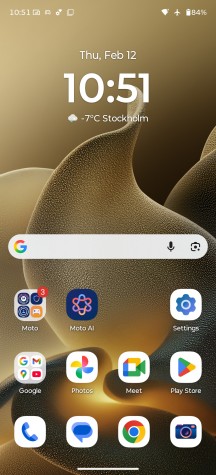
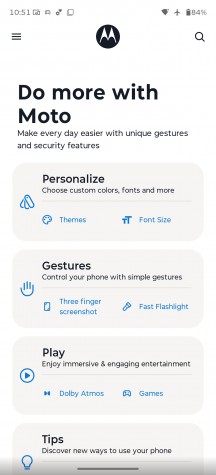
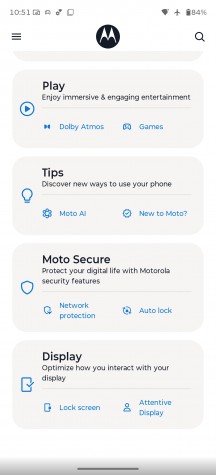
Hello UI and Moto app
Smart Connect (formerly known as Ready For) is Motorola's umbrella branding for its extended connectivity suite. It bundles all features related to linking the phone to a PC, tablet or external display, whether via cable or wirelessly. Screen streaming, a desktop-style interface, phone-to-PC integration, Smart Sharing, Smart Clipboard, cross-device control and more are all neatly consolidated under a single menu. With its DP over Type-C support, the Motorola Signature is very versatile when it comes to video output.
The Smart Connect app is where you would also pair your Moto buds, watch, VR, and tags.
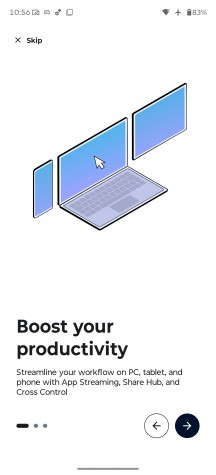
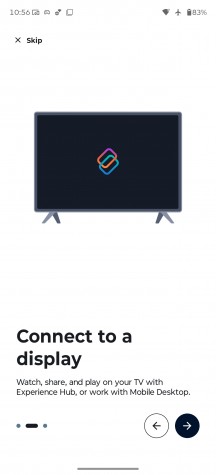
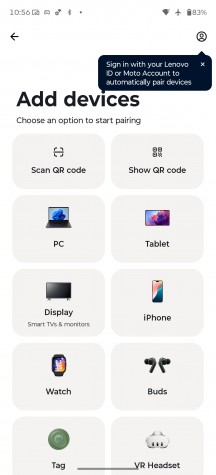
Smart Connect
Motorola approaches AI a bit differently compared to most of its rivals. Instead of locking you into a single assistant, it lets you choose between multiple AI models on the same device. Alongside Google's Gemini, you also get Motorola's in-house solution, dubbed Moto AI, which is designed to be readily available from virtually anywhere in the interface.
You can bring up the Moto AI chat bar using the dedicated AI key on the left side of the phone, a double-tap gesture on the back (one of the configurable Moto actions), or through an optional floating bubble overlay.
As with any modern AI chatbot, you can query Moto AI about just anything on the fly - from general knowledge questions to guidance on enabling features and navigating settings on the phone itself.
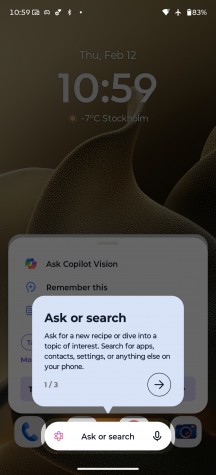
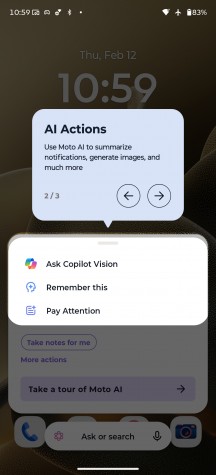
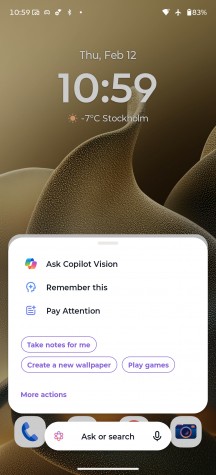
Moto AI
More recently, Moto AI has also gained Copilot Vision integration, which functions similarly to Gemini Live. Beyond simple text conversations, it can analyze what the camera sees and answer questions about your surroundings in real time.
Pressing the dedicated AI key doesn't just open the chat interface, though - it also brings up a curated list of AI-powered tools. Catch Me Up is Motorola's take on notification summaries, neatly condensing recent alerts into a single, digestible overview. Image Studio lets you generate custom images, stickers and avatars with the help of AI. Pay Attention handles audio recording, transcription and summarization duties, while Playlist Studio can craft a personalized music playlist based on your prompts and preferences.
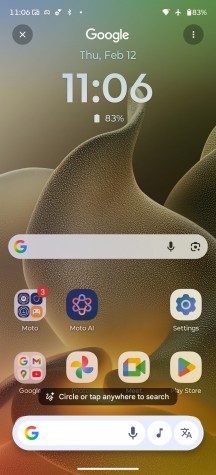
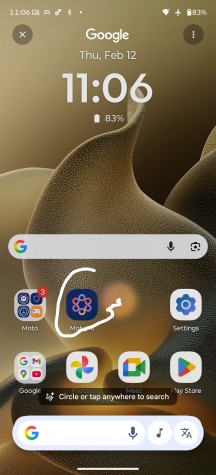
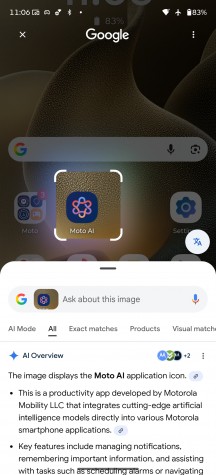
Google Circle to Search
AI tricks aside, the back-tap gesture is a genuinely handy shortcut. Dubbed Quick Launch, it isn't tied exclusively to Moto AI. You can configure it to open an app of your choice, control music playback, jump back to the home screen, return to the previously used app, and more, making it a flexible addition to the gesture toolbox.
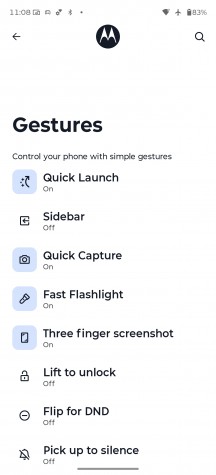
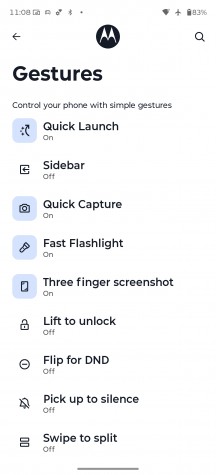
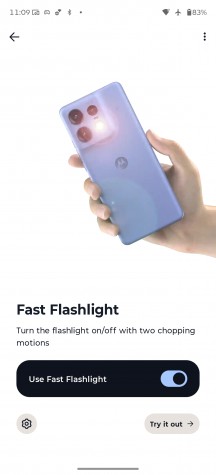
Gestures
As is customary for Motorola, the interface also includes a few signature motion shortcuts. The classic double "karate chop" toggles the flashlight, while a quick wrist twist launches the camera - both remain fast, reliable and intuitive.
On top of Google's default app suite, Motorola adds a couple of its own apps. There's a clean-looking yet surprisingly capable Notes app with AI-powered features, as well as Moto Unplug, a tool designed to help you manage notifications, disconnect when needed and maintain a healthier digital balance.
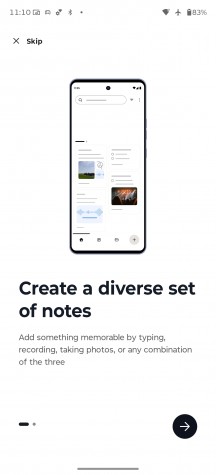
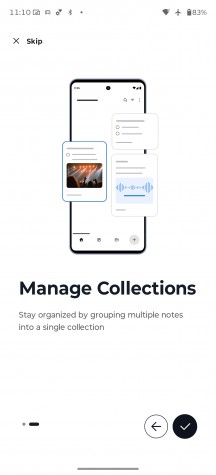
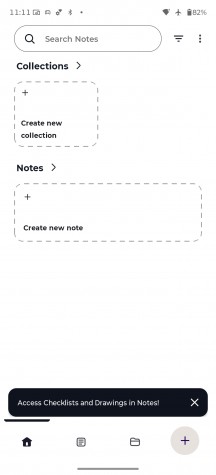
Moto apps
Benchmarks and performance
The Motorola Signature is rocking a Snapdragon 8 Gen 5 chipset, which is very much a flagship-grade chip, but should not be confused with Qualcomm's current "top dog" Snapdragon 8 Elite Gen 5. So, what is the difference? Well, the two chips are very similar in most aspects, and best we can tell, the non-Elite version might actually be a lower bin of the Elite chip.
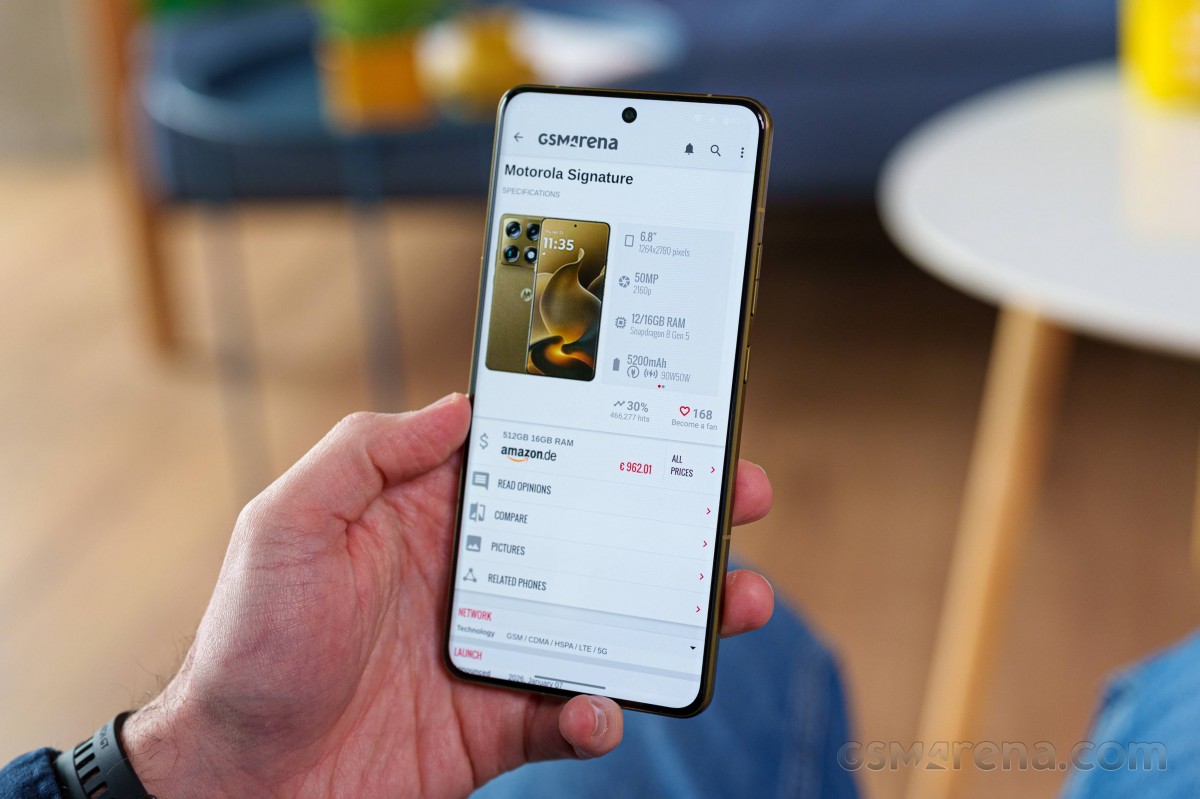
The most easily noticeable difference is in the CPU frequencies. The core configuration is the same between both chips, but the CPU runs at different clock speeds - 2x 3.8GHz + 6x 3.32GHz for the vanilla chip and 2x 4.61GHz + 6x 3.63GHz for the Elite. Otherwise, as mentioned, these are the same Oryon V3 Phoenix L big cores and Oryon V3 Phoenix M small ones.
.The next difference is in the GPU department. The internal identifier for the non-Elite Adreno 840 is also Adreno 829 in reality. And this GPU lacks the dedicated 18MB High-Performance Memory that helps increase bandwidth and decrease latency. There are also some small frequency differences here as well.
The Snapdragon 8 Gen 5 in the Motorola Signature is paired with either 12GB or 16GB of fast LPDDR5X RAM. For storage, you get fast UFS 4.1 chips. The available memory configs are as follows: 256GB 12GB RAM, 512GB 12GB RAM, 512GB 16GB RAM, 1TB 16GB RAM. Our review unit is the 512GB 16GB RAM variant.
Looking at some actual benchmarks, the Snapdragon 8 Gen 5 inside the Motorola Signature performs as expected. We can see it outpacing the Snapdragon 8s Gen 4 and Gen 3 in CPU tests, as well as the Google Tensor G5, and on the other end of the spectrum, there are the Snapdragon 8 Elite and the Elite for Galaxy and then the MediaTek Dimensity 9500 and the Snapdragon 8 Elite Gen 5.
More compound benchmarks like AnTuTu paint a very similar picture. 3Dmark positions GPU performance for the Adreno 829 inside the Snapdragon 8 Gen 5 slightly below the Adreno 830 inside the Snapdragon 8 Elite. So for once, Qualcomm got the numbering right.
GeekBench 6
- Single-core
- Multi-core
 Realme GT 8 Pro
 OnePlus 15
 Galaxy S25 Ultra
 Motorola Signature
 OnePlus 15R

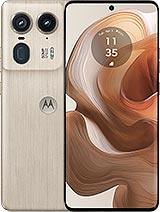
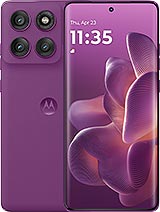 Motorola Edge 60 Pro
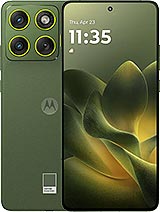 Motorola Edge 70
AnTuTu
- v10
- v11
Realme GT 8 Pro
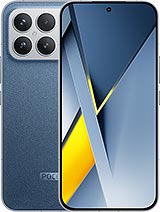 Poco F8 Ultra
 Xiaomi 15T Pro
Motorola Signature
Galaxy S25 Ultra
Motorola Edge 60 Pro
Motorola Edge 70
Xiaomi 15T Pro
Motorola Signature
Galaxy S25 Ultra
Motorola Edge 60 Pro
Motorola Edge 70
3DMark
- Wild Life Extreme (Highest)
- Wild Life Extreme (Lowest)
- Solar Bay (Ray Tracing)
Realme GT 8 Pro
Galaxy S25 Ultra
Xiaomi 15T Pro
Motorola Signature
OnePlus 15R
Motorola Edge 60 Pro
Motorola Edge 70
In practical terms, you will never be strapped for power with the Motorola Signature. Even though you are not getting the latest and greatest chip, the Snapdragon 8 Gen 5 is more than plenty to power through anything you throw at it. Still, we do kind of wish that Motorola used the Snapdragon 8 Elite Gen 5 for the flagship price tag it is asking.
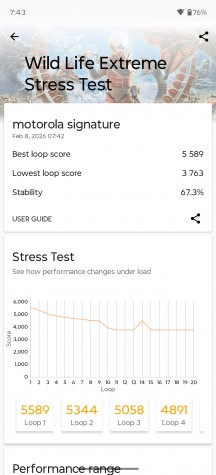
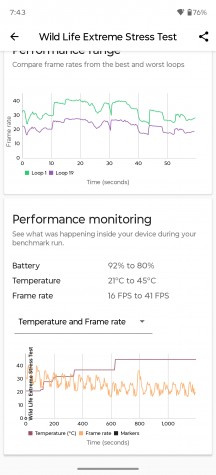
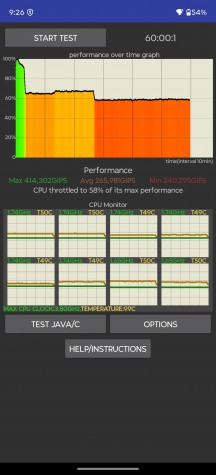
Maintaining performance is a whole other story, though. Unfortunately, the Motorola Signature thermal-throttles quite aggressively and loses a big chunk of its performance over time. Granted, this is a worst-case-scenario torture test we are running here, but you can expect to start seeing lower framerates in games after a while as well.
Thermal-throttling
The Motorola Signature does get fairly hot during extended periods of heavy use. We'd go as far as calling it uncomfortably hot, especially the metal frame.


Tip us
2.1m 180k
RSS
EV
Merch
Log in I forgot my password Sign up