Nothing Phone (4a) review
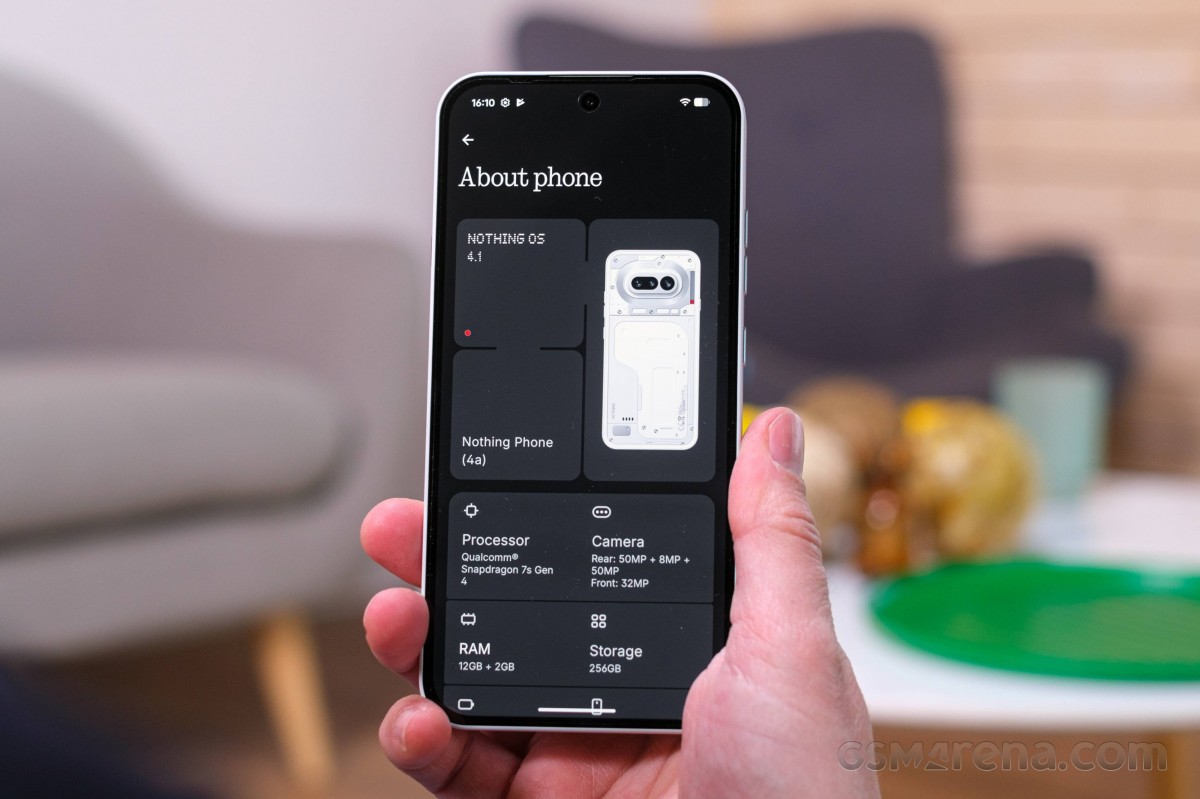
Nothing OS on top of Android 16
Nothing has its own Nothing OS skin running on top of Android. It has matured quite a bit over the years and never abandoned its unique styling.
Unfortunately, the software support promise here isn't great. Nothing has only made a commitment for three major OS updates, which is not that impressive, generally speaking.
The Nothing Phone (4a) runs the latest Nothing OS 4.1. Nothing has specifically optimized the animations in this version of the OS, making them more fluent and natural, often through frame interpolation.
Some interesting new features in the latest Nothing OS version include sizing options for home screen components, password recovery for Private Space, hidden apps in Smart Drawer, different ringtones for dual SIM users and a revamped lock screen with widget support and optional depth effect for wallpapers.
Unfortunately, the software support promise here isn't great. Nothing has only made a commitment for three major OS updates, which is not that impressive, generally speaking.
Nothing OS sticks to a clean, near-stock Android (AOSP) experience in terms of features, but stands out with its unmistakable visual flair. The interface is distinctly themed, making extensive use of Nothing's signature dot-matrix typography and cohesive design language. Plus, it's not like there are no extra features. On the contrary.
Users can access 19 custom widgets, covering essentials like clocks, calendars, contacts, and weather, all designed to maintain a cohesive aesthetic.
For what it's worth, the Nothing Phone (3) had 18 widgets, so Nothing has added one more to the roster. Then again, the CMF Phone 2 Pro had 24 proprietary widgets back when we reviewed it.

The latest widget, Nothing added as we were reviewing the phone, is a new Relaxation hub. The widget is actually a collection of three widgets with breathing exercises in three distinct modes, each with its own haptic pattern - Focus, Relax and Calm.

The notification shade and quick settings menu offer a familiar stock Android foundation with a touch of Nothing's custom styling. As of Nothing OS 2.5, the two prominent quick toggles at the top adopt rounded-square shapes instead of the previous circular design, a visual tweak that carries over into version 4.1.
Nothing OS also includes a custom Nothing icon pack, which sticks to a uniform monochrome style, in line with Nothing's design ethos.
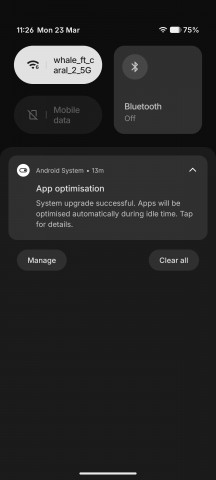
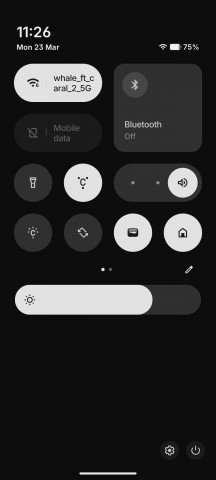
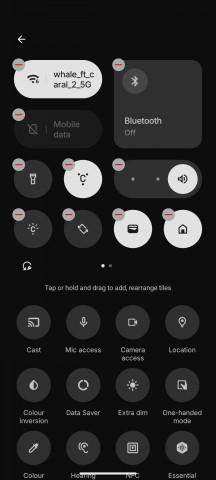
Nothing OS 4.1
The Nothing Phone (4a) features an always-on display option, albeit a basic one with only a clock and a few notification icons, and no customization options.
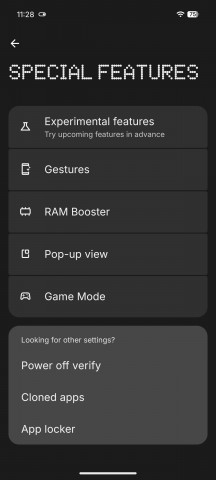
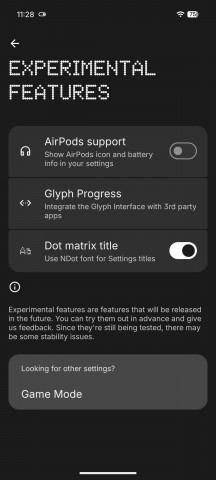
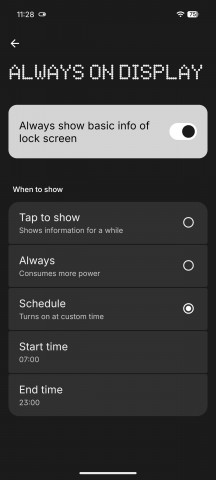
Special features and Always on display
Nothing OS also offers a Monochrome UI mode for those after an even more distinctive look. While it integrates with features like Do Not Disturb and Bedtime mode, it can also be enabled independently. It's worth noting that this is purely a visual filter - screenshots and captured photos remain in full color.
A recent update also introduced app recommendations to the Essential Apps drawer, plus a new lock screen clock face, borrowed straight from the Nothing Phone (3), featuring an exclusive typeface and a wake-up animation. Further enhancements include Depth Effect, along with adjustable clock sizes and alignment options for lock screen customisation.
The Nothing X app provides seamless integration with several audio products by Nothing and CMF.

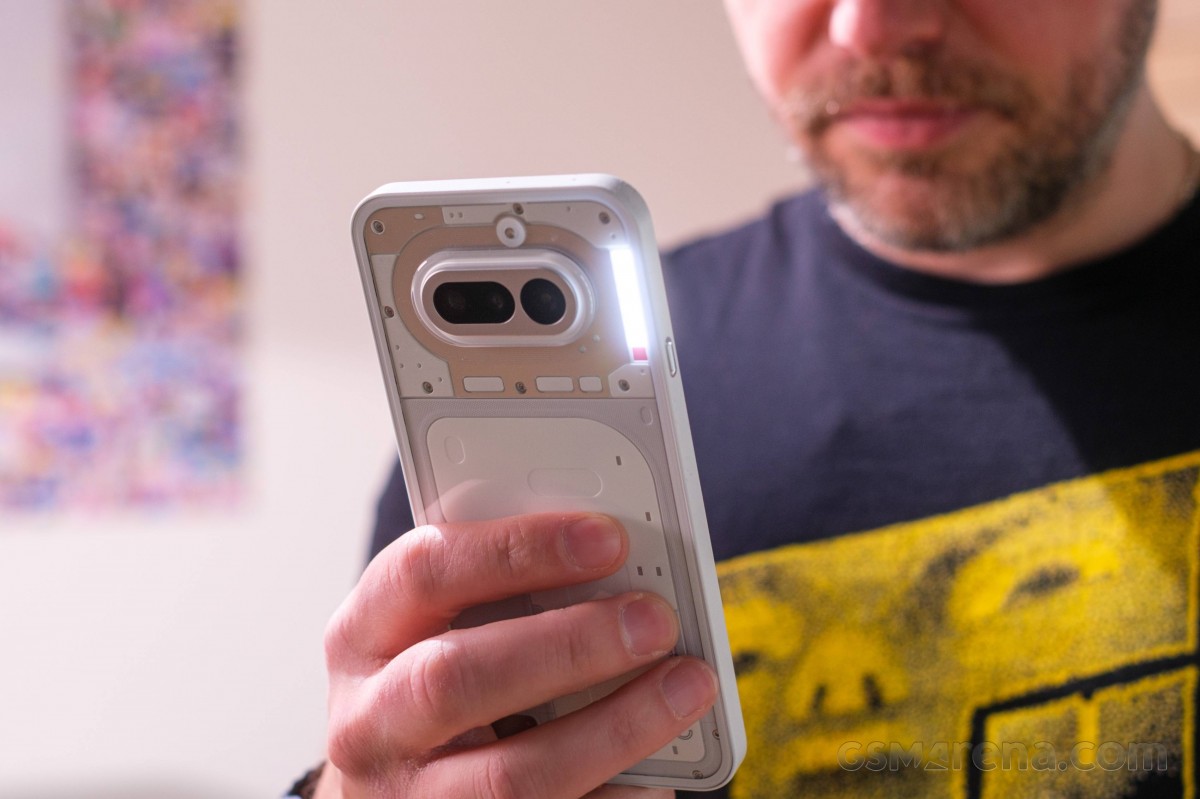
There is a signature Nothing Glyph Interface on the Nothing Phone (4a). It is not a display-style Glyph Matrix, which is reserved for the Pro model. Instead, you get what is known as the Glyph Bar - a vertical arrangement of sis white LED zones, which has a total of 63 individually-addressable mini-LEDs underneath.

Arguably, it remains one of the most interesting visual aspects of the phone. You can fine-tune the LED brightness across three intensity levels and assign it to react to various events, such as incoming calls and notifications. The Glyph interface doubles as a handy visual tool, serving as a volume indicator, a timer (including camera countdowns), and even a cue for the optional flip-to-mute feature. Nothing has also introduced a handful of third-party integrations that make use of the Glyph as a progress indicator.
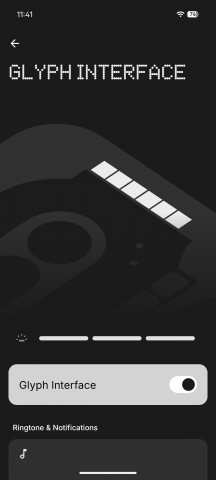
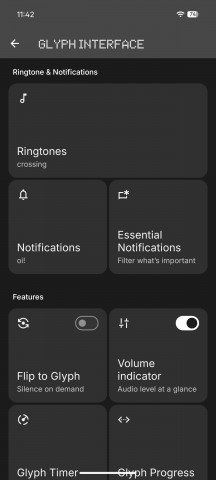
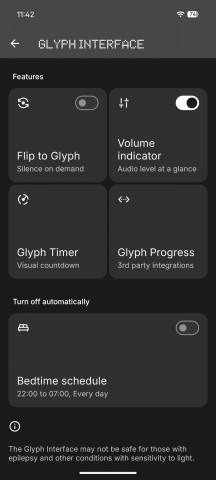
Glyph Bar settings
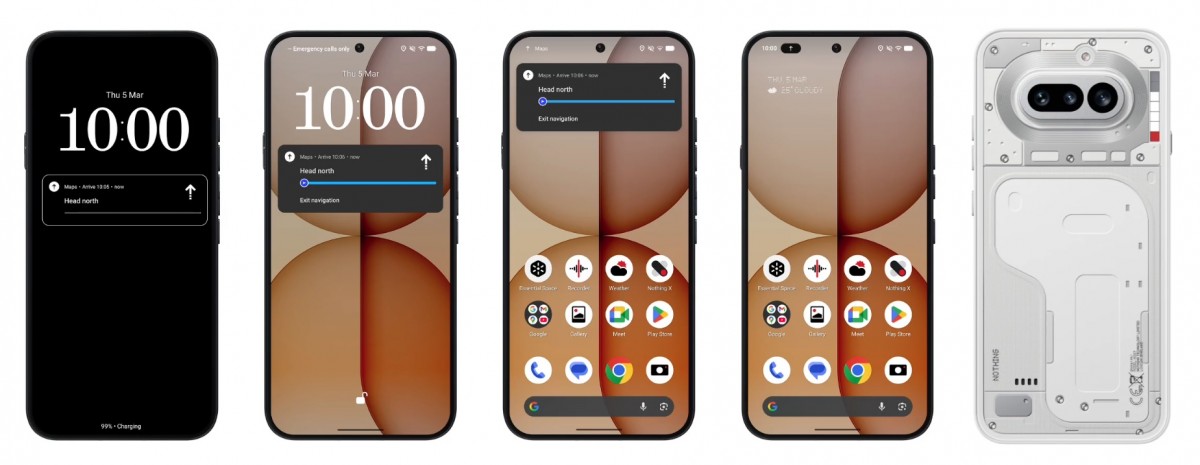
In fact, as we were working on this review, Nothing released an update that expanded the Glyph progress indicator even further. Now, any Android app that uses the native OS visual progress bar indicator within its notification will just have the same progress indication seamlessly transferred over to the Glyph Bar. A move that makes a lot of sense.
There is plenty of AI on board the Nothing Phone (4a), which is in keeping with current trends. There is even a centralized menu category in settings, called "INTELLIGENCE TOOLKIT" that houses most features under one roof.
We already briefly talked about the Essential Space. It is an AI-powered hub designed to help you organize your daily tasks. It all hovers around the concept of memo-taking. You use the Essential Key on the left-hand side of the device to either send a photo or a screenshot to the Essential Space and optionally some annotation text to go along with it. You can also long-press the same button and thus accompany the image you just captured with a voice recording.
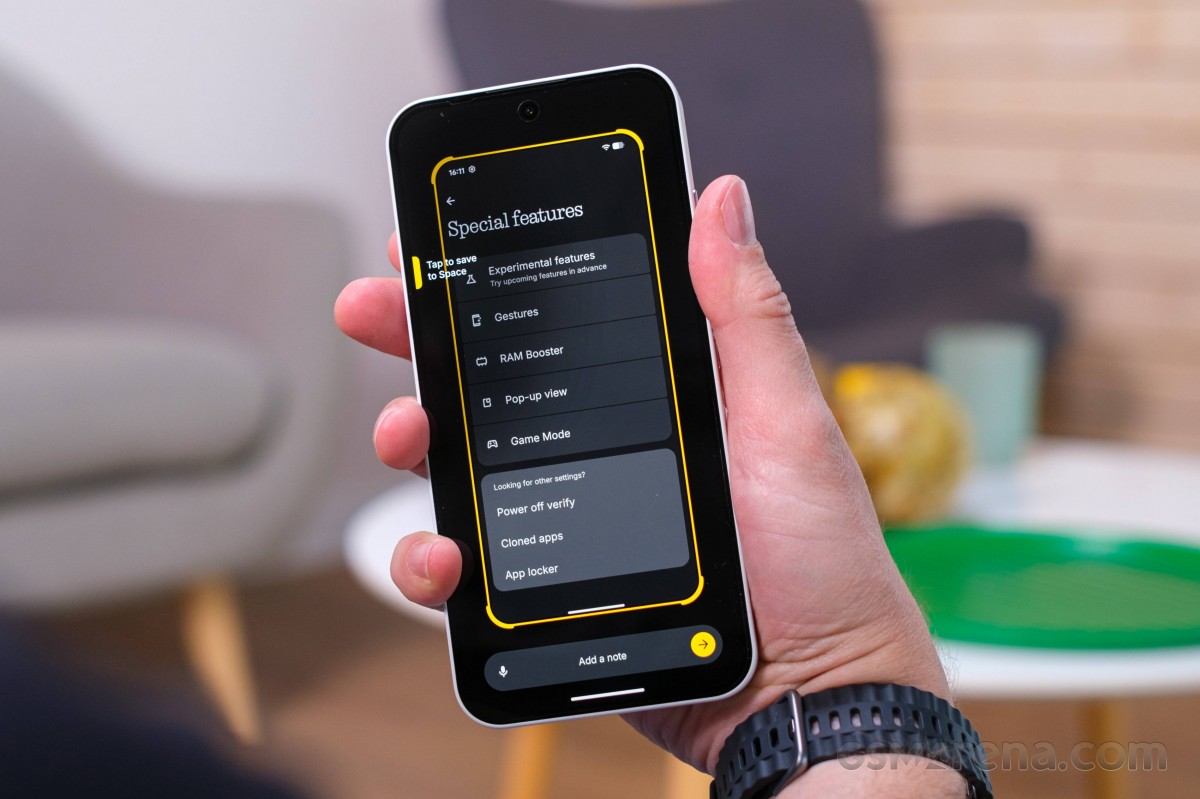
The AI is supposed to then ingest everything and intelligently organize information, and even create appointments and schedules for you. It works pretty decently in our experience, but it does require a particular kind of user who is willing to organize their life in this very particular manner.
The Essential Space also includes an Essential Recorder, which can record, transcribe and automatically analyze conversations. Nothing also mentions something called "Playground" where "Essential Apps" live. Apparently, these are AI-driven apps made specifically for you to complete things like automated tasks. Apparently, you can create these through natural language prompts, and there is a repository of user-created ones somewhere. Unfortunately, for one reason or another, at the time of testing, we see no Playground or Essential Apps anywhere on our review unit.
We wish Nothing offered the option to map the key to a different function, just for the added versatility.
One nifty little extra that Nothing added to the Essential Space is cloud sync, so you can have your Essential Space content sync up across multiple Nothing devices.
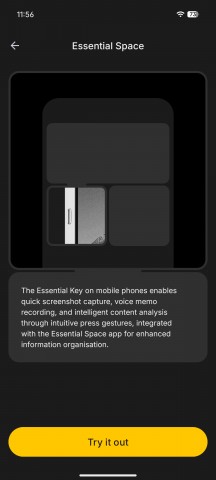
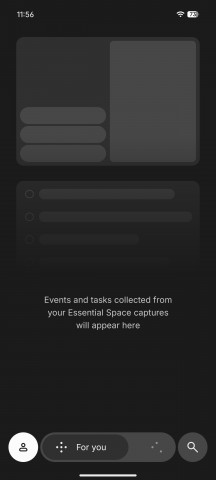
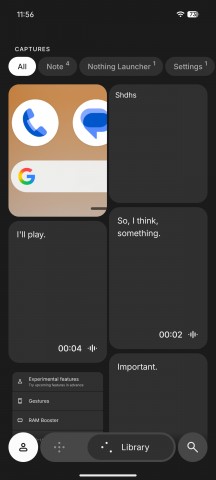
Essential Space
ChatGPT, in particular, also gets a lot of love with rather deep system integration. There is a quick widget you can use to instantly send text, images or voice notes to the assistant. Even more interestingly, you can call upon ChatGPT from the screenshot interface. From there, the AI can copy and analyze text and even do things like edit images.
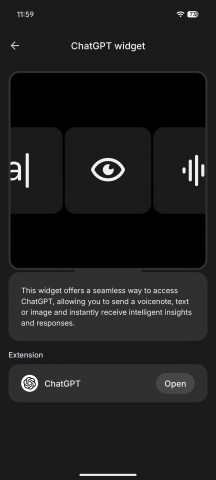
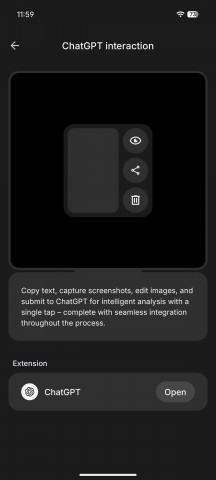
ChatGPT integration
It's an interesting integration and partnership, but to make the most out of it, you really need to pay a subscription to OpenAI for its services.
Wallpaper Studio is a neat generative AI addition. It's extremely simple to use - you just pick a couple of keywords, and the system takes care of the rest.
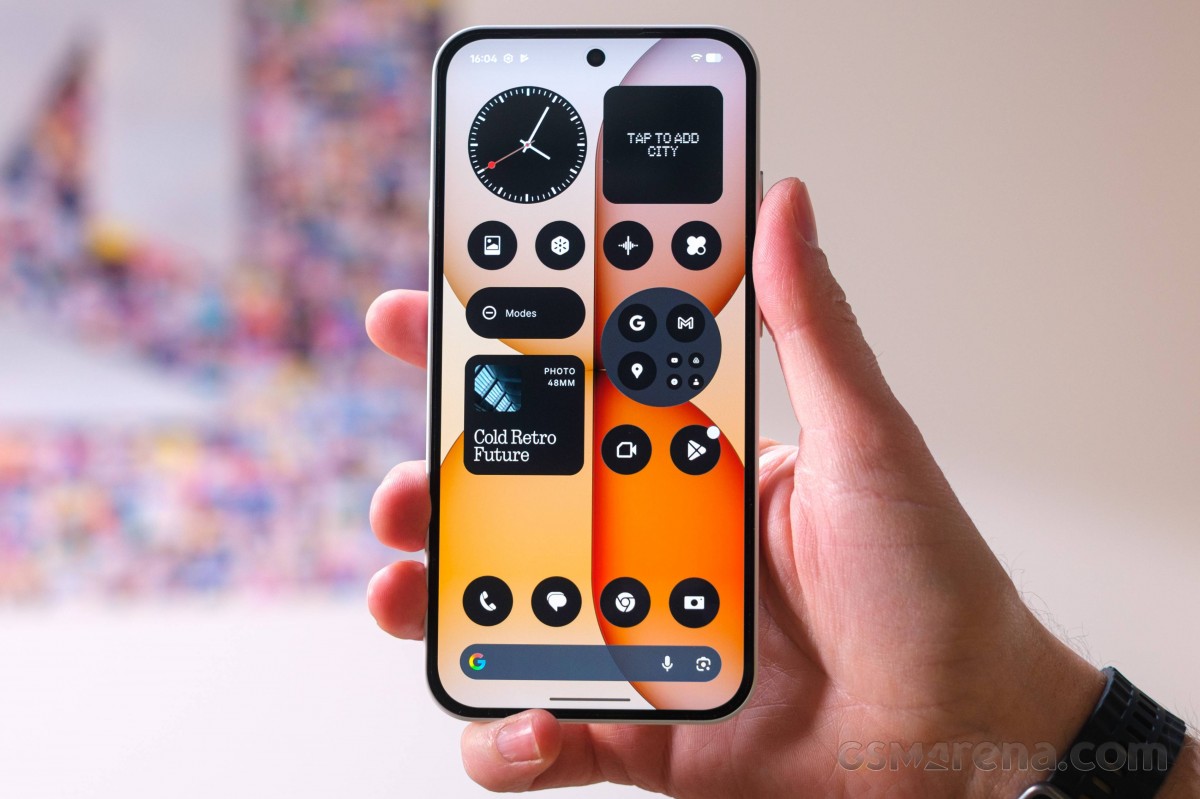
The Essential News widget is a rather neat addition. While it doesn't let you choose specific sources and instead relies on topic selection, it still does a commendable job of curating, summarizing, and even reading out news stories. We're not entirely sure whether the narration is AI-generated or sourced from actual audio feeds, but either way, it sounds convincing and works reliably.
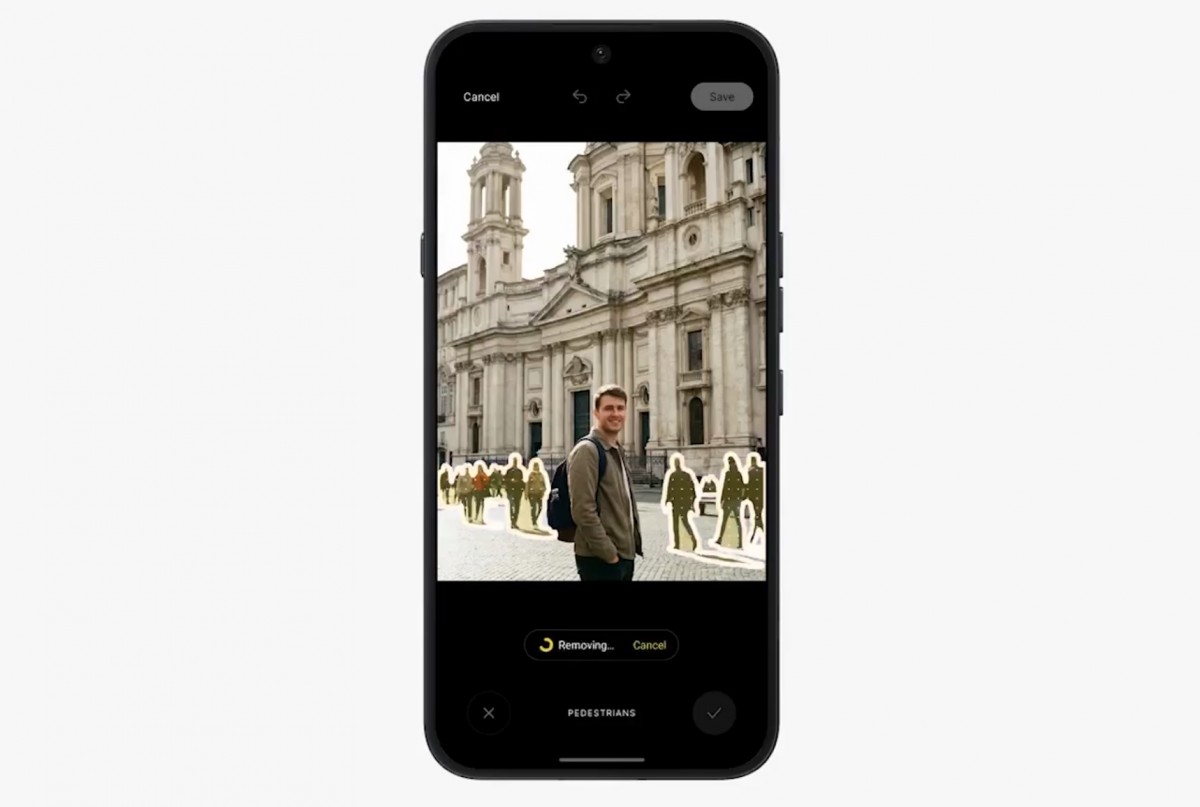
Since the latest software update, the Nothing Phone (4a) now has an AI Eraser feature in the Gallery app. The on-device tool can automatically detect and remove unwanted elements from photos, while also allowing users to manually select what they want to erase.
Benchmarks and performance
The Nothing Phone (4a) is not a particularly powerful device, nor was it even meant to be anything beyond a mid-ranger in terms of performance. Still Nothing decided to upgrade the chipset slightly to the Snapdragon 7s Gen 4, up from last year's Snapdragon 7s Gen 3. It's not a major upgrade, but it is still appreciated.
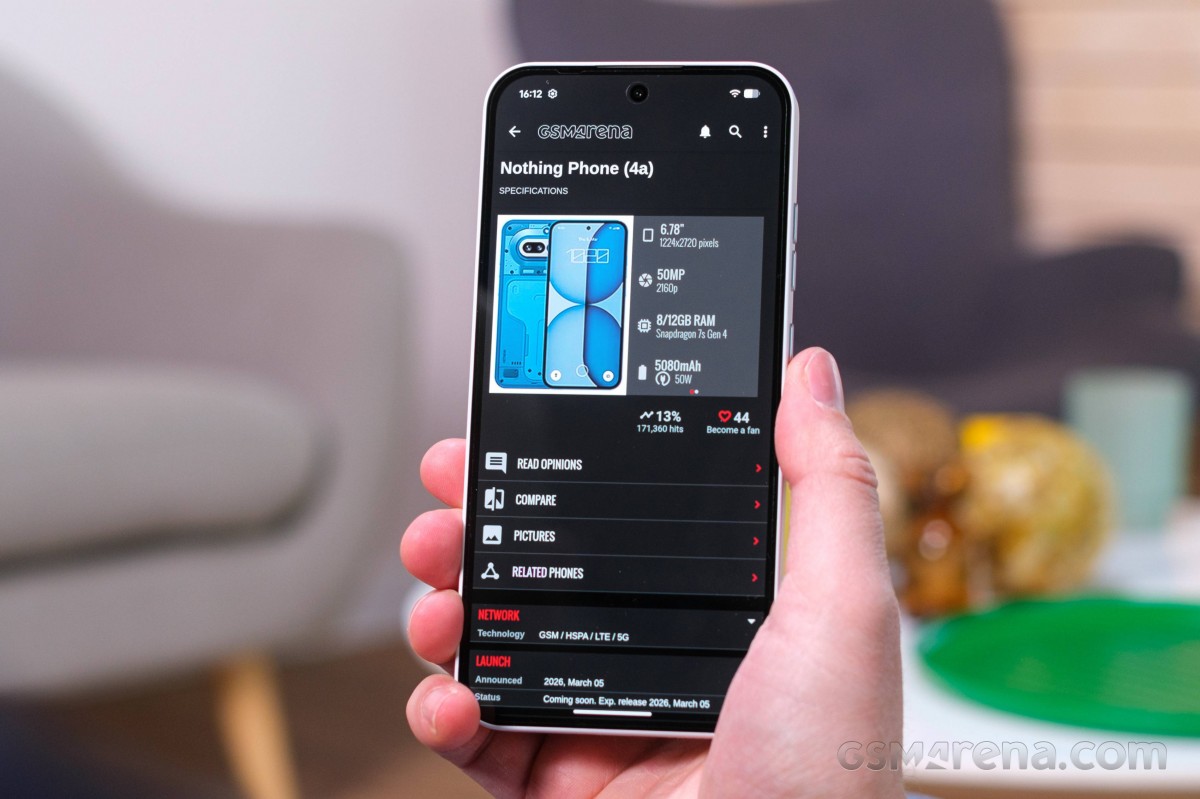
The CPU configuration is essentially the same, except that the "prime" Cortex-A720 core is clocked at 2.7 GHz instead of 2.5 GHz. Then you have three more Cortex-A720 cores, working at up to 2.4GHz and four Cortex-A520 ones, clocked at up to 1.8GHz - the same as last year. The GPU is the exact same Adreno 810 as in the Snapdragon 7s Gen 3. Nothing says that through OS and scheduler optimizations, it squeezes more performance out of the chip. Plus, 10% better power efficiency compared to the Nothing Phone (3a).
The more meaningful upgrade for this year, however, is the move from last year's USF 2.2 storage chips to faster UFS 3.1 ones. Nothing estimates that results in 147% faster storage reads and 380% faster writes. And that's the kind of added fluidity and responsiveness that you can actually feel.
The Nothing Phone (4a) has a total of three memory configurations: 128GB 8GB RAM, 256GB 8GB RAM, and 256GB 12GB RAM. Through virtual memory, you can boost RAM up to 20GB. Our review unit is the 256GB 12GB one.
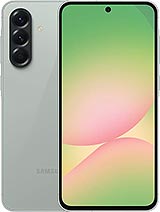
Looking at some actual benchmark numbers, the Snapdragon 7s Gen 4 inside the Nothing Phone (4a) puts out pretty expected performance numbers. That is to say, slightly better than last year's Nothing Phone (3a) with its Snapdragon 7s Gen 3, but very much in the same ballpark and similar to the Exynos 1580 inside the Samsung Galaxy A56.
If performance is a big priority for you, you should know you can get much more potent chips in this price range.
GeekBench 6
- Single-core
- Multi-core
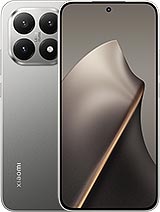
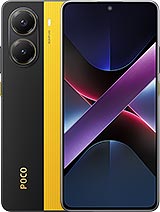
 Poco X8 Pro Max
 Galaxy A56
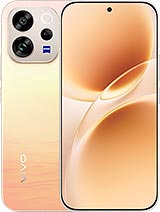 vivo V70
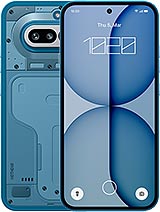 Nothing phone (4a)
 Nothing phone (3a) Pro
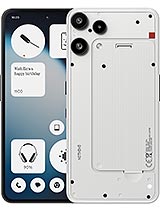 Nothing Phone (3a) Lite
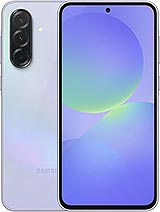 Galaxy A36
AnTuTu
- v10
- v11
Poco X8 Pro Max
vivo V70
Galaxy A56
Nothing phone (4a)
 Nothing phone (3a)
 Redmi Note 15 Pro 5G
Galaxy A36
3DMark
- Wild Life Extreme (Highest)
- Wild Life Extreme (Lowest)
Poco X8 Pro Max
vivo V70
Galaxy A56
Nothing phone (4a)
Nothing phone (3a)
 Motorola Edge 60 Fusion
Nothing Phone (3a) Lite
Thermal-throttling
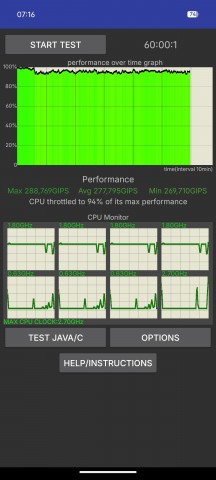
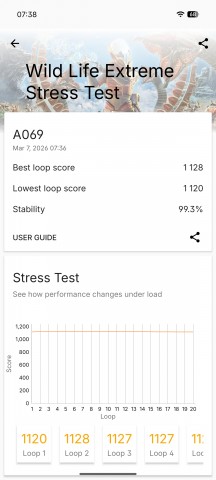
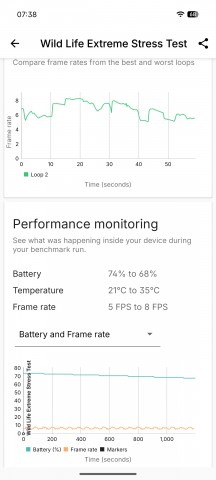
The Snapdragon 7s Gen 4 inside the Nothing Phone (4a) is not a particularly powerful chip (although it has plenty of performance to deliver a smooth experience). Instead, it is optimized for efficiency in most aspects, and it shows by its pretty minimal heat output. Whatever heat it does kick out gets masterfully handled by the cooling solution inside the Nothing Phone (4a).
Thermal-throttling
The Nothing Phone (4a) barely thermal-throttles at all, even with extreme torture testing. It maintains pretty much all of its performance under load. Plus, its surface never gets more than lukewarm.


Tip us
2.1m 180k
RSS
EV
Merch
Log in I forgot my password Sign up