OnePlus Pad Go 2 review
Design, build quality, handling
The OnePlus Pad Go 2 is a tablet that looks like many others on the market and the 1+ logo is the only way to recognize its brand. And that's not a bad thing, just on the contrary.
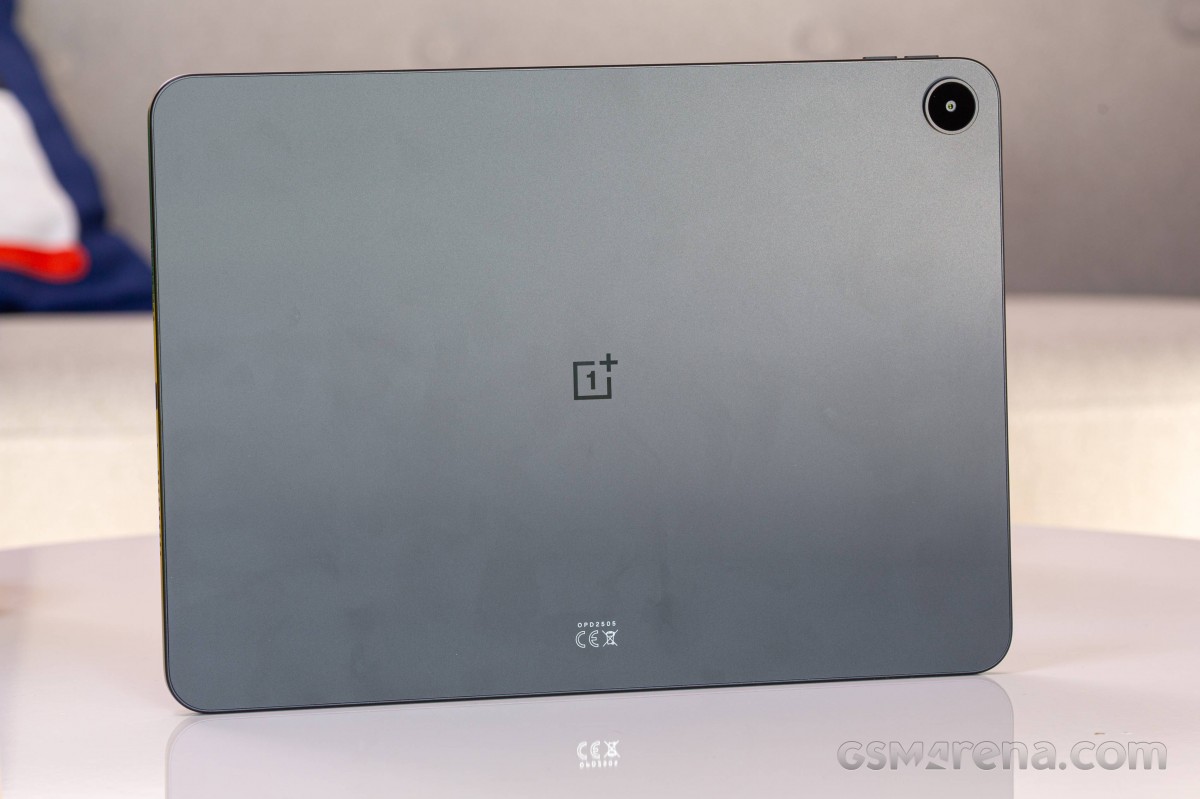
The Pad Go 2 features an aluminum unibody with flat sides, and tempered glass above its screen. There is no information for the display's shielding, but it is rated Mohs 6 for hardness.
The metal unibody has matte finish all around, which feels silky smooth to the touch, but it's also incredibly slippery.
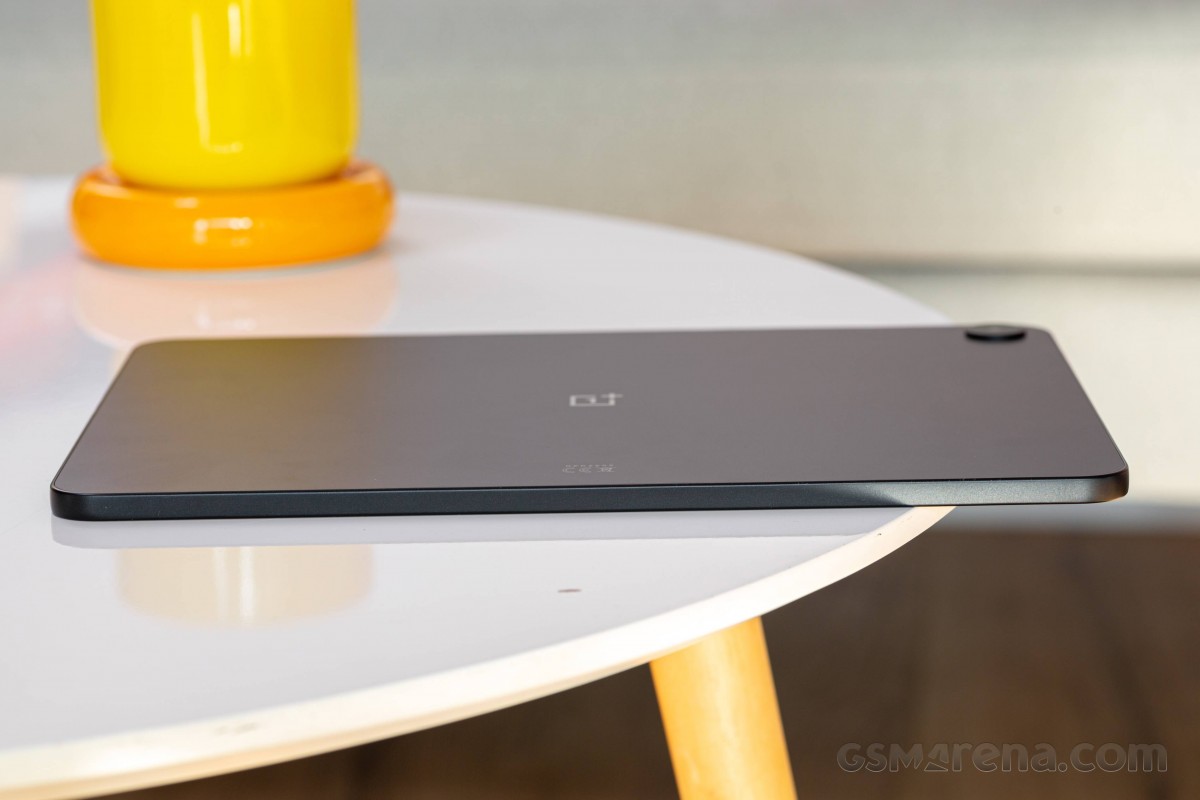
In case you were wondering, there is no ingress protection for the Pad Go 2.
The Pad Go 2 has two color options - Lavender Drift and Shadow Black. Our 5G model is being sold only in Black color and our experience so far with the slate is a mixed bag - it looks nice, but it is also prone to fingerprints and smudges. And once your black Pad Go 2 becomes smudged, it is tough to clean.
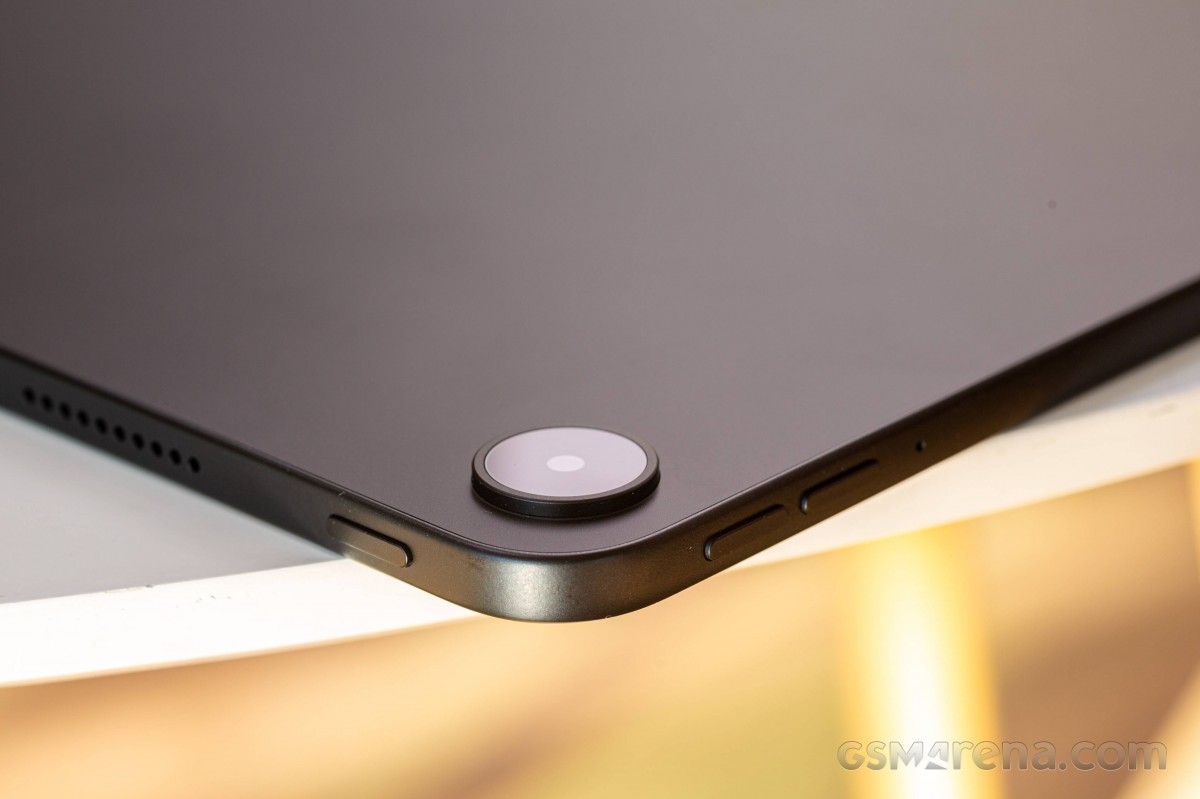
And one final thought - did a super basic 8MP camera really need a sticking out ring on the back?
Now, let's take a closer look at the OnePlus Pad Go 2.
The front is all screen, as usual, with even bezels across the sides - not too thin, and not too thick either. The 8MP front camera is almost invisible, centered inside one of the long bezels.
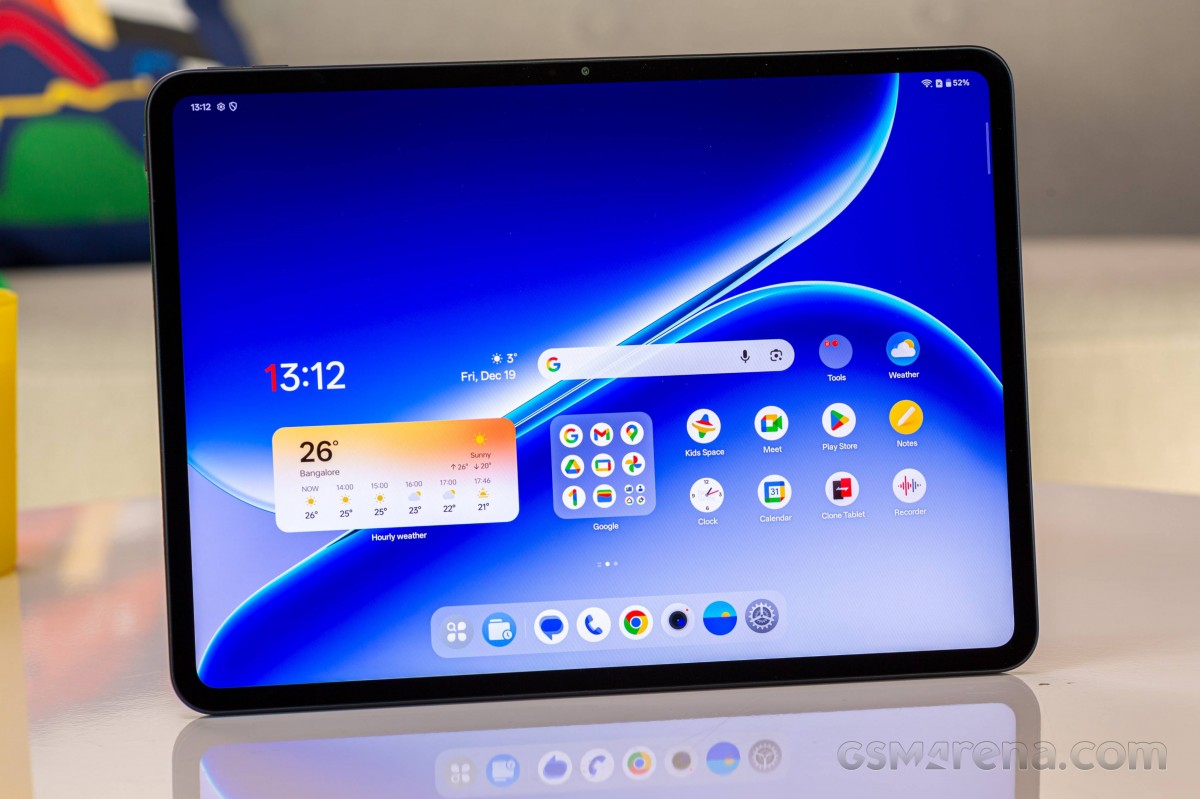
This year, OnePlus brought not only a larger, but a sharper, brighter, and faster LCD panel with HDR support. This alone is a huge upgrade over the first Pad Go.
The back is clean except for the 8MP camera inside its raised metal ring.
The shorter sides of the Pad Go 2 have four speakers in a two-by-two configuration.
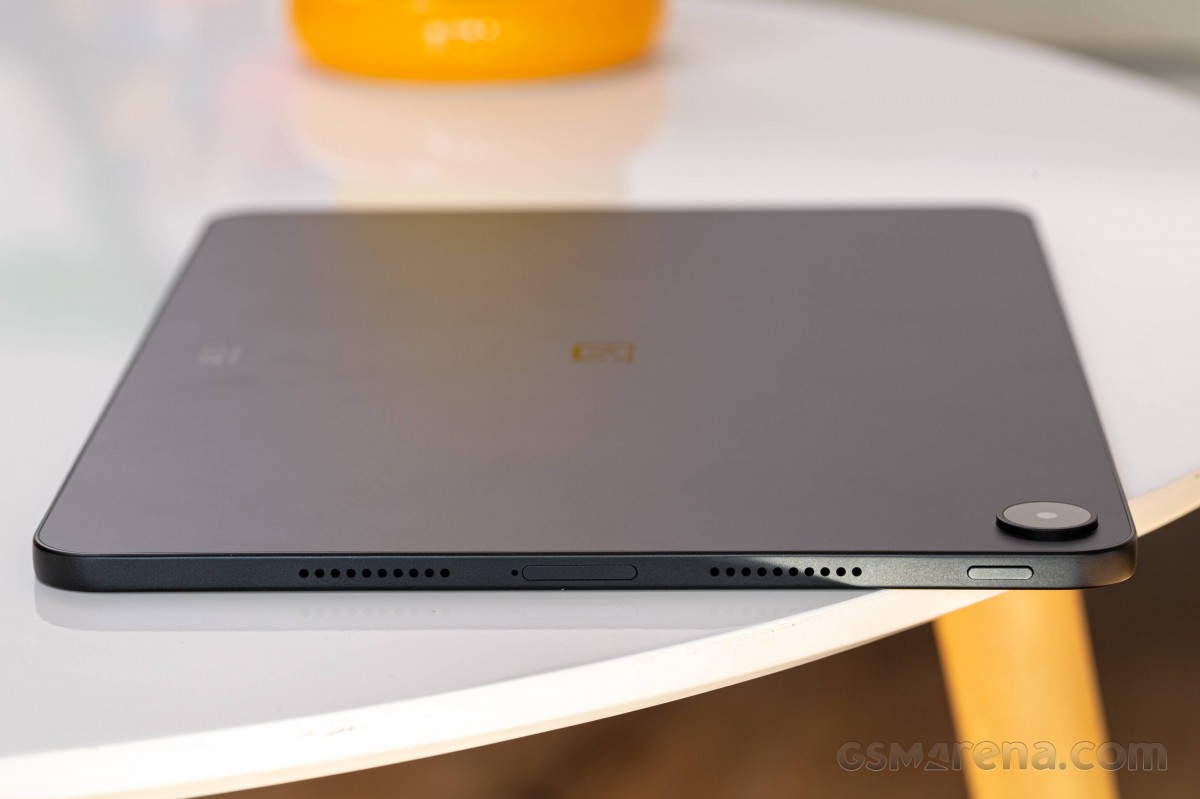
Also on these short sides are USB-C port, a microphone, the power/lock key, and the card tray for the microSD and the nanoSIM cards.
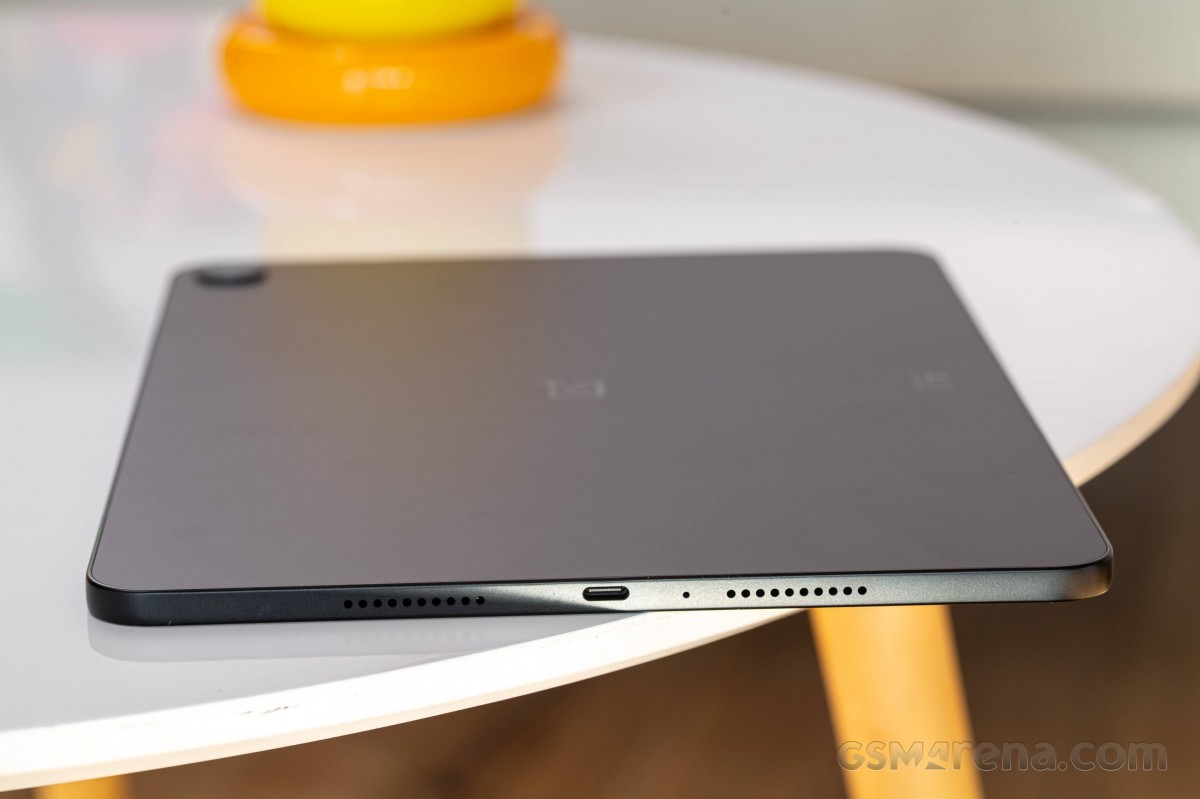
The volume keys and another microphone are placed on one of the longer sides, while the opposite one is completely bare.
The OnePlus Pad Go 2 is a large tablet, but its flat sides make it easy to hold and operate. The matte surface is responsible for almost non-existent grip, though, and you should be careful. And, as far as build is concerned, the metal unibody is as premium as it can get, and the whole thing is well balanced, no complaints here.
Optional accessories
OnePlus offers two optional accessories for the Pad Go 2 - Folio Case and Pad Go 2 Stylo.
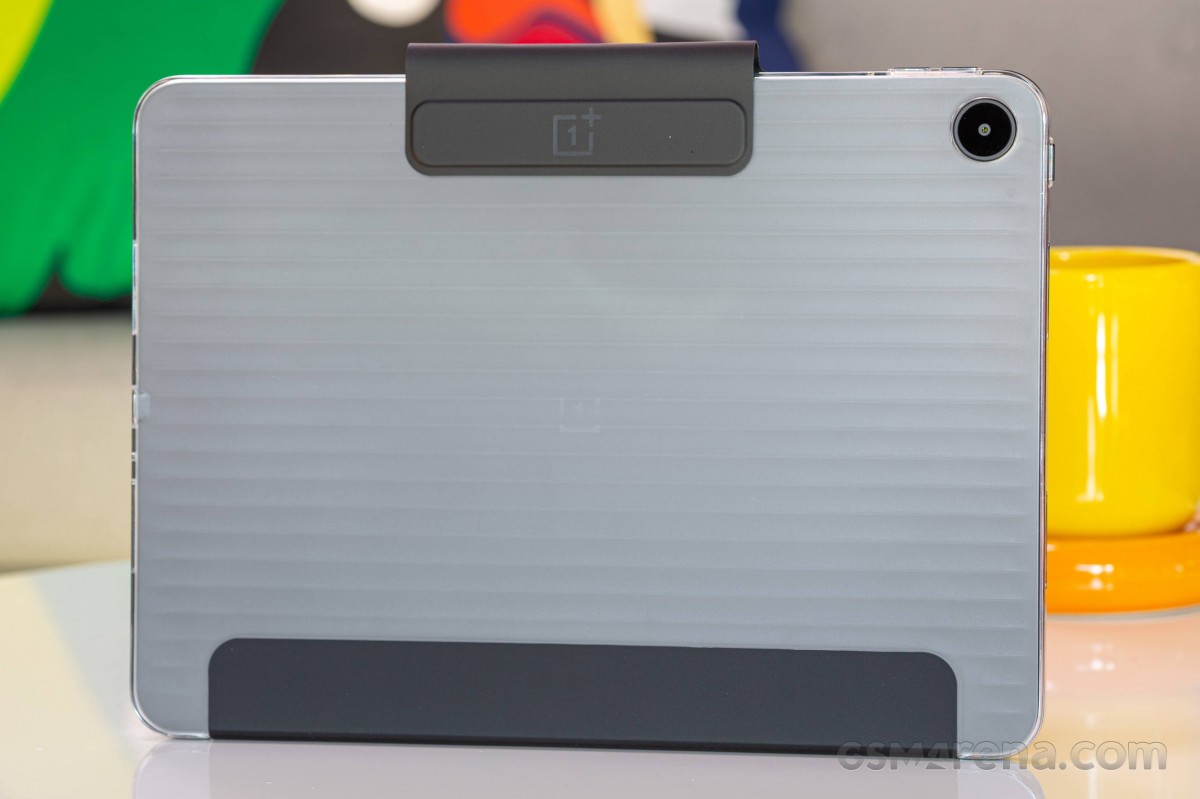
The Pad Go 2 Folio Case is somewhat unique with a semi-transparent back design. It has these horizontal raised lines, which give a much-needed extra grip.
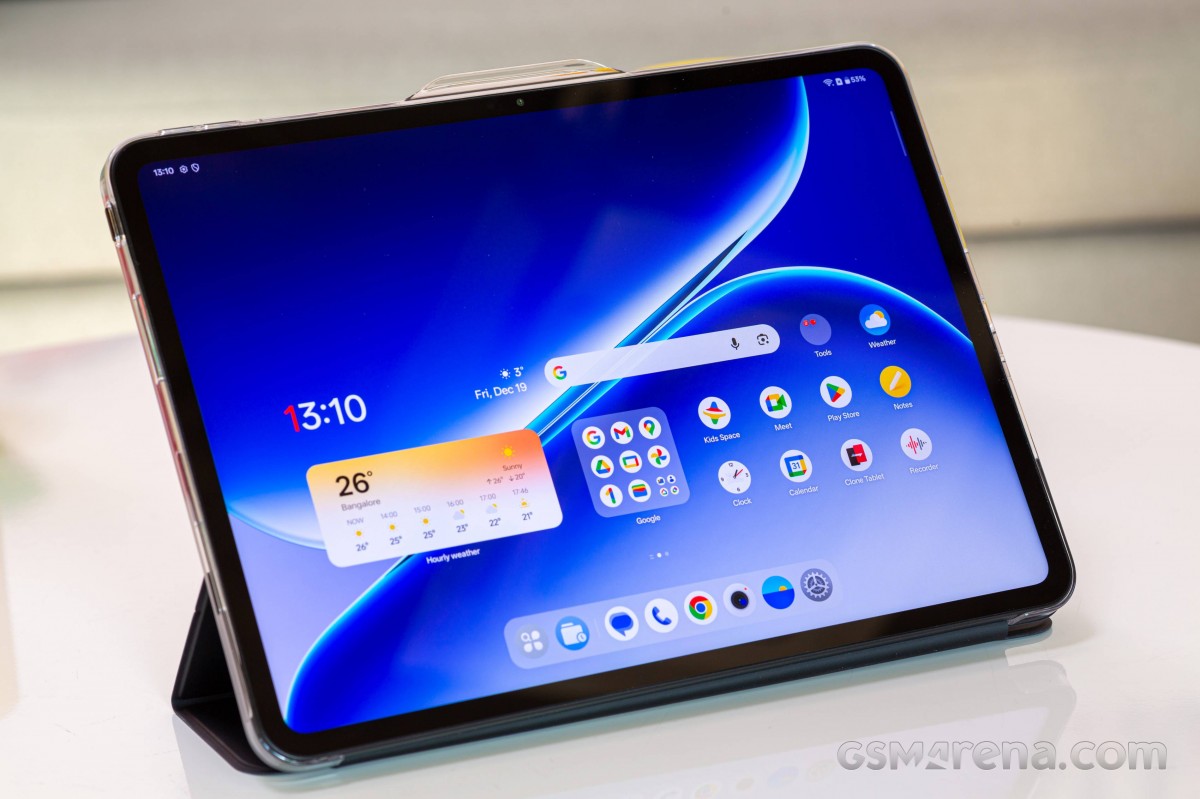
The black folio side snaps magnetically to the screen, and the Pad Go 2 will automatically turn on when you open the folio.
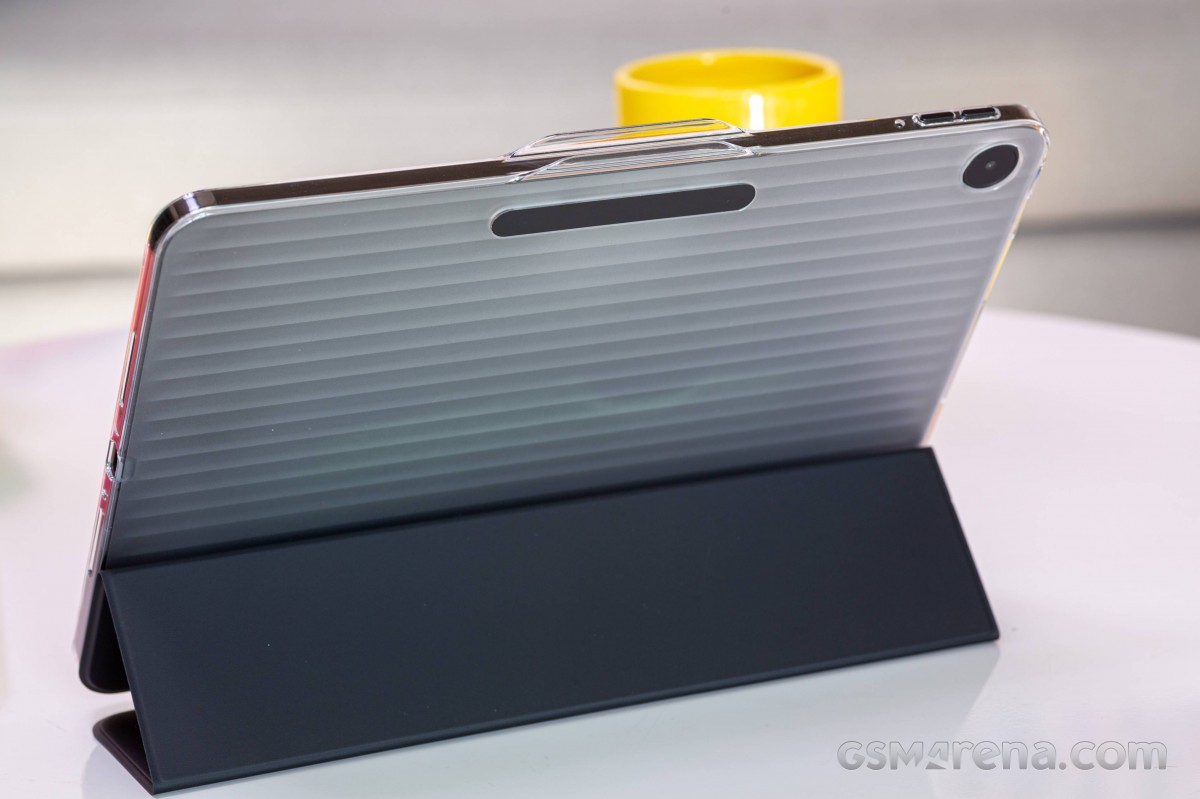
It's not just a case though. Once open, you can fold the folio part up to act as a stand.
The Stylo pen for Pad Go 2 offers lag-free writing and drawing experience and fast charging. OnePlus claims that 10 minutes on a charger will provide half a day of use.
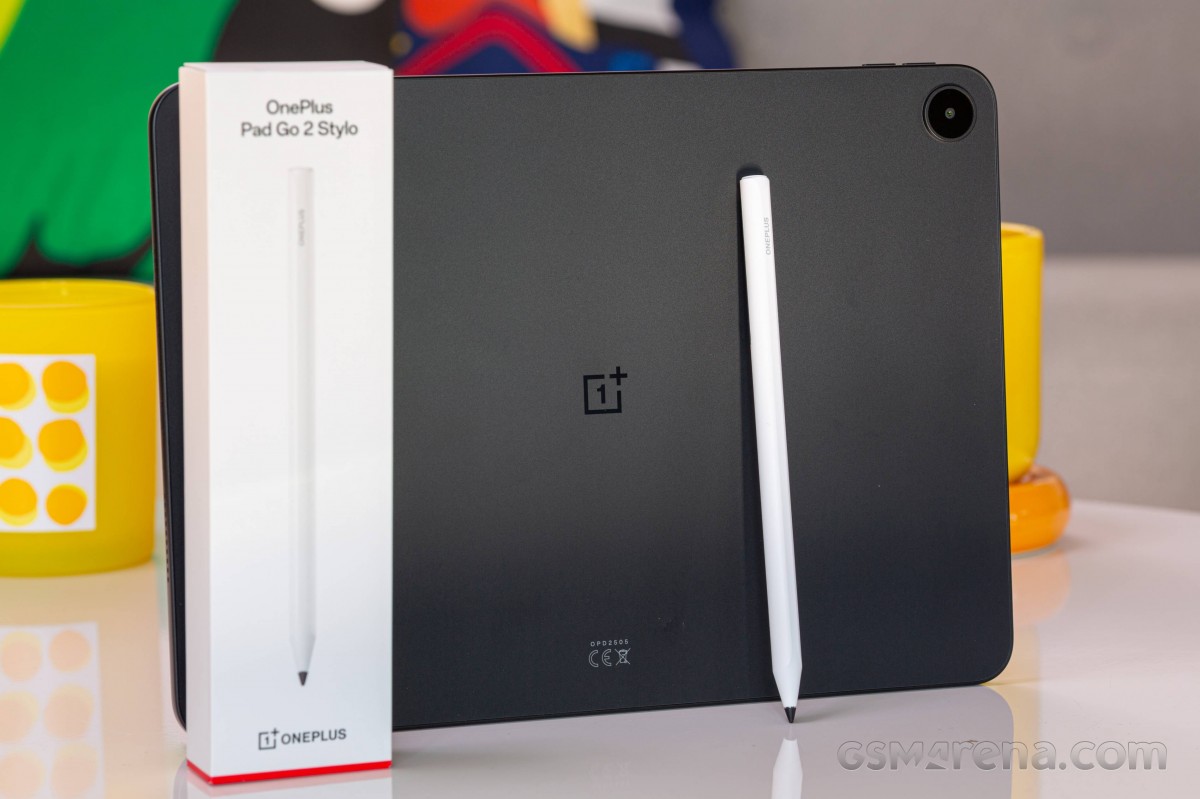
It recharges via a USB-C port and we can confirm it lasts super long after a few minutes of charging. You can write and draw easily and it feels almost like the real thing.
Oddly, the OnePlus Pad Go 2 lacks a magnet holder for the Stylo. If you want to keep it close to your tablet, you must buy the Folio case. That's a bummer!


Tip us
2.1m 180k
RSS
EV
Merch
Log in I forgot my password Sign up