Xiaomi Pad 8 Pro review
HyperOS 3 on top of Android 16
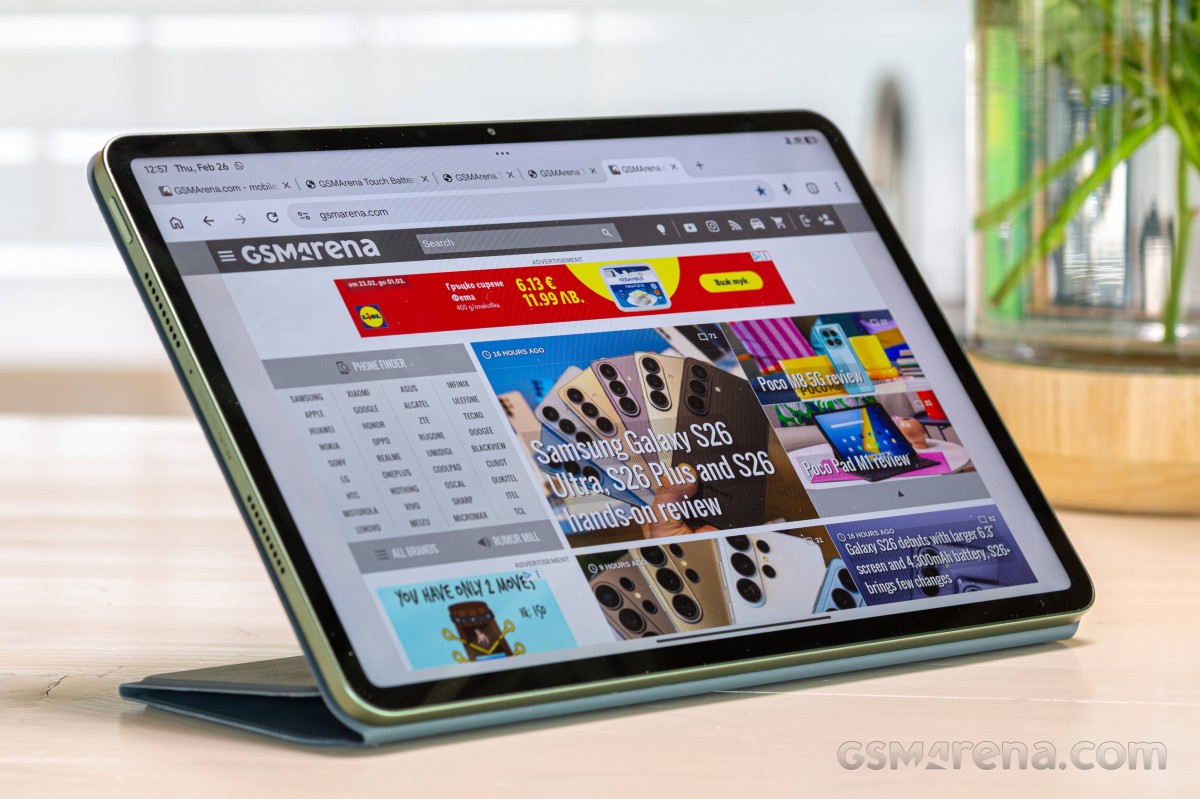
The Xiaomi Pad 8 Pro boots Android 16 with the latest HyperOS 3 software. Xiaomi hasn't explicitly revealed how many major OS upgrades the Xiaomi Pad 8 series would receive, but it's likely 4 major OS upgrades and 6 years of security patches.
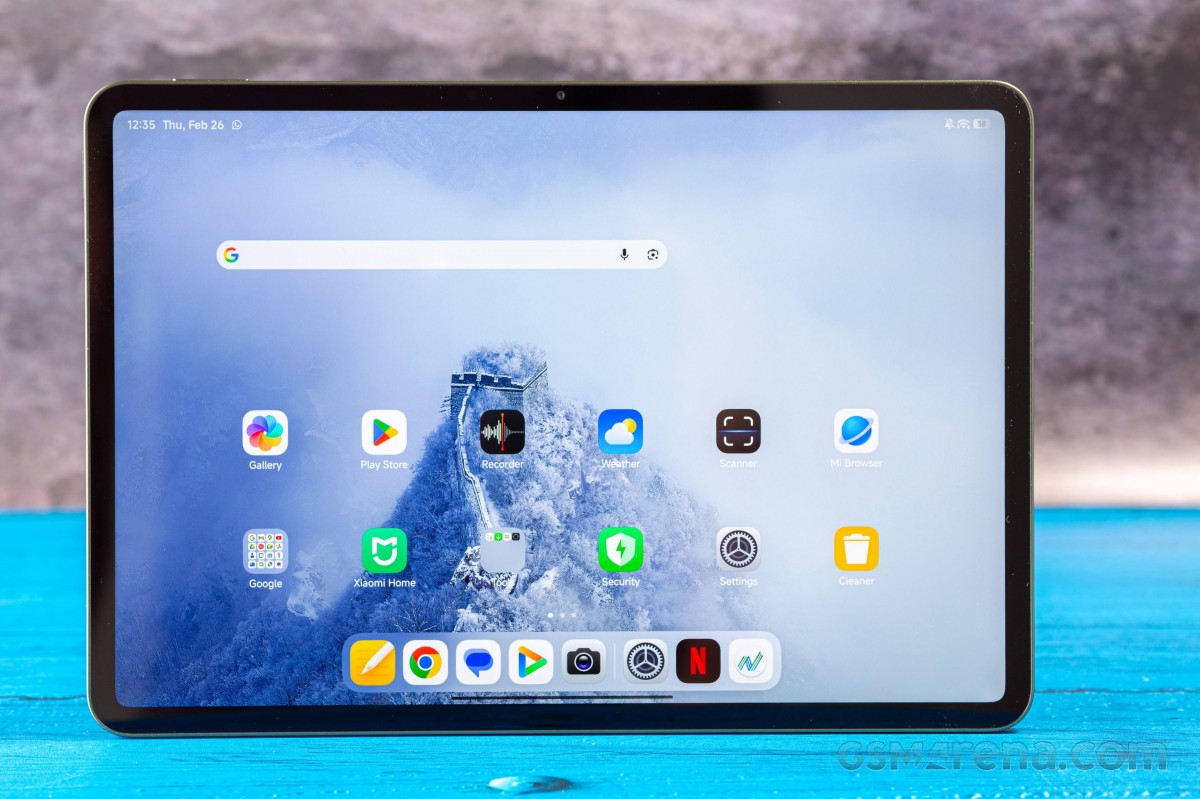
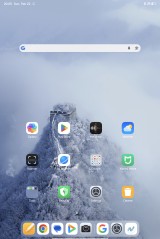
HyperOS 3 hasn't changed much visually from the previous generation, but there are a few notable developments. For instance, Xiaomi worked on the animations, which now appear to be a bit smoother and probably faster. System icons are also redesigned and are now flatter and simpler.
The lockscreen and homescreen options now somewhat mimic the iOS ones, excluding the 3D effect of the lockscreen clock. And speaking for the lockscreen, you can use different effects, different fonts and styles, and opt for different widgets.

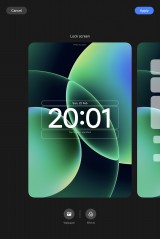
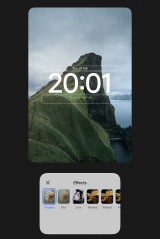
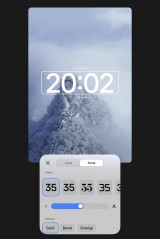
Customizations
Another cool thing - the Xiaomi Pad 8 Pro has an integrated fingerprint sensor on the power/lock key, and you can unlock the tablet with just a quick tap on it. If you are sharing the tablet with someone else, you can have one of the fingerprints directly open HyperOS' Second Space, where the second person will have a completely different app setup and settings.
HyperOS 3
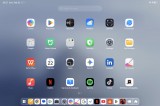
You can enable an app drawer if you prefer, but by default, there is no app drawer, and everything is on the homescreens - apps and widgets alike.
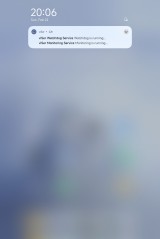
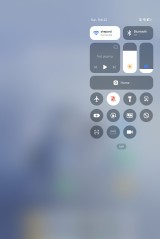
The Notification and Control center are summoned from the left top and right top parts, as before.
The dock is present for extra convenience giving you access to quick shortcuts, quick multi-tasking, and the recently opened apps.
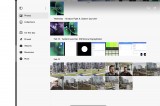
Multi-tasking is a cornerstone on the Xiaomi Pad 8 Pro and it has been improved with the HyperOS 3 and its PC-level layout options - including 50:50 vertical split view and new horizontal 1:9 split.

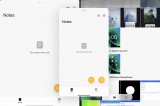
Multi-tasking
In addition to the two split apps, you can also open pop-up windows on top of them, be it another app or an instance of the same app (if supported).
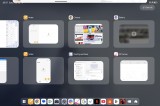
Oh, and the task manager is optimized for the large screen, and it can even accommodate multi-tasking combinations.
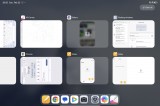
Task Manager
HyperOS 3 also focuses on connectivity. The Interconnectivity host of features allows you to connect with different devices seamlessly. Previously, you could only share Wi-Fi passwords, files, screens, calls, and notifications with other Xiaomi devices that were logged in to the same Xiaomi Account.
With HyperOS 3.0, it's now possible to share some of that data with other non-Xiaomi Android devices, as well as Apple devices such as iPads and iPhones. Pairing is possible even with Windows and Mac computers.
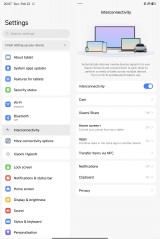
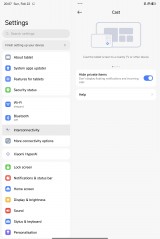
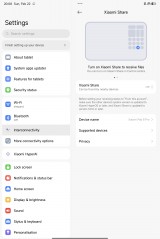
Connectivity
The HyperAI features are the same ones as before. You can ask the AI to help you with your writing, transcription, translation or even show subtitles when watching videos on YouTube. You can make dynamic wallpapers out of still images.
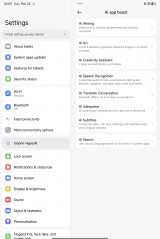
AI
There are also AI Art options for Mi canvas, AI Search in system apps, and AI Creativity package for AI editing tools for photos and videos.
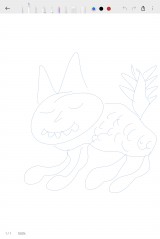
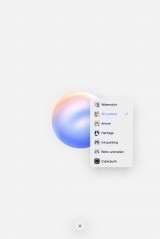

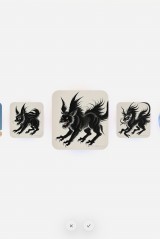
AI Canvas






AI Editor
Gemini is available, of course.
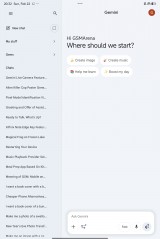
Gemini
There is a dedicated Features for Tablets menu in settings. Here you can learn some neat multi-tasking gestures for the floating windows and split screen view. There are options for an optimized two-page layout for some apps.
The Stylus and keyboard menu lets you adjust some settings if you've bought one of these optional accessories. There are quite a few options for the keyboards, including handy shortcuts and cursor styles if you have the Pad 8 Pro Keyboard or Focus Keyboard.
The Focus Pen Pro is quite useful for notes and drawings on the go, as well as custom screenshots, and for a handy remote control when needed (i.e. presentations). It has a new design with pressure-sensitive areas instead of buttons and enhanced precision.
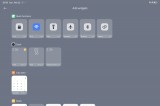
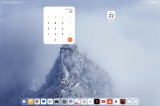
And finally, there is the Workstation mode. It is switched on/off from the control center, just like Samsung DeX.
Workstation mode works in both portrait and landscape view and offers Windows-like desktop where you put your apps. Basically, all apps launch in pop-up windows, which you can resize freely.
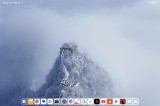
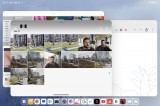
Workstation
We would have liked to see the X, O and _ buttons on the pop-up windows, as we still need to tap on the three dots to summon them.
Workstation
Another thing - even in Workstation mode, you can put icons and widgets wherever you like on a computer desktop, as it still uses the same app icon and widget spacing and alignment as the regular tablet interface so it doesn't feel flexible enough.
Performance and benchmarks
The Xiaomi Pad 8 Pro is powered by the Snapdragon 8 Elite (3nm) chip. It packs an octa-core processor (2x4.32 GHz Oryon V2 Phoenix L + 6x3.53 GHz Oryon V2 Phoenix M) and a high-end Adreno 830 GPU.
The tablet is available in 8GB/128GB, 8GB/256GB and 12GB/512GB RAM + storage configurations. The 8GB RAM is LPDDR5X kind, while the 12GB version has LPDDR5T RAM. There is similar segmentation with the storage - 128GB is UFS 3.1 (no surprise, as the minimum for UFS 4 is 256GB), while the 256GB and 512GB versions feature UFS 4.1 chips.
There is no cellular version of the Xiaomi Pad 8 Pro.
And now, let's run some benchmarks.
The scores are exactly as we expected - chart-topping. But it's hardly a surprise, after all, it's a Snapdragon 8 Elite chip we are talking about here.
GeekBench 6
- Single-core
- Multi-core
 OnePlus Pad 3
 Xiaomi Pad 8 Pro
 iPad 11-inch (A16)
 Infinix XPad GT
 MatePad Pro 12.2 (2025)
 Redmi Pad 2 Pro
 OnePlus Pad Go 2
AnTuTu
- v10
- v11
Xiaomi Pad 8 Pro
OnePlus Pad 3
 Xiaomi Pad 7 Pro
MatePad Pro 12.2 (2025)
Infinix XPad GT
Redmi Pad 2 Pro
OnePlus Pad Go 2
Xiaomi Pad 7 Pro
MatePad Pro 12.2 (2025)
Infinix XPad GT
Redmi Pad 2 Pro
OnePlus Pad Go 2
3DMark
- Wild Life Extreme (Highest)
- Wild Life Extreme (Lowest)
OnePlus Pad 3
Xiaomi Pad 8 Pro
 OnePlus Pad 2
Infinix XPad GT
MatePad Pro 12.2 (2025)
Redmi Pad 2 Pro
OnePlus Pad Go 2
OnePlus Pad 2
Infinix XPad GT
MatePad Pro 12.2 (2025)
Redmi Pad 2 Pro
OnePlus Pad Go 2
The Xiaomi Pad 8 Pro has a top-shelf chipset and offers outstanding performance. The Android experience is buttery-smooth even when multitasking with demanding apps.
Gaming was no issue either, and the tablet never got hot. The Xiaomi Pad 8 Pro maintained stable performance with minimal thermal throttling under prolonged CPU- and GPU-intensive workloads.
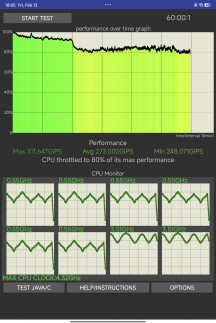
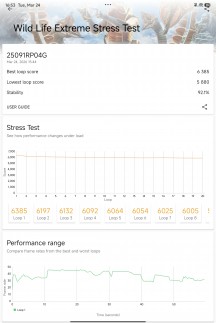
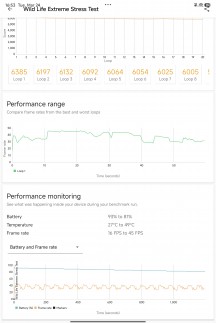
CPU throttling test • 3D Mark stress test


Tip us
2.1m 180k
RSS
EV
Merch
Log in I forgot my password Sign up