Honor View 20 review
Android 9.0 Pie and Magic UI 2.0
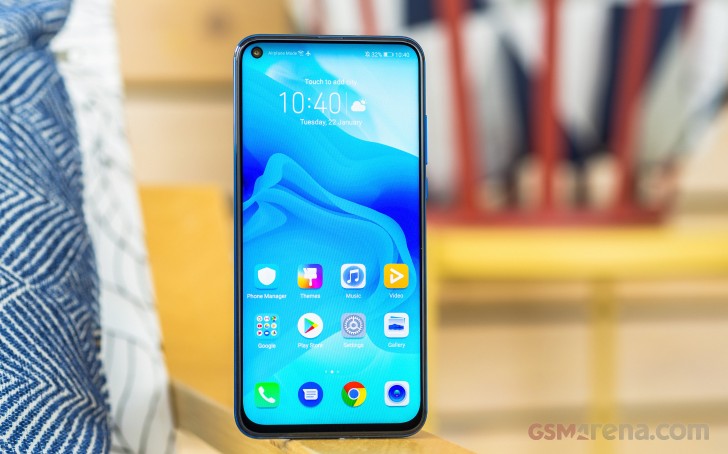
The Honor View 20 comes with Android Pie out of the box and it's layered with the newly rebranded Magic UI 2.0 (formerly "EMUI", and "Emotion UI" before that). Magic UI comes with some redesigned UI elements and icons, as well as AI capabilities, a new color scheme, and the YoYo Assistant (China only). In any case, it isn't a drastic difference so anyone who's used a Huawei or Honor phone in recent years won't be lost.
The interface has been generally tidied up and the Setting menu has been gradually simplified over the last few iterations. More advanced settings are tucked away in the respective categories and if you can't seem to find one, the search feature works well.
Huawei Share is improved in the latest version of Magic UI. It supports wireless printing now and also supports sharing files with a PC as long as they are on the same wireless network. The View 20 also supports Password Vault to store your passwords locally on the View 20 and they are accessible using your lockscreen password.
You can unlock the phone using your fingerprint on the back, which is excellent and accurate. You can also set up face unlock but since it doesn't use 3D sensors, it isn't as secure as a fingerprint or strong passcode. If you do use face unlock, you can enable Smart lock screen so your notifications will only be showed when the phone sees you.

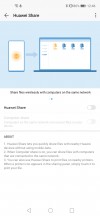
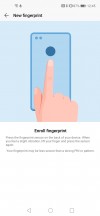


Huawei Share 1 • Huawei Share 2 • Fingerprint setup • Face unlock • Smart notifications
The home screens are typical to what we've seen on Chinese phones: there is no traditional app drawer. Of course, there is an option that instantly adds a drawer shortcut where you can see all your apps. Something new to Magic UI's app drawer is you can see your Google Feed by swiping to the left of your main home page.
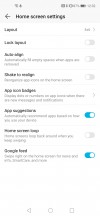
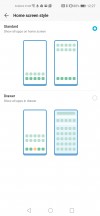
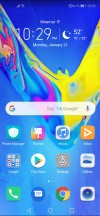
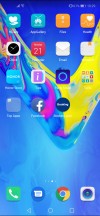

Launcher settings • App drawer setting • Home screen: 1 • 2 • Google feed
Magazine unlock is a feature of the UI and it changes the lockscreen wallpaper every time you turn the screen on. You have options of what kinds of images you'd like to see in the Magazine and you can add your own photos for a personal touch.
Magic UI offers gesture-based navigation. You can get rid of that pesky navigation bar if you really wanted to take full advantage of the All-View display. Swipe up from the middle for Home, Swipe up and hold for Recent apps, Swipe up from either lower corner to summon Google Assistant, and swipe inward from the left or right edge to go Back.
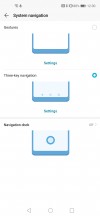

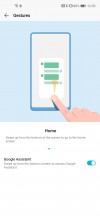


Gesture navigation • Back, Home, Recent apps, Google Assistant
The quick settings color scheme looks like of like Samsung's but more teal than blue. Anyway, pretty standard stuff here in the notification shade as well.


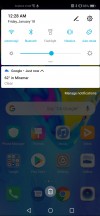
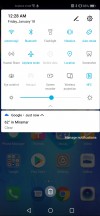
Lockscreen • Magazine unlock • Notification shade • Quick toggles
If you aren't a fan of the hole-punch camera and would rather have a black status bar, the "notch" menu is still here and you can darken the upper strip of the display. You can even customize this setting on a per-app basis.
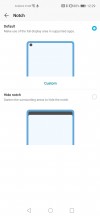
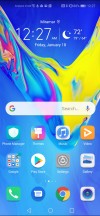
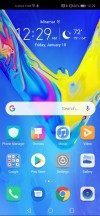
"Notch" setting • Camera hole: enabled • disabled
The phone comes preloaded with several apps and utilities like Huawei Health, a Notes app, "Party Mode" - which lets you sync audio between several Honor devices in the room for louder music, a Wallet app (Huawei Pay only works in Russia at the moment), Smart remote app, compass, and Microsoft's Translator app - just to name a few.
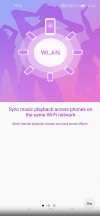


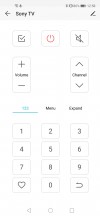
Party Mode • Huawei Wallet • Smart Remote app
As screens get larger, stock apps have their navigation menus shifted down to the bottom row so they are more reachable.

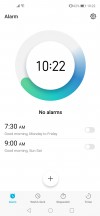


Dialer • Clock • Contacts • Files
There are a few actions you can take after taking a screenshot. A mini version of the screenshot will be displayed over your screen in the lower corner. Flick it left or right to dismiss it, flick up to enter the share menu, flick down to start a scrolling shot, or just tap on it to edit it (crop, draw, delete).
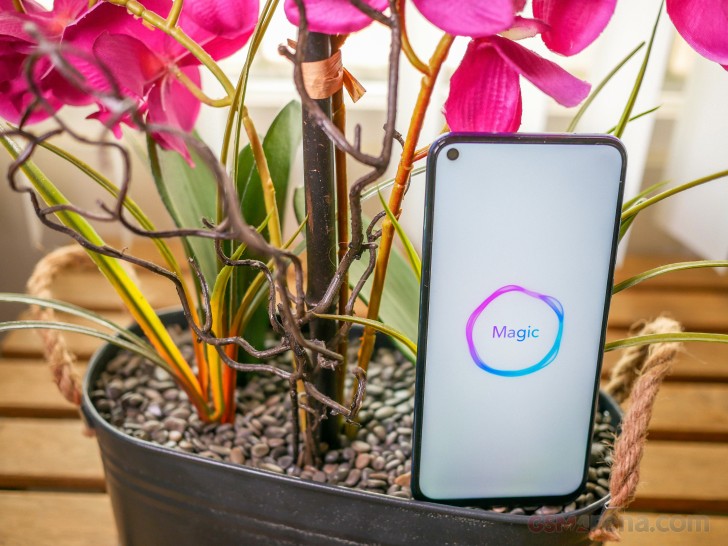
Although Magic UI isn't the lightest Android skin around, it is very well optimized and doesn't think twice before performing a task. It does have some quirks, but it is very customizable and packed with a lot of features.
Performance and benchmarks
The Honor View 20 borrows the same CPU from what many have said was the best phone of 2018 - the Huawei Mate 20 Pro. It's got plenty of horsepower for anything you want to throw at it - games, media creation, and heavy multitasking. The phone comes with either 6GB of RAM and 128GB of onboard storage or 8GB of RAM with 256GB of storage - like the unit we received.
The Kirin 980 has eight cores - two are high-performance Cortex-A76 cores clocked at 2.6GHz, two more Cortex-A76 cores clocked at 1.92GHz, and four efficient Cortex-A55 cores that max out at 1.8GHz. Meanwhile, the Mali-G76 MP10 GPU is a ten-core chip with significant performance and efficiency improvements over the Kirin 970's Mali-G72.
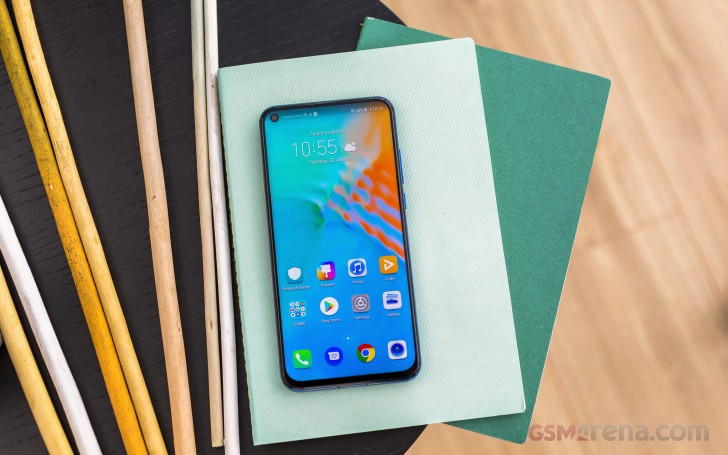
In addition, the GPU supports Huawei's GPU Turbo 2.0, which allocates the phone's resources to a game that supports the feature to run at full resolution with 60 frames. Currently, the number of titles that support GPU Turbo is quite limited.
The Kirin 980 also has a dual-NPU (Neural Processing Unit) which in conjunction with the new ISP (Image Signal Processor) results in some spectacular photos. Remember, smartphones nowadays rely a lot on computational photography.
In addition to the powerful Kirin 980 SoC, Honor View 20 also has a heatpipe that keeps the phone running cool enough during long gameplay sessions. The heatpipe runs from the camera module down to the chipset near the fingerprint reader area and leads the heat out to the left frame. We've tested and the hottest point around the camera module and the fingerprint sensor reaches around 40°C.
We've run some benchmarks and compared them with some other Chinese flagships and last year's View 10 to see how far it's come.
First up is Geekbench - the View 20 sat comfortably behind the Mate 20 Pro and a step ahead of the Snapdragon 845-powered phones. The iPhone XR takes the cake with its powerful A12 Bionic chip. The View 20 sees about a 40% improvement in the multi-core test over its predecessor, the View 10.
GeekBench 4.1 (multi-core)
Higher is better
-
Apple iPhone XR
11437 -
Honor Magic 2
9887 -
Huawei Mate 20 Pro
9712 -
Huawei Honor View 20
9530 -
ASUS ROG Phone (Fan on)
9309 -
ASUS ROG Phone
9230 -
Samsung Galaxy Note9
9026 -
OnePlus 6T
8977 -
Razer Phone 2
8923 -
Samsung Galaxy S9+ (Snapdragon)
8349 -
Oppo Find X
8018 -
Huawei Honor View 10
6738
GeekBench 4.1 (single-core)
Higher is better
-
Apple iPhone XR
4818 -
Samsung Galaxy Note9
3642 -
The Kirin 980 is more clearly superior in the single-core test. All three Kirin 980 phones scored in the lower 3,000s while the Snapdragon 845 maxed out at about 2,500. The Exynos 9810 is better at single core but the iPhone XR still wins in raw scores.
Honor Magic 2
3316 -
Huawei Mate 20 Pro
3291 -
Huawei Honor View 20
3211 -
ASUS ROG Phone
2514 -
ASUS ROG Phone (Fan on)
2504 -
OnePlus 6T
2431 -
Razer Phone 2
2424 -
Oppo Find X
2322 -
Samsung Galaxy S9+ (Snapdragon)
2199 -
Huawei Honor View 10
1902
When it comes to gaming and graphics performance, the GFX Bench numbers are a bit different. The Snapdragon 845 devices all scored 35 frames in the offscreen Car Scene test, which levels it at 1080p to compare raw power across devices. The View 20 performed like the Mate 20 Pro, scoring one frame higher.
GFX 3.1 Car scene (1080p offscreen)
Higher is better
-
Apple iPhone XR
60 -
OnePlus 6T
35 -
Samsung Galaxy S9+ (Snapdragon)
35 -
Oppo Find X
35 -
Razer Phone 2
35 -
ASUS ROG Phone
35 -
ASUS ROG Phone (Fan on)
35 -
Huawei Honor View 20
30 -
Honor Magic 2
30 -
Huawei Mate 20 Pro
29 -
Samsung Galaxy Note9
28 -
Huawei Honor View 10
22
Meanwhile, the onscreen test yielded some different results since the native screen resolution of the View 20 is Full HD+ versus the Mate 20 Pro's QHD+.
GFX 3.1 Car scene (onscreen)
Higher is better
-
Apple iPhone XR
58 -
OnePlus 6T
31 -
ASUS ROG Phone
31 -
ASUS ROG Phone (Fan on)
31 -
Huawei Honor View 20
28 -
Oppo Find X
28 -
Honor Magic 2
26 -
Razer Phone 2
22 -
Huawei Honor View 10
20 -
Samsung Galaxy S9+ (Snapdragon)
20 -
Huawei Mate 20 Pro
17 -
Samsung Galaxy Note9
15
Contrary to what we saw in GeekBench, the View 20 performed slightly below the Snapdragon 845 phones in Antutu 7 but the iPhone remains at the very top.
AnTuTu 7
Higher is better
-
Apple iPhone XR
341196 -
OnePlus 6T
293994 -
ASUS ROG Phone (Fan on)
292371 -
Oppo Find X
291218 -
ASUS ROG Phone
290975 -
Razer Phone 2
285051 -
Huawei Honor View 20
275413 -
Honor Magic 2
274466 -
Huawei Mate 20 Pro
273913 -
Samsung Galaxy S9+ (Snapdragon)
264044 -
Samsung Galaxy Note9
248823 -
Huawei Honor View 10
212708
Although the Kirin 980 is a 7nm chip, it still doesn't mean you won't get sweaty palms. The area above the fingerprint scanner can get a bit warm in some spots, but it isn't a cause for concern.
To sum things up The Mali-G76 MP10 may not be the fastest GPU around, but it is still among the fastest. The Kirin 980 may be soon outdone by the upcoming Snapdragon 855 by Qualcomm but that's the nature of the chipset race. Rest assured, the View 20 will age very well since it comes the latest and most advanced chipset that HiSilicon makes.


Tip us
2.1m 180k
RSS
EV
Merch
Log in I forgot my password Sign up