Huawei Mate 20 lite review
Android 8.1 Oreo and EMUI 8.2
The Huawei Mate 20 lite runs Android 8.1 under its thoroughly custom EMUI launcher, v8.2 in this instance, which Android purists are guaranteed not to like. In the latest version of EMUI you'd be getting improved the Face Unlock and Gallery with machine learning, some new Gaming tricks, and a brand new Party Mode for music playback sync across different devices (how's that new, though).
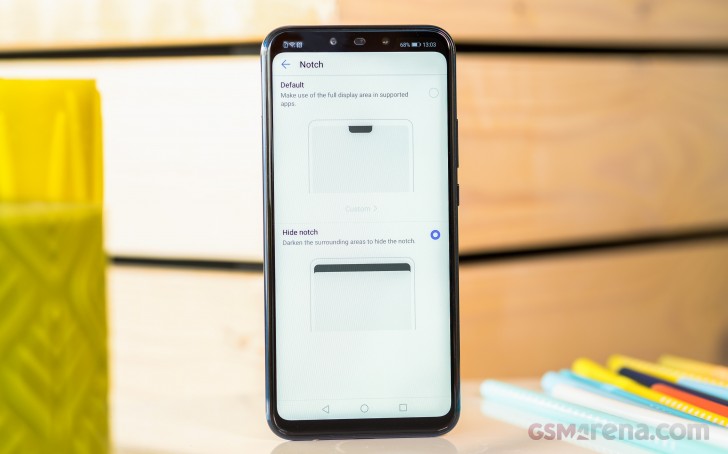
You can either embrace the notch, or you can opt to mask it with a black status bar that extends all the way down to the bottom edge of the notch.
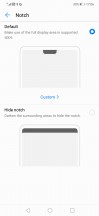
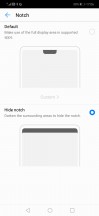
Notch control
Out of the box, there is no app drawer on the EMUI 8 - it's a single tier interface like on the iPhone. However, if you miss Android's usual layout, you can enable it back in the Display settings.
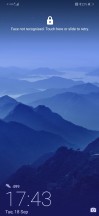
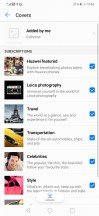
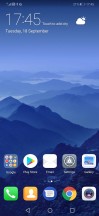
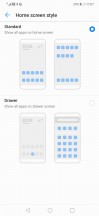
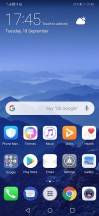
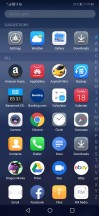
Lockscreen • Covers • Homescreen • Homescreen styles • App drawer shortcut in the middle • App drawer
EMUI has Magazine lock screen, as usual, which rotates through a bunch of wallpapers (covers), so you see a different one every time you fire up the display.
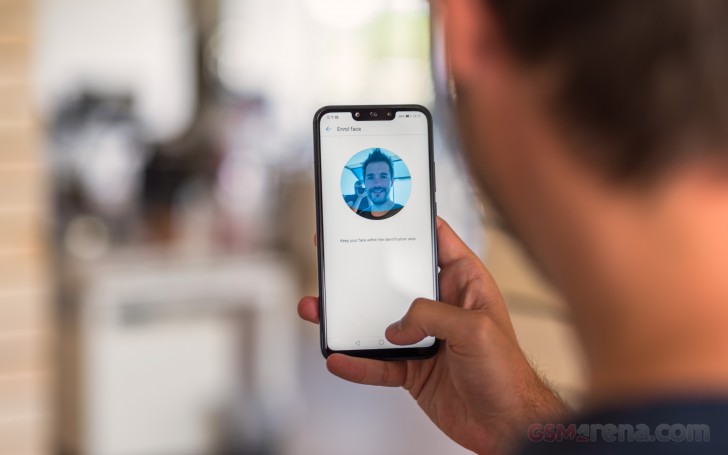
Huawei's EMUI offers plenty of customization and features like (not so secure) face unlock, smart rotation, and lift to wake. The face unlock has been enhanced with machine learning and will learn to recognize your face even with changes such as facial hair or sunglasses.
Themes are supported, too, and there is a lot to choose from.
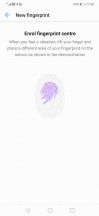

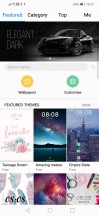
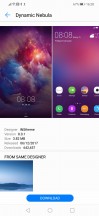
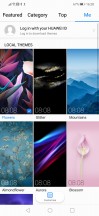
Fingerprint enrolment • Face enrolment • Themes
The notification shade is pretty much a standard affair, with the usual Huawei take on the graphics. There's a brightness slider and a row of toggles, and you pull down again for more toggles. Multitasking is pretty standard as well. Tap-holding the Recents key will let you activate split screen. You could have a video playing on top of the two windows if for some reason you find that useful.
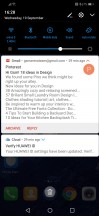
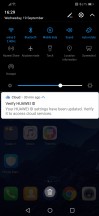
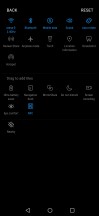
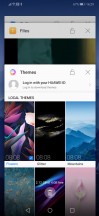
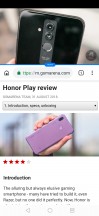

Notification area • Toggles • Toggle settings • Recent apps • Split screen • Video on top
From the Phone Manager app, you can access shortcuts to storage cleanup, battery settings, blocked numbers, Virus scan powered by Avast, and mobile data usage.
Huawei's own Music app is here and offers a way to listen to stored MP3s. Huawei's Health app is also pre-installed. It offers Google Fit syncing and step counting. There's a file manager app and a note-taking app. There is an abundance of replacements for these in the Play Store, however.
There is an improved AI-powered gallery with EMUI 8.2. The app now supports automatic sorting with highlights. The machine learning decides the sorting criteria - location, date, event, etc.
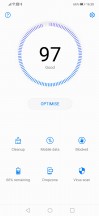
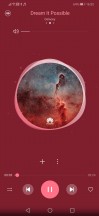
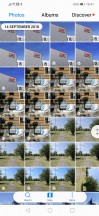
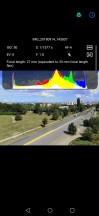
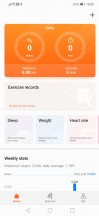
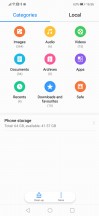
Phone Manager • Music Player • Gallery • Image details • Huawei Health • Files
The Party Mode is a new feature courtesy of EMUI 8.2, which we already saw on the Honor Play. It's available from an app of the same name and allows the user to connect to multiple phones to play the same song simultaneously.
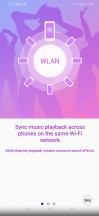

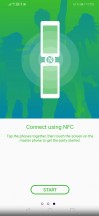

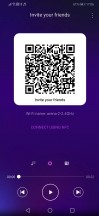
Party Mode
There's a Game Suite on board that groups your games in one place and adds some functionality for uninterrupted gaming.
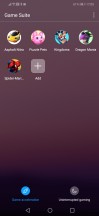
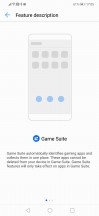
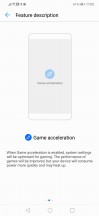
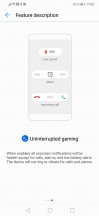
Game suite
Synthetic benchmarks
The Mate 20 lite is the first phone to utilize Huawei's own midrange Kirin 710 chipset. It's made on a 12nm process (its efficiency already proven in the battery chapter) and features an octa core CPU in a 4x2.2 GHz Cortex-A73 & 4x1.7 GHz Cortex-A53 configuration. The GPU is a Mali-G51 MP4. Our review unit has 4GB of RAM, but a higher spec 6GB version will also be available in some places.
When it comes to single-core CPU performance, the Mate 20 lite matches rather closely Snapdragon 660-equipped competitors Nokia 7 Plus and Xiaomi Mi A2 and is a clear step ahead of S636 devices. However, the Mi 8 SE (Snapdragon 710 ) noticeably is more potent, equaling the Honor Play and 10 that pack a Kirin 970.
GeekBench 4.1 (single-core)
Higher is better
-
Xiaomi Pocophone F1
2438 -
Honor Play
1899 -
Honor 10
1894 -
Xiaomi Mi 8 SE
1890 -
Nokia 7 plus
1634 -
Xiaomi Mi A2
1617 -
Huawei Mate 20 Lite
1595 -
vivo V11
1457 -
BlackBerry KEY2 LE
1343 -
Nokia 6.1 Plus
1331 -
Xiaomi Redmi Note 5 AI Dual Camera
1329 -
Huawei P20 Lite
938 -
Huawei Mate 10 Lite
913 -
Nokia 6 (2018)
882 -
Sony Xperia XA2
865 -
Sony Xperia XA2 Plus
839
As for multi-core performance, the Mate 20 lite can't quite catch up with the Nokia 7 Plus, and the Mi 8 SE is again ahead too. The Honors are predictably even more powerful. Again, phones with the lower-tier 600-series Snapdragons are behind the Mate.
GeekBench 4.1 (multi-core)
Higher is better
-
Xiaomi Pocophone F1
9003 -
Honor Play
6696 -
Honor 10
6591 -
Xiaomi Mi 8 SE
5908 -
Nokia 7 plus
5893 -
Huawei Mate 20 Lite
5574 -
vivo V11
5535 -
BlackBerry KEY2 LE
4965 -
Nokia 6.1 Plus
4929 -
Xiaomi Redmi Note 5 AI Dual Camera
4918 -
Xiaomi Mi A2
4625 -
Nokia 6 (2018)
4225 -
Sony Xperia XA2
4215 -
Sony Xperia XA2 Plus
4144 -
Huawei P20 Lite
3756 -
Huawei Mate 10 Lite
3603
In the graphics department, the Mate 20 lite is a bit behind the S660 rivals, though still ahead of the 636s and 630s of this world. The GPU is also a marked improvement over the one in the older in-house Kirin 659, but nowhere near the Kirin 970's.
GFX 3.1 Car scene (1080p offscreen)
Higher is better
-
Xiaomi Pocophone F1
35 -
Honor 10
23 -
Honor Play
22 -
Xiaomi Mi 8 SE
13 -
Nokia 7 plus
9.1 -
Xiaomi Mi A2
9 -
vivo V11
8.2 -
Huawei Mate 20 Lite
7.6 -
Xiaomi Redmi Note 5 AI Dual Camera
6.3 -
Nokia 6.1 Plus
6.3 -
Nokia 6 (2018)
5.6 -
Sony Xperia XA2
5.5 -
Sony Xperia XA2 Plus
5.5 -
Huawei P20 Lite
3.1 -
Huawei Mate 10 Lite
2.9
GFX 3.1 Car scene (onscreen)
Higher is better
-
Xiaomi Pocophone F1
31 -
Honor 10
21 -
Honor Play
21 -
Xiaomi Mi 8 SE
12 -
Nokia 7 plus
8.6 -
Xiaomi Mi A2
8.6 -
vivo V11
7.4 -
Huawei Mate 20 Lite
6.7 -
Xiaomi Redmi Note 5 AI Dual Camera
6 -
Sony Xperia XA2
6 -
Nokia 6 (2018)
6 -
Nokia 6.1 Plus
5.9 -
Sony Xperia XA2 Plus
5.1 -
Huawei P20 Lite
2.8 -
Huawei Mate 10 Lite
2.7
The clear distinction between the different chips is summarized in Antutu with the Mate 20 Lite splitting the small difference between the S660 Nokia 7 Plus and Mi A2, with the Mi 8 SE a step ahead of them and the 636s behind.
AnTuTu 7
Higher is better
-
Xiaomi Pocophone F1
265314 -
Honor Play
204876 -
Honor 10
200440 -
Xiaomi Mi 8 SE
170218 -
Nokia 7 plus
140820 -
Huawei Mate 20 Lite
136583 -
Xiaomi Mi A2
130927 -
BlackBerry KEY2 LE
116764 -
Nokia 6.1 Plus
115571 -
Xiaomi Redmi Note 5 AI Dual Camera
115195 -
Nokia 6 (2018)
90918 -
Huawei P20 Lite
87431 -
Sony Xperia XA2 Plus
86374
Overall, Huawei's latest midrange chip is a very close match for the Snapdragon 660 but the 710 in the Kirin's name tries to position it against Qualcomm's equally numbered SoC, which is out of reach. No harm in that though - the Kirin 710/Snapdragon 660 level of performance is more than most people would need day to day.


Tip us
2.1m 180k
RSS
EV
Merch
Log in I forgot my password Sign up