vivo NEX 3 5G review
Android 9, Funtouch is 0.1 extra
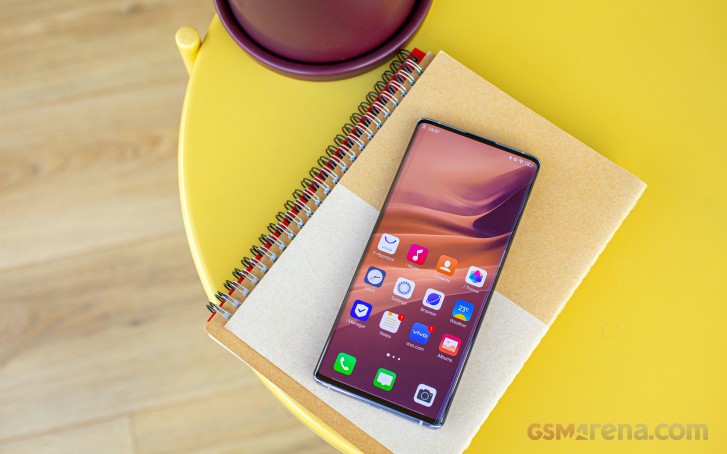
The vivo NEX 3 5G runs Android 9.0 with a bucketload of customization on top. The in-house Funtouch OS comes in v.9.1 and has a distinctly non-Android look, borrowing, instead, a lot of cues from iOS.
Funtouch OS offers gesture-based navigation, and on the NEX, it's enabled by default. Swiping in from the sides takes you one step Back while swiping from the bottom takes you Home.
There's more to it, however, because the bottom is divided into three segments and only the center means Home, while the right portion is Back too, and the left one brings up the Shortcut Center. That's the default setup, but you can shift the Shortcut Center around and even move it to the top right half so you'd get at least a moderately Android-like shade on top. By default, swiping down from the top will only display the current notifications, and no quick toggles.
Swipe up and hold and you'll be taken to the task switcher - that works regardless of where you're going to place the Shortcut Center. There's, unfortunately, no easy way to switch back and forth between two apps, but that's mostly the case with all gesture-based navigation implementations. If you want, you can always revert to the classic three-button navigation bar.
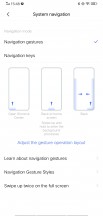
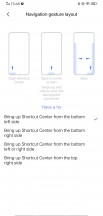
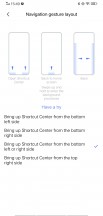
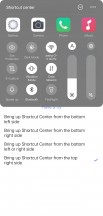
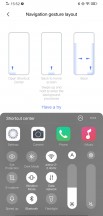
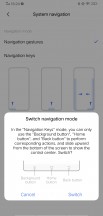
Navigation options
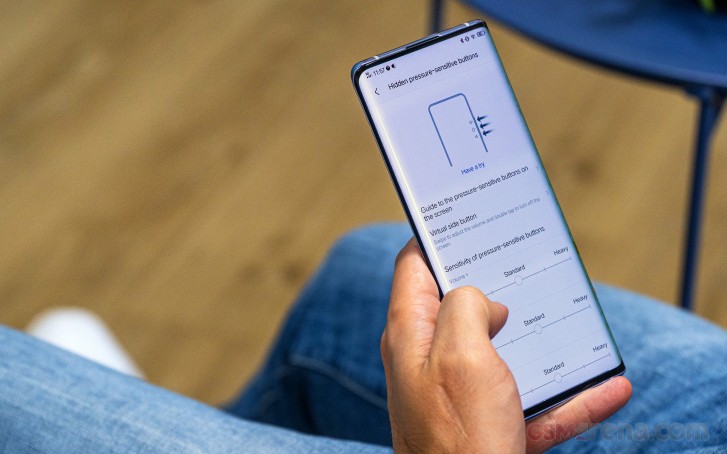
Since we're on the topic of odd navigation choices, let's see how the NEX deals with the pressure-sensitive areas from a software standpoint. You get separate sensitivity settings for each of the three buttons as well as on-screen cues in one of two designs. Then there's the option to have a virtual side button, which you swipe in to control volume, while a double tap sends the phone to standby.

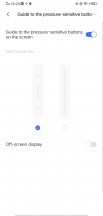

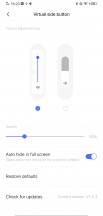
Volume control
The Homescreen is nothing out of the ordinary, offering the usual single-tier interface with all apps on the homescreen and no app drawer. Folders open up full-screen, requiring a bit of a stretch, and the app switcher one of the more iOS-y ones around.



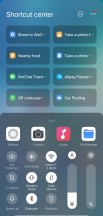
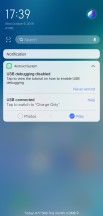
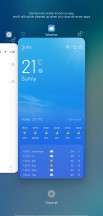
Lockscreen • Homescreen • Folder view • Expanded Shortcut center • Notifications • Task switcher
The under-display fingerprint sensor is fast and accurate and nothing like what the original NEX S offered.
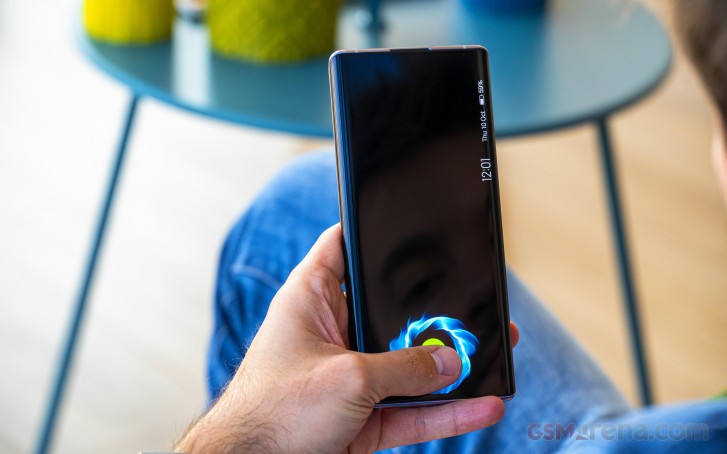
In an odd turn of events, face unlock isn't available. There's only an Assistant face unlock feature, which is only meant to be used in the event of multiple failed fingerprint recognition attempts. Other phones with pop-up selfie cams have had face unlock before, including some of vivo's own - not that we'd use it instead of the fingerprint.
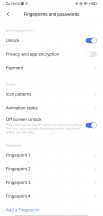


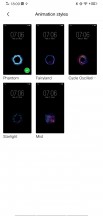


Fingerprint recognition
The settings menu is quite rich, and you will find tons of settings in there, though not necessarily remotely where you'd expect. You can manage your notifications and the way they appear. You can disable the heads-up pop-up if it gets in the way and you can also choose which notifications stay on the status bar.
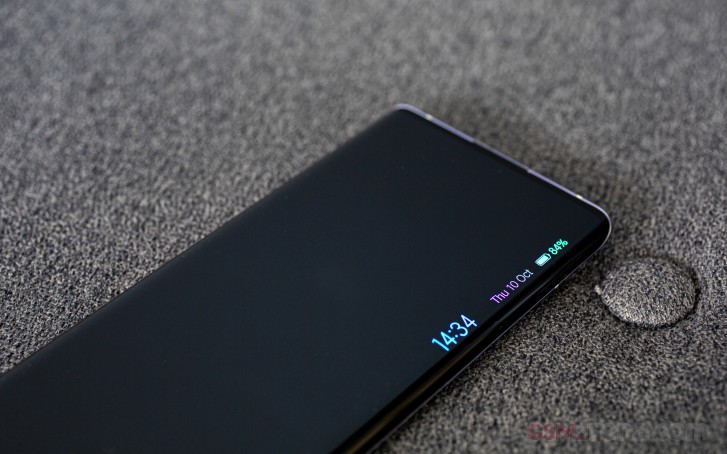
The Lock screen and Home screen sub-menu are particularly interesting as it gives you all the options you'd need for customization. The Always-on display setting is in there as well. You can set up a background if you want instead of just a plain clock. Keep in mind that standby battery life will be greatly affected.
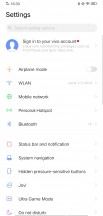
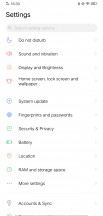
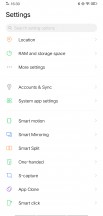
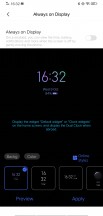
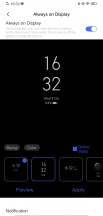
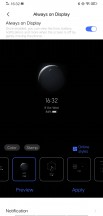
Settings • Always on display
The battery settings menu comes with a few additional options on top of the standard ones. You can set the phone to work in a low-power state, which limits the CPU and GPU performance. It even turns off all radios like WiFi and Bluetooth. But if that's not enough and you need to squeeze a few more hours out of your dying battery, the Super Power-Saving Mode will help you out. It allows you to use only Contacts, Messages and Clock. Of course, the battery stats menu is at hand as well.
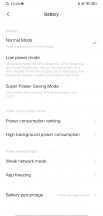
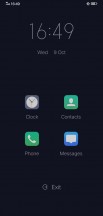

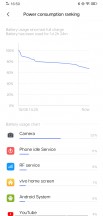
Battery
As we've already pointed out, vivo's Funtouch OS is full of useful and maybe not so useful features. The Smart motion menu - as the name implies - contains a couple of off-screen gestures. Drawing a letter will launch an app immediately from a locked state while sliding upwards will bring out the periscope camera to unlock the device.
If the device senses motion, it can wake up the screen - double-tapping will do so as well. Double tapping on an empty spot on the home screen will lock the screen.
Just because the volume down key is not a key, but a pressure-sensitive area, doesn't mean Smart click is gone - long pressing it (as opposed to the double press from before) will toggle the flashlight, start the camera or launch any app of your choice.


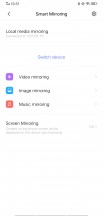
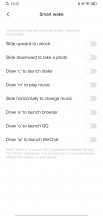
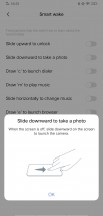
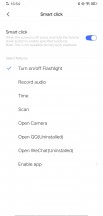
Gestures
Other settings include the usual split-screen mode, one-handed UI mode, advanced screenshot and screen capture options. On top of that, Funtouch comes with tons of proprietary apps for Music listening, Calendar, Clock, Videos, Weather, Gallery Email, Notes, etc. There's also the V-Appstore for additional vivo-related apps and the so-called I Theme that offers a wide variety of themes for your phone.
Synthetic benchmarks
The vivo NEX 3 5G is powered by the best Qualcomm has on offer right now, the Snapdragon 855+. It's got a marginal clock speed improvement over the regular 855 in the CPU's Prime core and a more tangible 600MHz to 700MHz kick in the GPU, but it's still just a plus and not a digit bump in the model name. We've seen a few S855+ handsets already, so the vivo's performance comes as no surprise either.
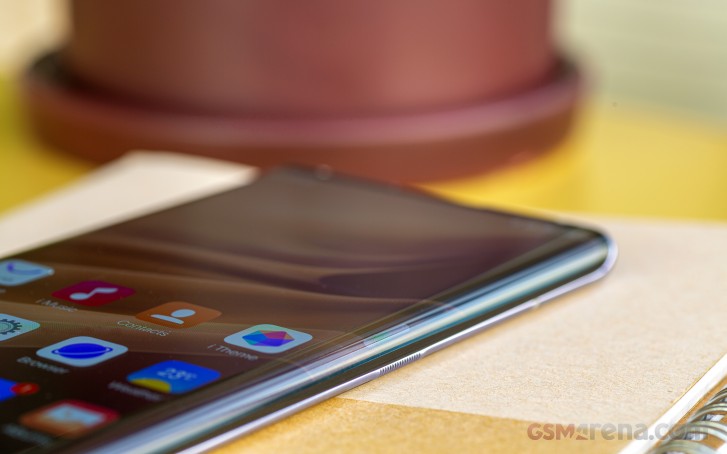
Starting with GeekBench, we're not seeing much improvement from the CPU core frequency increase, and the NEX 3 is about on par with S855 devices. The Galaxies with their custom cores score higher in single-core tests as does the Mate 30 Pro, which is also an extra step ahead in multi-core performance.
GeekBench 5 (multi-core)
Higher is better
-
Apple iPhone 11 Pro Max
3544 -
Huawei Mate 30 Pro (Perf mode)
2972 -
OnePlus 7T
2932 -
OnePlus 7T Pro
2807 -
Sony Xperia 5
2806 -
vivo NEX 3
2794 -
OnePlus 7 Pro
2763 -
Asus ROG Phone II (X Mode)
2743 -
Samsung Galaxy Note10+
2300 -
Samsung Galaxy Note10
2259
GeekBench 5 (single-core)
Higher is better
-
Apple iPhone 11 Pro Max
1334 -
Samsung Galaxy Note10
837 -
Samsung Galaxy Note10+
822 -
OnePlus 7T
788 -
OnePlus 7T Pro
780 -
Huawei Mate 30 Pro (Perf mode)
779 -
Sony Xperia 5
751 -
vivo NEX 3
747 -
OnePlus 7 Pro
744 -
Asus ROG Phone II (X Mode)
739
In 3D Mark there are gains to be observed indeed, with the NEX 3 almost catching up with the ROG Phone 2, and ruling over the Android pack, except for the Vulcan test where the Mate 30 Pro has a slight edge.
3DMark SSE 3.1 Unlimited
Higher is better
-
Asus ROG Phone II (X Mode)
6860 -
vivo NEX 3
6757 -
Apple iPhone 11 Pro Max
6475 -
Huawei Mate 30 Pro (Perf mode)
6322 -
Samsung Galaxy Fold
6135 -
OnePlus 7 Pro
6093 -
Xiaomi Mi 9
5816 -
Sony Xperia 5
5592 -
Samsung Galaxy Note10+
5287 -
Samsung Galaxy Note10
5269 -
Redmi K20 Pro/Mi 9T Pro
4850 -
Samsung Galaxy S10+
4632
3DMark SSE 3.1
Higher is better
-
Asus ROG Phone II (X Mode)
6148 -
vivo NEX 3
6057 -
Huawei Mate 30 Pro (Perf mode)
5988 -
Samsung Galaxy Fold
5510 -
OnePlus 7 Pro
5462 -
Xiaomi Mi 9
5450 -
Samsung Galaxy Note10+
4984 -
Samsung Galaxy Note10
4889 -
Redmi K20 Pro/Mi 9T Pro
4450 -
Samsung Galaxy S10+
4420 -
Sony Xperia 5
4322
3DMark SSE Vulkan
Higher is better
-
Huawei Mate 30 Pro (Perf mode)
5489 -
Asus ROG Phone II (X Mode)
5412 -
vivo NEX 3
5389 -
Sony Xperia 5
5055 -
Samsung Galaxy Note10
4862 -
Samsung Galaxy Fold
4856 -
OnePlus 7 Pro
4833 -
Samsung Galaxy Note10+
4763 -
Samsung Galaxy S10+
4295 -
Xiaomi Mi 9
4068 -
Redmi K20 Pro/Mi 9T Pro
3973
Those graphics performance advantages transfer into Antutu as well, where the NEX 3 is again leading the Android bunch, be it v7 or v8 of the popular compound benchmark.
AnTuTu 7
Higher is better
-
Apple iPhone 11 Pro Max
459713 -
vivo NEX 3
388878 -
Huawei Mate 30 Pro (Perf mode)
378950 -
Xiaomi Mi 9
372006 -
Redmi K20 Pro/Mi 9T Pro
368846 -
OnePlus 7 Pro
364025 -
Samsung Galaxy Fold
363016 -
Samsung Galaxy Note10
344442 -
Samsung Galaxy Note10+
342208 -
Sony Xperia 5
334809 -
Samsung Galaxy S10+
333736
AnTuTu 8
Higher is better
-
vivo NEX 3
497858 -
Asus ROG Phone II (X Mode)
485495 -
Huawei Mate 30 Pro (Perf mode)
468595 -
Sony Xperia 5
416601
Overall, the vivo NEX 3 5G is as powerful as you'd expect a current top-end device to be, and then a tiny bit more. It also left a particularly positive impression in us due to the fact that it barely heats up and we didn't observe virtually any thermal throttling after repeated benchmarks runs. Nice!


Tip us
2.1m 180k
RSS
EV
Merch
Log in I forgot my password Sign up