GSMArena.com GSMArena.com

Tip us

2.1m
180k
RSS

EV

Merch

Log in

Login

I forgot my password
Sign up
  • Home
  • News
  • Reviews
  • Videos
  • Featured
  • Phone Finder
  • Deals
  • Merch
  • Coverage
  • Contact
ADVERTISEMENT
GSMArena team, 12 September 2016

First look


Sony Xperia XZ preview: First look

  • Comments (246)
  • User reviews
  • Xperia XZ

4. User interface
  1. 1. Introduction
  2. 2. 360-degree spin, hardware overview
  3. 3. Display, connectivity, battery
  4. 4. User interface
  5. 5. Camera
  6. 6. Conclusion
  7.  
  8. Sony Xperia XZ specification
  9. User opinions and reviews
  10. Review comments (246)

Sony Android

Subtle Xperia touches to Marshmallow

The Xperia XZ we have here is running Android 6.0.1 Marshmallow out of the box. Nougat is all the rage now, but we doubt it Sony will have enough time until October, when the phone is scheduled for release, to make the jump to Android 7.0. A safer bet would be, that it will launch on Marshmallow, with Nougat to follow a few months later.

Sony is keeping the stock Android look, except for a few gentle touches here and there. The proprietary Stamina battery saving modes and the home-baked multimedia apps go without saying.
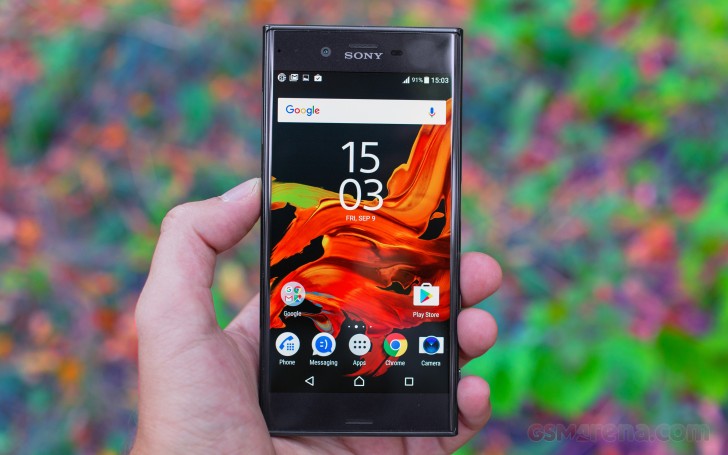
Sony Xperia XZ Preview

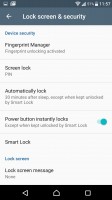
The fingerprint reader is a recent addition to the Xperia line and Sony firmly believes the best place for it is on the side, integrated into the Power button. We can't deny the convenience, as waking the screen and unlocking the phone are tightly related.

We had an excellent user experience with the fingerprint reader on the Xperia XZ. It's fast and accurate. There's an animation that slides the lockscreen away from your thumb (as if you pushed it out of the way), which helps hide the small delay, so it feels seamless.

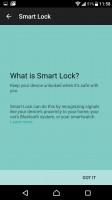
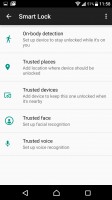
Smart Lock gives you conditional security - trusted nearby devices, locations, faces, or voices can allow you to skip the security unlock protocol.
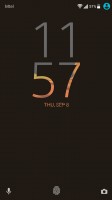
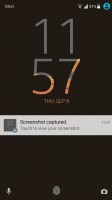
Lockscreen - Sony Xperia XZ Preview Lockscreen - Sony Xperia XZ Preview Lockscreen settings - Sony Xperia XZ Preview Smart lock - Sony Xperia XZ Preview Smart lock - Sony Xperia XZ Preview
Lockscreen • Lockscreen settings • Smart lock

The homescreen appears unchanged from the rest of the X series. This includes the swipe down gesture, which shows a screen of the apps you use most along with recommendations for new apps to install. The search field is highlighted so you can start typing the app's name immediately.

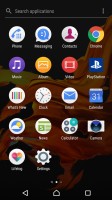
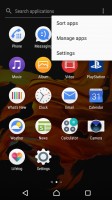
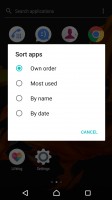
The traditional app drawer is present and it features an above average amount of vendor apps. Sony takes great pride in the A/V prowess of their devices, so they have pre-installed a nice set of their own multimedia apps.
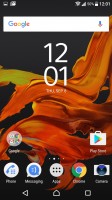
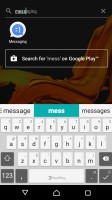
Homescreen - Sony Xperia XZ Preview App search - Sony Xperia XZ Preview App drawer with search and sorting options - Sony Xperia XZ Preview App drawer with search and sorting options - Sony Xperia XZ Preview App drawer with search and sorting options - Sony Xperia XZ Preview
Homescreen • App search • App drawer with search and sorting options

Themes are available (both free and paid) that can customize the look and sound of the Xperia XZ UI.
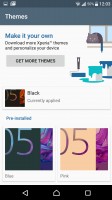
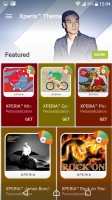
Xperia themes - Sony Xperia XZ Preview Xperia themes - Sony Xperia XZ Preview Xperia themes - Sony Xperia XZ Preview Xperia themes - Sony Xperia XZ Preview Xperia themes - Sony Xperia XZ Preview
Xperia themes

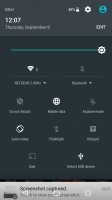
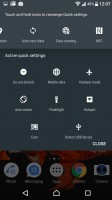
The notification area is plain Android. You can re-arrange the quick toggle tiles and adjust the screen brightness. Note that just like in vanilla Android; there's no toggle for Auto brightness (you need to go into the settings for that). That's the single thing we don't mind getting changed by manufacturers and still, many manufacturers like to keep this aspect stock.

The app switcher is similarly a vanilla Android affair with the 3D rolodex look. The small apps are gone, however, and there is no longer floating-app multitasking. There isn't screen pinning either like we had on the Xperia X Performance.
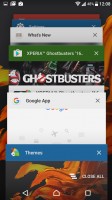

No-nonsense task switcher - Sony Xperia XZ Preview Notification area is vanilla Android - Sony Xperia XZ Preview Notification area is vanilla Android - Sony Xperia XZ Preview Notification area is vanilla Android - Sony Xperia XZ Preview
No-nonsense task switcher • Notification area is vanilla Android

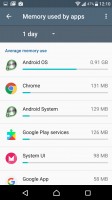
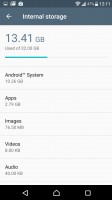
The Smart cleaner feature will periodically empty the cache of apps you haven't used in awhile. You can switch this off or just manually tell it not to bother for certain apps.
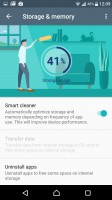
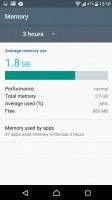
Smart cleaner frees up memory of both kinds - Sony Xperia XZ Preview Smart cleaner frees up memory of both kinds - Sony Xperia XZ Preview Smart cleaner frees up memory of both kinds - Sony Xperia XZ Preview Smart cleaner frees up memory of both kinds - Sony Xperia XZ Preview
Smart cleaner frees up memory of both kinds

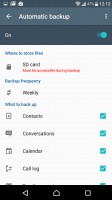
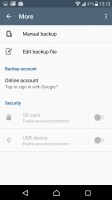
One thing Android has been missing for years is a proper backup solution and Sony gives you one. It can backup applications, contacts, messages, phone settings. The backup info itself can be stored in the cloud under your Sony online account, or locally on the microSD card or an external USB device.

Backups can be scheduled, including conditions like "Connected to Wi-Fi" and "Charging device", depending on your preferences.
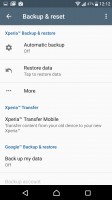
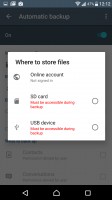
Scheduled backups are the best way to prevent data loss - Sony Xperia XZ Preview Scheduled backups are the best way to prevent data loss - Sony Xperia XZ Preview Scheduled backups are the best way to prevent data loss - Sony Xperia XZ Preview Scheduled backups are the best way to prevent data loss - Sony Xperia XZ Preview

Scheduled backups are the best way to prevent data loss

Next Page » 5. Camera
4. User interface
  1. 1. Introduction
  2. 2. 360-degree spin, hardware overview
  3. 3. Display, connectivity, battery
  4. 4. User interface
  5. 5. Camera
  6. 6. Conclusion
  7.  
  8. Sony Xperia XZ specification
  9. User opinions and reviews
  10. Review comments (246)

Reviews Sony Xperia XZ previewPage 4
  • Comments (246)
  • User reviews
  • Xperia XZ

Phone finder

  • Samsung
  • Apple
  • Huawei
  • Nokia
  • Sony
  • LG
  • HTC
  • Motorola
  • Lenovo
  • Xiaomi
  • Google
  • Honor
  • Oppo
  • Realme
  • OnePlus
  • Nothing
  • vivo
  • Meizu
  • Ulefone
  • Alcatel
  • ZTE
  • RugOne
  • Umidigi
  • Fairphone
  • Oscal
  • Sharp
  • Micromax
  • Infinix
  • Asus
  • Tecno
  • Doogee
  • Blackview
  • Cubot
  • Oukitel
  • Itel
  • TCL

All brands Rumor mill

ADVERTISEMENT

Popular reviews

Oppo Find X10 Pro Max review
Apple iPhone 18 Pro Max review
Apple iPhone 18 Pro review
ADVERTISEMENT

ELECTRIC VEHICLES

Svolt's 100 kWh semi-solid-state battery enters mass production Svolt's 100 kWh semi-solid-state battery enters mass production Dodge brings its electric and twin-turbo Chargers to EuropeVolkswagen takes the slow road to hands-off driving in China
ADVERTISEMENT
Ads by Playwire

Home News Reviews Compare Coverage Glossary FAQ RSS Youtube Instagram TikTok Facebook Twitter

© 2000-2026 GSMArena.com Mobile version Android app Tools Contact us Merch store Privacy Terms of use