Best buddies
LG G5 Friends review: Best buddies
LG 360 CAM
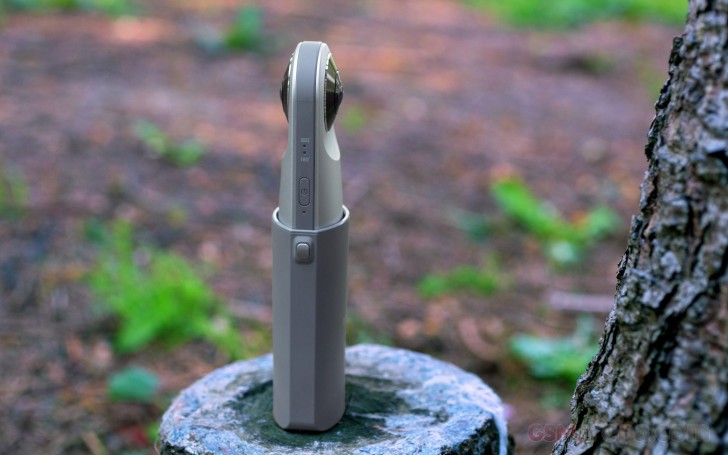
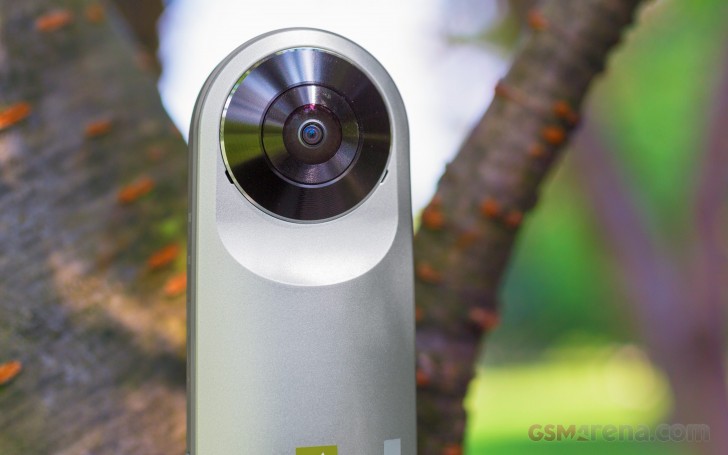
Moving on to the actual Friends, the spherical LG 360 CAM is the easiest and cheapest way to produce your own VR content on the go. If you want to create and share YouTube 360 videos, that's the thing you'll need. It's a tiny device with dual 13MP sensors, each behind a super-wide (200-degree) fisheye lens.
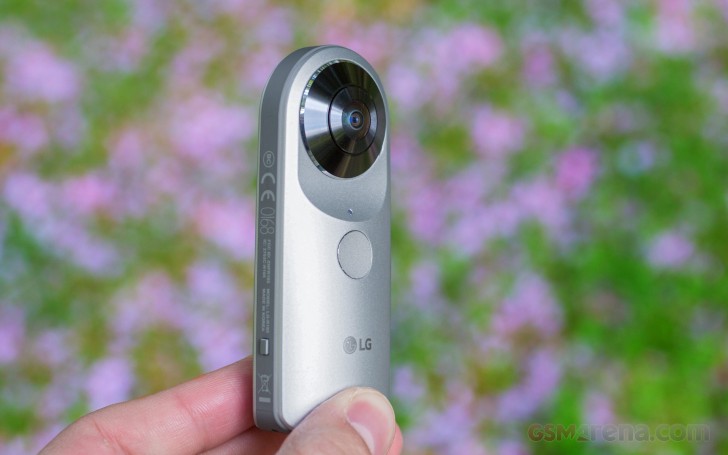
The 360 CAM records 2560x1280 videos, and the content can be viewed on any Cardboard and YouTube 360 compatible device. It has a 1,200mAh battery for up to 70 minutes of video recording on a charge. It supports Bluetooth and Wi-Fi pairing with the smartphone. Finally, this small cam weighs just 72 grams.
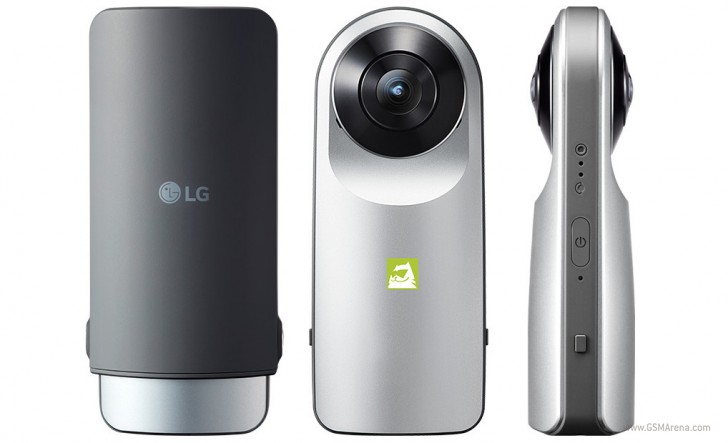
The LG 360 camera can also capture and upload multimedia content to Google Street View.
The 360 CAM comes bundled with a USB Type-C cable and a protective cap. The latter also doubles as a camera holder, which is helpful if you don't want your hand to take a quarter of the shot.
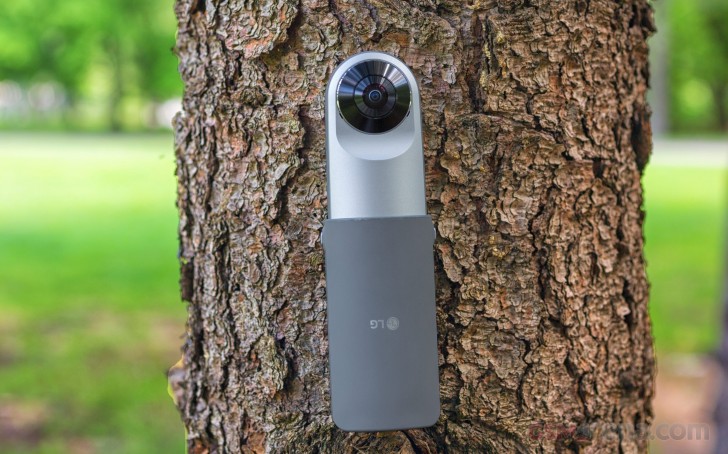
The camera has a standard tripod mount at the bottom, right next to the cap protecting the USB port and the microSD slot.
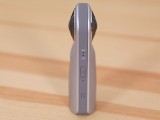
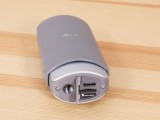
LG 360 CAM
The LG 360 CAM has just two keys - an on/off switch on one of the sides and a shutter key below one of the camera sensors. A click on the shutter key captures a 180 or a 360-degree photo (there is a LED indication around the off switch to remind you what photos you are snapping), while a tap and hold kicks off the spherical video recording.
Connecting the LG 360 CAM to compatible smartphones (most recent Android devices and iPhones) is easy - you need to install the LG Friends Manager and from there download and install the LG 360 CAM app. The app is simple enough - it lets you configure the photo mode (360 or 180 degree) and choose the video quality.
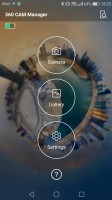
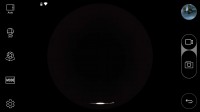
The LG 360 CAM app for Android
The app is also useful for its real-time viewfinder and remote control over the 360 CAM. It can also preview all photos inside the 360 CAM.
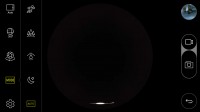
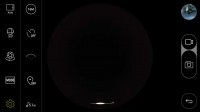
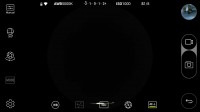
The app offers real-time viewfinder
The 360 CAM is probably the most compact 360-degree camera on the market, especially compared to Samsung's Gear 360. LG did a good job designing the thing - it's lightweight and portable, and provides a secure grip. It could easily be attached to a selfie stick, which many will appreciate.
Snapping photos is a click away. Viewing them on the LG G5 or another Android smartphone is equally fast. The quality isn't impressive, but given that the resolution is distributed over such a large viewing field and the reasonable asking price we didn't expect miracles. And while the captured detail is a mixed bag, the stitching is very good, and so are the contrast and colors (even if they are a little too saturated).
Opening those 360-degree shots via a PhotoSphere player makes things better - the images look very pleasant when run through such a program and the preview on devices like the Samsung's Gear VR that we had at hand is equally nice.
Here - try the spheres below.
As you can see the 360 shots are quite interesting. You can view them through spherical viewers or VR players. They do the job to capture the entire place and its spirit into one very nice VR scene. While the quality could have been a bit better, we believe the 360 CAM is an excellent tool for capturing memories.
The LG 360 CAM is capable of capturing 2560 x 1280 pixel spherical videos, 1280 x 1280 for each side. The video quality is worse than the still pictures, and the stitching isn't nearly as good. Even though we aren't impressed with the quality of the captured videos, we still like the results. They can be quite valueable on specific occasions - beach sports, sea travels, helicopter rides, parades, or concerts. Especially with the option to record 5.1 sound.
So in conclusion the LG 360 CAM might not be the perfect VR camera, but it certainly has the potential to become the most popular one. LG got its size, affordable price and ease of use right, and that should be enough to the majority of the target audience.


Tip us
2.1m 180k
RSS
EV
Merch
Log in I forgot my password Sign up