Motorola Razr+ 2025 review
Hello UI and Android 15 is a pretty nice combo
The Motorola Razr+ 2025 runs Android 15 with Hello UI on top. The phone should get 3 major OS releases and 4 years of security fixes, which is a decent amount of software futureproofing, if not quite Galaxy-level.
Motorola's software is a nice blend of a relatively plain Android look with in-house customizations added in all the right places (which seem to have gotten more and more recently).
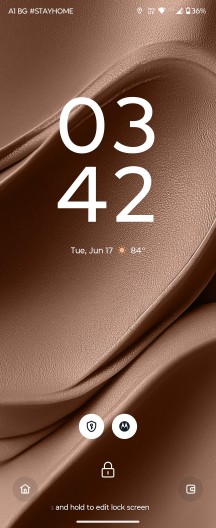
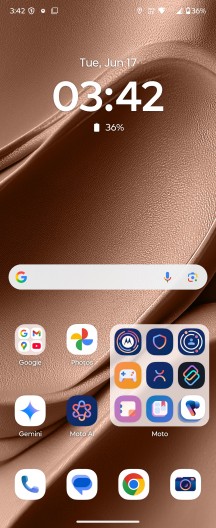
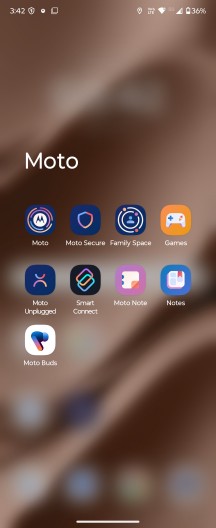
Hello UI
The font sets the Motos apart in the otherwise generic UI bits, while the extra features live in the usual Moto app hub. This was recently restyled with things now more neatly organized - for example, the categories that have a lot of entries, like Gestures, now fit everything on a single page.

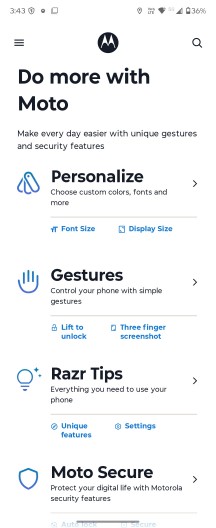
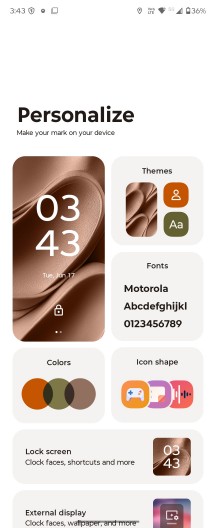
Moto app
Smart Connect is the combined name for the features that involve connecting the phone to a PC, tablet, or standalone displays, whether over a cable connection or wirelessly. Streaming, mobile desktop, phone to PC, smart sharing, smart clipboard, cross control and more - all features are here under one roof. With Android 15, Motorola has enabled voice commands, leveraging AI.
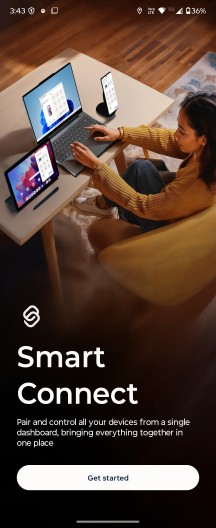
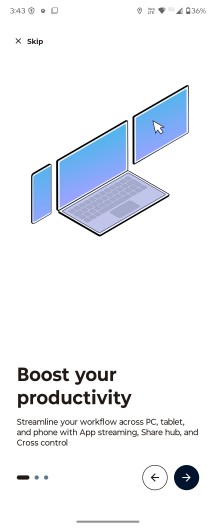
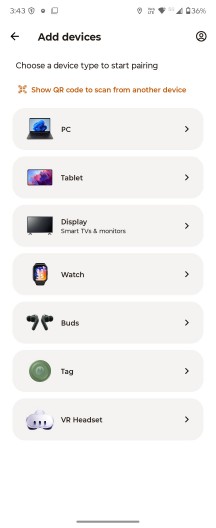
Smart Connect
There's Google Gemini on board, but that's not all. Besides Google's AI, Motorola also provides its own AI helper, called Moto AI, and it's designed to be accessible from anywhere. The prompt bar is always visible in the app tray and anywhere else across the UI you can invoke it with a double tap on the phone's back.
You can ask Moto AI for pretty much anything on the fly, including stuff related to the phone itself. It can provide a summary of your notifications, record, transcribe, and summarize content on the screen, save photos, screenshots and text notes, and create images from scratch.



Moto AI
The image generation capabilities are wide-ranging and can be accessed from the Image studio app, itself part of Moto AI.
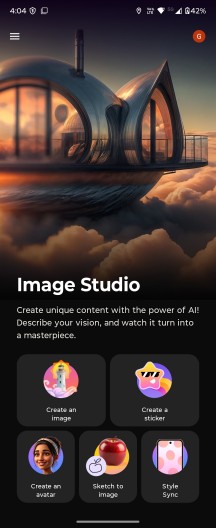
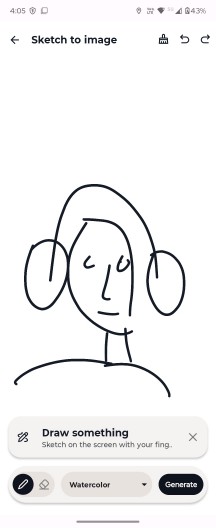
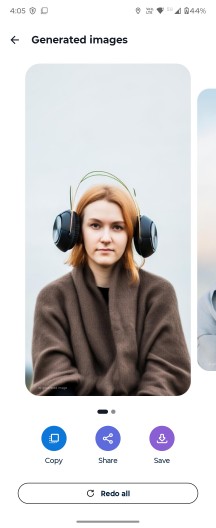
Image studio
AI aside, tapping on the phone's back is a nice shortcut gesture. It's called Quick Launch and it's not limited to starting Moto AI specifically. You can alternatively set it to open a specific app, start/stop music playback, or go back to the homescreen or the last used app, among others.
As usual, Motorola's UI offers several other 'physical' shortcuts, including the karate chop to toggle the flashlight and the quick wrist twist to start the camera.
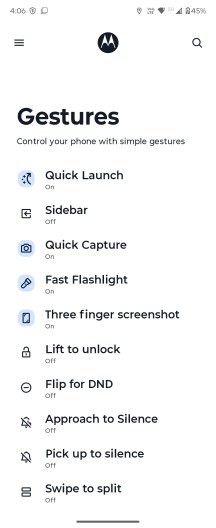
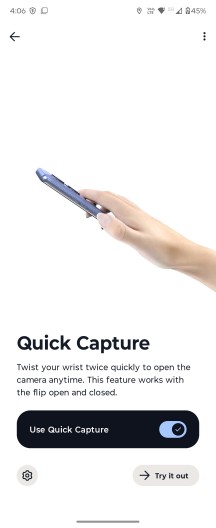
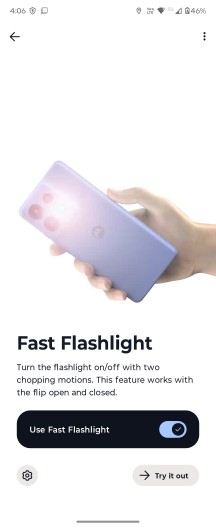
Gestures
A recent addition to Hello UI is Smart tray (also known as Smart Tabs on the EU Razr 60 Ultra we had a while back. There's no Journal tab, but the Newsfeed is still here, right next to your app drawer.
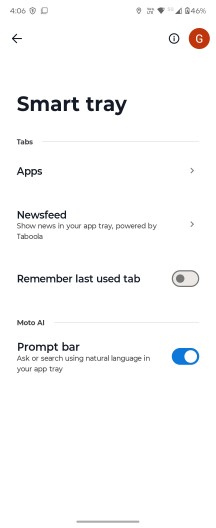

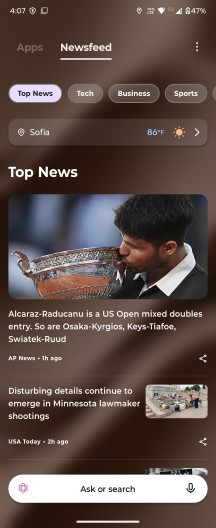
Smart Tabs tray
Cover screen functionality has been an area with undisputed Razr domination, and that continues on the 2025 crop of Razrs.
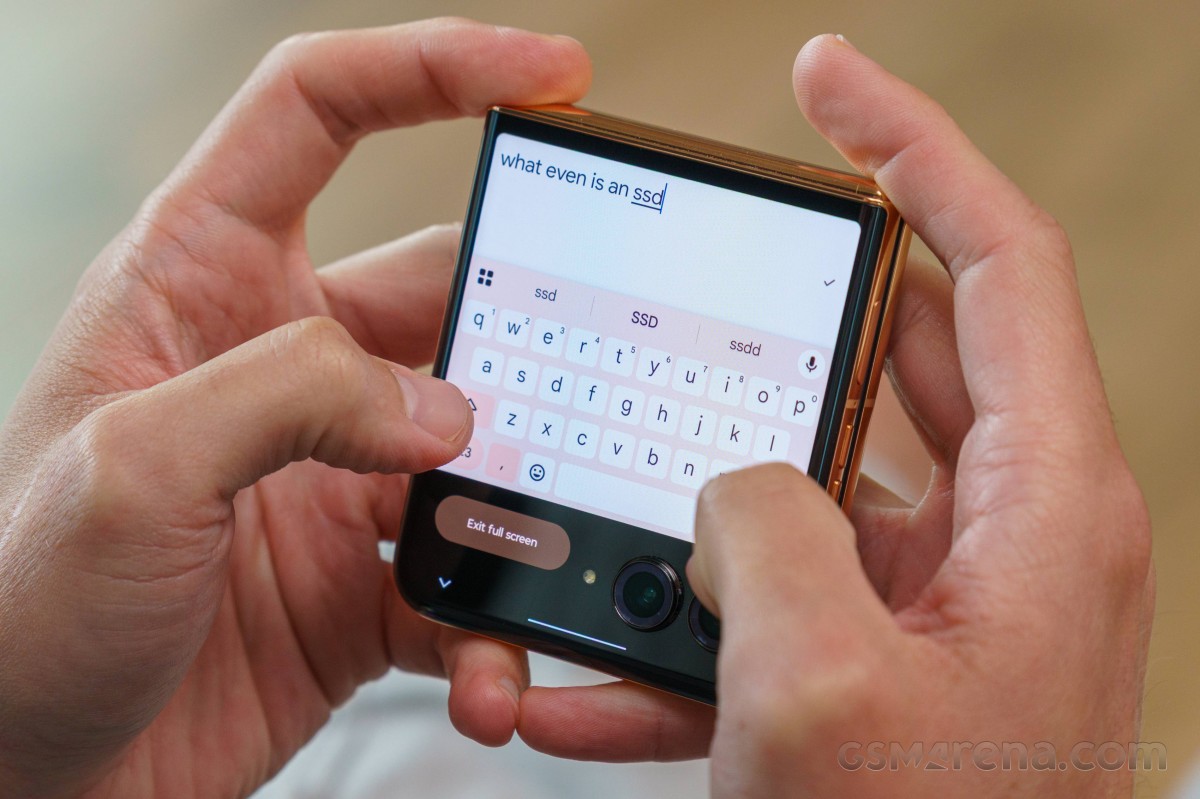
You get a fully functional quick settings panel and notifications tiles, as well as a large number of apps, including staples like Google Maps, Gmail and Google Photos, letting you share and edit photos without unflipping the phone. The Gemini app is also accessible right there on the cover display.
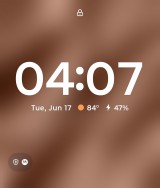

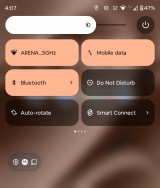
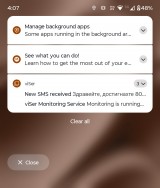
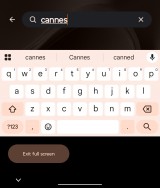
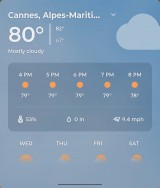
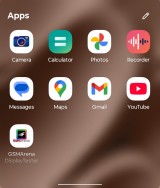
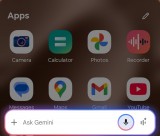
Cover screen UI
Benchmarks
The Razr+ 2025 features the same chipset as last year's model - the Snapdragon 8s Gen 3. It's a flagship-grade chip by name, but more of an upper-midrange unit in practice, and it's not too new either. It's certainly a lot better than the Dimensity 7400 in the plain Razr 2025, but nowhere as good as the Snapdragon 8 Elite that the Razr 2025 Ultra has.
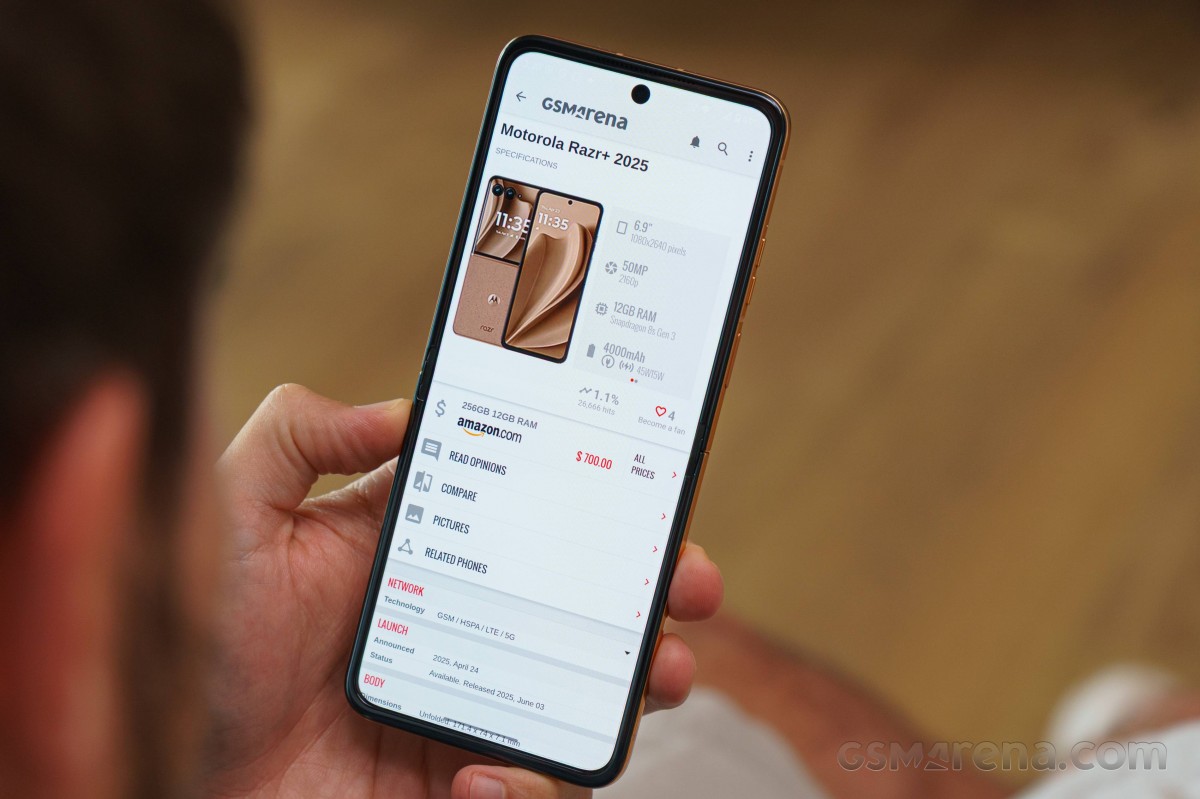
The SoC has a 1+4+3 CPU configuration with a Cortex-X4 prime core (up to 3.0GHz), a cluster of 4 Cortex-A720 cores (2.8GHz), and 3x Cortex-A520 cores (2.0GHz). The GPU on board is the Adreno 735. The phone is available in a single 12GB/256GB configuration - to get a Razr with more storage in the US, you'll need to go Ultra (512GB and 1TB options, and 16GB of RAM as an added bonus).
In our benchmarks, the Razr+ 2025 scores lower than its Ultra sibling, as well as the Galaxy Z Flip6 and Z Flip5, predictably. It's generally more powerful than the Pixel 9 Pro in synthetic benchmarks, for what that's worth, and it's also substantially more powerful than the Razr 2025.
GeekBench 6
- Multi-core
- Single-core
 Galaxy S25

 Galaxy Z Flip6
 Galaxy Z Flip5
 Motorola Razr+ 2025
 Pixel 9 Pro
 Motorola Razr 40 Ultra
 Motorola Razr 2025
AnTuTu 10
Galaxy S25
Galaxy Z Flip5
Pixel 9 Pro
Motorola Razr 40 Ultra
 Motorola Razr 50 Ultra
Motorola Razr+ 2025
Motorola Razr 2025
Motorola Razr 50 Ultra
Motorola Razr+ 2025
Motorola Razr 2025
3DMark
- Wild Life Extreme (2160p)
- Solar Bay (1440p)
Galaxy S25
Galaxy Z Flip6
Galaxy Z Flip5
Motorola Razr+ 2025
Pixel 9 Pro
Motorola Razr 40 Ultra
Motorola Razr 2025
Under prolonged load, the Razr+ 2025 tends to throttle hard and fast. In the CPU Throttling test, performance dropped below 70% of the initial result some 5 minutes into it, and the phone hovered around 65% for the remainder of the hour-long test. The 3DMark Wild Life stress test returned a 51% stability rating - not a terrible performance for the hardware/form factor.
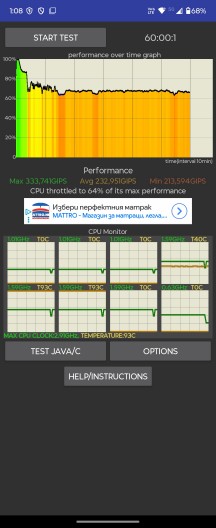
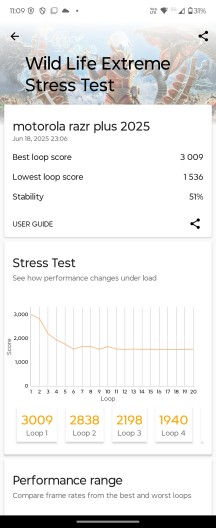
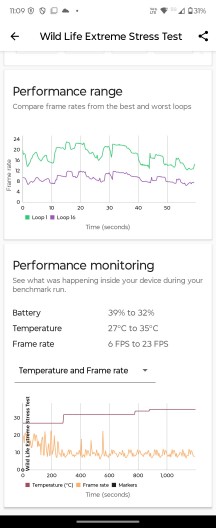
CPU Throttling test • 3DMark Wild Life stress test
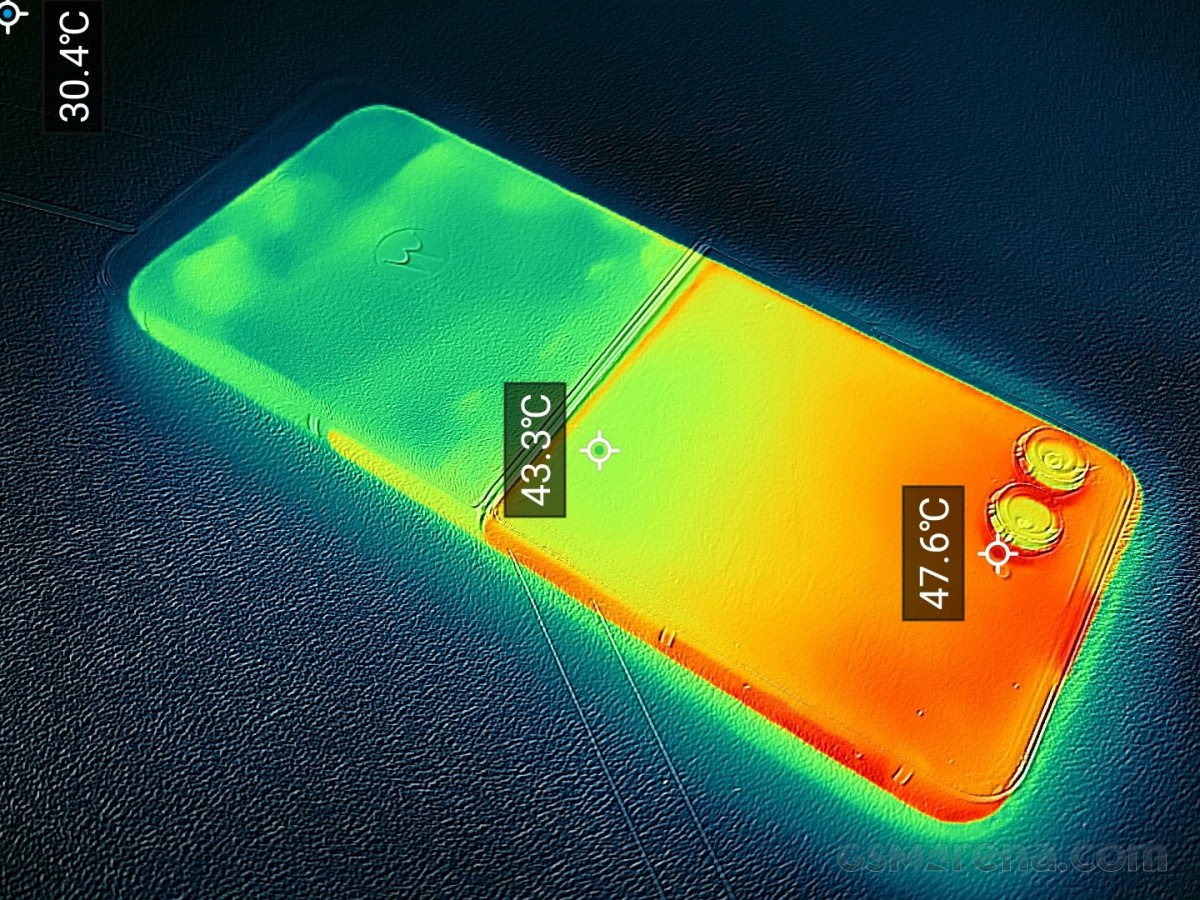
Surface temperatures under long-term load peaked at around 48 degrees, which isn't great, but it's not too bad either, plus the hot points were localized and away from areas you'll be touching.


Tip us
2.1m 180k
RSS
EV
Merch
Log in I forgot my password Sign up